Main tutorial
1. Lesson Overview
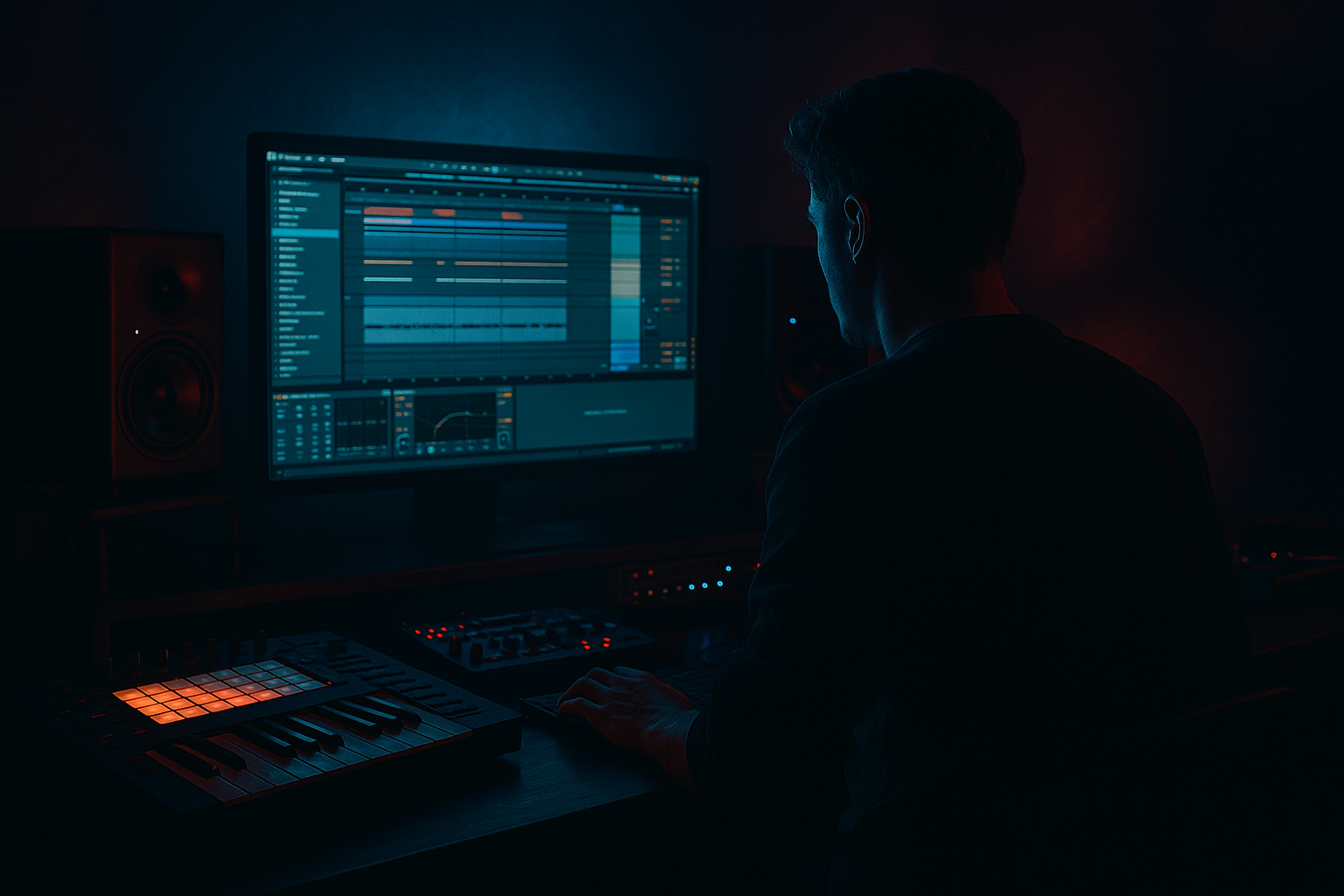
This intermediate Sampling lesson teaches the "Easygroove method: resample a break chop in Ableton Live 12 for swinging drum and bass momentum." The Easygroove method is a practical, repeatable workflow: chop a break, program a swung performance (micro-timing + velocity), print that performance to audio via Resampling, then re-slice/shape the resample into a punchy, rolling DnB drum loop. The result is a single, cohesive break with natural swing and momentum that sits and grooves in a 170–175 BPM Drum & Bass context.
2. What You Will Build
- A swung Drum & Bass break (8 bars) created from a single break sample.
- A resampled, polished audio loop that locks in swing/momentum.
- A sliced Drum Rack/Simpler instrument from that resampled audio for further editing and layering.
- Over-quantizing the original chops: this kills natural groove. Use Groove Pool or small nudges instead of harsh quantize.
- Using Warp Complex instead of Beats for percussive chops during slicing: Complex can smear transients. Use Beats for cleaner transient preservation.
- Resampling with monitoring on the same track causing feedback or double-processing. Always use a dedicated “Resampling” audio track and disable monitor pass-through.
- Too much saturation or compression during resampling, causing irreversible distortion/clipping. Print conservative and commit extra saturation on duplicates.
- Forgetting to consolidate the recorded resample before re-slicing; unsaved transient edits can lead to misaligned slices.
- Applying a heavy swing amount that turns DnB into halftime shuffle—aim for momentum, not syncopation that obscures the 2-step backbone.
- Resample multiple variants: print a “tight” and “loose” version (different Groove amounts or device chains). Layer them and pan/eq to taste.
- Create a custom groove from your resampled clip: drag the resampled clip into the Groove Pool → save it → apply it to other percussion to lock everything to the same micro‑timing.
- Use small pitch envelopes on slices (Simpler) for subtle humanization — 1–5 cents or a few semitones very quickly can accent hits.
- When slicing the resample into Simpler, use the loop‑on‑transient trick: set a tiny loop on sustain for sustained slices and zero for attacks to maintain body.
- For more forward momentum, increase velocity/level of early subdivisions in the groove. For backward push, accent later subdivisions subtly.
- Use automation on Glue Compressor Release time to change pocket and push across sections (quicker release = snappier, slower = heavier).
- Save your Easygroove chain as a track preset (devices + routing) so you can drop it on future breaks and immediately resample.
All uses only Ableton Live 12 stock devices (Warp, Slice to New MIDI Track, Simpler/Drum Rack, Groove Pool, Saturator, EQ Eight, Compressor/Glue Compressor, Utility, Beat Repeat optionally).
3. Step-by-Step Walkthrough
Note: Make sure your project tempo is set to your DnB tempo (commonly 170–174 BPM). I’ll use 174 BPM as examples.
A. Prep the break
1. Drag your break sample into an audio track in Arrangement view.
2. Double‑click the clip to open Clip View. Turn Warp on and set the clip’s 1.1.1 to the first transient (use Set 1.1.1 here).
3. Choose Warp mode = Beats (best for percussive material). Set Transient Loop off or to a small value. Make sure the clip is aligned to the bar grid and spans a clean loop (8 bars recommended).
B. Make a clean chop and slice
4. Decide how you want to chop: whole-bar / half-bar / 1/4-bar chops work well. For Easygroove start with 1/2 or 1/4 bar chops.
5. Right‑click the audio clip and choose “Slice to New MIDI Track.” In the dialog:
- Slicing preset: Transient or Warp Marker (Transient for raw hits; Warp Marker if you pre-warped).
- Destination: Drum Rack.
- Sensible slice granularity (1/4 or 1/8 bar for this method).
This creates a Drum Rack with each slice mapped to pads and a new MIDI track.
C. Program a swung performance (the groove)
6. Create a MIDI clip on the new Drum Rack track containing the slices in the order you want. Program your basic DnB pattern (kick + snare + chopped hits) across 2 bars and loop to 8 bars.
7. Humanize timing: open the Groove Pool (bottom left, the small “Groove” tab). Try:
- Drag a built-in groove (e.g., one of the “swing” grooves) into the Groove Pool.
- Set Timing to around 15–40 (you’ll feel it; fewer = subtle swing).
- Apply the groove to your MIDI clip (Drag the groove from the pool onto the clip).
8. Adjust Velocity and Timing in the Groove settings: increase Velocity % slightly to accent certain slices (e.g., 2nd and 4th subdivisions) to create forward momentum.
9. For extra micro-timing, open the MIDI clip and nudge individual notes off-grid by a few milliseconds (hold Alt while dragging if using mouse) or use Groove’s Random/Timing macros.
D. Process in context for momentum
10. Add stock devices on the Drum Rack track to shape the sound before resampling:
- EQ Eight: cut low rumble (below 40 Hz), gentle boost around 200–600 Hz for body.
- Saturator: subtle + soft clip, Drive ~2–4 dB, Type = Analog Clip.
- Drum Buss: add Character (Drive ~2–4), Punch ~4–8 to emphasize transients.
- Compressor/Glue: gentle bus compression (2:1, 2–4 dB gain reduction) for glue.
11. Place Utility and set Width if you want a tighter center mono bass and wider top end. Route high-pass automation if needed.
E. Resample to print the groove (the core of Easygroove)
12. Create a new audio track. In its In/Out chooser set “Audio From” to “Resampling.”
13. Arm the new audio track for record (record enable) and set Monitor Off (to avoid double feedback).
14. In Arrangement view, set an 8-bar loop and hit Record. Play back the arrangement so Live records the processed Drum Rack output (including Groove timing and device processing) into a single audio clip. This prints the swung performance as audio.
15. Stop recording and consolidate the new clip (select clip and Consolidate) to create a clean audio loop.
F. Polish the resample for DnB swing and momentum
16. Double‑click the resampled clip. Use Warp = Beats mode (or Complex Pro if the loop has more sustained content). Make sure transient markers are aligned and timing is correct.
17. Add post-processing on the resampled audio track:
- EQ Eight: fine‑tune lows, cut any conflicting mid frequencies.
- Saturator: add subtle saturation to bring aggression (Drive 1–3 dB).
- Glue Compressor: quick attack, medium release to keep punch (aim for 2–5 dB gain reduction on peaks).
- Limiter if needed to avoid clipping, but prefer gain staging.
18. Optional: Duplicate the resampled clip and make two variations:
- Version A: Clean, low-end emphasized (tight kicks).
- Version B: Aggro, saturated with transient emphasis.
You can layer these for more forward momentum.
G. Reslice the resample (final creative pass)
19. Right‑click the consolidated resample and “Slice to New MIDI Track” again, but this time choose slice size smaller (1/16 or transient). This gives you a drum-instrument built from the resampled, swung audio.
20. Use that Drum Rack/Simpler for quick rearrangements, fills, or humanized micro-edits. Because the source is already swung, every rearrangement retains the groove feel.
H. Final touch: automation and arrangement
21. Automate compression or transient emphasis across bars to increase momentum into drops. For example, gradually increase Saturator Drive or low-pass cutoff before a drop to create motion.
22. Use short reverses, gated rolls (use Beat Repeat stock device on a duplicate), and pitch nudges on individual slices for accent rolls that keep the groove moving.
4. Common Mistakes
5. Pro Tips
6. Mini Practice Exercise
Goal: Create an 8-bar swung DnB loop at 174 BPM using the Easygroove method in 30–45 minutes.
Steps:
1. Choose a 2–4 bar break. Warp it and slice to Drum Rack at 1/4-bar slices.
2. Program a 2-bar MIDI groove in the Drum Rack with basic DnB hits, then loop to 8 bars.
3. Apply a Groove from the Groove Pool, set Timing 20–30 and Velocity 10–20. Nudge a couple of notes manually to taste.
4. Add EQ Eight, Saturator (Drive 2), and Glue Compressor (2:1) to the Drum Rack.
5. Create an audio track, set Audio From = Resampling, arm it, and record the 8-bar loop.
6. Consolidate the resample, apply EQ Eight + Saturator, and slice to New MIDI Track at 1/16.
7. Program a short 8-bar variation using the new slices and audition layering with the original resample.
Time yourself and compare the feel of the original break vs your resampled Easygroove loop.
7. Recap
The Easygroove method: resample a break chop in Ableton Live 12 for swinging drum and bass momentum is a fast, repeatable way to lock in natural micro-timing and dynamics. Chop the break, program/swung MIDI using Groove Pool and subtle nudges, process and resample the performance to audio (Resampling), then reslice or layer that audio for final shaping. This workflow preserves the human feel, gives you a single cohesive audio loop to work with, and makes it far easier to get drum & bass momentum that grooves naturally in mix and arrangement.

