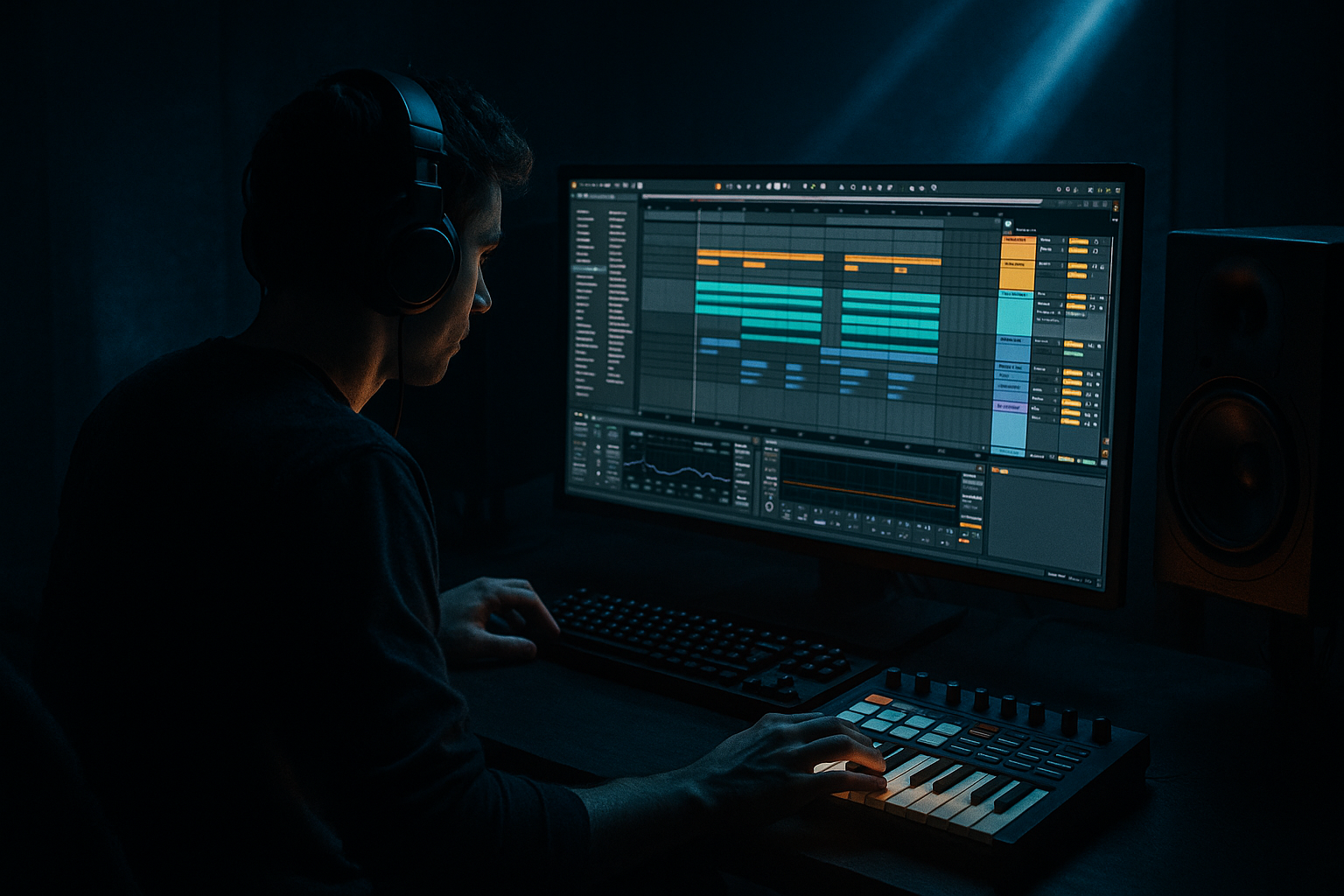
Main tutorial
Dubwise Shuffle: Compose Pirate-Radio Energy in Ableton Live 12 (Oldskool Jungle / DnB) 📻🥁
1. Lesson overview
This lesson is about creating that dubwise, shuffled, pirate-radio swing—the kind of rolling, slightly drunken-but-tight momentum you hear in oldskool jungle and early DnB. We’ll do it inside Ableton Live 12 using grooves, micro-timing, ghost notes, delays, and space—without needing fancy plugins.
You’ll learn a workflow that beginners can repeat:
- Build a shuffled break foundation
- Add dubwise percussion + FX hits
- Write a rolling bass that breathes with the shuffle
- Arrange it like a pirate radio rinse-out: drops, pull-ups, and echo trails
- Break-driven jungle with shuffle + ghost hits
- Dubby delays that bounce between the gaps
- “Radio energy” movement (filter sweeps, tape-ish wobble, echoes into transitions)
- A simple oldskool roller arrangement skeleton you can extend into a full track
- Kick / main snare: keep on-grid (solid anchor)
- Hats/ghosts: nudge slightly late for swing
- Turn off grid snapping temporarily: Ctrl/Cmd + 4
- Nudge select notes by tiny amounts: aim for 5–15 ms late (feel-based)
- Closed hat on 1/8 notes, but remove a few so it breathes
- Add 16th ghost hats very quietly right before or after main hats
- Closed hats: every 1/8, but mute the hat on beat 3 sometimes
- Ghost hats: sprinkle two 16ths leading into the snare (beats 2 and 4)
- Main hats: `70–100`
- Ghost hats: `15–45` (quiet is the point)
- Velocity MIDI device (before Drum Rack):
- Drum Buss (on the percs group):
- Return A: Dub Delay
- Return B: Space/Reverb
- Return C: Tape/Radio Dirt (optional)
- Snare hits (a little)
- Perc one-shots
- Vocal stabs / “ragga” bits
- Dub chords
- Osc A: Sine
- Add Osc B: Sine or Triangle at low level for slight edge
- Filter: LP24
- Filter Freq: start 150–400 Hz (depends on your mid layer)
- Drive: small if needed
- Keep notes mostly 1/8, but add occasional 1/16 pickup before snare hits
- Use note length variation: some short, some held
- Keep root notes simple (oldskool is often minimal but hypnotic)
- Apply the same Groove (from Groove Pool) to the bass MIDI, but lighter:
- Sidechain it:
- Put Auto Filter after it:
- Send it to Dub Delay aggressively on select hits.
- Hats + percussion
- Dub delay throws
- High-passed break (Auto Filter on DRUMS with cutoff ~300–600 Hz)
- Full break comes in
- Bass only plays every few hits (tease the pattern)
- One vocal chop every 4 bars
- Full bass pattern
- Stabs on the off-beat occasionally
- More ghost hats
- Remove kick for 1 bar
- Big delay throw on snare or vocal
- 1-beat silence into next section
- Too much swing on everything: if kick + snare swing hard, it gets wobbly. Keep anchors tight.
- Ghost notes too loud: ghosts should be felt, not heard as separate hits.
- Delays full of low-end: always high-pass your delay/reverb returns (mud killer).
- Over-randomized timing: a little human feel is great—too much becomes sloppy.
- No arrangement contrast: pirate energy comes from edits—mutes, throws, sudden space.
- Layer your snare: break snare + a clean one-shot (tight transient).
- Make space for the sub:
- Add controlled grime:
- Dark atmosphere bed:
- More menace via timing:
- You built shuffle by combining Groove Pool swing + micro-timing + ghost notes.
- You created dubwise motion using Echo + Hybrid Reverb on returns, filtered to stay clean.
- You locked the vibe with anchored kick/snare, shuffled hats, and a bassline that follows the groove.
- You shaped pirate-radio energy through arrangement edits: mutes, throws, and transitions.
---
2. What you will build
By the end, you’ll have a 16–32 bar loop that feels like:
---
3. Step-by-step walkthrough
Step 0 — Set the vibe (tempo + project setup)
1. Set tempo to:
- Jungle: `160–168 BPM`
- Oldskool DnB: `170–174 BPM` (try 172 BPM)
2. In Preferences → Record/Warp/Launch:
- Make sure Warp is ON for samples.
3. Create these tracks:
- Drum Rack (Breaks)
- Drum Rack (Percs / One-shots)
- Bass (Instrument)
- Dub Chords / Stabs (Instrument or Audio)
- FX / Atmos (Audio)
---
Step 1 — Build a shuffled break foundation (without getting lost)
#### Option A (Beginner-friendly): Use Drum Rack + a break slice
1. Drop a classic-style break sample (Amen-style / tight funk break) onto an audio track.
2. Right-click the clip → Slice to New MIDI Track:
- Slicing preset: Built-in (works fine)
- Slice by: Transients
3. Now you have a Drum Rack with slices.
#### Make it shuffle (the “dubwise lean”)
1. Go to Groove Pool:
- Drag in a groove like Swing 16 (start with something subtle).
- Good starting point: Swing 16-55 (or similar).
2. Apply the groove to your MIDI clip (break slices clip):
- In clip view, choose the groove.
3. Set groove parameters (start here):
- Timing: `40–70%` (try 55%)
- Velocity: `10–25%` (try 15%)
- Random: `2–8%` (try 4%)
4. Click Commit only when you’re happy (optional).
- For beginners: don’t commit yet—keep it tweakable.
#### Add “push/pull” with micro-timing (big jungle secret)
In the MIDI clip:
How:
---
Step 2 — Add ghost notes + shuffle hats (this creates the roll) 🥁
Create a Percs/One-shots Drum Rack and program:
Practical pattern idea (1 bar at 172 BPM):
Velocity ranges (important):
Ableton tools to help:
- Mode: Random
- Random: `10–20`
- Drive: `5–15%`
- Crunch: `0–10%`
- Boom: OFF for hats (usually)
---
Step 3 — Dubwise space: build send delays like a proper pirate rig 📻
Create Return tracks:
#### Return A — Dub Delay (classic ping-pong bounce)
Device chain:
1. Echo
- Mode: Ping Pong
- Time: 1/8 Dotted or 1/4
- Feedback: `35–55%`
- Filter: HP around 200–400 Hz, LP around 4–7 kHz
- Mod: subtle (adds movement)
2. Limiter (safety)
- Ceiling: `-1 dB`
Send into this delay from:
#### Return B — Space/Reverb (dark room vibe)
Device chain:
1. Hybrid Reverb
- Algorithmic (or Hybrid)
- Decay: `1.5–3.5s`
- Pre-delay: `10–25 ms`
- HP filter: 250–500 Hz (keep low end clean)
2. EQ Eight
- Cut harshness around 2–5 kHz if needed
#### Return C — Radio Dirt (optional but fun)
Device chain:
1. Saturator
- Drive: `2–8 dB`
2. Auto Filter
- Bandpass around 300 Hz – 3.5 kHz
3. Redux (very subtle)
- Downsample a tiny amount (don’t destroy it)
Now you can automate sends for “pirate radio” moments.
---
Step 4 — Create a rolling bass that follows the shuffle (simple + effective) 🔊
Use Operator (stock) for a classic, controllable sub + mid.
Operator settings (starter):
MIDI pattern concept (1–2 bars):
Glue it to the groove:
- Timing: `20–40%`
- Random: `0–3%`
- Put Compressor on bass
- Sidechain from Kick (or a ghost-kick trigger track)
- Ratio `2:1–4:1`, Attack `3–10 ms`, Release `60–140 ms`
- Aim for 2–5 dB gain reduction
---
Step 5 — Pirate-radio stabs, chops, and pull-ups (arrangement energy) 🎚️
Oldskool “radio energy” is performance + space + sudden edits.
#### Add a stab (classic jungle punctuation)
Use Simpler (one-shot mode) with a chord stab sample or synth stab.
- Filter type: LP
- Map cutoff to a macro if using a Rack
#### Create a “pull-up” / rewind moment (easy beginner trick)
1. At the end of 8 or 16 bars, freeze the groove:
- Add a 1-beat mute right before the drop (silence is power).
2. Add Echo throw on a vocal/stab:
- Automate send to Return A from `0% → 40%` just for that hit
3. Optional rewind feel:
- Use Vinyl Distortion (subtle)
- Or automate pitch on a resampled audio clip (quick downward bend)
---
Step 6 — Tighten the drum bus (so it knocks, not flaps)
Group your drums (Break rack + Perc rack) into DRUMS group.
On the DRUMS group, add:
1. EQ Eight
- HP at 25–35 Hz
- Small cut around 250–400 Hz if boxy
2. Glue Compressor
- Attack: `3–10 ms`
- Release: `Auto` or `0.1–0.3s`
- Ratio: `2:1`
- Aim for 1–3 dB reduction
3. Drum Buss
- Drive: `5–15%`
- Boom: low, tuned if used (often OFF when sub is strong)
---
Step 7 — A simple 32-bar arrangement that feels “radio-ready”
Try this structure:
Bars 1–8 (Intro / tease):
Bars 9–16 (Bring in break + bass hint):
Bars 17–24 (Drop / main loop):
Bars 25–32 (Variation / pull-up setup):
---
4. Common mistakes
---
5. Pro tips for darker/heavier DnB 🖤
Use Drum Rack and balance with velocity, not volume alone.
- Sidechain non-bass elements lightly (pads/stabs)
- High-pass reverb/delay returns harder (even 500–800 Hz sometimes)
- Roar (Live 12) on a mid-bass layer (not sub)
- Saturator on drum group, but keep levels sane
- Use Wavetable or a resampled pad
- Filter it with Auto Filter and automate cutoff slowly
- Push hats late, keep snare locked, and let bass “answer” the snare gaps.
---
6. Mini practice exercise (15 minutes)
1. Make a 1-bar loop at 172 BPM:
- Break slice pattern + hats + one perc hit.
2. Add a groove:
- Timing 55%, Random 4%, Velocity 15%
3. Add three ghost hats at very low velocity.
4. Create Return A Echo and do one delay throw on a snare.
5. Add a 2-note bass loop (simple root + fifth) and apply groove lightly.
Goal: it should feel like it rolls forward even when it’s repetitive.
---
7. Recap ✅
If you want, tell me your target style (e.g., “94 jungle”, “Metalheadz-style roller”, “ragga jungle”) and I’ll give you a starter MIDI drum pattern + exact groove choice + a 32-bar arrangement template tailored to it.

