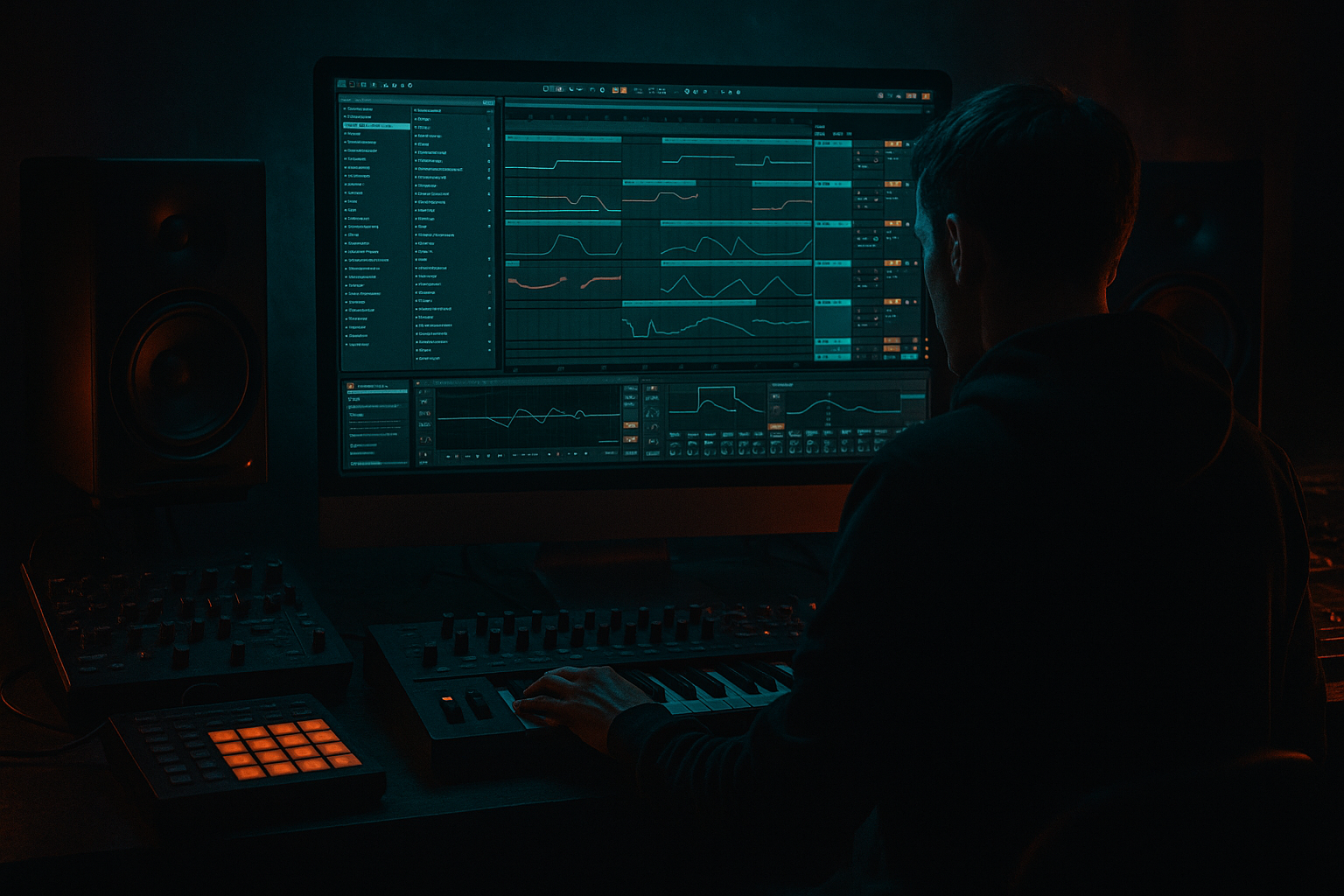
Main tutorial
1. Lesson overview
You’re going to build a classic dub siren / airhorn-style warp that sits perfectly in oldskool jungle / DnB—but with a key focus: minimal CPU load in Ableton Live 12. ⚡️
We’ll do this using one simple synth voice, macro control, and cheap-but-effective modulation (no heavy wavetables, no convolution, no oversampling).
This siren is meant to be played and automated—think: rinses on the 1, hype fills before the drop, and little call-and-response with your Reese/bass.
---
2. What you will build
A single-track “Dub Siren Warp” instrument with:
- A stable tone (sine/triangle + a touch of grit)
- A pitch “warp” sweep (the siren glide)
- A filter sweep for that resonant “yaaow” character
- Dub delay + spring-ish space (CPU-light)
- Macros for fast performance:
- Algorithm: `A only` (single oscillator)
- Oscillator A:
- Envelope (Amp):
- `~450 ms` for short chatty calls
- `~900 ms` for big rave rinses
- Type: `Analog Clip`
- Drive: `3–8 dB`
- Output: trim so you’re not clipping the channel
- Optional: Soft Clip ON (great for jungle-era bite)
- Put Redux very lightly before Saturator:
- Map Operator Pitch Env Amount
- Range: `+7 st` to `+36 st`
- Use: small peeps to huge airhorn climbs
- Map Operator Pitch Env Decay
- Range: `150 ms` to `1400 ms`
- Map Auto Filter Freq
- Range: `250 Hz` to `4.5 kHz`
- Map Auto Filter Resonance
- Range: `20%` to `65%`
- Range: `2 dB` to `10 dB`
- If using Return track: map the track’s Send A
- Range: `-inf` to `-6 dB` (don’t go 0 unless you want chaos)
- Range: `-inf` to `-10 dB`
- Map Operator Amp Decay
- Range: `500 ms` to `6 s`
- Pre-drop hype: one long siren note with increasing Warp + Wail, then cut dead on the drop (classic tension release).
- Call-and-response: siren hits at the end of every 8 bars while the Reese answers in the midrange.
- Reload fakeout: automate delay feedback up for 1 bar, then hard mute the siren track (creates that “pullback” moment).
- Sparse rave stabs: trigger short notes on offbeats during breakdowns—like an MC tool.
- Use notes around C3–G3
- 1-bar phrase: hits on 1.1, 1.3, 1.4.2 (leave space for drums)
- Too much low-end in the delay/reverb: your sub and kick will get smeared. High-pass your returns.
- Resonance too high: it’ll whistle and hurt the mix around 2–5 kHz.
- Warp too wide for the key: if your pitch envelope jumps huge intervals, it can feel out of tune with the track—keep it musical unless you want pure chaos.
- Over-saturating without output trimming: makes it seem “louder” but actually kills punch and headroom.
- Putting separate Echo/Reverb on lots of tracks: big CPU + messy space. Use returns like a proper dub mix. ✅
- Make it meaner with parallel distortion:
- Automate filter key moments:
- Add “tape-ish wobble” cheaply:
- Gate it rhythmically:
- Mono it below 200 Hz:
- Use Operator (single osc) for the core siren = low CPU ✅
- The “warp” comes from Pitch Envelope Amount + Decay (fast up, glide down)
- Shape the character with Auto Filter resonance + slight LFO
- Add bite with Saturator (and tiny Redux if needed)
- Keep CPU clean by using Return tracks for Echo + Algorithmic reverb
- Build Macros so you can perform jungle-style siren moves 🎚️
- Warp (Pitch)
- Wail (Filter)
- Grit (Drive)
- Dub (Delay)
- Space (Reverb)
- Decay (Amp)
All built with stock Ableton devices.
---
3. Step-by-step walkthrough
A) Create the siren source (cheap + effective)
1. Create a new MIDI track
2. Drop Operator (stock) on it ✅
Operator settings (CPU-friendly):
- Wave: Sine (start here), later try Triangle for more “air”
- Coarse: `0`
- Fine: `0`
- Attack: `5–15 ms` (prevents clicks)
- Decay: `1.5–3.5 s`
- Sustain: `-inf` (or very low)
- Release: `200–500 ms`
Why: One oscillator keeps CPU low, and the envelope makes it “tap-able” like a classic siren stab.
---
B) Add the “warp formula” (pitch glide that feels oldskool)
Classic dub sirens often behave like:
“snap up + glide down” or “quick rise + slow fall”.
We’ll build a controllable version using Pitch Envelope inside Operator.
1. In Operator, enable Pitch Env (Pitch Envelope)
2. Set:
- Pitch Env Amount: `+24 st` (2 octaves) as a starting point
- Pitch Env Attack: `0–20 ms` (fast)
- Pitch Env Decay: `400–1200 ms` (this is the glide time)
- Pitch Env Sustain: `0%`
Now when you hit a note, it’ll “yelp” up and glide down.
DnB timing tip:
At 170–175 BPM, try decay times around:
---
C) Add filter “wail” (the part that makes it talk)
After Operator, add:
1. Auto Filter
- Type: `LP24` (classic)
- Freq: start around `500–1200 Hz`
- Resonance: `35–55%`
- Drive: `2–6 dB` (don’t overcook yet)
2. Add subtle movement:
- Turn on LFO inside Auto Filter
- Amount: `5–15%`
- Rate: `1/8` or `1/4` (sync)
- Phase: `0`
- Wave: Sine
Why: That little wobble gives the siren a living, “sounds like hardware” feel without heavy modulation devices.
---
D) Add grit without killing CPU
Add Saturator (stock) after Auto Filter:
If you want more “speaker tear”:
- Downsample: `1.5–3.0`
- Bit Reduction: leave at `16` or reduce slightly to `12–14`
Keep Redux subtle—too much gets video-game fast.
---
E) Dub space: delay + reverb the smart way (minimal CPU)
You’ve got two efficient options. I’ll give you the cleanest CPU approach.
#### Option 1 (recommended): Send/Return FX (best CPU)
1. Create Return A: Dub Delay
- Echo (or Delay if you want super light)
- Time: `1/8 D` (dotted eighth) or `1/4`
- Feedback: `35–55%`
- Filter: HP around `200–400 Hz`, LP around `4–7 kHz`
- Mod: low (`2–6%`) to avoid chorus mush
2. Create Return B: Space
- Hybrid Reverb in Algorithmic mode (lighter than convolution)
- Decay: `1.2–2.5 s`
- Pre-delay: `15–30 ms`
- HP: `200–500 Hz`
- LP: `6–9 kHz`
Now, from your siren track, use Send A/B to taste.
This is how old dub desks behave, and it keeps your project lean. 🎛️
#### Option 2: Insert FX (fine if it’s just one siren track)
Put Echo and Hybrid Reverb directly on the track, but don’t duplicate the chain across many tracks.
---
F) Build Macros for fast performance (Rack = instant jungle control)
1. Select Operator + Auto Filter + Saturator (+ optional Redux)
2. Press Cmd/Ctrl + G to create an Instrument Rack
3. Map these to macros:
Macro 1 — WARP (Pitch Env Amount)
Macro 2 — GLIDE (Pitch Env Decay)
Macro 3 — WAIL (Filter Freq)
Macro 4 — Q (Resonance)
Macro 5 — GRIT (Saturator Drive)
Macro 6 — DUB (Send A)
Macro 7 — SPACE (Send B)
Macro 8 — DECAY (Amp Decay)
This becomes a playable instrument—perfect for performing siren “rinses” live.
---
G) Arrangement ideas (rooted in jungle / rolling DnB)
Try these placements:
MIDI pattern suggestion (175 BPM):
---
4. Common mistakes
---
5. Pro tips for darker/heavier DnB
Duplicate the siren track, heavily saturate the copy, high-pass it at `500 Hz`, blend quietly. Adds aggression without mud.
In dark rollers, keep the siren filtered down (300–800 Hz), then open briefly for “shock” moments.
Add Chorus-Ensemble at very low mix:
- Amount: `5–10%`
- Rate: slow
This gives that worn hardware vibe without heavy processing.
Put Gate after reverb return (or on the siren) keyed by a ghost rimshot pattern (sidechain) for chopped jungle energy.
If your siren has bass content, use Utility:
- Width: `0%` (or use Bass Mono if available) under `~200 Hz` via EQ/chain.
---
6. Mini practice exercise
1. Build the rack exactly as above.
2. Write an 8-bar drum loop (Amen-style or tight 2-step) at 174 BPM.
3. Place siren hits:
- Bar 1: short hit (Warp low, Decay short)
- Bar 4: longer hit (Warp medium, Decay medium)
- Bar 8: big rinse (Warp high, Decay long, DUB send up)
4. Automate:
- Macro 1 (Warp): ramp up over bar 8
- Macro 6 (Dub): spike on the last hit only
5. Freeze/Flatten test:
- Freeze the siren track and confirm the sound still works as audio (good habit for CPU management).
Goal: it should feel like a proper rave tool that doesn’t fight the drums or bass.
---
7. Recap
If you want, tell me whether you prefer airhorn, police siren, or subby foghorn, and what BPM/key your track is in—I’ll tailor exact macro ranges and a MIDI phrase that locks to your groove.

