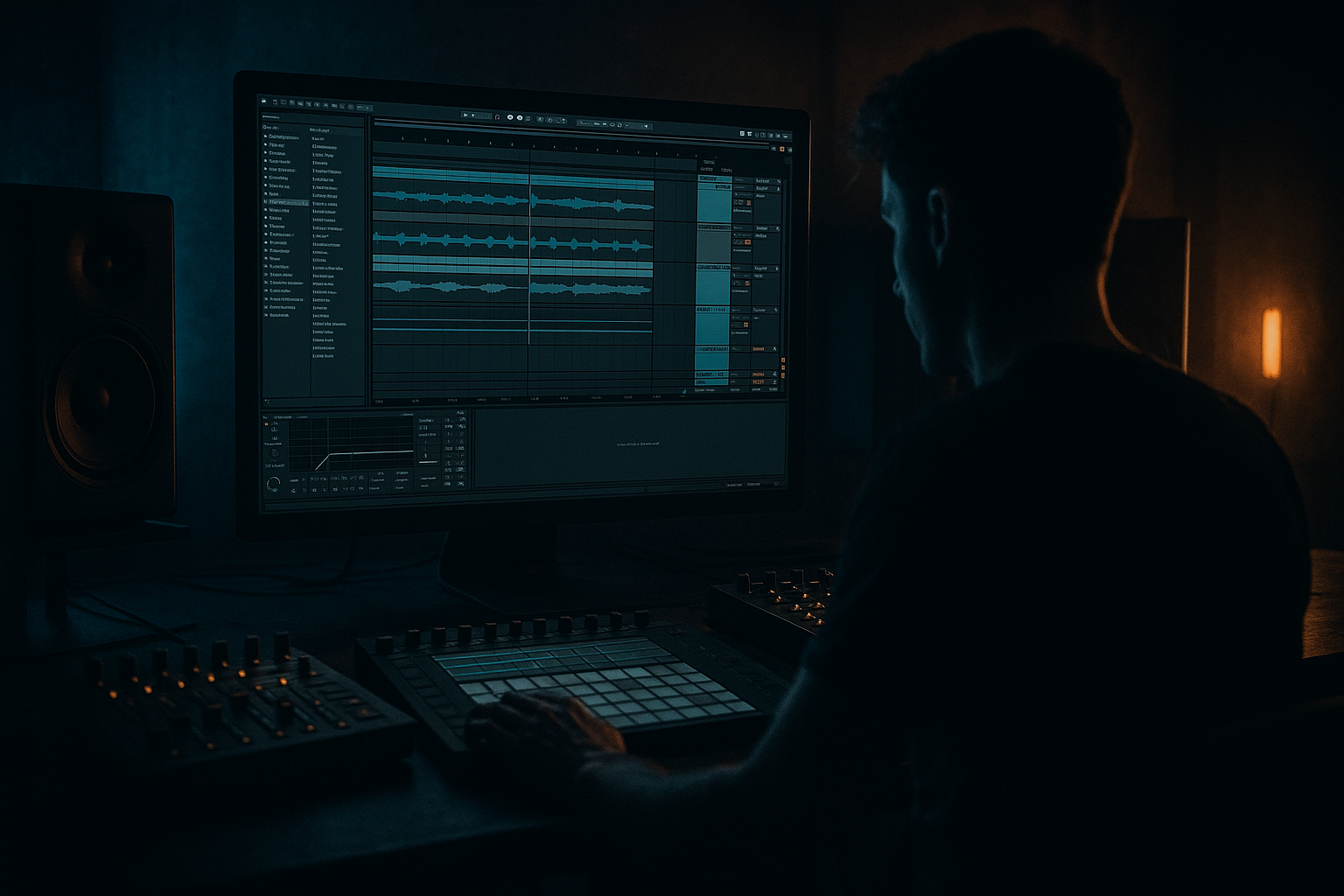
Main tutorial
Drop Reveal Automation with Resampling Only (DnB / Jungle in Ableton Live) 🎛️🔥
1. Lesson overview
In drum & bass, the drop reveal is where you tease the full impact of the drop—then slam it into view. In this lesson you’ll build a drop reveal automation (filters, movement, ambience, tension) using resampling only inside Ableton Live. That means:
- You’ll record your own automation as audio (Resampling).
- You’ll print FX passes (reverbs, filters, distortion, width) to audio.
- You’ll arrange those prints into a tight, punchy pre-drop → drop moment without relying on “live” automation lanes everywhere.
- 8 bars: tension builder with evolving “reveals” (filter opening, widening, distortion swelling)
- 2 bars: final ramp (riser + reverb tail + tape-stop/downsweep)
- Last 1/2 bar: micro-silence + impact prep (classic DnB fakeout)
- Drop: full-frequency slam, but with clean transitions because everything is printed
- Drums: remove the kick for the first 4 bars, or strip to tops + ghost snare.
- Bass: tease mids only or filtered reese.
- Atmos: keep a pad or noise bed.
- `Reveal_Print_Take1`
- `Reveal_Print_Take2 (darker)`
- Arm PRINT, record the last 4 bars before the drop + first beat of drop.
- While recording, raise the reverb send/wet into the last bar, then hard cut right at the drop.
- Clip fades
- Consolidate (`Cmd/Ctrl+J`) after edits for cleanliness
- Reverse the last reverb tail so it sucks into the drop:
- Gate-like chops:
- Pitch drops:
- Bars -16 to -9: filtered tease, hats ticking, minimal bass
- Bars -8 to -3: reveal print opens, reverb tail grows, snare build enters
- Bars -2 to -1: micro-silence + reverse tail
- Drop: full drums + full bass, no “mud” from long reverb
- Printing too wet/too distorted: You can’t “un-bake” it. Print multiple versions: clean / medium / savage.
- Letting sub into the reverb print: Your drop will lose weight. High-pass reverb throws (200–400 Hz).
- Over-widening pre-drop: If you go super wide pre-drop, the drop feels narrower. Keep pre-drop width controlled and earn the widen.
- No contrast: A reveal works because the drop is clearly more full-range, more dry, more direct.
- Clicks from hard cuts: Always add tiny fades on audio edits.
- Resample distortion “ramps” separately:
- Make the reveal feel “mechanical”:
- Use Auto Filter drive for grit:
- Shorten space at the drop:
- Sidechain your reveal print to the kick (in drop only):
- You created drop reveal movement using resampling only—printing automation into audio.
- You used stock Ableton devices (Auto Filter, Saturator, Utility, Glue, Hybrid Reverb) to build tension.
- You arranged like a DnB editor: cuts, reverses, stutters, fades to frame the drop.
- Result: a cleaner session, faster workflow, and a reveal that hits with real contrast.
This workflow is fast, CPU-light, and very DnB-friendly for arranging: you’ll end up with audio clips you can slice, reverse, gate, and layer like jungle edits.
---
2. What you will build
A 16-bar pre-drop into a drop, with:
You’ll create 3-5 resampled audio layers:
1. Drop FX Reveal Print (your drop bus processed + automated)
2. Reverb/Space Throw Print (big tail that sucks into the drop)
3. Noise/Top Texture Print (air + movement)
4. (Optional) Bass Tease Print (mid-bass “ghost” before the drop)
5. (Optional) Downlifter / Tape-stop Print
---
3. Step-by-step walkthrough
Step 0 — Prep your session (DnB arrangement mindset)
Goal: make resampling painless.
1. Group your drop elements:
- `DRUMS (Group)`
- `BASS (Group)`
- `MUSIC/ATMOS (Group)`
2. Route those into a single DROP BUS:
- Create an Audio Track named DROP BUS.
- Set each group’s Audio To → DROP BUS (choose “Sends Only” if you want clean control).
3. Create an Audio Track named PRINT (Resample):
- Audio From: `Resampling`
- Monitor: `Off`
- Arm it when printing.
Why this matters: you’ll “perform” automation, resample it, then arrange the printed audio like a DJ edit.
---
Step 1 — Build a “Reveal Rack” on the DROP BUS (stock devices)
On DROP BUS, add this chain (in this order):
1. Auto Filter
- Mode: Clean (or OSR if you want grit)
- Filter: LP24
- Starting cutoff: ~200–400 Hz (for pre-drop “muffled” tease)
- Resonance: 10–20% (don’t whistle unless you want that vibe)
2. Saturator
- Mode: Analog Clip
- Drive: 2–6 dB
- Soft Clip: On
3. Utility
- Use it for width moves
- Width: start 80–100%, automate up to 120–140% right before drop
4. Glue Compressor (light, to glue the reveal print)
- Attack: 3 ms
- Release: Auto
- Ratio: 2:1
- GR: aim 1–2 dB on loud moments
5. (Optional for heavier) Drum Buss
- Drive: 5–15%
- Crunch: 0–10%
- Boom: 0–10% (careful—DnB subs can get messy)
Important: We’ll print the movement, so keep it musical and not overly destructive.
---
Step 2 — Create the pre-drop “tease” region in Arrangement
Pick your drop start (e.g., bar 33). Build 8–16 bars before it.
Typical rolling DnB setup:
DnB trick: in the last 2 bars, reduce elements (drop the kick, thin the sub) so the reveal FX has space.
---
Step 3 — Perform the reveal automation live (then resample it)
This is where “resampling only” shines.
1. Arm PRINT (Resample).
2. Hit record and perform your reveal on the DROP BUS devices:
- Auto Filter cutoff: slowly open from ~300 Hz → 18 kHz over 8 bars.
- Add a little resonance bump in the last 2 bars (subtle).
- Utility Width: ramp up in the last 4 bars.
- Saturator Drive: increase slightly toward the drop (e.g., +2 dB by the end).
3. Record through the drop so you capture the moment where it “fully opens.”
You now have an audio clip that contains the automation movement—no need to keep those lanes.
Workflow note: Do multiple takes. Name them:
You’ll often comp the best moments.
---
Step 4 — Make a dedicated “Space Throw” print (reverb swell into drop)
DnB reveals often use space that collapses right at the drop.
1. Duplicate DROP BUS to a new track: SPACE BUS (or create a Return track).
2. On SPACE BUS add:
- Hybrid Reverb (or Reverb)
- Size: Large / Hall
- Decay: 4–10 s
- Predelay: 10–30 ms
- High Cut: 6–10 kHz
- EQ Eight
- High-pass at ~200–400 Hz (keep sub clean)
- Small dip around 2–4 kHz if harsh
- Auto Filter
- Use it to close down right before the drop for a “suck in” effect
3. Route audio to SPACE BUS (either send from DROP BUS, or temporarily set groups to feed it).
Resample it:
Now you’ve got a printed reverb tail you can cut, reverse, fade, and time-stretch.
---
Step 5 — Build the “micro-silence” and “impact frame”
This is classic DnB impact psychology: remove audio so the drop feels louder.
1. Take your Reveal Print audio clip.
2. Cut a gap right before the drop:
- Usually 1/8 to 1/4 bar silence works best.
- For jungle vibes, try a 1/16 bar “hiccup” cut.
3. Add a tiny fade-out into silence (2–10 ms) to avoid clicks.
4. Layer a very short noise hit or vinyl crackle at the drop (optional), but keep it subtle.
Ableton tools:
---
Step 6 — Shape the reveal audio like a jungle editor (slice + reverse + gate)
Now that you have printed audio, you can do aggressive edits without breaking anything.
Try these moves on the Space Throw Print:
- Duplicate the tail → Reverse clip → place it right before drop.
- Slice the printed tail into 1/8 notes and remove every other slice (classic stutter tension).
- Use clip Transpose: automate (or manually set) a -2 to -12 st drop in the last beat for a “fall.”
Even though we’re avoiding lots of automation lanes, clip-based edits are fair game—and very DnB.
---
Step 7 — Commit: Freeze the vibe and simplify the session
Once you like your reveal:
1. Disable or remove the heavy reveal devices on DROP BUS (or leave them but turn off).
2. Use the printed audio as your actual pre-drop movement.
3. Keep the drop itself clean and punchy: fewer bus FX during the actual drop = better transient clarity.
Arrangement idea (solid rolling formula):
---
4. Common mistakes ⚠️
---
5. Pro tips for darker/heavier DnB 🖤
Print a pass where only mids/highs get crushed:
- EQ Eight (band-pass 200 Hz–6 kHz) → Saturator → Redux (light) → print
Layer quietly under the reveal for menace without destroying sub.
Use rhythmic chopping: 1/16 stutters in the last bar (audio edits, not automation).
Auto Filter with a bit of drive (and resonance) gives that neuro-ish edge when opened.
Big reverb before, then near-dry at the drop. Darkness loves dryness—let the room disappear.
If your printed layer overlaps the drop, add Compressor on the print track, sidechain from kick, fast attack, medium release. Keeps impact clean.
---
6. Mini practice exercise 🎯
Timebox: 20 minutes.
1. Take an existing 16-bar loop of your rolling DnB drop.
2. Build 8 bars pre-drop by removing kick + sub and adding a hat pattern.
3. Create Reveal Rack on DROP BUS (Auto Filter → Saturator → Utility).
4. Print two takes:
- Take A: smoother, less resonance
- Take B: darker, more drive, slightly narrower
5. Edit:
- Add 1/8-bar silence before drop
- Reverse a reverb tail into the drop
6. A/B which printed take makes the drop hit harder.
Deliverable: a 16-bar section that feels like a real label-ready drop setup.
---
7. Recap ✅
If you tell me your subgenre (liquid / rollers / jump-up / neuro / jungle) and your tempo (usually 172–176), I can suggest a reveal curve and exact bar-by-bar arrangement template tailored to it.

