Main tutorial
Lesson Overview
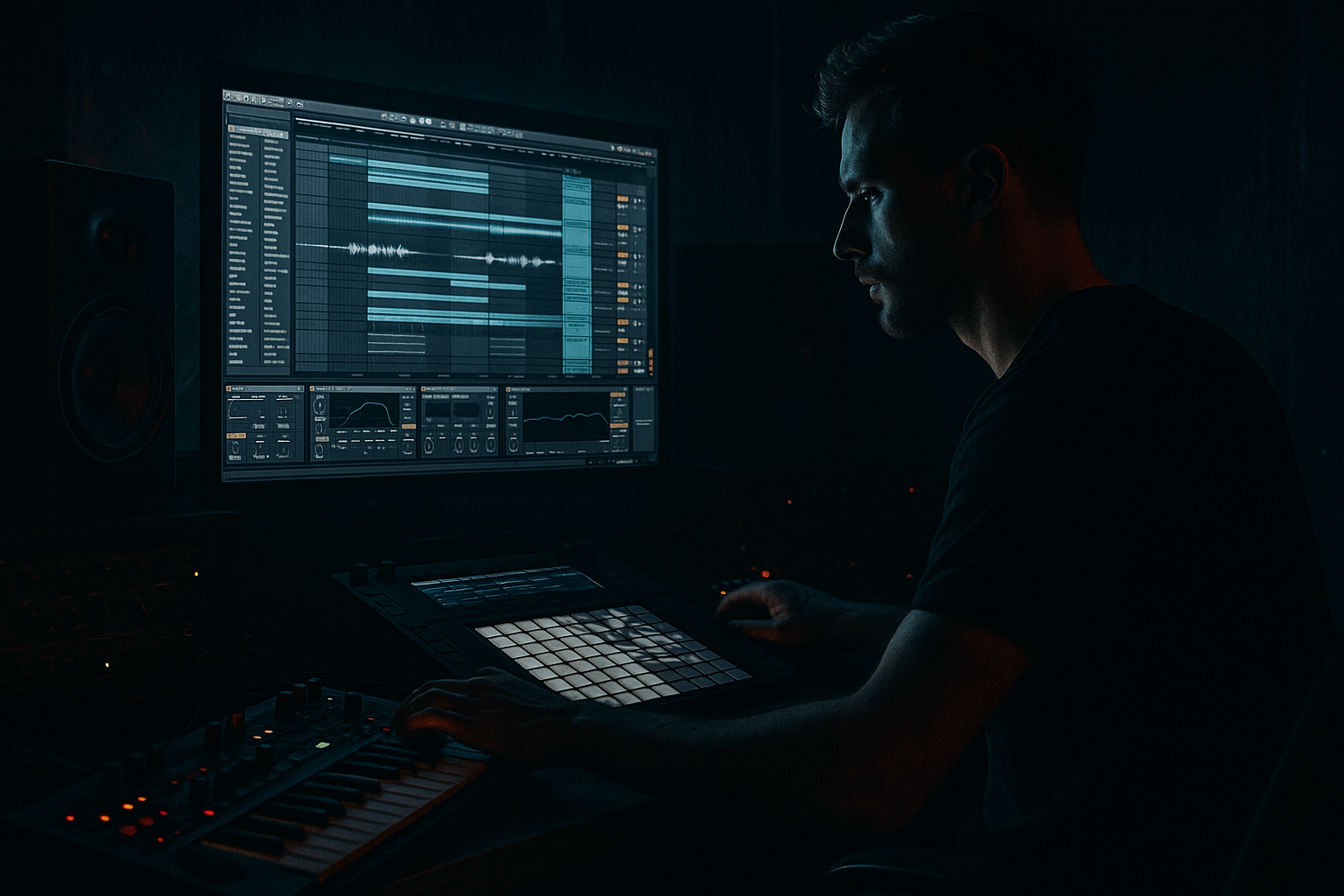
In this lesson, you’ll build a driving jungle drop with oldskool rave pressure inside Ableton Live 12 — the kind of drop that feels rude, urgent, and instantly recognisable in a DnB set. The focus is composition first, not just sound design: you’ll learn how to write a drop that hits hard because the drums, bass, and arrangement all work together.
This style sits right in the sweet spot between jungle energy and early rave tension: chopped breaks, a strong sub, a gritty reese-style bass, short call-and-response phrases, and enough space to let the drums speak. In DnB, this matters because a drop is not just “the loud part” — it’s the moment where the track’s identity becomes obvious. If the groove is weak, the drop feels flat even if the sounds are big.
We’ll use Ableton stock devices and a beginner-friendly workflow to create a drop that feels like:
- a break-driven jungle roller
- with oldskool rave stabs/pressure
- and a clear arrangement that DJs can mix
- a tight chopped breakbeat with ghost hits and variation
- a sub bass pattern that supports the groove without clutter
- a rising reese or gritty mid-bass layer for pressure
- rave-style stab hits or short synth phrases for that oldskool edge
- simple fill moments and switch-ups to stop the loop from looping too obviously
- a basic intro/drop/outro structure that feels DJ-friendly
- Bars 1–4: full drum impact and bass intro to the drop
- Bars 5–8: a small twist — a mute, fill, or bass answer phrase
- Bars 9–12: stronger variation, maybe a reversed hit or extra break chop
- Bars 13–16: a final push that leads cleanly into the next section
- Too much bass movement in the sub
- Breaks that are too busy
- Rave stabs covering the drums
- Over-wide low end
- No phrase variation
- Too many layers before the idea works
- Resample your bass phrase
- Use saturation in stages
- Make the break feel alive
- Keep one lane clean
- Use short silence for impact
- Dark atmospheres help the drop feel bigger
- Check the drop against your reference
- Build the drop around a breakbeat, sub, and mid-bass first.
- Keep the sub simple and mono, and let the mid-bass provide attitude.
- Use 4-bar phrasing and small switch-ups to keep the drop moving.
- Add oldskool rave stabs sparingly for pressure and identity.
- Shape the energy with automation, not endless layering.
- In DnB, clarity + groove + controlled tension is what makes the drop hit hard.
You’ll also learn why certain choices work in DnB: sub placement, break editing, mono discipline, and phrase design are what make the drop feel heavy instead of messy.
What You Will Build
By the end, you’ll have a 16-bar drop section that includes:
Musically, think of something like:
The result should feel like a rolling jungle pressure drop that could sit in a club set and still sound raw on headphones. 🥁
Step-by-Step Walkthrough
1. Set up a simple drop-focused session
Create a new Ableton Live Set and set the tempo between 170–174 BPM. That’s a strong range for jungle and harder DnB without getting too extreme for a beginner.
Make these tracks:
- Drums
- Sub
- Bass
- Stabs / Rave Hits
- FX / Atmos
Why this setup works: keeping drums, sub, and mid-bass separate gives you better control over the low end, which is essential in DnB. You’ll be able to shape the kick/break relationship and keep your bass clean.
For quick organisation:
- color the Drums track red/orange
- make Sub blue
- make Bass purple
- keep FX grey
This makes later automation and arrangement decisions much faster.
2. Build the drum foundation with a breakbeat
Drag a classic break sample into the Drums track. If you have a break that already feels lively, great. If not, any tight funk break will do as a starting point.
Use Simpler in Slice mode if you want to chop it manually:
- set slicing to transients
- put the slices onto a Drum Rack
- keep the original break in place so you can audition the groove first
For a beginner-friendly first pass, aim for a 2-bar loop with:
- kick on strong downbeats
- snare on the 2 and 4 feel
- a few extra ghost hits before snares or after kicks
Good beginner move: use Clip View and nudge a few hits slightly off the grid to create swing. Don’t overdo it. Small timing movement gives the break life without destroying the pocket.
Add a Drum Buss after the break if needed:
- Drive: 5–15%
- Crunch: low to moderate
- Boom: only if your break is thin; keep it subtle
Why this works in DnB: the break provides the “engine” of the drop. Oldskool pressure comes from the feeling that the drums are always pushing forward, even when the bass is simple.
3. Write a sub line that supports the break, not fights it
Create a new MIDI clip on the Sub track using Operator or Wavetable with a simple sine/sub patch. Keep it clean and focused.
Basic sub patch idea:
- choose a sine wave or a very rounded waveform
- keep filtering minimal
- turn off any wide stereo effects
- use mono if needed, or keep the bassline in the low register only
Start with a simple 1-bar or 2-bar MIDI pattern that follows the groove of the break. In jungle and rollers, the sub often works best when it answers the drum rhythm rather than playing constantly.
Suggested beginner note choices:
- root note on the first bar
- a movement note a few beats later
- one passing note to create lift
Example rhythmic idea:
- hold the root on beat 1
- drop a shorter note just before the snare
- repeat with a slight change in bar 2
Keep the sub notes around F1–G1 or similar low range if your track allows it. Don’t make it too busy.
Use a Utility device at the end of the sub chain:
- turn Bass Mono on if needed
- keep the width at 0% for the low end
If the sub is too loud, pull it down. In DnB, a sub that feels “controlled” will usually sound bigger than one that’s just loud.
4. Design the main bass pressure layer
Create a bass track with Wavetable, Analog, or even a resampled bass idea if you want raw character. The goal here is a mid-bass/reese-style layer that adds tension above the sub.
Beginner-friendly Wavetable start:
- use a saw-based waveform or a slightly detuned patch
- add subtle unison, not huge width
- keep the filter movement simple
Good stock-device chain:
- Wavetable
- Auto Filter
- Saturator
- EQ Eight
Suggested starting settings:
- Auto Filter cutoff: around 200–800 Hz depending on the patch
- Saturator Drive: around 2–6 dB
- EQ Eight: high-pass around 120–180 Hz to leave space for the sub
Write a short bass phrase that repeats in a call-and-response way:
- one note or short riff
- then a gap
- then a reply phrase
This is important in oldskool-style DnB because the drop should feel like it’s breathing. If the bass never stops, the groove can lose impact. Gaps make the drums and stabs hit harder.
Add automation later:
- automate the filter cutoff
- automate wavetable position slightly
- automate Saturator Drive on the final bar of the phrase
5. Add rave stabs or short synth punches for oldskool pressure
This is where the drop starts to feel like oldskool rave meets jungle. Create a new MIDI track with Analog, Operator, or Simpler if you want to resample a stab.
You can make a simple stab sound using:
- short envelope
- bright saw or square content
- a resonant filter
- a little reverb or delay, but not too much
Suggested patch direction:
- Attack: 0 ms
- Decay: short, around 200–500 ms
- Release: short
- Filter envelope amount: moderate, so the stab opens on hit
Write stabs on off-beats or at the end of phrases. A strong pattern is:
- one stab in bar 2
- one answer in bar 4
- a small variation in bar 8
Keep these stabs short so they don’t wash over the break. In a DnB drop, a stab should feel like a shout, not a pad.
Add Echo or Reverb carefully:
- Echo time: try 1/8 or 1/4 dotted for a rave bounce
- Reverb decay: short to medium
- keep the return level low
Use them as space tools, not as the main sound.
6. Arrange the drop in 4-bar phrases
Now turn your loop into a real drop. Arrange the first 16 bars so they progress, rather than stay flat.
A clean beginner structure:
- Bars 1–4: full groove, basic bass, main break
- Bars 5–8: remove one bass hit or add a fill
- Bars 9–12: introduce a new stab or extra break chop
- Bars 13–16: increase tension with automation or a final fill
This matters because DnB drops are often designed in 4-bar phrases. That gives DJs and listeners a clear sense of motion.
Add small switch-ups:
- mute the sub for half a bar before a phrase change
- add a reverse cymbal into bar 9 or 13
- duplicate a break slice for a quick fill
- use a short silence before the drop returns
A musical context example: if your main riff lands hard in bars 1–4, then bar 5 can “reply” with less bass and more drum motion. By bar 9, the track can feel like it’s evolving, not just repeating.
Use Locator markers in Arrangement View to label:
- Drop A
- Fill
- Variation
- Final Push
That alone makes it easier to finish tracks faster.
7. Create movement with automation, not just more layers
Beginner producers often add too many parts when the real answer is automation. In DnB, movement is often the difference between a loop and a drop.
Automate:
- Auto Filter cutoff on the bass
- Delay/Echo feedback on transition moments
- Reverb send on the final stab of a phrase
- Saturator Drive for extra aggression in the last 1–2 bars
Good automation ideas:
- slowly open the bass filter over 4 bars
- increase distortion slightly leading into a fill
- pull the drums down for 1 beat before the drop resumes
- automate a quick filter close on the stab to create tension
Keep it subtle. In darker DnB, too much movement can make the mix feel unstable. The goal is controlled pressure.
8. Shape the mix so the drop hits harder
Use a simple mix pass before you start polishing. You’re not aiming for perfect mastering — just enough clarity for the drop to punch.
On the Drums bus or track:
- use EQ Eight to remove unnecessary low-end rumble if the break is muddy
- if needed, add Drum Buss for a touch of transient emphasis
On the Bass track:
- high-pass the mid-bass so it doesn’t compete with the sub
- keep the sub and mid-bass separate
- use Utility to check mono compatibility
Quick balance rule:
- drums should feel like they lead the energy
- sub should support, not dominate
- bass should add attitude above the sub
Do a mono check:
- put Utility on the master
- temporarily set width to 0%
- make sure the drop still feels strong
If the bass disappears in mono, it’s too wide or too phasey. In DnB, that’s a common beginner problem and a big reason drops lose impact on club systems.
Common Mistakes
- Fix: keep the sub simple and let the mid-bass do the character work.
- Fix: remove a few hits. The gap between hits is what creates pressure.
- Fix: shorten the decay, lower the level, or place them on the off-beat instead of on top of the snare.
- Fix: keep anything below roughly 120 Hz mono with Utility and EQ discipline.
- Fix: change one thing every 4 bars — a fill, mute, extra hit, or automation move.
- Fix: get drums, sub, and one bass idea working first. Then add support elements.
Pro Tips for Darker / Heavier DnB
- Freeze and Flatten or resample the bass to audio, then chop it. This can give you a more aggressive, controlled result.
- Instead of one huge distortion, try gentle Saturator before and after EQ. That often keeps the bass thicker and less messy.
- Add tiny ghost notes or duplicated snare hits at low velocity. That oldskool “human pressure” is a huge part of jungle character.
- If the drums are complex, make the bass simpler. If the bass is complicated, reduce break density. Clarity equals weight.
- One beat of drop-out before a fill can feel heavier than adding another sound.
- Add a low background texture with Wavetable, Operator noise, or a resampled field texture. Keep it quiet and filtered so it supports the drop instead of fogging it up.
- Compare your arrangement to a jungle or roller track you like. Pay attention to phrase length, not just sound tone.
Mini Practice Exercise
Set a timer for 15 minutes and do this:
1. Choose a tempo between 170–174 BPM.
2. Make a 2-bar break loop using one break sample.
3. Add a simple sub pattern with only 2–3 notes.
4. Create one mid-bass phrase using Wavetable or Analog.
5. Add two rave stabs placed on different bars.
6. Arrange the loop into 8 bars with one variation in bar 5 or 7.
7. Put a Utility on the master and check mono.
8. Write one note to yourself about what feels strongest: drums, sub, or bass movement.
Goal: by the end, you should have a drop that already feels like a real DnB idea, even if it’s rough.

