Main tutorial
Lesson Overview
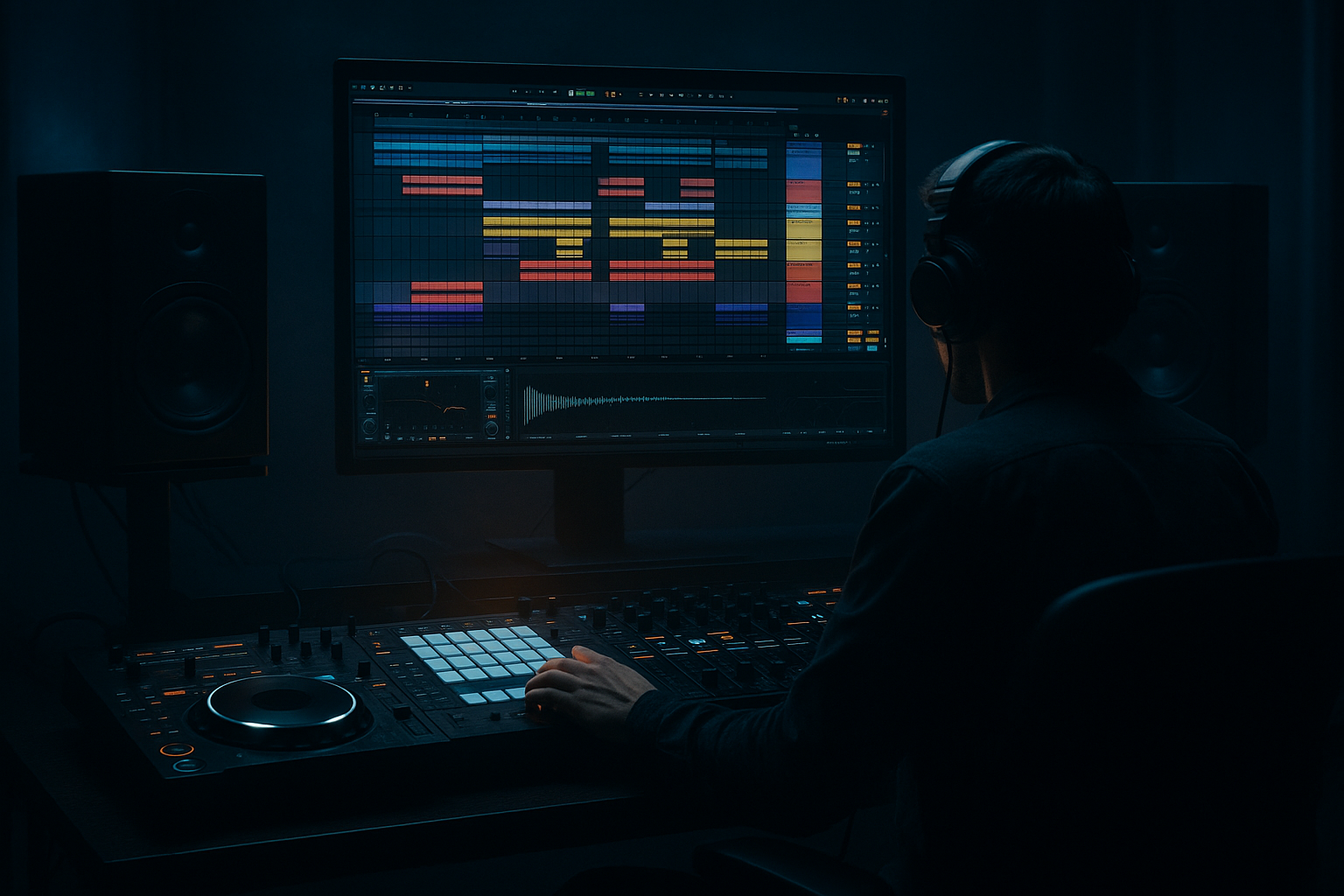
Driving an Amen-style variation with resampling in Ableton Live 12 is one of the fastest ways to turn a familiar break into something that feels alive, custom, and unmistakably DnB. Instead of looping the Amen as a static sample, you’ll chop it, process it, record the processed result, and then re-edit that new audio into a tighter, more musical variation.
This matters because in Drum & Bass, especially jungle, rollers, darker halftime-leaning DnB, and neuro-influenced bass music, the drum break is not just “drums” — it’s part of the identity of the track. A resampled Amen variation gives you:
- more groove control
- more character and grit
- easier arrangement movement
- a more original feel than repeating one loop unchanged
- the main drop
- a second-drop switch-up
- a call-and-response section with bass
- an 8-bar tension builder before the drop
- a DJ-friendly intro/outro where you gradually introduce the break
- a chopped Amen break pattern with ghost notes, fill hits, and a switch-up
- a processed drum layer using Ableton stock devices like Drum Buss, Saturator, EQ Eight, and Glue Compressor
- a resampled audio version of the processed break
- a final variation with tighter transients, more punch, and darker texture
- a simple arrangement-ready loop that can sit under a bassline in a roller, jungle, or darker DnB drop
- the original Amen energy is still there
- but the groove has been “morphed” into something more current
- with enough punch for 174 BPM and enough space for a bassline to dominate the low end
- Over-chopping the Amen
- Resampling too early with bad balance
- Too much saturation
- Ignoring the bass relationship
- Quantizing everything perfectly
- Too much low end in the break
- No variation across the phrase
- Resample twice
- Use parallel grit
- Keep the sub mono and separate
- Automate tiny changes
- Make one “murderous” fill
- Use atmosphere sparingly
- Think in sections
- chop the Amen into a musical variation
- process it with stock Ableton devices
- resample the result to commit the sound
- re-edit the resampled audio into a new phrase
- test it against bass and arrangement context
In a typical DnB track, this technique fits perfectly in:
The big idea: build a small edit, process it, resample it, then treat the resampled audio like a new instrument. That’s the workflow. It’s fast, flexible, and very “real-world studio” ✅
What You Will Build
By the end of this lesson, you’ll have a short Amen-style drum variation that feels like a custom break edit rather than a plain loop.
Specifically, you’ll build:
Musically, the end result should feel like:
You’re not trying to overcomplicate it. You’re trying to make the break feel edited, human, and production-ready.
Step-by-Step Walkthrough
1. Set the project up for DnB workflow speed
Open Ableton Live 12 and set the tempo to 170–174 BPM. For this lesson, 174 BPM is a strong default because it sits right in classic DnB territory.
Create:
- one MIDI track for your Amen break source
- one audio track for resampling
- one optional return track for extra reverb or delay if you want ambience later
Drop your Amen sample into a Drum Rack or directly onto an audio track. If you’re using a sliced break, keep it simple: start with a clean Amen loop and focus on the workflow, not complex sound design.
Useful setup move:
- Loop a 1-bar or 2-bar section
- Turn on the metronome
- Set grid to 1/16 for detailed edits
Why this works in DnB: fast tempo and tight grid resolution help you make edits that lock with the bass and keep the groove punchy.
2. Chop the Amen into a playable variation
Place the Amen in Simpler or on an audio track and make a short loop. Then create a variation by cutting out and reordering pieces.
Beginner-friendly approach:
- Keep the core kick/snare feel recognizable
- Move one or two ghost hits
- Repeat a short hi-hat fragment
- Leave a tiny gap before a key snare hit for tension
If you’re in Simpler, use slice mode or manually split the audio. If you’re on an audio track, use:
- right-click to Split
- consolidate tiny edits later if needed
A strong beginner pattern idea:
- Bar 1: mostly original Amen feel
- Bar 2: remove one kick, add a ghost snare before the main snare
- Final half-bar: insert a short fill or reversed hit
Keep the edit musical. You’re not building random cuts — you’re shaping a phrase.
3. Shape the break with stock Ableton devices
Before resampling, process the break so the resample has personality.
Add these stock devices in this order:
- EQ Eight
- Drum Buss
- Saturator
- Glue Compressor if needed
Suggested starting settings:
- EQ Eight: high-pass around 30–40 Hz if the break has unnecessary sub rumble
- Cut a little harshness around 5–8 kHz if the hats are too sharp
- Drum Buss: drive around 5–15%, Crunch low to moderate, Boom only if the break needs extra weight
- Saturator: drive around 2–6 dB for grit, turn Soft Clip on if needed
- Glue Compressor: ratio 2:1, attack around 10 ms, release on Auto or around 0.3–0.6 s
Don’t overdo it. For beginner workflow, the goal is to hear the break become more focused and a bit dirtier, not crushed.
Small automation idea:
- automate Drum Buss Drive up slightly into a fill
- automate Saturator Drive for the last hit of the phrase
4. Create a resampling track and record the processed break
This is the key move.
Create a new Audio Track and set:
- Audio From: Resampling
- Arm the track
- Record 1–2 bars of your processed break
If you want more control, route the break track output to a dedicated audio track instead of full resampling. But for a beginner, Resampling is the fastest way to commit the sound and keep moving.
What you’re listening for:
- did the break become punchier?
- did the saturation make the transients feel denser?
- are the snare and ghost hits now glued together better?
This matters because in DnB, committing to audio helps you stop endlessly tweaking and start arranging. That’s a huge workflow win.
5. Edit the resampled audio into a new Amen variation
Now drag the recorded audio onto a fresh track or keep editing it in place.
Slice the resampled audio into small pieces:
- snare hits
- ghost notes
- hat fragments
- tiny fills
Then rearrange them into a variation that works as an 8-bar or 4-bar phrase. A simple structure could be:
- Bar 1–2: main groove
- Bar 3: slight variation, remove one kick
- Bar 4: fill or turnaround
- Bar 5–6: return to groove
- Bar 7: extra snare hit or stutter
- Bar 8: break/fill leading into the next section
Helpful Ableton move:
- Consolidate the best 1-bar loop after editing
- Duplicate it to build a longer phrase
- Nudge a few hits by very small amounts if needed, but keep the overall pocket intact
Use tiny changes rather than total rewrites. DnB edits often work best when the listener feels the break evolve, not reset.
6. Add groove and transient control
Once the resampled edit feels good, tighten it with light processing.
Try:
- Drum Buss for transient impact
- Transient shaping with the device’s Drive and Boom behavior
- Utility to control stereo width if necessary
- EQ Eight to clear low-end clutter
Suggested tweaks:
- If the kick feels too soft, increase Drum Buss Drive slightly
- If the break is too thin, add a little low-mid body around 150–250 Hz
- If the hats are poking out, cut a few dB around 7–10 kHz
For groove:
- experiment with Ableton’s groove pool using a subtle swing like MPC-style 16th swing
- keep it light; the Amen already has a natural feel
Why this works in DnB: the original Amen has built-in swing and syncopation. Light groove adjustment can enhance that feel, but heavy quantization often kills the jungle energy.
7. Build a bass-and-drum relationship, not just a drum loop
The Amen variation should work with bass. Even as a beginner, always check the drum edit against a simple low-end part.
Put down a basic bassline:
- a sustained reese note
- a sub note under the snare gaps
- or a call-and-response riff between drum hits
Use stock devices such as:
- Wavetable for a reese
- Operator for a sub
- Auto Filter for movement
- Saturator for bass harmonics
Keep the bass simple:
- sub in mono
- avoid fighting the kick/snare
- let the drum variation create space for bass answers
Arrangement example:
- In the first 4 bars, let the bass answer the snare gaps
- In the next 4 bars, use a slightly more aggressive bass phrase while the break plays a fill
This is where the break stops being “a loop” and becomes part of a drop.
8. Use automation to create a proper DnB switch-up
One of the best uses of resampling is making a second version for contrast.
Try this in an 8-bar drop:
- Bars 1–4: cleanest version of the Amen variation
- Bars 5–8: resampled, dirtier version with more saturation and a slightly denser fill
Automate:
- Drum Buss Drive up by a few percent
- Saturator Drive up 1–3 dB on the switch-up
- Auto Filter opening slightly on the last bar
- small reverb send on a fill hit for transition
A good beginner arrangement trick:
- keep the first half of the drop more open
- use the second half to introduce a heavier variation
- then switch back or strip down for the next section
This keeps tension and release moving, which is essential in DnB and jungle arrangements.
9. Check the mix with a low-end and mono mindset
Before you call it done, make sure the resampled break isn’t stepping on the bass.
Use Utility on your bass group or master for quick mono checking:
- collapse bass to mono
- listen for phase issues
- make sure kick and sub don’t blur together
Mix checks:
- the kick should remain defined
- the snare should cut without painful harshness
- the bass should own the sub region
- the break should feel energetic, not muddy
If needed:
- high-pass the break a little more
- reduce low-mid buildup with EQ Eight
- tame any piercing hat peaks
- lower the break group by 1–3 dB rather than over-processing it
In DnB, the drum loop is powerful, but the bass still needs space to breathe.
Common Mistakes
- Fix: keep the core phrase recognizable and only change a few key hits at first.
- Fix: get the break sounding good first, then commit to audio.
- Fix: back off until the break is gritty but still has punch and transient clarity.
- Fix: always test the break against a sub or reese before finalizing.
- Fix: leave some human feel. Amen-style drums need micro-groove.
- Fix: high-pass around 30–40 Hz and clean low-mids if the kick/sub area gets cloudy.
- Fix: add a fill, mute one hit, or change the final bar so the loop breathes.
Pro Tips for Darker / Heavier DnB
- First resample: clean processed break
- Second resample: more distorted version for a later drop or switch-up
- Put a duplicate break track under the main one and distort it harder with Saturator or Drum Buss, then blend it quietly underneath.
- Your break variation can be wide in the hats and room tone, but the low end should stay disciplined.
- A 1–2 dB rise in saturation or a slight filter move on the last bar can make the whole drop feel bigger.
- Every 8 bars, create one very short fill with reversed hits or stuttered snare edits. That’s a classic darker DnB tension move.
- A short reverb tail or subtle ambience behind the resampled break can add depth, but don’t wash out the attack.
- A jungle-style track often feels strongest when the break evolves every 4 or 8 bars instead of repeating unchanged.
Mini Practice Exercise
Set a timer for 15 minutes and do this:
1. Load an Amen break at 174 BPM.
2. Make a 2-bar edit with at least:
- one ghost note change
- one removed hit
- one small fill
3. Process it with:
- EQ Eight
- Drum Buss
- Saturator
4. Resample the processed result to a new audio track.
5. Re-edit the resampled audio into a 1-bar variation.
6. Duplicate that bar into 4 bars.
7. Add a simple sub or reese and check whether the drums still hit clearly in mono.
Goal: by the end, you should have one usable loop that feels like an original DnB break phrase, not just a copied Amen loop.
Recap
The core workflow is simple and powerful:
If you remember only three things, remember these:
1. Commit early with resampling
2. Keep the groove human and DnB-focused
3. Always make the drums and bass work together
That’s how you turn a familiar Amen into a custom, playable, darker DnB tool inside Ableton Live 12.

