Main tutorial
1. Lesson Overview
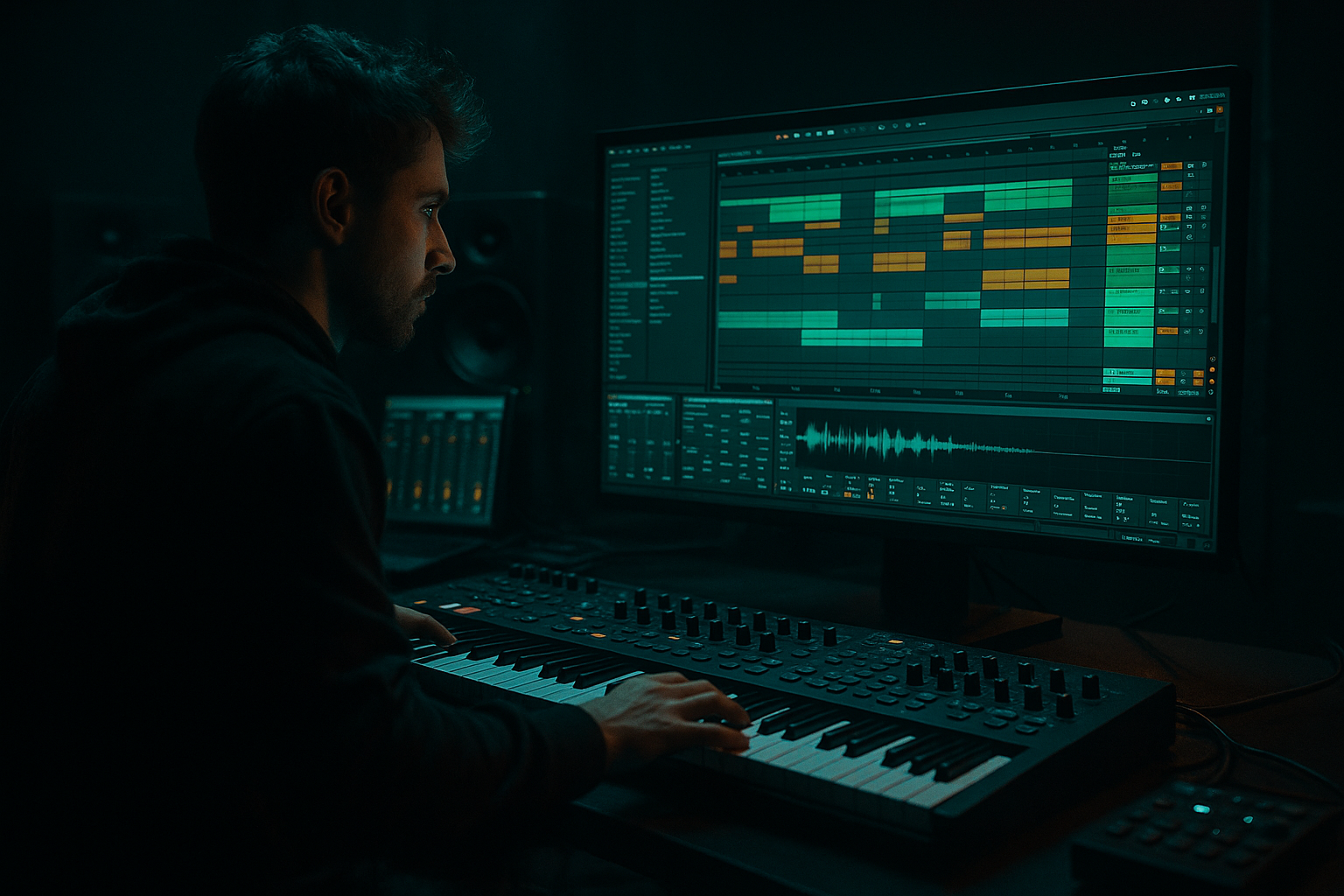
This advanced Sampling lesson — "Dom & Roland edit: shape a dub echo tail from scratch in Ableton Live 12 for modern punch and vintage soul" — walks you through building a classic Dom & Roland–style dub echo tail from raw sampled material inside Live 12 using only stock devices and resampling. You’ll learn how to keep the initial hit tight and punchy for modern DnB energy, then transform the post-hit material into a warm, resonant vintage-soul style echo tail that sits musically under breaks and stabs. The workflow focuses on sampling workflows, return-routing, Echo/Grain/Hybrid Reverb usage, resampling the tail, and final shaping so the tail becomes a reusable sampled texture.
2. What You Will Build
- A single-shot sampled hit (vocal stab, synth stab or small break) processed for modern punch.
- A dub-style echo tail generated in Live 12 (Echo + Reverb + Grain Delay), automated and resampled to a new audio clip.
- A polished sampled echo-tail instrument you can drop into sections of a Drum & Bass arrangement with tight low end and warm, vintage character.
- Too much feedback/too little filtering: leads to muddy build-up and masking the low end. Always filter repeats and control feedback automation.
- Sending full-range low frequencies to delays: creates sub-clashes with kick. High-pass the send or filter the return below ~60–80 Hz.
- Not resampling: keeps you tied to CPU-heavy devices and makes the tail hard to manipulate as one asset.
- Overusing modulation rates: too much modulation on Echo/Grain causes distracting chorusing; subtlety is key for vintage soul warmth.
- Forgetting sidechain: un-ducked tails will steal punch from your kick/snare in Drum & Bass contexts.
- Use two-stage routing: have a short, tight dry version of the hit (no sends) and a second duplicate channel that only exists to send to Echo/Return. This preserves punch while giving you full control over the echo tail.
- Automate the Send amount, not just Echo Feedback: rising the send on the second repeat can create the illusion of the echo breathing in and out.
- Use tempo-synced Fire-and-Freeze trick: record a long tail to audio and then use Simpler/Sampler to transpose/trigger it chromatically for musical transitions.
- For a more authentic vintage tape vibe, automate a small amount of Tape-wobble via Grain Delay pitch or Echo modulation, and add subtle low-frequency flutter with Autopan on the return (rate <0.5 Hz).
- Keep a "dry" version of your sample in the rack (Chain Selector or two chains), so you can quickly bypass tails during arrangement without losing the raw hit.
- Use Utility phase inversion and solo mid/side monitoring to ensure the tail’s stereo content won’t collapse the mix when summed to mono.
3. Step-by-Step Walkthrough
Preparation
1. Set tempo to your track (typical DnB: 170–176 BPM). This will affect delay divisions when using sync.
2. Load your source sample into a Simpler (Classic mode) on a MIDI track. Choose a short stab or a transient-rich part of a vocal/break—something that has an immediate transient and harmonic content to feed the tail.
Stage A — Punchy one-shot (modern punch)
3. Set up Simpler:
- Warp off (use Simpler's native controls), Set loop off.
- Trim start so the transient is aligned; reduce start by 1–10 ms to taste to tighten attack.
- Tune/transposition as needed for musical key.
4. Fast transient shaping:
- Insert an EQ Eight after Simpler. High-pass at 35–50 Hz (slope 24dB/oct) to clear sub rumble. Boost around 150–400 Hz slightly (1–2 dB) to add presence for hits, but keep it tight.
- Add Saturator (Soft Clip): Drive 1–3 dB, Dry/Wet ~20–35% to add harmonic weight. Choose "Analog Clip" or "Soft Sine" for tube-y coloration.
- Add Compressor (Glue or Compressor): fast attack (0–6 ms), medium release (50–150 ms), ratio 2:1–4:1, aim for 2–6 dB gain reduction to glue transient and get punch.
- Optional: Drum Buss instead of Saturator + Glue for extra character — use Drive lightly and low-end focus to preserve sub.
Stage B — Route for dub echo tail
5. Create two Return tracks: Return A = Echo, Return B = Hybrid Reverb (or Reverb if Hybrid not available), Return C = Grain Delay (optional creative layer).
- Set Return A (Echo): Insert Echo. Set Sync on. Start with a note division of 1/8 or 1/8T (triplet) — for dub flavor try alternating 1/8 and 1/8T across automation. Set Feedback ~40–60% (we’ll automate it). Lowpass Filter inside Echo: set cutoff around 3–6 kHz and resonance low; the Echo device has a “Filter” control—use it to darken repeats. Warmth ~20–40% for vintage tape-like color. Modulation Rate low (~0.1–0.7 Hz) and amount small (0.5–5%) to add subtle wobble. Pan L/R slightly offset for stereo width: use Echo's Left/Right delay time to create a ping-pong feel (e.g., L = 1/8, R = 1/8T).
- Set Return B (Hybrid Reverb/Reverb): Pre-delay ~20–40 ms, Decay 2–4 s for a long-sustaining lush tail. Highcut around 5–8 kHz to prevent top-end buildup.
- Set Return C (Grain Delay): Delay set to 1/16–1/8, Spray small, Pitch +4 to -4 cents for warble; feedback low. This provides vintage, detuned graininess to repeats.
6. Send routing:
- On the Simpler track, set Send A (Echo) to 0–0.5 dB to start. Send B small (0–6 dB) to get reverb under the repeats. Send C very sparingly for texture. The goal: initial hit is mostly dry + Echo send; reverb comes through the Echo’s repeats and tail.
Stage C — Sculpt the dub echo behavior
7. Echo device shaping:
- Set Echo’s Filter Envelope (if available) or use its built-in high/low filtering to create “damping” on the repeats. For vintage soul, you want the early repeats brighter and later repeats darker: automate the Echo filter cutoff to drop over 2–4 seconds from ~5 kHz to ~800 Hz while feedback sustains.
- Automate Feedback: start at ~30–40% immediately after hit, rise to ~60–75% for the second–third repeat cluster, then gradually drop to 0–10% over 3–6 bars to avoid runaway resonance.
- Use Echo Warmth (or Drive) and Modulation amount to taste; increase Warmth on later repeats to simulate tape saturation.
- Add small ping-pong timing variation: create an automation lane on Echo’s right/left delay time or on the track send to subtly move repeats off-grid.
8. Grab control of low end:
- Place an EQ Eight after the Simpler track on the return send path (or on the Echo return): use a low-cut at ~60–80 Hz on the Echo send to prevent sub build-up from repeats. If the source has low content, let some low-mid through for vintage body, but filter out 20–60 Hz.
- Create a sidechain Compressor on the Echo Return: Compressor > Sidechain input: Master Kick or Drum Bus, ratio 4:1, attack fast, release synced to tempo roughly 60–150 ms. This ducks the tail on kick hits to keep low-end punch in the mix — modern DnB necessity.
Stage D — Make the tail musical and organic
9. Use Beat Repeat (optional creative):
- Insert Beat Repeat on a duplicate channel (or on the return) set to small interval (1/8 or 1/16) with chance low (10–30%) and grid synced to 1/8T. This creates little chopped dub stutters in the repeats. Use Filter inside Beat Repeat to remove sub.
10. Create movement:
- Add Auto Filter (lowpass) on the Echo return with LFO enabled; set the LFO rate very slow (0.05–0.3 Hz) and Depth small to create slow spectral movement. Sync can be off for natural warble.
Stage E — Resample the tail to create a sampled instrument
11. Record a long tail:
- Solo the Simpler track and its sends (or mute other tracks). Create a new Audio track and set its Input to "Resampling" or set the input to the Echo return specifically. Arm record, and play the one-shot sample while triggering the sends in the pattern you used. Record 4–10 bars until the tail fully decays.
- Important: while recording, you can automate Echo feedback and filter to get the evolving tail captured. Start with a single hit, or trigger series of hits to create compound tails.
12. Edit the resampled tail:
- Warp off (or use Complex Pro if you must stretch slightly) and trim silence. Normalize and gain-stage the clip.
- Use Clip Gain to set initial level. Crossfade edges if needed.
- Optionally reverse a section or slice interesting grains by splitting and re-arranging.
Stage F — Add vintage soul character to the sampled tail
13. Create a Sampler instrument:
- Drag the resampled audio into a Sampler (or Simpler in Slice mode) set as a one-shot or mapped across keys. Set root key and pitch modes. Use Sampler’s Filter: choose Lowpass 12dB, set cutoff around 1–3 kHz for warmth, add some resonance ~10–20%.
14. Color and glue:
- On the Sampler channel, insert Saturator (Tape Curve or Warmth), then Redux lightly (bit reduction 2–6%) for grit. Use EQ Eight to gently boost 200–600 Hz for body (+1–2 dB) and dip 5000–8k to reduce brittle highs.
- Route this sampled tail to the Drum/Instrument bus or to a dedicated FX bus which includes Glue Compressor/Compressor and a touch of Stereo Width (Utility: Width 110–130%) but use mid/side EQ to keep bass mono: EQ Eight in M/S mode, reduce side content below 120 Hz.
Stage G — Integrate in context (modern punch + vintage soul)
15. Mix decisions:
- Use low-frequency shelving to ensure sampled tail doesn’t conflict with kicks/sub. Roll off below 50–60 Hz on the tail.
- Use transient shaping on the original Simpler hit to keep initial hit punchy while leaving tail unaffected. You can split the hit and the tail on two channels: one for dry punch (no sends) and one dedicated to sends/resampling.
- Set the tail sample’s volume so it fades under drums; use 2–6 dB of bus compression for cohesion.
4. Common Mistakes
5. Pro Tips
6. Mini Practice Exercise
Goal: Create one 8-bar loop that starts with a clean sampled stab on bar 1 and develops into a resampled dub echo tail by bar 8.
Steps:
1. Pick a 1-shot stab sample and load into Simpler on a MIDI clip with a single note on beat 1.
2. Set up Return A = Echo and Return B = Reverb. Configure Echo to 1/8T with Feedback 50% and lowpass ~4k.
3. Duplicate the Simpler track; mute the duplicate’s audio but keep its send active (this track will feed Echo only).
4. Record-resample the Echo return for 6–8 bars while automating Echo’s Filter cutoff from 5k → 800 Hz and increasing Feedback from 40 → 70% over 3 bars.
5. Trim and import the recorded tail back into Sampler; map as a one-shot. Set a low-cut at 60 Hz and add Saturator.
6. Replace the duplicate’s send playback by triggering the new sampled tail on bar 3–8 and compare how the mix feels. Adjust EQ/sidechain as needed.
Time yourself: aim to complete this in 30–45 minutes. Focus on capturing a musical automation curve for filter and feedback.
7. Recap
We created a Dom & Roland–inspired echo tail from scratch inside Ableton Live 12: prepared a punchy sampled hit, routed and shaped synced Echo + Reverb + Grain Delay returns, used feedback and filter automation to build a vintage-soul evolving tail, resampled that tail to audio, and converted it into a sampled instrument with saturation and EQ to fit modern Drum & Bass mixes. Key takeaways: keep the dry hit tight, filter low frequencies from echoes, automate feedback and filter to shape decay, resample early so you can treat the tail as a single creative asset, and use sidechain/EQ to preserve punch in the low end. Use this method to produce repeatable, mix-friendly dub tails with both modern punch and vintage soul.

