DNB COLLEGE

Drum & Bass Ableton Live 12 Tutorials

LESSON DETAIL

DJ Marky approach: warp a breakdown in Ableton Live 12 for 90s-inspired darkness (Beginner · Mastering · tutorial)

An AI-generated beginner Ableton lesson focused on DJ Marky approach: warp a breakdown in Ableton Live 12 for 90s-inspired darkness in the Mastering area of drum and bass production.

Back to lessons
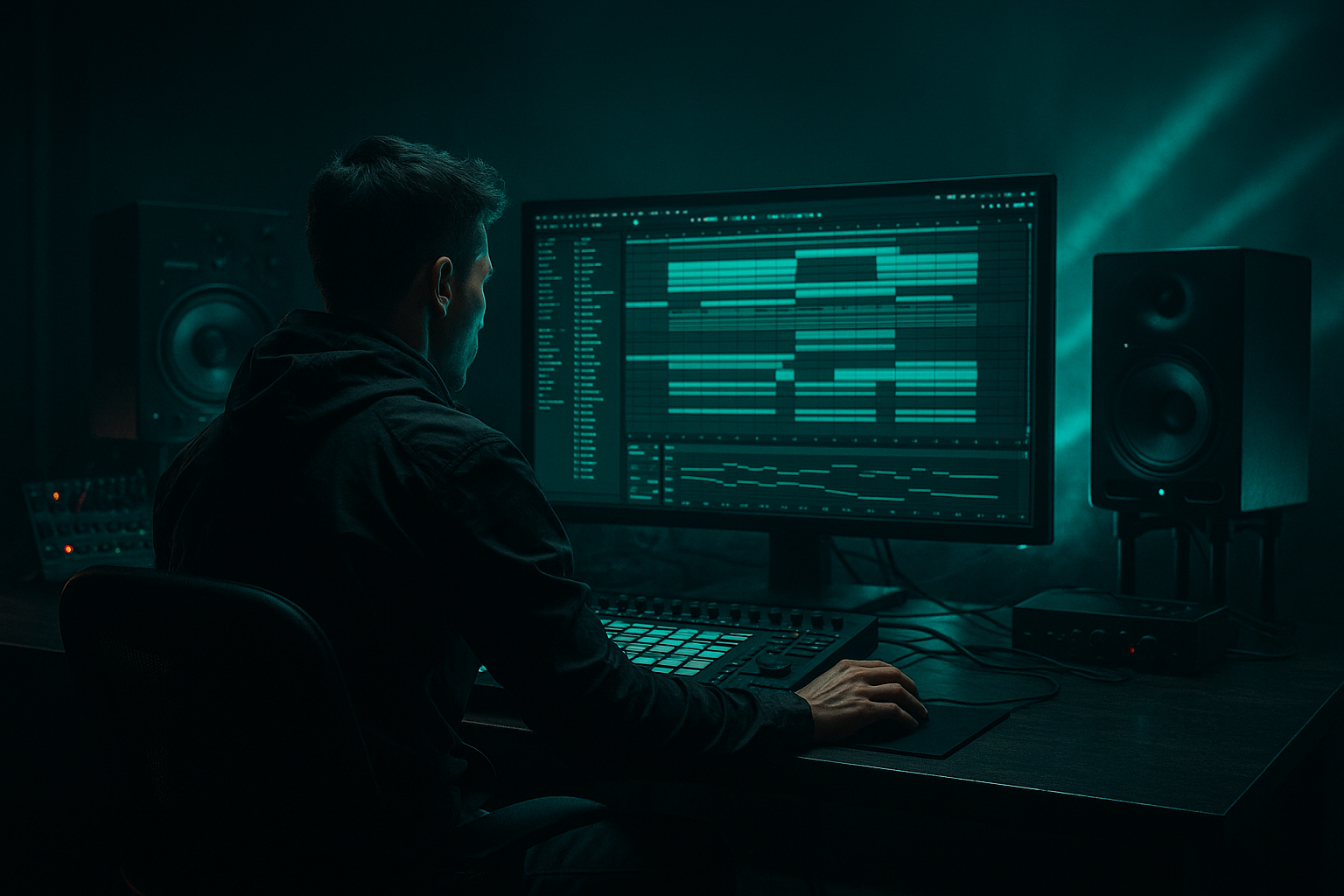
DJ Marky approach: warp a breakdown in Ableton Live 12 for 90s-inspired darkness (Beginner · Mastering · tutorial) cover image

Narrated lesson audio

The voice track includes the tutorial plus extra teacher commentary.

Open audio file

Main tutorial

1. Lesson Overview

"DJ Marky approach: warp a breakdown in Ableton Live 12 for 90s-inspired darkness" — a beginner-friendly mastering lesson that shows how to take the breakdown section of a Drum & Bass track and treat it in the final master so the break breathes darker, older-school, and slightly off-grid in the spirit of 90s jungle/DnB. We’ll use Ableton Live 12 stock devices and clip-warping tools, work on a duplicated breakdown clip (non-destructive), and finish with gentle mastering chain moves so the warped breakdown sits naturally in the final master without trashing dynamics.

2. What You Will Build

  • A non-destructive, warped breakdown clip inside your master session that:
  • - Sits slightly behind the beat for a laid-back 90s feel

    - Is subtly pitch-lowered and spectrally darkened

    - Uses parallel (bus) processing so the main master remains intact

    - Ends with a conservative mastering chain (EQ, multiband control, saturation, limiter) to keep loudness and tone consistent

    3. Step-by-Step Walkthrough

    Preparation (project setup)

    1. Duplicate your full mix/master audio track: select the master mix clip (or export/import the full mix as a single audio file) and create a new audio track titled "Breakdown Warp Bus". Drop only the breakdown audio region into that track in Arrangement view.

    2. Mute or deactivate transient automation on the master while you work, and set global tempo to your track BPM. Save a versioned project (e.g., songname_master_v1) so changes are non-destructive.

    Warping the breakdown clip

    3. Double-click the breakdown clip to open Clip View. Enable Warp (button top-left of Clip View).

    4. Set Warp Mode to Complex Pro — this preserves timbre for full mix sections. If you’re working with a single drum loop or heavily percussive break, try Beats mode with low Transient setting; for full stereo breakdowns, stick with Complex Pro.

    5. Match Seg. BPM to your set BPM if Live didn’t detect it correctly. Right-click → ‘Warp From Here (Straight)’ if needed to anchor the clip at the bar grid.

    6. Add warp markers sparingly: Cmd/Ctrl + Click on the transient you want to move, then drag the warp marker slightly backward (10–40 ms) on key kicks/snaps to push the feel slightly behind the beat — this is a hallmark of the relaxed, dark break feel used by many DJs/producers of the early era. Keep changes subtle — large shifts sound unnatural in a full mix.

    7. If you want a slight pitch warble: use the Clip Transpose control. Try -0.5 to -2 semitones. In Complex Pro you’ll also see Formant control — modestly lower formant (-0.5 to -1.5) for a darker, fuller tone without unnatural chipmunking.

    Create a parallel-processing bus (non-destructive)

    8. Create an Audio Track called "Breakdown Master Bus". Send the breakdown clip track to this bus using the track’s Send or route the clip only to this track (Set Input to the breakdown track and arm/record-monitor Off). This keeps the main master intact and lets you blend the processed breakdown in and out.

    9. Place a Utility device first on the Breakdown Master Bus to control level and width while you audition.

    Darkening chain using stock devices (on Breakdown Master Bus)

    10. EQ Eight (gentle shaping):

    - Low-cut at 25–30 Hz (to remove sub rumble).

    - Slight mid boost around 200–600 Hz (+1 to +2 dB) to add warmth/analog feel.

    - Low-pass automation: place an EQ Eight Resonant Low-Pass (slope 6–12 dB) controlled by automation or an LFO to sweep highs down slightly (roll-off above 8–10 kHz by -1 to -3 dB) during the breakdown to create darkness.

    11. Saturator:

    - Insert Saturator after EQ. Set Drive low (1–3 dB), Soft Clip on, and use the Dry/Wet around 20–35% for parallel warmth rather than full distortion.

    12. Vinyl Distortion or Redux (option):

    - Vinyl Distortion with amount 1–4 to create subtle crackle and analog grit. Or use Redux at low rate/bit reduction values for lo-fi character — keep the effect subtle.

    13. Grain Delay or Frequency Shifter for micro-variance:

    - Use Grain Delay with very short delay (1–10 ms) and small pitch shift or use Frequency Shifter with tiny modulation (Hz set to <0.5 and dry/wet 5–15%) to add small warble/instability — classic aging tape/dub warble.

    14. Reverb (conservative):

    - Place Reverb with Dry/Wet 5–12%, Decay short (0.8–1.5s). Low-cut the reverb by 300–600 Hz to avoid muddying the lows.

    15. Dynamics control (Multiband Dynamics):

    - Insert Multiband Dynamics to slightly tighten the low band (threshold where the kick sits), ratio mild (1.5–2.5), make-up gain modest. The goal is to keep the breakdown’s low end under control without flattening it.

    16. Final limiter and matching to master:

    - Add Glue Compressor or Compressor in glue-style to slightly glue the bus (-1 to -2 dB gain reduction). Then a limiter (Limiter device) set with ceiling -0.3 dB. Use the bus output fader to A/B match the processed breakdown level with the original to avoid loudness bias.

    17. Blend back to taste:

    - Use the Breakdown Master Bus track volume and the original master track unmuted. Toggle the processed bus in/out (hot key: track enable) to compare. Aim for the darker, warped version to sit naturally rather than overpowering.

    Master bus touches (safe for beginner mastering)

    18. On the main master track use Spectrum to compare tone balance before/after. If overall tone shifted dark, add a subtle high-shelf (+0.5–1.5 dB) on EQ Eight after the master chain to restore presence only if the whole mix needs it.

    19. Bounce/export both versions (original vs. warped breakdown) and compare on different systems.

    4. Common Mistakes

  • Over-warping the full mix: dragging warp markers too far ( >40 ms) makes the mix sound phasing and unnatural.
  • Using Re-pitch or extreme transpose on the full master: large pitch shifts will change vocal formants and tempo perception — keep transpose small and prefer Complex Pro for full mixes.
  • Applying heavy saturation/distortion on the master bus while also using a saturated Breakdown Bus — results in clipped or overly harsh sound.
  • Forgetting to match loudness: the processed breakdown may sound louder purely from saturation or compression; always A/B by matching RMS or subjective loudness.
  • Applying wide Width increases on the low-end: widening sub-bass destroys mono-compatibility. Keep low frequencies narrow.
  • 5. Pro Tips

  • Use Automation: automate the Clip Transpose or Formant slightly through the breakdown (very subtle) to create movement rather than a static pitch shift.
  • Use Sends for Warble Effects: put Grain Delay or Frequency Shifter on a Send and send only a small amount from the breakdown bus — this helps keep control and invites parallel blending.
  • Reference a DJ Marky-era track: load a reference track into Live’s reference channel and compare spectral shape (Spectrum) and transient response while you tweak.
  • Use the Utility device’s Width automation to narrow lows (set a Utility after EQ on the breakdown bus and automate Width from 60% in lows to 100% in highs using clip or envelope automation).
  • Keep an eye on phase: after warping and slight pitch changes, flip the phase to check mono compatibility. Use Utility’s Phase Flip to audition.
  • 6. Mini Practice Exercise

    A short, 20–30 minute practice you can follow:

    1. Load a full mix audio file with a clear breakdown (or export a rough mix of yours and import it).

    2. Duplicate the track and isolate a 16-bar breakdown on a separate audio track named "Practice Breakdown".

    3. Warp the breakdown in Complex Pro, add 3 warp markers to nudge the kick and snare back by 15–25 ms.

    4. Transpose the clip -1 semitone, formant -0.8.

    5. Create a bus and add EQ Eight (low cut 30 Hz, +2 dB at 350 Hz, low-pass -2 dB above 10 kHz), Saturator (Drive 2 dB, Dry/Wet 25%), Grain Delay set to 4 ms with dry/wet 10%, Multiband Dynamics on low band with gentle compression.

    6. Switch the processed bus on/off and export two WAVs (original vs processed). Listen on headphones and on monitors and note what changed.

    7. Recap

    This lesson showed how to apply the "DJ Marky approach: warp a breakdown in Ableton Live 12 for 90s-inspired darkness" by:

  • Working non-destructively (duplicate the mix and isolate the breakdown clip)
  • Using Live’s Warp (Complex Pro), warp markers, and small transpose/formant changes to push a laid-back 90s groove
  • Building a parallel processing bus with stock devices (EQ Eight, Saturator, Grain Delay/Frequency Shifter, Multiband Dynamics, Reverb) to darken and age the breakdown while preserving dynamics
  • Finishing with subtle compressor/limiter steps and careful loudness matching so the warped breakdown sits coherently in the final master

Follow the practice exercise twice: once conservative, once slightly bolder. Save both results and A/B them in different listening environments to internalize what small timing and spectral changes do for a 90s-inspired DnB breakdown.


Ask GPT about this lesson

Chat with the lesson tutor, get follow-up help, or use quick actions.

Bigup 👽 Ask me anything about this lesson and I’ll answer in context.

Narration script

Show spoken script
Title: "DJ Marky approach: warp a breakdown in Ableton Live 12 for 90s‑inspired darkness"

Intro
Hi — this lesson walks you through a beginner-friendly mastering technique inspired by DJ Marky and 90s drum & bass. We’ll take the breakdown section of a track, duplicate it non‑destructively, nudge the timing slightly behind the grid, darken and age the sound, and blend it back into your master using only Ableton Live 12 stock devices. The aim is mood and groove, not loudness warfare — subtlety is the key.

What you will build
By the end you’ll have a non‑destructive, warped breakdown clip inside your master session that:
- Sits just behind the beat for a laid‑back 90s feel.
- Is slightly pitch‑lowered and spectrally darkened.
- Lives on a parallel bus so the main master stays intact.
- Finishes with a conservative mastering chain so dynamics and tone stay natural.

Step‑by‑step walkthrough

Preparation — project setup
Start by duplicating your full mix or master audio track. If needed, export the full mix and re‑import it as a single audio file. Create a new audio track and name it "Breakdown Warp Bus." Drop only the breakdown region into that track in Arrangement view. Mute or deactivate transient automation on the master while you work, set the global tempo to your track BPM, and save a versioned project — for example songname_master_v1 — so everything stays non‑destructive.

Warping the breakdown clip
Double‑click your breakdown clip to open Clip View and enable Warp. Set the Warp Mode to Complex Pro for full mix sections; if you’re working with a single drum loop, try Beats mode with a low Transient setting. Make sure the Seg. BPM matches your set BPM — use Warp From Here (Straight) to anchor the clip if Live misdetects it.

Add warp markers sparingly. Cmd/Ctrl + click on the transient you want to move, then drag the warp marker slightly backward — about 10 to 40 milliseconds — on key kicks and snaps. These tiny nudges push the feel slightly behind the beat, a hallmark of that relaxed early jungle/DnB groove. Keep changes subtle; large shifts will sound unnatural in a full mix.

For a slight pitch warble, use the Clip Transpose control. Try between minus half a semitone and minus two semitones. In Complex Pro also lower the Formant modestly, around –0.5 to –1.5, to get a darker, fuller tone without making vocals sound weird.

Create a parallel‑processing bus (non‑destructive)
Create another audio track called "Breakdown Master Bus." Route the breakdown clip to this bus using Sends or by setting the bus track’s input to receive the breakdown track. The idea is to have all processing on this bus so your main master remains untouched. Put a Utility device first on the Breakdown Master Bus so you can control audition level and stereo width while you tweak.

Darkening chain using stock devices (on the Breakdown Master Bus)
Start with EQ Eight for gentle shaping. Low‑cut around 25 to 30 Hz to remove sub rumble. Add a slight mid boost around 200 to 600 Hz, +1 to +2 dB, to add warmth. For darkness, automate a resonant low‑pass or simply reduce highs by about 1 to 3 dB above 8 to 10 kHz during the breakdown — you can do that with EQ Eight automation or an LFO controlling the low‑pass.

Next, insert Saturator after the EQ. Keep Drive low, around 1 to 3 dB, turn Soft Clip on, and use Dry/Wet in the 20 to 35 percent range for parallel warmth rather than full distortion.

Optionally, add Vinyl Distortion set very low, amount 1 to 4, for subtle crackle and grit. Redux is another option for a low‑fi character if you prefer bit reduction at low settings. Keep either effect subtle.

For micro‑variance and analogue instability, use Grain Delay with very short delay times between 1 and 10 milliseconds and a small pitch shift. Alternatively, use Frequency Shifter with a tiny modulation, under 0.5 Hz, and Dry/Wet between 5 and 15 percent. These add a tiny warble that suggests tape or vintage gear.

Add a conservative Reverb near the end. Set Dry/Wet between 5 and 12 percent and Decay around 0.8 to 1.5 seconds. Use a high‑pass on the reverb send around 300 to 600 Hz to avoid muddying the lows.

Insert Multiband Dynamics to slightly tighten the low band. Use a mild ratio for the lows, roughly 1.5 to 2.5, to keep the kick and sub under control without flattening dynamics.

Finish the bus chain with a Glue Compressor or Compressor for a little cohesion and aim for only −1 to −2 dB of gain reduction. Add a Limiter device with a ceiling at −0.3 dB. Use the Breakdown Master Bus output level to A/B match the processed breakdown against the original so you’re not fooled by loudness.

Blend back to taste
With the processed bus in your session, leave the original master unmuted. Toggle the processed bus on and off and adjust its volume so the darker, warped version sits naturally. The goal is enhancement, not dominance.

Master bus touches (safe for beginner mastering)
Use Spectrum on the main master to compare tone balance before and after. If the whole mix went too dark, use a subtle high‑shelf on EQ Eight after the master chain, +0.5 to +1.5 dB, to restore presence only when necessary. Finally, bounce or export both versions — original and warped — and compare them on different systems.

Common mistakes to avoid
- Don’t over‑warp the full mix. Moving markers more than about 40 ms will usually create phasey, unnatural results.
- Avoid Re‑Pitch or large transpose on the full master; big shifts change vocal formants and tempo perception. Prefer Complex Pro for full stereo content.
- Don’t stack heavy saturation on the master and on the breakdown bus — you’ll end up with harshness or clipping.
- Always match loudness before comparing, because saturation and compression can make a bus sound better only because it’s louder.
- Keep low frequencies narrow. Widening subs damages mono compatibility.

Pro tips
- Automate Clip Transpose or Formant a little through the breakdown for subtle movement rather than a static shift.
- Put Grain Delay or Frequency Shifter on a Send and send a small amount from the breakdown bus for more controllable parallel warble.
- Load a DJ Marky‑era reference track into Live and compare spectral shape and transient feel with Spectrum as you tweak.
- Use Utility to automate Width: narrow lows to around 60 percent and keep highs wider for air.
- Always check phase after warping; flip phase with Utility to confirm mono compatibility.

Mini practice exercise (20–30 minutes)
1. Load a full mix with a clear breakdown, or export and re‑import your mix.
2. Duplicate the track and isolate a 16‑bar breakdown on "Practice Breakdown."
3. Warp the breakdown in Complex Pro and add three warp markers to nudge kick and snare back by 15 to 25 ms.
4. Transpose the clip −1 semitone and set formant to about −0.8.
5. Create a bus and add: EQ Eight (low cut 30 Hz, +2 dB at 350 Hz, low‑pass −2 dB above 10 kHz), Saturator (Drive 2 dB, Dry/Wet 25%), Grain Delay at 4 ms with Dry/Wet 10%, and Multiband Dynamics on the low band with gentle compression.
6. Toggle the processed bus on and off and export two WAVs: original and processed. Listen on headphones and on monitors and note what changed.

Recap
We worked non‑destructively, used Live’s Warp in Complex Pro with small timing nudges and minor transpose/formant shifts to create that laid‑back 90s feel, and built a parallel processing bus with EQ, saturation, micro‑variance, reverb, and multiband dynamics to darken and age the breakdown while preserving dynamics. We finished with gentle glue compression and limiting, and emphasized level matching and A/B testing.

Extra coach notes — why this works
Pushing a breakdown fractionally behind the grid recreates the human timing slack of early jungle and DnB edits. Darkness in the 90s sense comes from subtractive shaping and analogue character, not just cutting highs — keep enough presence so the track doesn’t go lifeless. Treat this as a musical decision in the master; if the warped breakdown reveals mix problems, take notes for the mix session rather than overprocessing the master.

Workflow shortcuts and safety checks
- Name versions clearly and work non‑destructively: use suffixes like _warpA or dates.
- Put key controls in an Audio Effect Rack and map macros for quick A/Bing.
- Create separate wet and dry buses to blend different processing flavors instantly.
- Freeze, flatten, or resample to save CPU once you’re happy with the results.
- Follow the device order rationale: EQ first, saturation next, micro‑variance after saturation, reverb near the end, and dynamics late in the chain or on a separate parallel path.
- For timing nudges start with 10–15 ms and rarely exceed 40 ms on full stereo content.
- Match loudness with Utility before making subjective comparisons.
- Always mono check and phase flip after warping and pitch changes.

Creative but safe variations
- Use band‑split parallel chains to preserve a tight low end while coloring mids and highs.
- Crossfade between two slightly different warped copies to create movement without continuous warp automation.
- For a lo‑fi vintage variant, push Vinyl Distortion or Redux modestly and automate Dry/Wet to taste.
- Map a slow LFO to Formant or Frequency Shifter for a subtle undulating tape vibe.

Troubleshooting
If it sounds phasey or washed, undo big warp moves and reduce pitch/formant changes. If the processed bus feels louder but worse, match levels and re‑evaluate. If highs vanish, restore a small high‑shelf or limit the low‑pass automation to the sections you want darkened.

Monitoring and exports
Reference on at least two systems and a smartphone. Use a DJ Marky‑era track for comparison. Export at 24‑bit WAV for mastering deliverables and keep both original and warped versions with clear filenames, plus notes about the warp amount and processing you applied.

Final encouragement
Small changes are powerful. The 90s DnB vibe often comes from tiny timing and texture tweaks, not heavy handed processing. Save iterations, rest your ears between A/B sessions, and trust subtlety. Do the mini exercise twice — once conservative, once a little bolder — then compare results in different listening environments to learn what these small timing and spectral shifts do for a breakdown.

That’s the lesson. Good luck, and have fun bringing a darker, older‑school mood to your breakdowns.

mickeybeam

Go to drumbasscd.com for +100 drum and bass YouTube channels all in one place - tune in!

Generating PDF preview…