Main tutorial
1. Lesson Overview
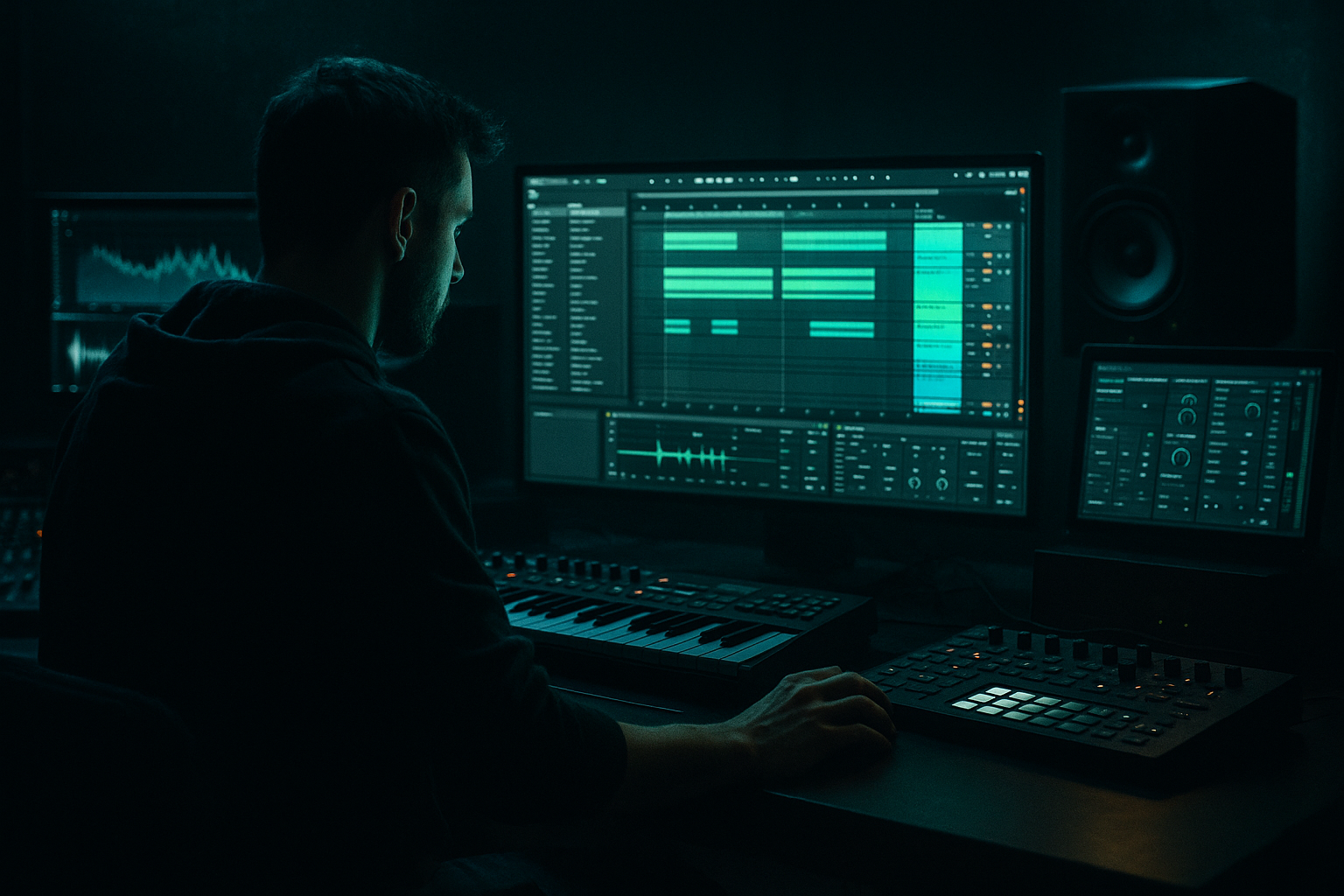
This beginner workflow lesson teaches you how to distort a Camo & Krooked VHS-rave stab in Ableton Live 12 for timeless roller momentum. You’ll build a short retro-styled synth stab, run it through a simple stock-device distortion chain, add sidechain pumping and movement, and learn a resampling workflow so the distorted stab sits as a rolling, timeless element in a Drum & Bass mix.
2. What You Will Build
- A short VHS-rave style stab patch (saw-rich, slightly detuned, tape flutter character).
- A stock-device distortion chain (Saturator → Overdrive → Erosion/Redux) with subtle bit reduction and noise.
- A sidechain-compressed “roller” pumping envelope synced to your kick.
- Macro-mapped controls for cutoff and saturation to automate long-form momentum.
- A resampled audio stab that you can layer and process further in arrangement.
- Overdoing distortion: too much drive or too aggressive Redux destroys the stab’s transient and clarity. Use parallel channels or dry/wet to taste.
- Ignoring sidechain: without proper sidechain the stab will cloud the kick/bass and lose roller momentum.
- Too long reverb: long, wet reverb makes the stab blur into the mix. Keep reverb dry/wet low and use pre-delay.
- Not removing low frequencies before distortion: distorting sub frequencies creates muddiness; always HP filter before heavy distortion.
- Over-widening: too much stereo width in distorted material can make low-end phase issues and an unfocused mix.
- Parallel distortion is your friend: send the pristine stab to one track and a heavily distorted version to another; blend for clarity + grit.
- Use automation over heavy DSP: slowly automating saturation or filter cutoff over 16–32 bars creates timeless momentum without over-processing.
- Use multiband tools when needed: if distortion wrecks mids but you want grit in highs, duplicate the track, split bands with EQ (highs distorted, lows clean) and recombine.
- Commit via resampling then reprocess: resampling the distorted stab gives you a unique audio artifact you can slice, pitch-shift, and time-stretch for different roller uses.
- Save a Macro-mapped Instrument Rack template with your favorite VHS distortion chain to speed workflow across projects.
- BPM 174.
- Program a four-note chord stab on beats 1 and the “and” of 2 (experiment with placement).
- Build the Wavetable stab (as above), add the distortion chain, and route sidechain compression to a kick on its own track.
- Automate filter cutoff to open slightly from bar 1 to bar 8.
- Resample the 8-bar loop and create a second layer with heavier Redux and lower volume. Blend the resampled layer under the original.
- Export a 8-bar loop and compare A/B with/without the distorted layer to hear the roller momentum difference.
3. Step-by-Step Walkthrough
Note: keep Live 12 open and start with a default Live Set (or a blank project).
A. Create the stab sound
1. Insert a MIDI Track (Cmd/Ctrl+Shift+T).
2. Load Wavetable (stock synth). This is quick and beginner-friendly for saw-based stabs.
- Oscillator 1: Saw, Unison 4, Detune ~0.12–0.18.
- Oscillator 2: Saw, octave +12 for brightness, mix around 30%.
- Filter: Low-pass 24 dB, Cutoff ~2.5 kHz, Resonance low.
- Amp Envelope (Env 1): Attack 0 ms, Decay 200–300 ms, Sustain 0.25–0.4, Release 100–200 ms (short, punchy).
- Add small pitch LFO: LFO 1 to Osc Pitch, Rate very low (0.5–1 Hz) and amount tiny (0.1–0.3 semitones) to emulate tape flutter/VHS wobble.
B. Basic stab placement & MIDI
3. Create a 1-bar MIDI clip for testing. Program a short chord stab (triad or 4-note “stab”) as 1/16 or 1/8 long notes. For a roller feel, try stabs on the off-beats (e.g., the "and" of 2 or 3) — experiment but keep it tight and short.
4. Set project BPM to a typical DnB roller tempo (e.g., 170–176 BPM).
C. Distortion chain (stock devices)
5. After Wavetable, add these devices in order:
- EQ Eight (low-cut): HP filter at 120–160 Hz to remove sub rumble before distortion.
- Saturator: Mode “Soft Sine” or “Analog Clip,” Drive ~3–6 dB, Output adjust to unity, Use Dry/Wet ~60% for character without wrecking dynamics.
- Overdrive: Drive modest (~3–5), Tone to taste to add upper harmonic grit, Dry/Wet ~30–40% (keeps clarity).
- Erosion: Type “Noise,” Amount ~8–15% to inject VHS tape noise/grit.
- Redux: Sample Rate reduction set subtly (e.g., 22–32 kHz) and Bit Reduction to taste (not extreme) to add digital VHS color.
6. Put an EQ Eight after distortion: High-pass at 120 Hz (if needed), gentle boost around 2–5 kHz for presence, cut around 300–600 Hz if muddy.
D. Creating roller momentum with sidechain and movement
7. Create a Kick bus or a simple Kick track that will drive sidechain. Create an Audio or Drum track with the kick pattern you use.
8. Add a Compressor (stock Compressor, or Glue Compressor) after your distortion/EQ chain.
- Enable Sidechain input and select the Kick track.
- Ratio 3:1–5:1, Attack 0–3 ms, Release 60–140 ms (shorter release = sharper pump; longer gives a smoother swell).
- Threshold so you get ~3–6 dB gain reduction on each kick hit. This gives the stab that “roller” rhythmic breathing.
9. To add movement: map Wavetable Filter Cutoff and Saturator Drive to two Macros inside an Instrument Rack (Group Wavetable and the relevant devices).
- Automate Macro 1 (cutoff) with a slow envelope across 8–16 bars (slight upward movement for tension).
- Automate Macro 2 (saturation drive) to open slightly on climactic bars. Subtlety keeps it timeless rather than trendy.
E. Spatial treatment & glue
10. Add Hybrid Reverb or Reverb (stock) after the Compressor:
- Small to medium size, Decay 600–1200 ms, Dry/Wet low (10–20%) so the stab stays present.
- Pre-Delay 10–25 ms to preserve transient snap.
11. Place Utility at the end to control stereo width. For a roller stab, keep width moderate (90–100%) so it fills but doesn’t smear the low end.
F. Parallel/Resampling workflow for extra coloration (quick beginner resampling)
12. Duplicate the track and name the duplicate “Stab-Paral-Dist.”
13. On the duplicate, push Saturator/Overdrive/Redux harder for an aggressive layer. Lower its volume and use Utility to mono the lows (Low Cut left intact).
14. Create a Resampling track: set its Input to “Resampling,” record a few bars of the playing stabs (Cmd/Ctrl+Space to record or capture into Arrangement).
15. Drag the recorded audio back into the session, consolidate (Cmd/Ctrl+J), and apply additional mild transient shaping, EQ, or one more instance of Saturator if needed. This gives you a committed distorted audio stab you can chop and reposition.
G. Putting it in the mix
16. Balance levels so the distorted stab doesn’t clash with bass: use an EQ sidechain (ducking frequencies around 200–400 Hz) or automate a slight low-cut when the bass hits.
17. Save an Instrument Rack preset of your Wavetable + mapped Macros for future use.
4. Common Mistakes
5. Pro Tips
6. Mini Practice Exercise
Create an 8-bar loop:
7. Recap
You learned how to distort a Camo & Krooked VHS-rave stab in Ableton Live 12 for timeless roller momentum by building a saw-based stab in Wavetable, running a stock-device distortion chain (Saturator → Overdrive → Erosion/Redux), using sidechain compression to create pumping movement, mapping Macros for long-form automation, and resampling the result for committed audio texture. Use parallel processing and subtle automation to keep the stab both gritty and clear so it drives a Drum & Bass roller without losing timelessness.

