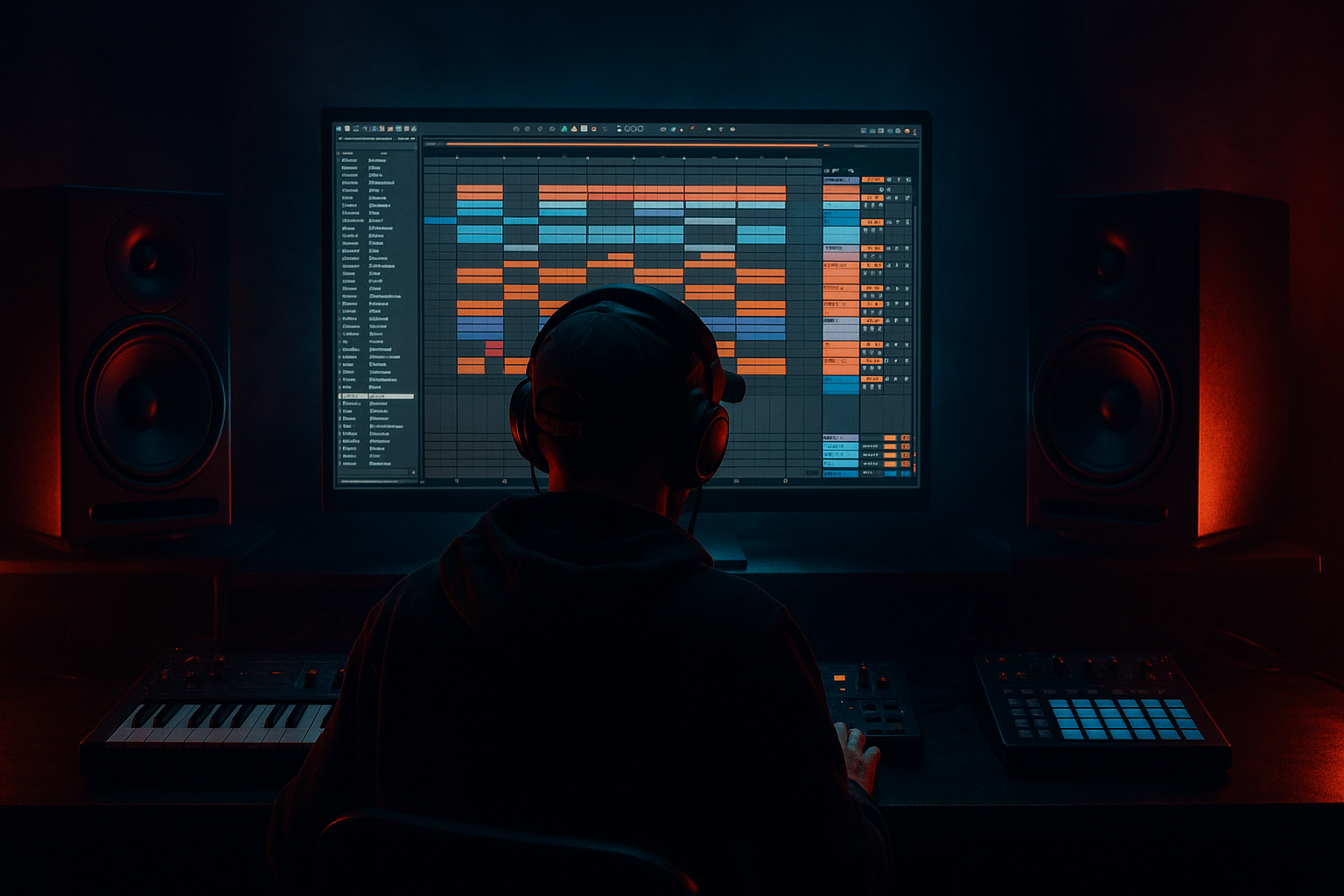
Main tutorial
Lesson Overview
This lesson shows you how to build an amen-style variation in Ableton Live 12 using macro controls so one loop can evolve into a proper jungle / oldskool DnB switch-up without losing the original groove.
The goal is not just “adding movement.” In DnB, an amen variation has a job: it should change the energy, rearrange the rhythm, and refresh the bass relationship while still sounding like the same tune. That makes it perfect for:
- 8-bar and 16-bar drop development
- second-drop variation
- call-and-response sections
- DJ-friendly breakdown-to-drop transitions
- rearrangement inside a loop that feels like a real track, not a jam
- break emphasis
- high-pass / low-pass movement
- snare accent shaping
- reverb and delay throws
- saturation intensity
- stereo width on the top layer only
- phrase-based filter automation for oldskool tension
- a rolled, chopped, oldskool jungle feel
- enough ghost-note motion to keep it from sounding copy-pasted
- a clear snare identity
- a bassline that stays locked and readable
- a mix-ready output that can sit in a drop or be resampled for further editing
- Use tension in the upper break, not the sub region. Keep the low end simple and let menace come from filtered tops, resonant movement, and clipped or saturated snare air. That gives you darkness without low-end collapse.
- Build one macro that “leans” into the snare. A subtle combo of filter opening, short delay, and a touch of reverb on accent hits can make the snare feel bigger without needing a huge transient boost.
- Resample the heaviest pass and chop the best bar. The printed version often contains small timing imperfections or FX interactions that sound more human and more jungle than a clean loop ever will.
- Use a darker first half and a dirtier second half. If the variation is going to live for 8 bars, let bars 1–4 be more contained and bars 5–8 carry more grit. That contrast gives the listener a real arc.
- Keep the kick/snare hierarchy obvious. In heavier DnB, the ear needs a stable anchor. If the amen variation gets too busy, the drop loses its physical impact even if it sounds exciting in solo.
- If you want more menace, reduce obvious brightness before adding distortion. A slightly filtered, saturated break often feels deeper and more dangerous than a bright break with heavy drive.
- Use small top-layer stereo motion, not wide wash. Tiny width changes on hats and upper ghosts can make the break feel alive while the core remains club-safe.
- Use only Ableton stock devices
- Limit yourself to 4 macros
- Keep the kick and snare clearly recognisable
- No more than one wide effect on the top layer
- Make one version that is cleaner and one that is dirtier
- one amen variation rack
- one 4-bar automation pass
- one printed audio bounce of the best version
- Does the variation still sound like the same tune?
- Can you hear the snare clearly when the bass returns?
- Does the macro movement feel like a phrase change rather than random FX?
- Does the result still work in mono?
- keep the break’s identity intact
- make the changes rhythmically meaningful
- leave room for the bass
- automate around musical phrases
- print the best version to audio when it feels right
Musically, this technique lives where your breakbeat, bassline, and arrangement automation meet. Technically, it matters because you need a way to make a break feel alive without destroying the pocket, and in jungle / oldskool DnB that means controlled variation: filter changes, slice emphasis, reverb throws, transient shifts, and bass interaction — all tied together with performance-friendly macro control.
By the end, you should be able to build a tight, mix-ready amen variation that feels like an intentional drop evolution: still heavy, still dancefloor-usable, but with enough change that it sounds like a real arrangement decision. A successful result should feel like the break is answering itself, with the groove opening up, closing down, and lifting the next phrase without collapsing the low end.
What You Will Build
You will build a 4–8 bar amen variation rack in Ableton Live 12 that uses macros to control:
The finished result should have:
In normal terms: it should sound like a proper amen variation you could drop in the second 8 of a tune, then bring back later with slightly more bite, more space, and a different rhythmic accent pattern — not a random effects preset.
Step-by-Step Walkthrough
1. Start with one amen loop and make the original groove the reference
Load your amen break into an audio track or Simpler, and keep the first pass simple. If you are working from a sampled break, slice it into a Drum Rack or use a loop in a single audio clip first — either is fine, but the point is to keep one version as the “reference groove.”
In a jungle / oldskool context, the variation only works if the original pocket is already convincing. So before you build macros, listen for:
- how the kick and snare land against the grid
- whether the ghost notes are driving momentum or cluttering the beat
- whether the loop already has a natural push on bar 2 or bar 4
If the original loop feels flat, don’t start macro-ing effects immediately. Tighten the chop first. A solid starting point is to trim obvious dead air, nudge a few slices forward by a few milliseconds for urgency, or pull a late snare back slightly if the groove feels rushed. In DnB, tiny timing moves change the whole attitude of the break.
What to listen for: the loop should already “dance” before you add variation. If it doesn’t, macros will just exaggerate the weakness.
2. Build a dedicated variation Rack with parallel layers
Duplicate the break onto a second track or resample the first loop into a new audio clip, then create an Audio Effect Rack on the variation track. The idea is to keep the original amen intact and build the variation as a controllable layer.
A strong stock-device chain for this is:
- EQ Eight
- Auto Filter
- Saturator
- Reverb
- Delay
- optional Utility
Keep the chain simple and purposeful. For oldskool DnB, you want the variation to feel like it came from the same sample family, not a completely different drum pack.
Suggested starting points:
- Auto Filter: low-pass movement around 6–14 kHz for opening/closing top energy
- EQ Eight: gentle cut around 250–400 Hz if the break gets boxy
- Saturator: soft drive around 2–6 dB for grit, not obvious distortion
- Reverb: short decay, roughly 0.4–1.2 s, with low cut engaged
- Delay: very low wet amount, short rhythmic repeats for select snare throws
- Utility: width control for only the top layer, not the whole break
Why this works in DnB: the variation needs to read as a phrase change, not a whole new drum part. Parallel processing lets you push character while preserving the original transient information.
3. Map 4–6 macros to musically useful moves, not random tweaks
The most useful macro controls are the ones that describe the musical intent of the variation. For this lesson, map your rack so one knob changes a cluster of related parameters.
Good macro assignments:
- Macro 1: Open/Close
- Auto Filter cutoff
- EQ Eight high shelf or low-pass point
- Macro 2: Grit
- Saturator drive
- subtle EQ Eight upper-mid lift if needed
- Macro 3: Space
- Reverb dry/wet
- Delay dry/wet
- Macro 4: Snare Throw
- Delay feedback or send amount on selected snare hits
- Reverb amount on selected accents
- Macro 5: Width
- Utility width on the top layer only
- Macro 6: Tension
- filter resonance or a small band-pass emphasis around the break’s brighter area
Keep the ranges restrained. In DnB, macros should change the relationship of the break, not turn the loop into an obvious FX demo.
Practical ranges:
- Filter cutoff: roughly 500 Hz to 12 kHz, depending on how filtered you want the variation
- Saturator drive: about 0 to 6 dB
- Reverb wet: 0 to 18% for most drum-use cases
- Delay wet: 0 to 12%, unless it is only hitting one accent
- Utility width on tops: 100% to 140% at most, and never on the sub-range of the break
Decision point: A versus B
- A: Subtle oldskool evolution — use the macros to make the break breathe, with small filter and space changes. This is better if the bassline is already busy and the tune needs DJ-friendly readability.
- B: More aggressive jungle switch-up — push grit, resonance, and snare throws harder, then resample the result. This is better if you want the break to feel more rewritten and less “looped.”
Choose A if the bass and drums need to stay tightly glued; choose B if the drop needs a more obvious statement.
4. Shape the variation around bar-length phrasing
Oldskool DnB works when the break feels like it is answering the phrase, not randomizing every hit. Program your macros so they change over 4 or 8 bars in a clear arc.
A very usable pattern:
- Bars 1–2: keep the break relatively dry and punchy
- Bar 3: open the filter slightly and add a touch of grit
- Bar 4: increase the snare throw or room energy
- Next 4 bars: either reset the vibe or push it further
If you are automating macro movement in Arrangement View, draw the changes so they support the phrase boundary, not the middle of a fill. A phrase change on bar 5, 9, or 17 feels much more musical than a random sweep halfway through a bar.
What to listen for: the transition should sound like the break is “leaning forward” into the next section, not like the top end is drifting in a way that fights the groove.
5. Add slice-level emphasis to make the amen variation feel rewritten
A real amen variation usually needs more than global processing. You want at least one layer of local rhythmic change. In Ableton, that means slicing or editing a few hits so the variation has a fingerprint.
Two practical approaches:
- Audio clip approach: duplicate the clip and edit specific hits by duplicating, cutting, or moving tiny regions
- Drum Rack / Simpler approach: slice the break and remap a few hits so you can trigger altered accents
Focus on three targets:
- a slightly different kick placement or kick ghost preceding the main backbeat
- one snare accent that gets a longer tail or short delay
- one top-loop fragment that repeats or stutters for tension
Keep the edits small. If you over-edit the break, you lose the amen identity and the groove becomes generic glitch percussion.
Stop here if... the variation already feels like a proper answer to the original break. At this point, you can commit the loop to audio and move into arrangement, rather than endlessly tweaking the same 2 bars.
6. Tie the variation to the bassline, because DnB lives in the drum/bass dialogue
This is where a lot of otherwise good amen variations fall apart: the break sounds exciting on its own, but it steps on the bassline or smears the drop.
Check the variation in context with your bass. In jungle and oldskool DnB, the break often needs to leave room for:
- a sub note that hits on the downbeat
- a reese or midbass that grows in the gaps
- a call-and-response phrase where drums and bass trade energy
If your bass is sustained, reduce the variation’s low-mid clutter around 180–400 Hz with EQ Eight. If the bass is more rhythmic, you can let the break be more active, but keep the sub region clean. Use Utility or careful EQ to ensure the break’s low end is not fighting the bass.
A useful check:
- solo the drums briefly
- then bring in bass
- if the variation suddenly loses impact, the break is probably too full in the low-mids or too wide in the wrong places
Mix-clarity note: keep the stereo width mainly on the top part of the break. The sub and kick energy should stay centered for mono compatibility and club translation.
7. Automate the macros like an arranger, not like a sound designer
Your macro moves should reflect arrangement intent. For example:
- at the end of a 4-bar phrase, open the filter and add delay to the snare
- in a build to the next section, increase tension and reduce body slightly
- on the first bar of a new phrase, pull the variation back so the drop lands harder
A useful arrangement example:
- 8-bar intro of the drop: start with the clean amen and bass
- bars 5–8: introduce the variation with increasing grit and space
- bar 9: reset to the original for impact
- bars 13–16: bring the variation back, but with a slightly different macro position and a more aggressive snare throw
This creates DJ-friendly logic: the listener hears a phrase that develops, then gets a reset, then gets a second evolution.
Workflow efficiency tip: record your macro moves as a full pass in Arrangement View, then simplify the automation lanes afterward. You will make better musical choices when you hear the whole phrase moving, instead of drawing every tiny curve in isolation.
8. Print the best version and resample the variation into a new audio clip
Once the macro movement feels right, commit the variation to audio. This is especially useful in jungle because resampling lets you capture the exact interaction between break, FX, and any timing quirks you created.
Why commit? Because once you print the pass, you can:
- cut a perfect fill
- reverse a tail
- duplicate one great bar into a later section
- create a second-drop variation from the same source
This is a classic workflow move for DnB: design the motion with macros, then freeze the musical moment and edit it like a sample.
If the rendered clip feels too wet or too narrow, go back and reduce the macro range rather than trying to fix it with more processing later. A clean print is more useful than a messy sound with extra EQ stacked on top.
9. Make one version for the first drop and one for the second drop
An amen variation becomes much more valuable when it can evolve across the arrangement. Make two versions:
- Drop 1 version: cleaner, tighter, more restrained
- Drop 2 version: more saturation, more snare throw, slightly more width on tops, maybe a different filter opening pattern
That second drop evolution is one of the most important DnB arrangement habits. It stops the tune from feeling like one loop repeated twice.
Try this simple contrast:
- Drop 1: Macro 2 (Grit) around 20–30%, Macro 3 (Space) low
- Drop 2: Macro 2 higher, Macro 3 slightly higher, Macro 5 (Width) nudged up on the top layer only
The difference should be obvious enough to feel like an upgrade, but subtle enough that the tune still sounds coherent. If the second drop is too different, the DJ-friendly identity gets weaker.
Common Mistakes
1. Making the variation too wet
This hurts the result because the snare loses edge and the break stops driving the tune.
Fix: reduce Reverb and Delay macro ranges, shorten decay, and keep the dry signal dominant. In Ableton, aim for small wet amounts and use the effect for punctuation, not constant wash.
2. Widening the whole break
This hurts mono compatibility and can make the low-end feel unstable in club systems.
Fix: keep width changes on the top layer only with Utility, and leave kick/sub information centered. Check the result in mono and reduce width if the snare loses focus.
3. Using too much saturation on the full break
This can blur transients and turn the amen into a midrange smear.
Fix: lower Saturator drive, or place EQ Eight before and after it so you only push the useful upper-mid character. If needed, resample and high-pass the printed layer so the sub-conflict disappears.
4. Changing too many things at once
If every macro moves wildly, the listener hears chaos instead of an intentional variation.
Fix: limit the main idea to one or two dominant motions per phrase, such as open filter + snare throw. Keep other macros barely moving or static.
5. Ignoring the bassline relationship
A great break variation can still fail if it masks the sub or fights the bass rhythm.
Fix: audition the variation with bass and drums together, then carve low-mid mud with EQ Eight around 200–400 Hz if needed. If the bass is very active, simplify the break variation in that section.
6. Over-editing the slice pattern
Too many chops can erase the amen identity and make the groove feel overworked.
Fix: preserve the core backbeat and ghost-note logic. Limit yourself to one or two strong edits per bar, especially around the snare.
7. Automating macro changes without phrasing
Random sweeps can sound technically interesting but musically clumsy.
Fix: move macros around 4-bar or 8-bar landmarks. In DnB, phrase-aware automation usually sounds more professional than continuous motion.
Pro Tips for Darker / Heavier DnB
Mini Practice Exercise
Goal: build one 4-bar amen variation with macro control that can sit in a drop and feel like a deliberate phrase change.
Time box: 15 minutes
Constraints:
Deliverable:
Quick self-check:
Recap
The core idea is simple: use macros to turn one amen loop into a controlled, phrase-aware variation.
Remember the priorities:
If it sounds like the break is evolving with purpose — not just being processed — you’ve nailed the lesson.

