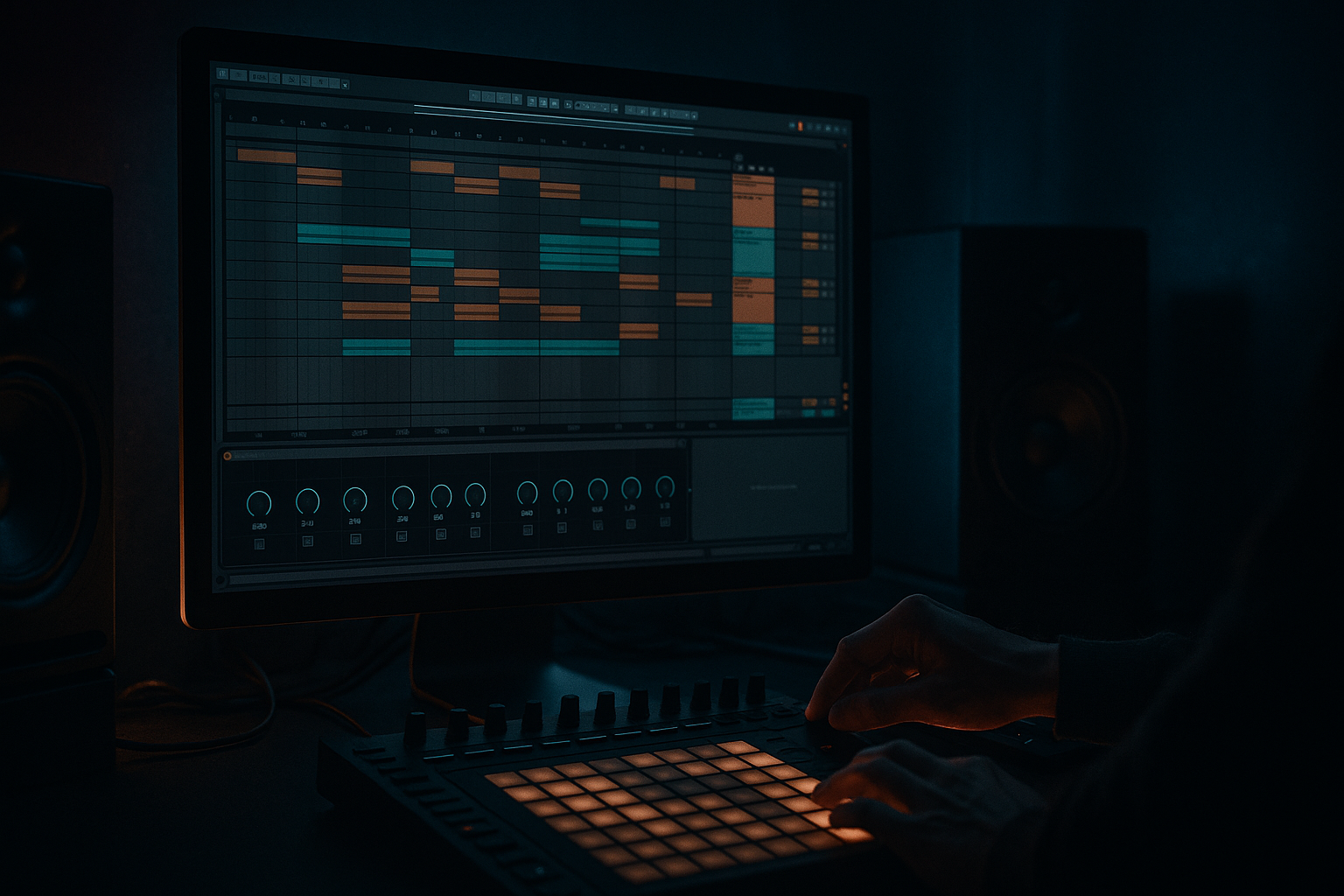
Main tutorial
Design a Ride Groove for Warm Tape-Style Grit (Oldskool Jungle DnB) — Ableton Live 12 (Resampling)
1. Lesson overview
In this lesson you’ll build an oldskool jungle/DnB ride groove that has that warm, slightly dirty “tape” bite—not harsh digital fizz. The key is:
- Start with a good ride pattern (syncopation + swing)
- Drive it into tape-like saturation, then
- Resample and re-shape the audio like you would with classic break processing 🎛️
- A 16-bar ride groove loop (MIDI → processed → resampled audio)
- 2 variations (cleaner intro + gritty main)
- A ready-to-drop arrangement idea: intro filtering → main section bite → small fills every 8 bars 🥁
- Put hits on: 1e, 1a, 2&, 2a, 3e, 3&, 4e, 4&
- In plain language: busy but “skipping”, not straight 8ths.
- Accents (strong): ~95–110
- Ghosts (soft): ~45–70
- Make the “&” of 2 and “&” of 4 slightly stronger for forward pull.
- Leave the grid on, but nudge some ghost hits slightly late (5–12 ms) for swagger.
- Keep accents more on-grid.
- HP filter: 24 dB/oct at 250–500 Hz (rides don’t need low-mids)
- Gentle dip if harsh: 3–6 kHz, -2 to -4 dB, Q ~1.5
- Optional air shelf later—don’t boost highs yet.
- Mode: Soft Sine or Analog Clip (both work; Soft Sine is smoother)
- Drive: 4–10 dB (start at 6 dB)
- Soft Clip: ON
- Output: pull down to match level (avoid being fooled by loudness)
- Drive: 5–20% (subtle at first)
- Crunch: 5–15%
- Boom: OFF (rides don’t need it)
- Damp: adjust to tame harshness (often 20–40% helps)
- Routing: single band is fine
- Type: Tape or Soft Clip style (choose what feels warm)
- Drive: low-to-mid (don’t nuke it)
- Add a tiny bit of Noise if it helps the “air”
- Use Roar’s filter to keep the grit focused above ~2 kHz
- Filter: LP12 or LP24
- Cutoff: automate between 6 kHz (darker) and 14 kHz (open) over 8–16 bars
- Add a touch of Drive in Auto Filter if needed
- Width: 80–110% (keep rides stable; too wide gets messy fast)
- Right-click the Ride MIDI track → Freeze Track → Flatten.
- Now you’ve got audio you can chop, fade, and process like a break.
- Consolidate to 4 or 8 bars.
- Add tiny fades to avoid clicks.
- Warp mode: Beats
- Chorus-Ensemble
- EQ Eight
- Bars 1–4: darker ride (LP around 6–8 kHz), lower level
- Bars 5–8: open the filter slowly, add +1–2 dB gain
- Bars 9–12 (main): full brightness + grit (filter open, full drive)
- Bars 13–16: add a 1/2-bar dropout or stutter for a fill
- Duplicate the audio clip, then in the last 1 bar:
- Sidechain the ride (lightly) from the snare or drum bus:
- Too bright before saturation: You’ll get brittle fizz instead of warm grit. Shape first, excite later.
- No velocity/timing variation: Straight rides sound EDM-ish, not jungle.
- Over-widening: Wide rides can smear your whole top end and fight with breaks.
- Distorting too hard: Tape-style grit is density + rounding, not harsh clipping (unless you want it intentionally).
- Not resampling: The “printed” audio step is what makes it feel like a sampled loop, not a live MIDI instrument.
- Parallel dirt: Duplicate the resampled ride track:
- Add short room for realism:
- Mono the grit layer: Keep dirty top layers more mono so the break’s stereo detail stays readable.
- Resample again after automation: If you automate filter/drive, print a second pass. Classic jungle is often “committed” audio.
- Program a syncopated jungle ride pattern with intentional velocity and micro-timing.
- Use pre-EQ → Saturator → Drum Buss for warm tape-ish density.
- Resample to audio and treat it like a classic loop: tighten, fade, warp carefully.
- Add subtle modulation + automation for authentic oldskool movement.
- Mix it around the break using light sidechain and controlled width. 🎶
We’ll do this using Ableton Live 12 stock devices, with a workflow that’s fast and repeatable.
---
2. What you will build
You’ll end up with:
The vibe target: ’94–’98 jungle/DnB energy, rides that feel “printed” to tape and re-sampled, with a rolling forward motion.
---
3. Step-by-step walkthrough
Step 0 — Project setup (so the groove sits right)
1. Set tempo to 165–172 BPM (try 170 BPM).
2. In Groove Pool, pick a swing:
- Start with MPC 16 Swing 55–58 (classic shuffle without turning into garage).
- Set Timing 60–80%, Velocity 10–20% (subtle).
> Jungle rides often feel “human” but still tight—use swing + velocity before you reach for randomization.
---
Step 1 — Choose a ride source that works for jungle
You can do this two ways:
#### Option A (recommended): Drum Rack with a ride one-shot
1. Create a MIDI track → load Drum Rack.
2. Drop a Ride sample onto a pad (from your library).
- Aim for a medium-bright ride with a clear “ping”, not a washy 909 crash-ride.
3. In Simpler (Classic mode) inside Drum Rack:
- Voices: 1 (forces monophonic for consistent “stick” definition)
- Vel → Vol: ~30–50%
- Filter: On, LP12, around 12–16 kHz to remove brittle top (we’ll excite it later in a nicer way)
#### Option B: Use a break ride layer (very authentic)
Layer a subtle ride from a break (or a break “air” top) underneath the one-shot. Keep it quiet—it’s about texture.
---
Step 2 — Program the ride groove (oldskool syncopation)
Create a 1-bar MIDI clip and loop it.
Base pattern (16th grid, jungle-style drive):
Velocity shaping (super important):
Timing:
> A classic jungle trick: tight accents + lazy ghosts. That’s the “rolling” illusion.
---
Step 3 — Build the tape-style grit chain (stock devices)
On the Ride MIDI track, add this device chain (in order):
#### 1) EQ Eight (pre-shape into the saturator)
#### 2) Saturator (your “tape-ish” driver)
Goal: more density + harmonics, not obvious distortion.
#### 3) Drum Buss (glue + crunch)
This is your “printed to a hot mixer/tape” vibe.
#### 4) Roar (optional but powerful for Live 12)
If you want a darker, more “hardware” bite:
> If Roar is too much, skip it—Saturator + Drum Buss is already classic.
#### 5) Auto Filter (movement like sampled tops)
#### 6) Utility (control width + mono discipline)
---
Step 4 — Resampling workflow (print it like classic jungle)
Now we “commit” to the vibe by printing audio.
#### Method A: Resample to a new audio track (fast)
1. Create a new Audio Track called `RIDE RESAMP`.
2. Set Audio From: the Ride track (or “Resampling” if you want the full bus sound).
3. Arm `RIDE RESAMP` and record 8–16 bars of the groove.
#### Method B: Freeze/Flatten (clean and quick)
---
Step 5 — Audio processing after resample (the real magic)
On the resampled audio clip, do this:
#### 1) Clip editing (tightness + groove)
- Preserve: Transients
- Transient loop: off / minimal
- Keep it tight; you’re not time-stretching much.
#### 2) Add “tape wobble” motion (subtle!)
Use Shifter or Chorus-Ensemble lightly:
- Amount: 5–15%
- Rate: 0.15–0.35 Hz
- Mix: 5–12%
This gives a gentle modulation like slightly unstable playback.
#### 3) Final tone EQ (post grit)
- HP at 300–600 Hz
- If it’s spitty: small notch around 7–9 kHz
- If it’s too dull: tiny shelf +1–2 dB at 10–12 kHz (don’t overdo)
---
Step 6 — Make it “jungle” with arrangement moves 🎚️
Oldskool rides aren’t static. Try this structure over 16 bars:
Easy fill idea (every 8 bars):
- Add Beat Repeat (stock!)
- Interval: 1 Bar
- Grid: 1/8 or 1/16
- Chance: 20–35%
- Mix: 10–25%
- Or simply cut the ride for 1/4 bar before the snare to create tension.
---
Step 7 — Make it sit with breaks + bass (important mix context)
Your ride should support the break, not replace it.
- Compressor
- Sidechain: Snare track
- Ratio: 2:1
- Attack: 5–15 ms
- Release: 60–140 ms
- Gain reduction: 1–3 dB
This keeps the snare crack clean—very jungle. ✅
---
4. Common mistakes
---
5. Pro tips for darker/heavier DnB 🖤
- Track A: cleaner (main)
- Track B: dirtier (Saturator Drive 10–14 dB + low-pass at 8–10 kHz)
- Blend Track B quietly for menace.
- Hybrid Reverb (Room / small)
- Decay: 0.3–0.7 s
- Pre-delay: 0–10 ms
- Wet: 3–8%
This gives that “in the room with the break” feel.
---
6. Mini practice exercise (10–15 minutes)
1. Build two ride grooves:
- Groove 1: busier 16th syncopation
- Groove 2: simpler (mostly 8ths with ghost 16ths)
2. Process both with the chain (EQ Eight → Saturator → Drum Buss → Auto Filter).
3. Resample each to audio.
4. Make a 16-bar arrangement:
- Bars 1–8: Groove 2 (darker)
- Bars 9–16: Groove 1 (brighter + louder)
5. Drop your favorite break underneath and check:
- Does the snare still punch?
- Is the top end exciting without hiss?
---
7. Recap
If you tell me your target subgenre (early jungle, techstep, modern rollers with oldskool tops) and whether your main drums are break-only or break+one-shots, I can suggest a ride pattern and processing values that fit that exact lane.

