Main tutorial
Lesson Overview
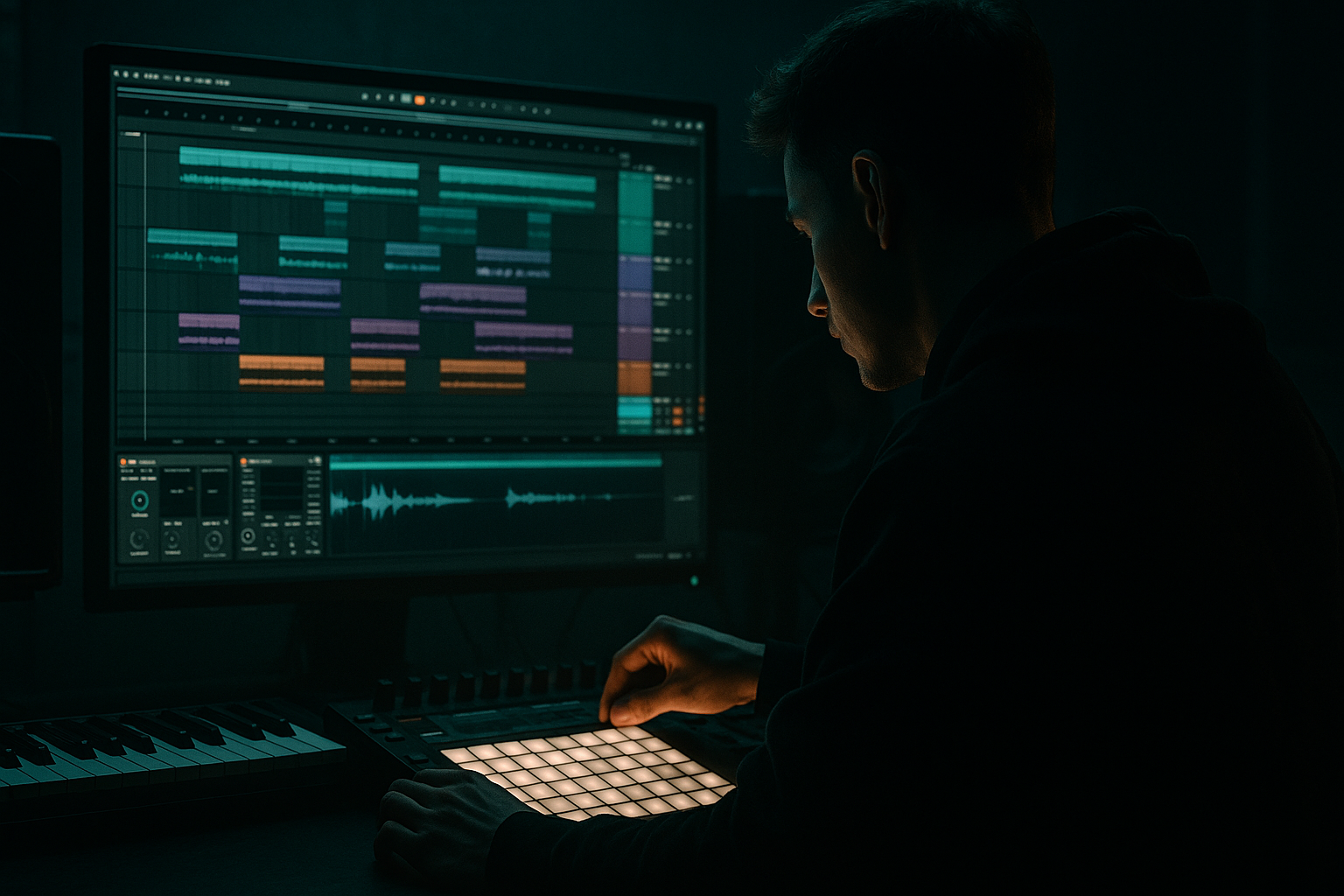
This lesson is about using Ableton Live 12’s Groove Pool to create impact, swing, and character in a jungle / oldskool DnB context, then resampling the results so the groove becomes part of the sound design itself. The goal is not just to “add swing” to drums — it’s to make your entire drop feel like it has been played, chopped, bounced, and re-bounced through a real rave workflow.
In Drum & Bass, especially jungle, rollers, and darker break-driven tracks, groove is everything. A technically clean loop can still feel flat if the hats, snares, and break hits all sit too rigidly on the grid. The Groove Pool lets you inject micro-timing and velocity feel borrowed from classic MPC-style swing, funk records, and old hardware workflows. Then resampling turns that movement into new audio you can chop, layer, distort, and arrange into impact moments.
This matters because oldskool DnB energy is often built from:
- drum displacement
- breakbeat tension
- ghost-note movement
- call-and-response phrasing
- bass hits that answer the drums
- audio edits that feel “performed,” not programmed
- a tight kick/snare foundation
- a chopped break layer with humanized groove
- a ghost-note ride or hat pattern that pushes the swing
- a reese or sub-bass phrase that responds to the drum pocket
- a resampled impact audio layer made from your groove processing
- a short drop switch-up or fill that can be used before a second drop or 16-bar variation
- a 4 or 8 bar loop that already has movement
- a first drop section with obvious rhythmic bounce
- an oldskool jungle nod without sounding like a weak copy
- a heavier modern edge thanks to resampled texture and controlled processing
- Drum Rack
- Simpler
- Auto Filter
- Saturator
- Drum Buss
- Glue Compressor
- EQ Eight
- Utility
- Resampling / audio recording in Arrangement or Session View
- Applying the same groove percentage to every element
- Using groove that is too extreme
- Letting groove ruin the snare anchor
- Resampling before the groove feels right
- Overprocessing the resampled audio
- Forgetting sub discipline
- Split your drum groove into “anchor” and “texture” layers
- Resample a drum group with light saturation already on it
- Use velocity groove to create tension
- Keep reese basses out of the way of the snare’s attack
- Create switch-ups from resampled edits
- Automate subtle filter motion on the resampled layer
- Groove Pool is a powerful way to create oldskool jungle feel in Ableton Live 12.
- Keep kick and snare stable, and let hats, breaks, and ghost notes carry the swing.
- Use moderate groove percentages first: about 55–65% timing is a strong starting point.
- Resample the grooved drums so the feel becomes usable audio for fills, impacts, and switch-ups.
- Shape the resample with stock Ableton devices like EQ Eight, Saturator, Drum Buss, Glue Compressor, and Utility.
- In DnB, the best groove is the one that makes the track feel alive without weakening the drop’s impact.
Used well, Groove Pool is a fast way to create that “the drums are leaning forward” feeling without losing mix control. Used with resampling, it becomes a secret weapon for making fill sections, drop switch-ups, and gritty impact layers that sound custom rather than loop-preset generic.
What You Will Build
By the end of this lesson, you’ll have a jungle-inspired 174 BPM drum-and-bass section featuring:
Musically, the result should feel like:
You’ll use Ableton stock devices like:
Step-by-Step Walkthrough
1. Build a clean DnB foundation before touching groove
Start at 174 BPM and create a basic 2-step / break hybrid in Drum Rack. Keep the pattern simple first:
- Kick on beat 1 and a light pickup before 3
- Snare on beat 2 and 4
- Add a chopped break or top loop with space around the snare
- Keep sub bass off for a moment so you can hear timing clearly
Use stock drums or your own one-shots. The exact samples matter less than the pocket. If you already have a break, drop it into Simpler in Slice mode and trigger slices from MIDI. This gives you control over which hits stay rigid and which ones can be pushed or pulled.
Keep your first version dry. No big reverb, no wide stereo tricks yet. You want the groove to be obvious before adding polish.
2. Choose the right source material for groove extraction
Groove Pool works best when you choose a source that already has feel. In jungle / oldskool DnB, that usually means:
- a classic break loop
- a percussion loop with light swing
- a hat pattern that has uneven velocity
- a MIDI pattern played in with slight timing imperfections
Drag a break or drum clip into the Groove Pool area in Ableton Live 12 to extract its groove. If your source is a MIDI clip, you can still capture its timing and velocity feel. If it’s audio, the groove can be derived from the clip’s rhythmic contour.
For this lesson, use a break or percussion clip that has:
- clear off-grid hi-hat movement
- accented ghost notes
- a slightly late snare or kick feel
The key is authenticity. If the source groove is too straight, the extracted groove won’t give you that oldskool drag.
3. Apply groove with intention: not every track needs the same amount
Now apply the groove to your drum clips. In Ableton, each clip can be assigned a groove from the Groove Pool. Start with a moderate setting so you can hear the effect without destroying the pocket.
Good starting points:
- Timing: 55–65%
- Random: 0–8%
- Velocity: 10–25%
Use a stronger groove on:
- top hats
- percussion
- break chops
- ghost notes
Use a lighter groove on:
- main kick
- main snare
- sub-bass MIDI
Why this works in DnB: the kick and snare anchor the dancefloor, but the tops and breaks provide the motion. If everything gets the same groove amount, the track can lose impact and feel sloppy. In jungle, the trick is often controlled asymmetry: a firm downbeat with a loose top layer.
4. Offset your groove between layers for a “real band” push-pull
This is where things start to feel premium. Don’t apply the exact same groove to every percussion element. Instead, create contrast:
- apply a slightly stronger groove to the break layer
- apply a lighter groove to hats
- leave the main snare almost straight
- nudge ghost percussion to sit a hair behind the snare
Example setup:
- Break chop clip: Groove at 60% timing
- Hat loop: Groove at 45–50% timing
- Snare fill layer: Groove at 20–30% timing
- Sub-bass MIDI: No groove or very light groove
Then listen for the pocket between the kick and snare. The goal is to create a sensation that the drums are “breathing” around the downbeat.
If the drums start feeling lazy, reduce groove on the main transient elements and keep the swing for the details. That’s a very DnB-specific judgment: you want movement without losing attack.
5. Use groove to shape ghost notes, fills, and break edits
Now turn the groove into arrangement material. Duplicate your drum clips and make a 2-bar variation:
- mute a few main break slices
- add ghost hats before the snare
- place a short snare drag or flam into the last half bar
- leave a tiny gap before the drop impact
Then apply groove to the edited clips again. The groove will exaggerate the “played” feeling of the fill.
A very useful oldskool move:
- in bar 4 of an 8-bar loop, remove some kick energy
- add a break fill with more syncopation
- use Groove Pool to make that fill feel like it was played live
In jungle, these little edits are huge. They create the sensation that the loop is evolving instead of looping.
6. Resample the grooved drums into audio
This is the key step. Once the groove feels good, resample it so the timing, velocity, and texture become audio you can manipulate further.
Set up a new audio track and choose:
- Audio From: Resampling if you want the full master or group output
- or route from your drum group if you want only the drums
Arm the track and record a 4- or 8-bar pass of the grooved drums. This gives you a unique audio bounce with the exact micro-feel you built.
Why resample here?
- it freezes the groove into a usable audio performance
- it makes later editing faster
- it gives you chop points for fills, impacts, and reverses
- it lets you process the groove as texture, not just timing
Once recorded, drop the audio into Simpler or slice it manually in Arrangement. Use the resampled file as a source for:
- impact hits
- reverse swells
- one-bar fills
- stutter edits
- layer reinforcement behind the original drums
7. Shape the resampled audio with stock processing
Put your resampled audio through a practical DnB chain. A solid starting point:
- EQ Eight: high-pass around 80–120 Hz if it’s a drum texture layer
- Saturator: drive around 2–6 dB, Soft Clip on if needed
- Drum Buss: Drive low to moderate, Transients slightly up for bite
- Auto Filter: automate subtle low-pass movement in transitions
- Glue Compressor: light compression, around 1–2 dB gain reduction
If the resample is meant as a fill or impact layer, don’t overmix it with the main kit. It should add attitude and density, not replace the core drums.
For oldskool jungle flavor, try resampling a section with a slightly overdriven character, then cutting it into the arrangement as a short answer phrase after the main snare hit. That gives you a “post-hit tail” that feels like an edited tape bounce.
8. Build bass phrasing around the groove, not on top of it
Now bring in bass. For this style, a reese, sub, or distorted mid-bass should answer the groove rather than sit mechanically against it. Use Operator, Wavetable, or a sampled bass in Simpler.
Keep the bassline phrasing short and conversational:
- let the sub hold down the root on strong hits
- leave gaps where the drums need space
- place bass notes after snare accents for call-and-response
- use short note lengths for darker, rolling energy
Good movement ideas:
- automate a low-pass filter on the bass phrase from closed to slightly open across 4 or 8 bars
- use Saturator or Overdrive lightly for bite
- keep the sub mono with Utility
- if using a reese, high-pass the stereo layer and keep the pure sub separate
The groove from the drums should influence where the bass breathes. In DnB, bass that respects drum phrasing tends to hit harder than bass that fills every gap.
9. Automate groove-based transitions and impact moments
Use your grooved and resampled material to create arrangement movement:
- low-pass the drum group before the drop
- automate a tiny delay on a break chop for tension
- reverse a resampled hit into the first snare of a new phrase
- cut the bass for half a bar before a fill
- bring in a filtered resample as a pre-drop lift
A strong arrangement idea:
- 8-bar intro
- 16-bar drop A
- 4-bar break/fill with resampled edits
- 16-bar drop B with slightly more groove and extra top percussion
This is where Groove Pool becomes more than a swing tool. It’s now part of the arrangement identity. The drop feels human, while the resampled edits make it sound deliberately built.
10. Do a quick mix reality check
Before calling it done, check:
- mono compatibility on bass and drum group
- low-end separation between kick and sub
- whether the groove makes hats too loud after velocity changes
- whether the resampled layer is masking the main snare
Use Utility on the sub or reese’s low band to keep it centered. If the groove created too many sharp top-end spikes, tame them with EQ Eight or reduce groove velocity on the offending clips.
A good final test: mute the resampled layer. If the groove still works, the layer is enhancing, not carrying. Then unmute it and notice whether the track feels more alive, more edited, and more “finished.” That’s the win.
Common Mistakes
- Fix: keep kick/snare more stable and apply stronger groove to hats, breaks, and ghost notes.
- Fix: start around 55–65% timing and only go stronger if the track still hits hard.
- Fix: keep the main snare mostly straight so the drop stays danceable.
- Fix: audition the loop for at least 4 bars before bouncing. If the pocket isn’t convincing in loop form, the resample won’t save it.
- Fix: remember the resample is already full of character. Use light saturation and controlled EQ, not a wrecking ball.
- Fix: keep low-end mono, and don’t groove the sub so much that it starts fighting the kick.
Pro Tips for Darker / Heavier DnB
- Keep kick and snare almost rigid.
- Let hats, shuffles, and break ghosts carry the movement.
- This keeps the track heavy while still human.
- A small amount of Saturator or Drum Buss before resampling can give you a more aggressive bounced texture.
- Great for intro fills, drop impacts, and gritty transitions.
- Lower the velocity of selected hats or break ghosts in the second half of a phrase.
- Then bring them back full in the drop.
- That contrast makes the return feel bigger.
- If the groove makes the bass feel too busy, shorten note lengths or filter it slightly during snare hits.
- Dark DnB works best when the snare can breathe.
- Take the bounced drum phrase, slice out 1/2-bar fragments, and rearrange them for the last 2 bars before a drop.
- This is a classic underground technique that sounds bespoke fast.
- A tiny low-pass move across 8 bars can turn a static fill into a living transition.
- Keep it subtle: you want atmosphere, not a dubstep wobble unless that’s the goal.
Mini Practice Exercise
Spend 10–20 minutes making a groove-driven jungle impact loop:
1. Set Ableton to 174 BPM.
2. Create a 2-bar drum loop with kick, snare, and a chopped break in Drum Rack or Simpler.
3. Extract or choose a groove from a break-style clip.
4. Apply the groove at:
- 60% to break chops
- 50% to hats
- 20% to the snare layer
5. Duplicate the loop and make a 1-bar fill by removing 2–4 hits and adding a snare drag or ghost hat.
6. Route the drum group to a new audio track and resample 4 bars.
7. Add EQ Eight + Saturator + Drum Buss to the resampled audio.
8. Chop one short impact from the resample and place it before the next downbeat.
9. Add a simple bass response: one short reese note or sub note after the snare.
10. Loop the section and ask: does the groove feel like it’s pushing the track forward?
If it feels too straight, increase groove only on the top layers. If it feels messy, reduce groove on the main snare or kick and keep the swing in the break texture.

