Main tutorial
1. Lesson Overview
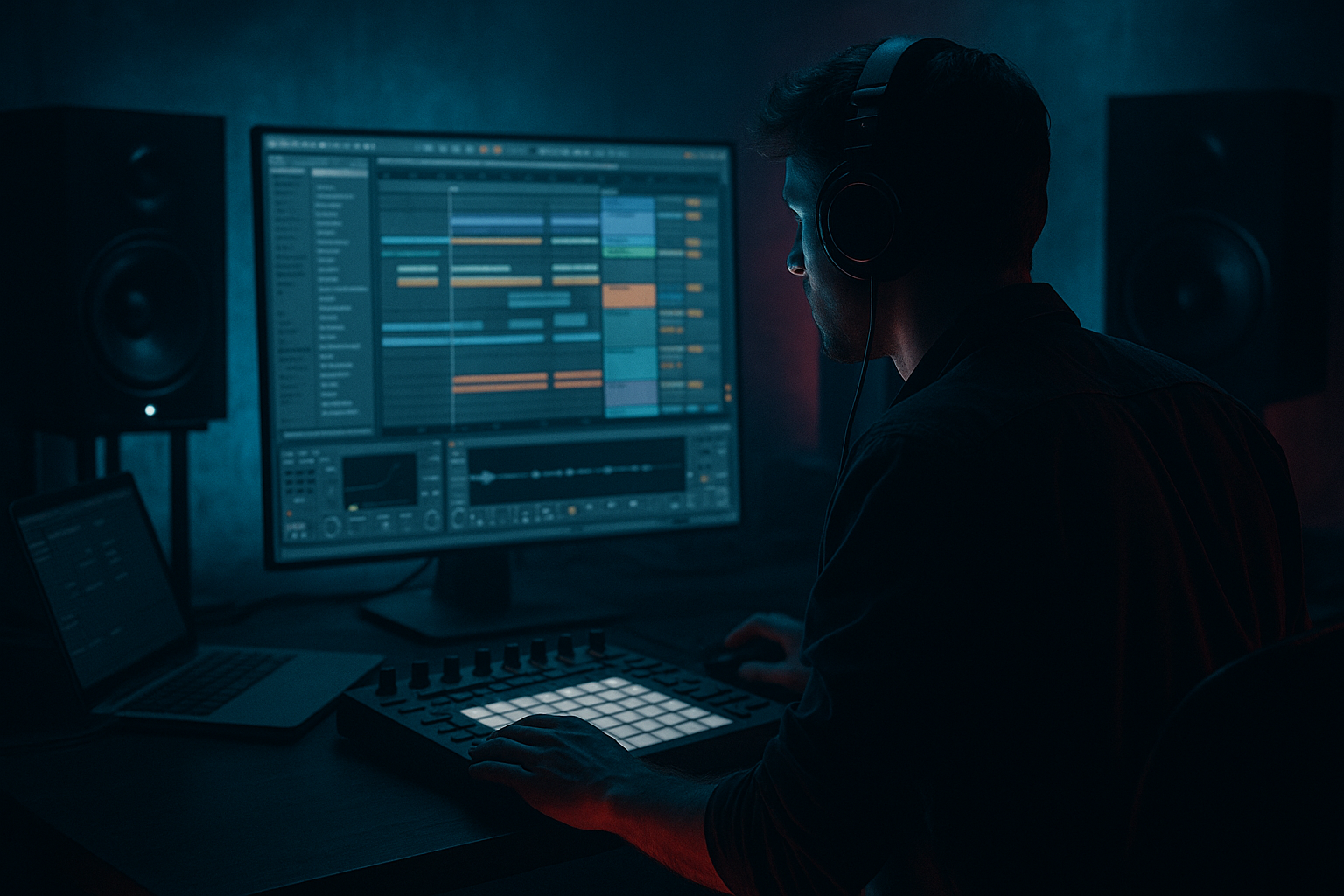
This lesson teaches a practical, Ableton Live 12 workflow for creating a dBridge clap layer: flip and arrange in Ableton Live 12 for 90s-inspired darkness. You’ll build a layered clap that flips (reverse/pitch-chop/warp) into ghost hits, sit it with your snare, and arrange it across an intro/build/drop so it reads like classic dark 90s Drum & Bass. All steps use Ableton stock devices (Simpler/Sampler, EQ Eight, Drum Buss, Glue Compressor, Hybrid Reverb, Beat Repeat, Utility, etc.) and focus on intermediate workflow techniques: layering, micro-editing, routing, and automation.
2. What You Will Build
- A 2- or 3-layer clap instrument:
- An arrangement pattern showing how the flipped clap contributes to tension and release across sections typical of dark 90s DnB.
- A short set of automation and group-processing that keeps the clap dark, tight, and punchy in the mix.
- Reverb too long on flips — blurs the snare. Keep flip reverb short (or gated) so it doesn’t smear transients.
- Over-layering without checking phase — layers can cancel at crucial frequencies. Always flip-phase or solo layers to check summing.
- Making the flip the same every bar — repetition kills tension. Automate pitch, filter, or send levels across sections.
- Too much high frequency — “90s darkness” often means reduced top-end; don’t over-brighten the clap.
- Forgetting sidechain from kick — claps can crowd the kick and low-mid. Use sidechain Duck on CLAP_MASTER low band if necessary.
- Use Sampler’s pitch envelope for more natural-sounding flips than clip transpose: set a short downward pitch-drop to “lead” into the hit.
- Duplicate the flip clip and apply small reverse/transient offsets per bar to create a humanized, evolving texture without re-editing.
- For a classic 90s feel, automate a quick (10–40 ms) pre-delay on the reverb only on the flipped clap — it gives a short “suck-in” before the hit.
- Use Hybrid Reverb’s early reflections to simulate gated room size; pair with short tail and volume automation to gate instead of using an explicit gate device.
- When using Beat Repeat on the flip, automate the Chance parameter to make stutters unpredictable during drops and predictable during fills.
- Freeze and flatten complex chains once satisfied; then compress lightly on the flattened audio to glue the flip permanently into the arrangement.
- A dry transient “meat” clap for the snare stack.
- A flipped (reversed / pitch-automated) clap ghost used as a lead-in to snares.
- A processed “air/noise” clap layer for texture (saturation + gated reverb).
3. Step-by-Step Walkthrough
Preparation: Bring in material
1. Create a new Live 12 Set with your Drum Rack/snare and kick already placed (or import a basic DnB loop at ~170–176 BPM).
2. Drag 3 different clap samples (or duplications of a single clap) into the Session view or a new Audio Track. Label them: CLAP_MEAT, CLAP_FLIP, CLAP_AIR.
Layer 1 — CLAP_MEAT (solid transient)
3. Load CLAP_MEAT into Simpler in Classic mode (drop sample into an empty MIDI track’s Simpler or use Sampler if available).
- Set a short Attack (0–3 ms) and short Decay (80–120 ms) to keep it tight.
- Use the Filter set to Low-pass with 12 dB slope; cutoff around 6–7 kHz to tame harsh top end.
- Transpose +-0–2 semitones to taste for tonal weight.
4. Place this Simpler on your snare lane (e.g., play on beat 2 and 4) and consolidate if using audio. Group this with other snare layers later.
Processing:
5. Send CLAP_MEAT to a group channel called CLAP_GROUP. Insert:
- EQ Eight: High-pass at 100 Hz (12 dB) to remove sub rumble, slight bell boost around 200–400 Hz (+1.5–2.5 dB) for warmth, gentle cut at 3–6 kHz if it’s too brittle.
- Drum Buss: Drive 2–4, transient to taste (increase “Transient” knob slightly to emphasize attack), and mix down to taste for glue.
- Glue Compressor (after Drum Buss): Slight ratio (2:1), attack 1–10 ms, release ~200 ms, 1–3 dB gain reduction to glue layers.
Layer 2 — CLAP_FLIP (the “flip”)
6. Load CLAP_FLIP into an Audio Track (not Simpler yet). Double-click the clip to open Clip View.
- Duplicate the clip so you have a working region.
7. Create the flip: Duplicate the clip, then enable Reverse in the Clip View for the duplicate. This is the simplest “flip” starting point.
8. Fine-tune timing: move the reversed clip earlier by about 1/16 to 1/8 note so its transient rushes into the original clap (this creates the classic pre-slap effect). Use Grid set to 1/16 for precise nudging.
9. For harder flips (chopped/stuttered):
- Duplicate the reversed clip, consolidate, drop into Simpler (use Classic or Sampler).
- In Simpler, automate Sample Start to create micro-slices as the clip plays, or use the clip’s warp markers and pull a transient fragment (1/32–1/16 length) and map that to MIDI to play stutters.
10. Add tonal motion:
- Use Simpler/Sampler pitch envelope: set a short negative pitch envelope (2–6 semitones drop over 60–120 ms) to add a descending flip motion as it resolves into the clap.
- Alternatively, add a small amount of automation to Transpose on the clip or Simpler.
Processing for CLAP_FLIP:
11. Send CLAP_FLIP to CLAP_GROUP (or a dedicated return) but with parallel processing chain:
- EQ Eight: narrow cut at 3–5 kHz to make it darker and less brittle.
- Saturator: “Soft Sine” with Drive 1–2 dB, Tone to darken; or “Warmth” on Drum Buss.
- Hybrid Reverb (or Reverb): keep Decay short (0.2–0.8 s), Pre-Delay small (6–20 ms) and Diffusion low. Use a short gated reverb technique: put Reverb on a Return, automate the Send so reverb only appears briefly before the snare.
- Optional: Beat Repeat (Interval 1/32–1/16, Grid 1, Chance low) on clip automation for occasional stutters.
Layer 3 — CLAP_AIR (texture + darkness)
12. Load CLAP_AIR into Simpler in Slice or Classic mode.
- Low-pass around 6k, High-pass 200–300 Hz to keep only mid-air.
- Add Grain Delay (small spray and pitch random), or Redux (bit reduction small) to create grime.
- Widen with Utility (Width 120–150%) but send to mid/side chain if it smells out of phase with snares.
Glue and Glue Variations
13. Duplicate CLAP_GROUP track twice to create A/B variations for different sections:
- CLAP_GROUP_DARK: additional EQ Eight notch around 4–6 kHz, more Drum Buss drive.
- CLAP_GROUP_WIDE: more air layer, increased Hybrid Reverb send and Utility width.
14. Create a Group (Cmd/Ctrl+G) called CLAP_MASTER. On CLAP_MASTER insert:
- Multiband Dynamics (optional): tame low-mid build-up.
- Glue Compressor lightly to unify.
- Sidechain Compressor: sidechain from Kick to duck claps’ low end slightly so kicks remain dominant.
Arrangement — where to place the flip
15. Basic pattern ideas (bars counted in 16ths at 170–176 BPM):
- Drop section (full energy): CLAP_MEAT on beats 2 and 4, CLAP_FLIP placed as a reversed pre-roll hitting 1/16–1/8 before the snare. CLAP_AIR layered on every 2nd snare to add motion.
- Break / Intro: use only CLAP_FLIP stutter-phrases (1 bar repeats with Beat Repeat) to create tension with low-pass automation sweep toward the drop.
- Build: gradually increase CLAP_FLIP send to reverb and saturation; shorten reverb decay to tighten before the drop.
16. Automations to emphasize darkness:
- Automate CLAP_MASTER EQ Eight low-pass cutoff during builds (sweep downwards to darken).
- Automate Send to Reverb on CLAP_FLIP for gated swells that disappear on the drop.
- Automate Simpler pitch envelope depth slightly between sections to keep flipping motion evolving.
Micro-editing & Humanization
17. Use the Groove Pool: drag a groove with moderate swing (try “Electric Swing” or 16C swing template), apply to the CLAP_MEAT clip only (or CLAP_FLIP at a reduced amount) to introduce 90s off-grid feel. Set the Groove Timing 10–40% and Quantize to 1/16 for subtle swing.
18. Micro-nudge: slightly offset the CLAP_MEAT by ±3–12 ms occasionally to mimic live handclap bleed and increase darkness by creating micro-imbalances.
Mix-check and Final Touches
19. Check phase: when layering, flip-phase of one layer if peaks cancel. Use Utility for phase invert on a problematic layer.
20. Final glue: bus the clap layers into CLAP_MASTER and apply a final EQ to notch out 2–4 kHz if the clap is too bright. Add a subtle stereo reverb on a dedicated return that is gated (use volume automation or an envelope in Hybrid Reverb) for that 90s gated reverb vibe.
21. Bounce variants: consolidate sections with the chosen flips and export stems (or freeze/flatten) so CPU-heavy Beat Repeat or Grain Delay processing doesn’t crash a session.
4. Common Mistakes
5. Pro Tips
6. Mini Practice Exercise
Time: 20–30 minutes
1. Load a simple drum loop at 174 BPM with a basic snare on 2/4.
2. Create three clap layers (MEAT, FLIP, AIR) as described above using only Simpler, EQ Eight, Drum Buss, and Hybrid Reverb.
3. Make a reversed flip that lands 1/16 before your snare; add a -4 semitone pitch envelope on the flip.
4. Put all three layers into a group and add Glue Compressor (1–3 dB gain reduction).
5. Arrange: Intro (bars 1–8) use only CLAP_FLIP with reverb pushes; Build (bars 9–16) increase flip reverb and add occasional Beat Repeat stutters; Drop (bars 17–24) use all layers tight and remove reverb send.
6. Export the 8-bar loop and compare A/B: with and without the flip. Note how flip placement changes perceived darkness/tension.
7. Recap
You now have a workflow for making a dBridge clap layer: flip and arrange in Ableton Live 12 for 90s-inspired darkness. Key moves were: creating a tight MEAT layer in Simpler, crafting a reversed/pitched FLIP and automating its timing and sends, adding an AIR texture layer and routing everything through a group for glue and sidechaining. Use short gated reverbs, subtle distortion, pitch envelopes, and micro-timing nudges to achieve a dark, atmospheric, and rhythmically compelling clap arrangement that sits correctly with your snare and the rest of the Drum & Bass mix.

