Main tutorial
Lesson Overview
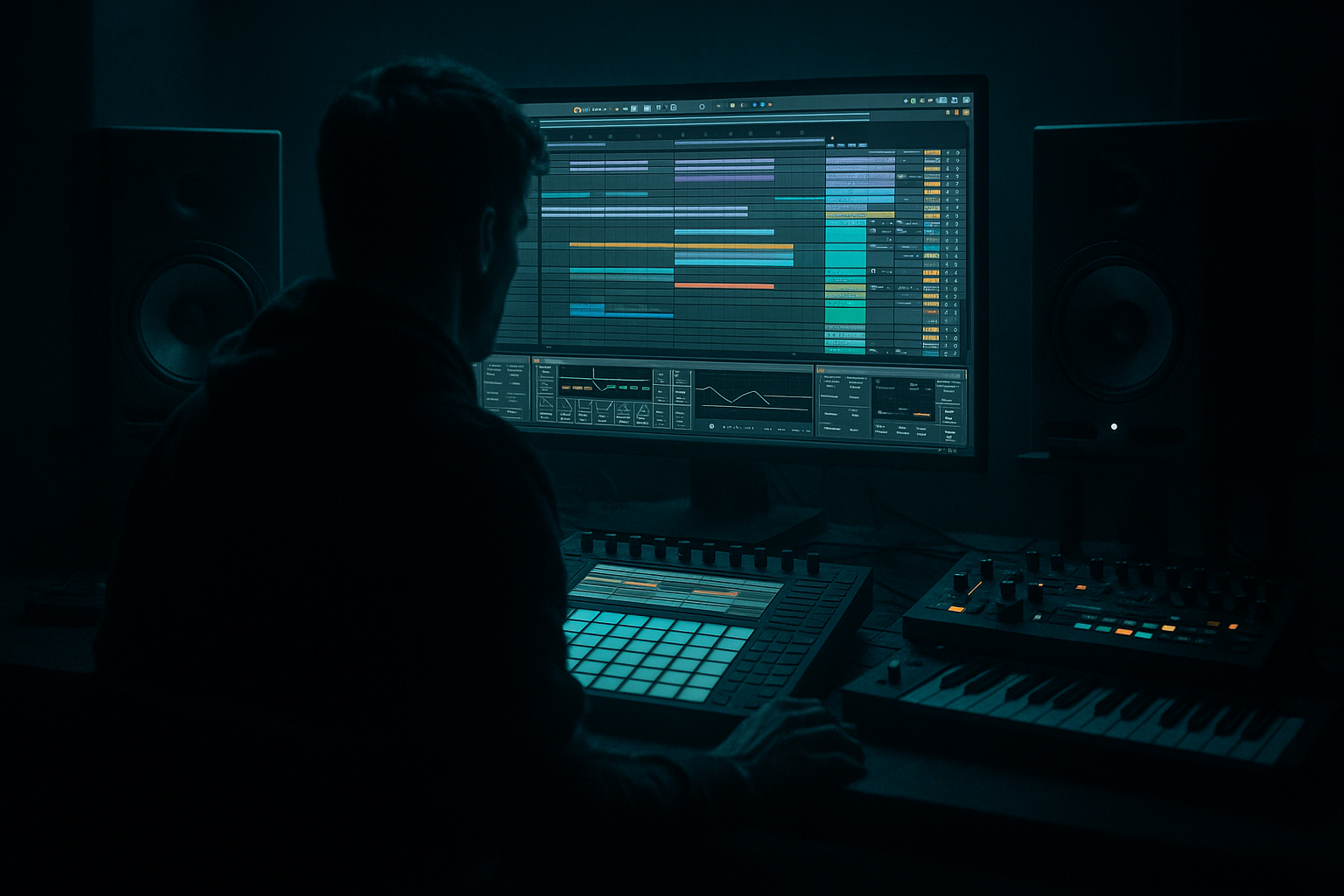
In this lesson, you’ll build a Darkside DnB kick weight carve workflow in Ableton Live 12, then lock it into a jungle swing feel so your drums breathe like proper underground Drum & Bass instead of sounding stiff or over-processed.
The goal is simple: make the kick feel heavy and forward without fighting the sub bass, and make the groove feel human, rolling, and broken-up like classic jungle and darker rollers. This is a core DnB skill because in fast tempos, even tiny low-end clashes or rigid timing can make a track feel flat. When the kick, snare, break, and bass all have clear space, the tune instantly feels louder, cleaner, and more professional.
You’ll learn how to:
- carve low-end space around the kick,
- make the kick sit with sub bass without losing punch,
- apply swing in a way that feels like jungle rather than generic house shuffle,
- and keep the drum/bass relationship controlled enough for dark, heavy arrangement sections.
- intros where you want tension and groove without full energy,
- drop sections where the kick has to punch through dense bass,
- and switch-ups where you need the drums to feel alive while the bass stays disciplined.
- a weighty kick that hits hard but doesn’t smear into the bass,
- a carved low end so the kick and sub occupy different spaces,
- a jungle swing feel on hats, ghost hits, or break edits,
- a rolling, slightly off-grid pulse that feels authentic to DnB/jungle,
- and a simple mix-ready drum bus with controlled low-end and punch.
- a Roller drop at 172–174 BPM,
- a dark jungle intro with chopped break accents,
- or a neuro-leaning halftime switch where the groove stays gritty but uncluttered.
- Making the kick too sub-heavy
- Using too much global swing
- Letting the break fight the kick
- Over-compressing the drum bus
- Ignoring mono checks
- Quantizing everything perfectly
- Layer a clean sub under a gritty kick layer
- Use Saturator before EQ for tone shaping
- Try small pitch movement on kick layers
- Create call-and-response between kick and bass
- Use very short reverb sends on break fragments
- Keep the low mids under control
- Make the swing feel intentional
- Build the groove around a solid kick/snare foundation.
- Carve the kick’s low end so it hits without masking the sub.
- Keep the true bass mono and controlled.
- Add jungle swing to hats, breaks, and ghost notes, not just everything at once.
- Use light sidechain, EQ, and saturation to create weight and clarity.
- Check mono, keep the bus punchy, and let the arrangement breathe.
This is especially useful in:
Why this matters in DnB: the genre lives on low-end balance, break movement, and momentum. If your kick is too long, it masks the sub. If it’s too thin, the drop loses authority. If the swing is wrong, the groove feels fake. This workflow helps you solve all three at once.
What You Will Build
By the end, you’ll have a tight dark DnB drum loop with:
Musically, think of a loop that could sit under:
The result should feel like a kick that says “I’m here” without stepping on the sub’s throat. That’s the whole game.
Step-by-Step Walkthrough
1. Start with a simple DnB tempo and a clean drum lane
Set your project to 170–174 BPM. For this lesson, 172 BPM is a great middle ground.
Create:
- one MIDI track for kick,
- one audio or MIDI track for break hits/hats,
- one bass track for sub or reese,
- and one Drum Group if you like staying organized.
If you’re using stock sounds, load a kick from Drum Rack or Simpler. Choose a kick with a strong transient and a short tail. For beginner-friendly results, avoid huge 808-style kicks that already contain too much sub.
Put a basic 2-step foundation down:
- kick on beat 1
- snare on beat 2 and beat 4
- add hats or break chops around the gaps
This gives you the classic DnB frame before the jungle swing gets added.
2. Pick or design a kick that works with a sub, not against it
In DnB, the kick usually doesn’t need to be massive in the sub region. It needs impact, shape, and attitude.
Use Simpler on a kick sample and keep the mode set to Classic or One-Shot. Then:
- shorten the Decay/Release so the kick doesn’t ring too long,
- aim for a kick that has solid energy around the 80–140 Hz area,
- and make sure the transient is crisp around the start.
Beginner target settings:
- Decay: short to medium
- Start: at the transient
- Transpose: adjust in small steps if the kick feels too boomy or too thin
If the kick feels soft, add Saturator after Simpler with Drive around 2–5 dB and keep Soft Clip on. This can help the kick read on smaller speakers without making it oversized.
Why this works in DnB: the kick has to cut through rapid drum programming and bass movement. A short, focused kick leaves room for the sub to breathe, which keeps the whole track heavier.
3. Create the weight carve by shaping the kick’s low end
This is the core of the lesson. The “weight carve” means you’re making the kick feel weighty while reducing unnecessary low-end overlap with the sub and bass line.
Use EQ Eight on the kick channel:
- apply a high-pass filter very gently only if needed; don’t overdo it
- if the kick is muddy, reduce a small area around 180–300 Hz
- if the kick is too clicky, soften a narrow boost around 2–5 kHz
Practical starter move:
- cut 2–4 dB around 200–250 Hz if the kick sounds boxy
- add a small boost of 1–3 dB around 90–120 Hz if you want more chest hit
Then check the kick against the bass:
- if the bass is in the same zone, choose one to own the space
- don’t let both kick and sub peak hard at the exact same time
For a beginner-friendly carve workflow, use Utility on the bass track and keep it in mono. That keeps the low-end more predictable while you carve space.
4. Set up the sub bass so it ducks away from the kick naturally
Your kick carve works best when the bass is also behaving properly. In dark DnB, the bass should usually feel like it’s supporting the drums, not sitting on top of them.
On your bass track, use:
- Operator for a pure sub,
- or Wavetable if you want a deeper reese layer with a clean low sine underneath.
For the sub:
- keep it mono using Utility
- use a sine or simple waveform
- avoid too much saturation on the true sub layer
Then add Compressor or Glue Compressor if needed for light ducking from the kick:
- Sidechain input from the kick track
- Attack: 1–5 ms
- Release: 60–140 ms
- aim for only 1–3 dB of gain reduction for a natural groove
If you want the kick to feel extra weighted without being louder, this is the trick: let the bass pull back just enough for the kick transient to speak. That’s classic DnB mixing discipline.
5. Program the jungle swing with hats and break edits, not just global swing
Jungle feel usually comes from where the off-grid energy lives. Don’t just turn up global swing and hope for the best. Instead, use swing in a controlled way on hats, ghost notes, and break chops.
In Ableton Live 12:
- open the Groove Pool
- start with a groove like MPC-style 16 swing or a subtle groove from a break-based clip
- apply a mild groove amount first, around 10–30%
Use it on:
- 16th hats,
- ghost snares,
- chopped break slices,
- percussion hits between kicks and snares.
Keep the main kick/snare foundation more stable, and let the smaller details lean into the swing. That’s what makes it feel like jungle rather than sloppy timing.
A useful approach:
- kick/snare grid stays mostly straight
- hats land slightly late or early depending on groove
- break edits are nudged with groove and manual timing
This creates that classic forward pull where the drums feel like they’re skipping, but the downbeat is still solid.
6. Add break chops for authentic movement, then tuck them under the kick
Jungle swing gets much more convincing when a break is involved. Use a breakbeat sample in Simpler or slice it in Drum Rack.
Beginner-friendly move:
- drag a break into Simpler
- set it to Slice mode if you want manual triggering
- or use one-shot slices in Drum Rack
Place tiny break hits:
- just before or after the kick,
- between the snare hits,
- or as quick fills at the end of 2- or 4-bar phrases.
Then shape the break so it doesn’t fight the kick:
- use EQ Eight to reduce low mud around 150–350 Hz
- high-pass the break enough that it adds movement, not extra low-end clutter
- if needed, use Transient shaping by editing clip gain and fades rather than over-compressing
This is where the groove becomes “jungle.” The break contributes texture and human feel while the kick still owns the punch.
7. Build a drum bus that glues the weight without flattening the groove
Route kick, break, and hats into a Drum Group or a drum bus track. On that bus, keep processing simple and controlled.
Good stock chain:
- EQ Eight: tiny cleanup if needed
- Glue Compressor: very light glue
- Saturator: subtle drive for density
- Utility: monitor mono if needed
Starter settings:
- Glue Compressor: ratio 2:1, attack slow-ish, release auto or 0.3 s, gain reduction around 1–2 dB
- Saturator: Drive 1–3 dB, Soft Clip on
- keep the bus from becoming crushed
Important: if the kick loses punch after bus processing, back off the compressor or saturation. In DnB, preserving transient shape matters more than making the whole drum bus loud.
8. Automate the groove and weight across 8-bar phrases
DnB arrangements feel alive when the drums evolve a little every phrase. Use automation to add motion without changing the core groove.
Good beginner automation ideas:
- automate filter cutoff on the break layer for 8-bar tension
- automate Saturator Drive up slightly before a drop
- automate Utility width only on mid/high percussion, not on the low end
- automate a kick layer mute for a one-bar switch-up before the next phrase
Musical context example:
- bars 1–8: straight groove with subtle jungle swing
- bars 9–16: add a break chop and extra hat ghost notes
- bars 17–24: thin the kick for one bar, then bring it back harder
This keeps the drop feeling like it’s rolling forward instead of looping mechanically.
9. Check the low end in mono and make sure the kick still reads
Use Utility on your master or bass bus to check mono compatibility. Low-end issues show up fast in dark DnB because the kick and sub are often close together.
What to listen for:
- does the kick disappear when the bass enters?
- does the low end get wider and messier than before?
- do the break chops add energy without low-end blur?
Fixes:
- narrow the sub with Utility
- reduce stereo widening on bass layers
- shorten the kick tail
- lower the break’s low-end with EQ Eight
- sidechain the bass a touch more if necessary
The goal is a stable center channel that carries the weight while the swing and texture live mostly in the mids and highs.
10. Turn it into a usable loop and save the chain
Once it hits, save time for later sessions:
- group your drum devices into an Audio Effect Rack or keep them in a clearly named Drum Group
- save the kick chain as a preset
- save the groove amount you liked in the Groove Pool
- color-code kick, snare, break, bass, and FX tracks
If you want a faster workflow next time, create a small template with:
- one kick track,
- one break track,
- one bass track,
- one return for reverb,
- one return for delay.
That way you can build dark rollers and jungle-leaning drops fast without starting from zero.
Common Mistakes
- Fix: shorten the tail, reduce low-mid mud, and let the bass own the deepest sub layer.
- Fix: keep the main kick/snare more stable and apply groove mainly to hats, breaks, and ghost hits.
- Fix: high-pass the break, trim muddy lows, and leave space around the kick transient.
- Fix: aim for light glue, not smashed drums. DnB needs punch and movement.
- Fix: keep all true low end mono and check the mix with Utility before going deeper.
- Fix: let small offsets live in the hats and break edits. That human push-pull is part of the jungle feel.
Pro Tips for Darker / Heavier DnB
- The sub stays controlled, while the kick layer adds character and edge.
- Sometimes gentle saturation first gives you better harmonic content to carve afterward.
- In Simpler, tiny pitch changes can change the kick’s perceived weight a lot. Keep it subtle.
- Let the bass answer the kick rather than sit constantly under it. This is huge for rollers and darker styles.
- A tiny Hybrid Reverb send can add space without washing out the groove.
- The area around 200–400 Hz is where dark DnB can get cloudy fast. Clean here before adding more distortion.
- Jungle swing is strongest when a few recurring hits lean the same way every phrase. Consistency makes it feel like a style, not a mistake.
Mini Practice Exercise
Spend 10–20 minutes making a 2-bar loop:
1. Set your project to 172 BPM.
2. Program a simple kick/snare DnB grid.
3. Add one break loop or a few break chops.
4. Put EQ Eight on the kick and remove any boxiness around 200–300 Hz.
5. Put Utility on the bass and keep it mono.
6. Add a sine sub or simple bass note pattern with Operator.
7. Sidechain the bass lightly to the kick with Compressor.
8. Open the Groove Pool and apply a subtle swing groove to hats or break slices at 15–25%.
9. Compare the loop with swing on vs. off.
10. Save the version that feels more alive, not just more complicated.
Your goal is not perfection. Your goal is to hear the kick become clearer and the groove become more human.
Recap
If the kick feels heavy but the sub still has room, and the swing feels broken-in rather than random, you’ve nailed the core dark DnB workflow.

