Main tutorial
Darkside Breakdown: Ragga Cut Layer in Ableton Live 12 (Advanced FX) 🔥
1) Lesson overview
In dark drum & bass / jungle, breakdowns often feel too clean if you just drop pads + atmosphere. A proper ragga cut layer gives the breakdown identity: chopped vocal shots, dub-style throws, tape-warp stutters, and gritty space that teases the drop.
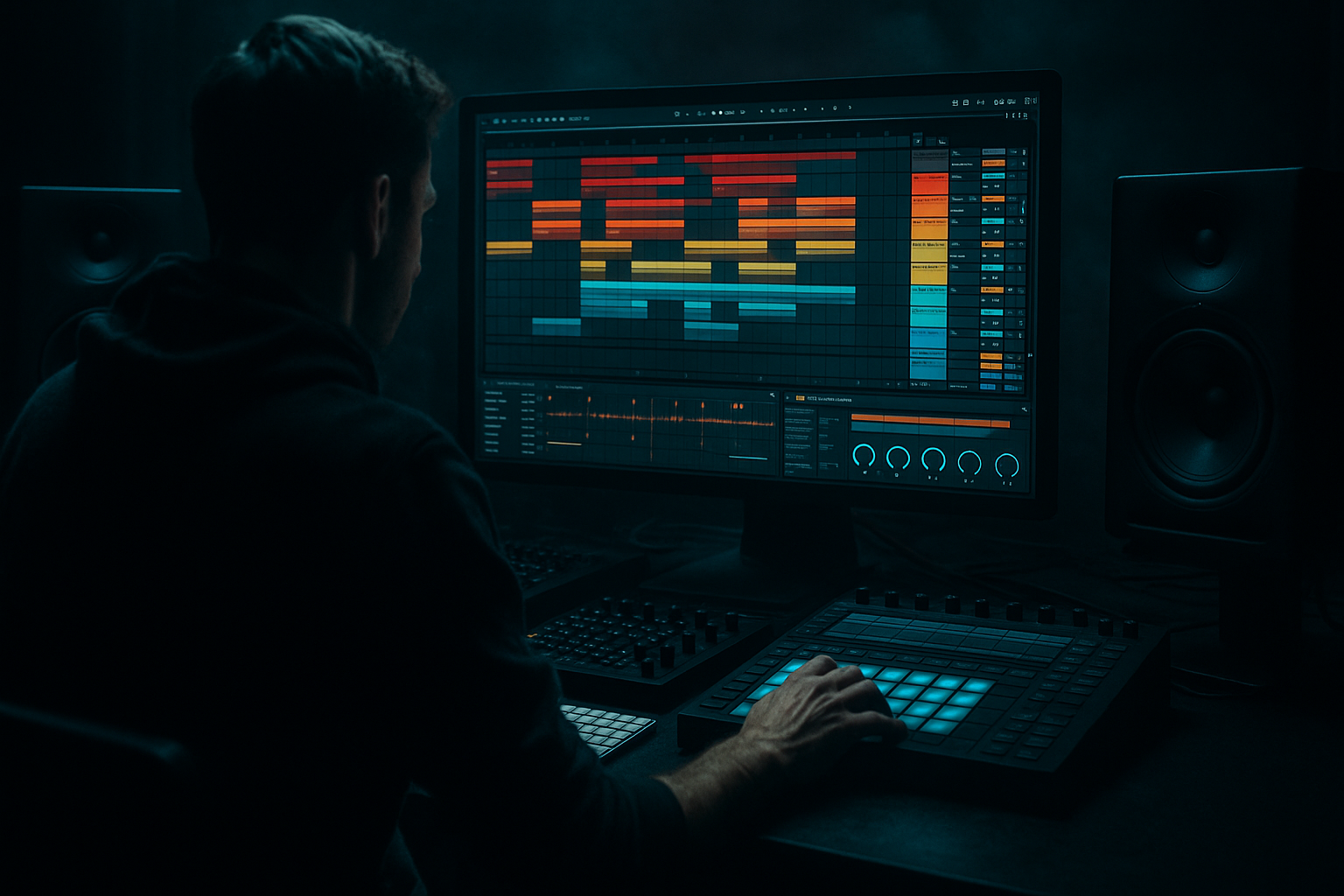
In this lesson you’ll build an FX-focused ragga cut layer in Ableton Live 12 using stock devices, designed to sit behind (or briefly in front of) your atmos and drums without stealing the mix.
---
2) What you will build
A dedicated Ragga Cut Layer track that can perform:
- Tight vocal chops locked to your break’s groove
- Dub throws (1/8 → 1/4 → 1/2) that bloom into reverb
- Darkside degradation (saturation → filtering → noise → width control)
- Stutter/glitch moments to punctuate the breakdown (pre-drop tension) 😈
- A macro-controlled FX rack you can automate through the breakdown
- Start with a 2-bar breakdown loop
- Place hits on:
- Duplicate the audio clip across a track and use clip start/end to isolate syllables (“se-lec-ta” style).
- This is slower but gives more “classic” ragga phrasing.
- Echo
- Saturator after Echo
- EQ Eight after Saturator
- Hybrid Reverb
- Auto Filter after reverb
- Keep most hits fairly dry
- Throw one word into big echo at the end of each 1–2 bars (“selecta…” → trails into atmosphere) 🌫️
- Bars 1–2: Cutoff mid, light Dirt, low Throws
- Bars 3–4: Add Echo throws on phrase endings
- Bars 5–6: Increase Abyss + slight Pitch Drop
- Bars 7–8: Introduce Stutter moments + narrow Width right before drop, then snap open on the downbeat
- Too much reverb on every hit: turns the breakdown into soup. Throw selectively.
- No filtering: bright ragga samples can sound “happy” and fight your dark atmos.
- Overdoing Redux: it can destroy intelligibility; blend it subtly.
- Ignoring timing swing: ragga chops need to lock to your groove—quantize less, nudge more.
- Stereo low-end mess: always HPF the ragga layer and keep returns filtered.
- Resample your throws: Print a 4–8 bar pass of you riding macros, then re-chop the printed audio for even nastier edits.
- Use saturation on returns: Distorting the reverb/echo tail makes it sound like it’s coming from a battered soundsystem 🛠️
- “Tape stop” fake: automate Transpose down (Simpler) + Auto Filter cutoff down in the last 1/4 bar.
- Call-and-response with atmos: let the ragga hit answer a dread pad stab or a distant horn.
- Dark phrasing: fewer, more intentional cuts feel heavier than constant chatter.
- You built a ragga cut layer tailored for darkside DnB breakdowns: chopped, warped, gritty, and dub-spatial.
- You used stock Live 12 devices (EQ Eight, Saturator, Auto Filter, Redux, Echo, Hybrid Reverb, Beat Repeat, Utility).
- You made it performable with macros + automation, and mix-safe with HPF + sidechain + controlled width.
---
3) Step-by-step walkthrough
Step A — Source + prep (choose the right ragga material)
1. Pick a vocal phrase that’s short and rhythmic: “selecta”, “rewind”, “come again”, “murder”, “champion”, etc.
2. Drop it into Audio Track → Warp = On.
3. Warp Mode:
- For clean timing + less artefacts: Complex Pro, Formants 0–20, Envelope 80–120
- For character and bite: Tones (Grain size ~10–25) or Texture (Grain ~80–150, Flux 10–25)
4. Set the clip Seg. BPM (if needed), then warp markers so the phrase locks to your grid.
5. Consolidate your best phrase into a clean 1–2 bar clip (Cmd/Ctrl+J).
DnB note: For breakdowns around 170–175 BPM, ragga cuts often sound best when chopped into 1/8 and 1/16 rhythmic cells, leaving air around them.
---
Step B — Slice like a junglist (quickest advanced method)
Option 1: Slice to MIDI (fast + controllable)
1. Right-click the audio clip → Slice to New MIDI Track.
2. Choose:
- Slice preset: Built-in or Transient
- Slicing: Transient (then adjust slice markers in Simpler if needed)
3. This creates a Drum Rack with Simpler slices.
Now program a MIDI pattern:
- Bar 1: 1.2.3 (1/8 offbeat), 1.3.1 (downbeat), 1.4.3 (pickup)
- Bar 2: add a 1/16 double right before the drop (2.4.3 + 2.4.3.2)
Option 2: Manual chop (for iconic phrasing)
---
Step C — Build the Darkside FX chain (stock devices)
On your Ragga Cut Layer track (or on the Drum Rack group), build this chain:
#### Core chain (in order)
1. Utility
- Gain: set so peaks hit around -12 to -9 dBFS (leave headroom)
- Width: start at 100% (we’ll control later)
2. EQ Eight
- HPF: 120–200 Hz, 24 dB/oct (ragga doesn’t need subs)
- Notch harshness: often 2.5–4.5 kHz (-2 to -5 dB, Q 2–4)
- Optional presence shelf: 8–10 kHz (+1 to +3 dB) only if it’s too dull
3. Saturator
- Mode: Analog Clip
- Drive: 3–8 dB
- Soft Clip: On
- Output: trim back to match level
4. Auto Filter (movement + darkness)
- Type: LP 24
- Base cutoff: 1.5–6 kHz depending on mood
- Resonance: 0.8–1.4
- Envelope: small amount (5–15) if you want hits to poke through
5. Redux (controlled grit)
- Downsample: 1.5–4.0
- Bit reduction: 0–3 (subtle!)
- Dry/Wet: 8–25%
6. Echo (dub throws + stereo grime)
- Sync: On
- Time: 1/8 or 1/4
- Feedback: 25–55%
- Filter: HP ~250 Hz, LP ~6–8 kHz
- Modulation: 2–6 for wobble
- Stereo: 80–120% (watch mono compatibility)
7. Reverb (or Hybrid Reverb)
- Use Hybrid Reverb if you want darker spaces fast.
- Settings (Hybrid Reverb):
- Algorithm: Dark Hall (or Convolution small room + algo tail)
- Decay: 2.5–6 s (breakdown = longer is fine)
- Pre-delay: 15–35 ms
- Color / EQ: roll highs above 7–9 kHz, lows below 250 Hz
- Dry/Wet: 10–25% on insert (or use sends—see next step)
✅ At this point you should have a vocal chop that feels dirty, filtered, spacey—already darkside-friendly.
---
Step D — Do it properly: Send/Return for dub throws (automation-ready)
Instead of cranking insert reverb/echo, set up Return tracks:
Return A — Dub Echo
- Time: 1/4
- Feedback: 50–70%
- Filter: HP 300 Hz / LP 6.5 kHz
- Drive: 2–5 dB
- dip 2–4 kHz if it whistles
Return B — Dark Verb
- Decay 4–8 s
- Pre-delay 20–40 ms
- High cut around 7–8 kHz
- LP 12, cutoff 3–6 kHz, small LFO for subtle motion
Now automate Send A/B per chop:
---
Step E — The “Darkside Breakdown” movement: Macro Rack (performance control)
Group your FX into an Audio Effect Rack and create 8 Macros:
1. Macro 1: Cutoff
- Map Auto Filter cutoff (e.g. 800 Hz → 8 kHz)
2. Macro 2: Dirt
- Map Saturator Drive + Redux Dry/Wet
3. Macro 3: Throw
- Map Send A (Echo) amount (0 → ~35)
4. Macro 4: Abyss
- Map Send B (Reverb) amount (0 → ~45)
5. Macro 5: Duck
- Add Compressor after FX (or on returns) with Sidechain from your kick or ghost kick
- Map Threshold (-10 → -28) for more/less pumping
6. Macro 6: Width
- Map Utility Width (60% → 140%)
- Optional: add Utility before reverb and keep low width there
7. Macro 7: Stutter
- Add Beat Repeat
- Interval: 1 Bar
- Grid: 1/16 or 1/8
- Chance: 0% normally
- Map Chance (0 → 35%) and/or Gate
8. Macro 8: Pitch Drop
- If using Simpler slices: map Simpler Transpose (0 → -5 semitones)
- Automate downwards near the pre-drop for menace 😤
Automation idea for an 8-bar breakdown:
---
Step F — Make it sit in a rolling mix (key mix moves)
1. High-pass the ragga layer higher than you think (150–250 Hz).
2. Sidechain duck it lightly from the kick/snare (especially if the breakdown has ghost drums).
3. Use Utility → Width automation:
- Narrow (70–90%) as tension rises
- Then wide (110–140%) right before the drop or on the last throw
---
4) Common mistakes
---
5) Pro tips for darker/heavier DnB
---
6) Mini practice exercise 🎯
Goal: Build a 16-bar breakdown ragga layer that escalates into the drop.
1. Take one ragga phrase and Slice to MIDI.
2. Write a 2-bar pattern with 6–10 hits total (leave space).
3. Create Returns A/B (Dub Echo + Dark Verb).
4. Create the 8 Macro Rack.
5. Automate across 16 bars:
- Bars 1–8: gradually increase Cutoff + Abyss
- Bars 9–12: add Throw on every 2nd bar ending
- Bars 13–15: introduce Stutter 1–2 times only
- Bar 16: narrow Width + strong Pitch Drop, then kill sends on the final beat for a clean drop impact
Export/resample that ragga layer and try placing it -6 dB lower than you think—then bring it up until it just “speaks”.
---
7) Recap
If you want, tell me your BPM and whether your breakdown has drums or is fully drumless—I can suggest a specific 8–16 bar ragga arrangement that matches your style (rolling, jump-up-leaning, or proper jungle).

