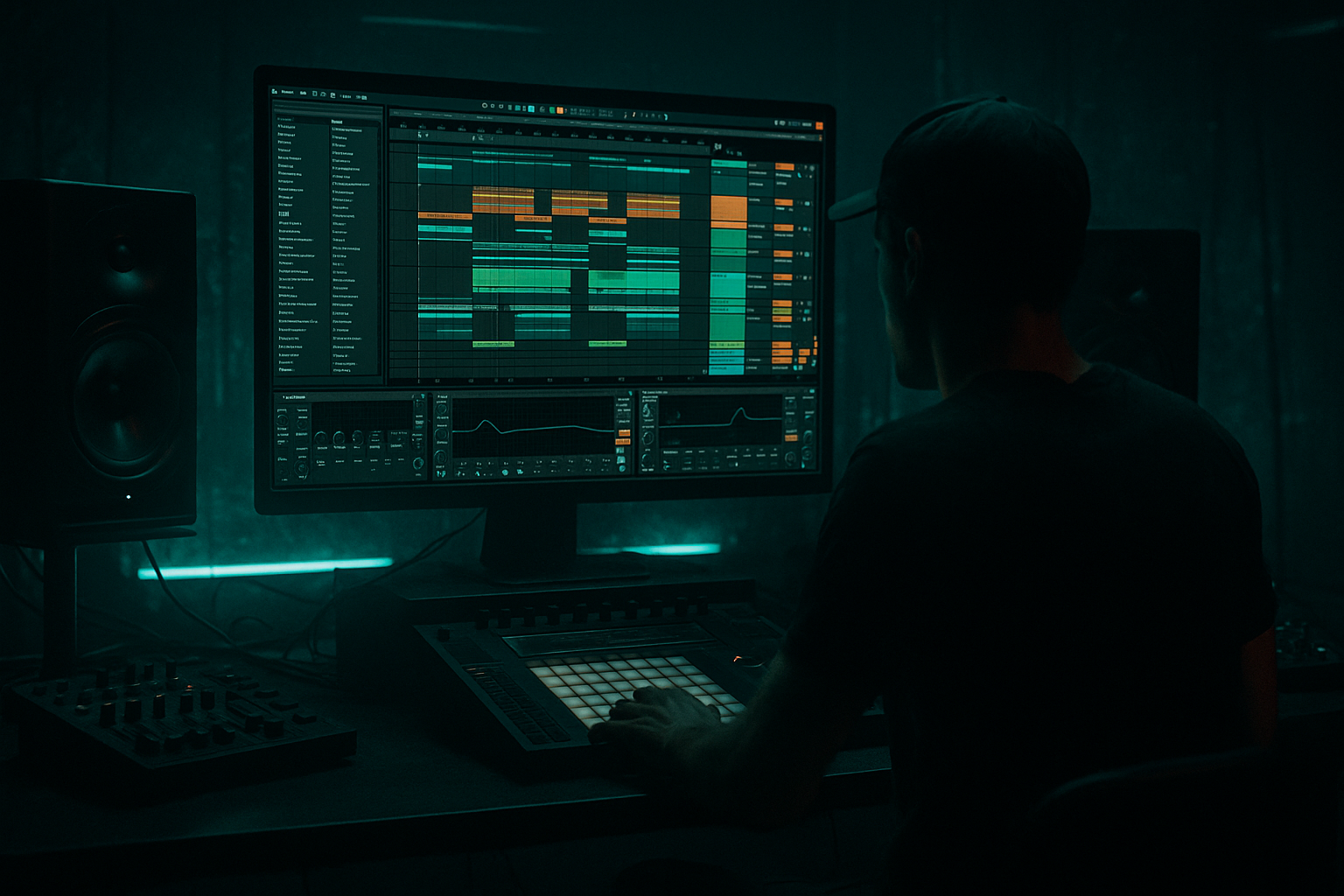
Main tutorial
Darkside Ableton Live 12 Vocal Texture Deep Dive for VHS-Rave Color in Jungle / Oldskool DnB
> Goal: Turn a clean vocal phrase into a gritty, nostalgic, tape-warped texture that sits behind your jungle / oldskool DnB drums and adds that darkside VHS-rave atmosphere 🎛️🖤
> This is not about lead vocals or pop polish — it’s about vocal fragments as percussion, ambience, and tension.
---
1. Lesson overview
In dark drum and bass, vocals often work best as texture rather than a full “song vocal.” For jungle and oldskool DnB especially, the right vocal treatment can sound like:
- a ghostly rave MC echo
- a sampled VHS tape artifact
- a cropped rave chant
- a haunted rhythmic layer sitting inside the breakbeat
- lo-fi grit
- bandwidth reduction
- tape-style modulation
- short dubby delay tails
- distorted room/space
- rhythmic slicing for drum-friendly placement
- a dry vocal sample chopped for texture
- a warp + resample workflow
- a device chain using Ableton stock effects:
- arrangement ideas for:
- single-word vocal samples
- chopped phrases from old rave records
- spoken MC-style shouts
- whispered lines
- soul fragments
- pitched-down one-shots
- cassette-ripped acapella snippets
- midrange character
- a clear transient or consonants
- emotion or attitude
- enough silence around it to process heavily
- overly clean modern pop vocals
- long sustained phrases unless you plan to chop them
- too much reverb already printed into the sample
- Mode: Complex Pro for full phrases, or Repitch for rougher pitch-shift character
- For short chops or one-shots: Complex or Tones
- Try Beats mode if the sample has rhythmic transients and you want a chopped rave feel
- Cut the vocal into a few short clips
- Warp them slightly off-grid in places
- Let some fragments feel unstable and human
- High-pass: around 120–250 Hz
- Cut harshness: around 2.5–5 kHz if the vocal is sharp
- Low-pass: around 8–12 kHz for a darker VHS tone
- Drive: +3 to +8 dB
- Soft Clip: ON
- Curve: Default is fine, but try Analog Clip feel with gentle drive
- Output: compensate so you don’t fool your ears with loudness
- Downsample: start around 2x to 6x
- Bit Reduction: subtle at first, then increase if needed
- Keep it moving with automation if you want moments of collapse
- Mode: Low-pass or band-pass
- Cutoff: between 500 Hz and 6 kHz, depending on how buried you want it
- Resonance: moderate, around 10–30%
- Add gentle LFO if you want movement
- Time: sync to 1/8, 1/4, or dotted values
- Feedback: 20–45%
- Filter: roll off highs and lows
- Modulation: subtle
- Saturation: add a little if needed
- Noise: tiny amount for texture, if appropriate
- Decay: 1.5 to 4 seconds
- Pre-delay: 10–30 ms
- Low Cut: around 200–400 Hz
- High Cut: around 5–8 kHz
- Dry/Wet: use in parallel or keep it low
- If the vocal gets too wide and messy, reduce width to 80–90%
- If it’s a background texture, you can widen it slightly
- Check mono compatibility because jungle mixes get crowded fast
- Drive: moderate
- Crunch: low to medium
- Boom: usually very subtle on vocals, or OFF
- Damp: tame harshness
- low drive
- tonal shaping
- focus on midrange grit
- don’t destroy intelligibility if the vocal needs to remain recognizable
- small tube or string model
- subtle resonance
- automate the frequency
- blend lightly
- answer the snare
- fill the spaces between break hits
- emphasize the downbeat before the drop
- create call-and-response with the break
- punctuate fills and transitions
- before the snare on bar 2
- as a response to the snare on bar 4
- with a long tail into the next phrase
- easier to chop
- easier to warp further
- more cohesive
- more like an actual sampled record fragment
- Start with filtered vocal fragments
- Add reverb-heavy tails
- Let the break slowly enter underneath
- Keep the vocal sparse
- Use only a few call-and-response hits
- Let drums and bass dominate
- Bring the vocal forward
- Open the filter
- Increase delay feedback slightly
- Add a bit more detune or modulation for emotional lift
- Reintroduce chopped vocal hits as rhythmic hooks
- Use shorter, dirtier, more aggressive processing
- Layer with impact hits or reverse cymbals
- vinyl crackle
- room tone
- break mic noise
- jungle atmospheres
- small pitch automation
- detune-style modulation
- resampled playback with warp drift
- clean-ish = intelligibility
- dirty = atmosphere
- filter cutoff
- Redux amount
- delay feedback
- reverb dry/wet
- subtle for verse/intros
- medium for fills
- destroyed for breakdown transitions
- EQ Eight
- Saturator
- Redux
- Auto Filter
- Echo
- Reverb
- Utility
- filter cutoff
- Redux bit reduction
- delay feedback
- one before the snare
- one after the snare
- one as a transition hit into bar 4
- one with heavy reverb
- one with short, gritty delay
- choose short, characterful vocal material
- warp lightly and embrace imperfections
- use stock Ableton devices to dirty, filter, and spatialize
- resample so the vocal becomes sample material
- arrange vocals like percussion and atmosphere, not lead lyrics
- rhythmic
- haunted
- sample-based
- tucked into the groove
In this lesson, you’ll learn how to build a vocal texture chain in Ableton Live 12 that creates:
We’ll keep it focused on drum and bass production in Ableton, and specifically how to make vocals support breaks, subs, and dark atmospheres.
---
2. What you will build
By the end, you’ll have a reusable Ableton chain that turns any short vocal sample into a VHS-rave darkside texture.
The finished result will include:
- EQ Eight
- Saturator
- Drum Buss
- Redux
- Auto Filter
- Echo or Simple Delay
- Reverb
- Roar if you want more modern bite
- Utility
- optional Corpus for eerie resonances
- intros
- drop breakdowns
- fill sections
- transition hits
- breakdown tension under breaks
You’ll end up with a vocal layer that helps your track feel grimy, cinematic, and rave-authentic.
---
3. Step-by-step walkthrough
Step 1: Choose the right vocal source
For jungle / oldskool DnB, the best source is usually short, characterful, and slightly imperfect.
Good source types:
What to look for
Choose a vocal that has:
What to avoid
Avoid:
> Tip: If the vocal sounds too “nice,” that’s actually great — because the processing will dirty it up into something more interesting.
---
Step 2: Warp it for texture, not perfection
Drag the vocal into an audio track and enable Warp.
#### Suggested warp settings:
Practical move:
For VHS-rave texture, don’t over-correct timing. A tiny bit of drift adds grime and nostalgia.
---
Step 3: Build a texture chain with stock devices
Here’s a strong starting chain in Ableton Live 12:
1. EQ Eight
2. Saturator
3. Redux
4. Auto Filter
5. Echo
6. Reverb
7. Utility
Let’s dial each one in.
---
#### 3a) EQ Eight — shape the vocal like a sample, not a lead
Use EQ first to strip away clean vocal sweetness.
Suggested EQ Eight settings:
- higher if the sample is muddy
If you want that oldskool sampled feel, you usually want the vocal to sit more like a texture layer than a full range vocal.
> Listening goal: The vocal should feel like it belongs in the same world as dusty breaks and sub-heavy bass, not like a clean radio vocal.
---
#### 3b) Saturator — add density and attitude
Insert Saturator after EQ.
Suggested settings:
This gives the vocal more bite and helps it hold up against dense drum programming.
DnB-specific note:
In jungle, vocal samples often need to cut through busy drums. Saturation helps the vocal stay audible even when the break is full of ghost notes and snares.
---
#### 3c) Redux — dirty digital VHS edge
Now add Redux for that early digital / tape-adjacent degradation.
Suggested settings:
You don’t want the sample to sound broken in a bad way — just eaten by time.
Great trick:
Automate Redux in the build-up or breakdown so the vocal becomes more degraded as tension rises.
---
#### 3d) Auto Filter — band-limit for rave nostalgia
Use Auto Filter to create that classic “sampled off vinyl / cassette / rave tape” tone.
Suggested settings:
A band-pass filter can make the vocal feel like it’s coming from a radio in a warehouse.
Pro move:
Automate cutoff slightly during transitions so the vocal opens up briefly, then collapses back into murk.
---
#### 3e) Echo — dub space with grit
For dark DnB, Echo is usually better than a pristine delay.
Suggested settings:
Practical use:
Use short dub echoes on vocal shouts or chopped phrases. You want the tail to feel like it’s bouncing through a damp concrete space.
Important:
Keep the delay sidechained or ducked if it starts masking your snare.
---
#### 3f) Reverb — make it cinematic, but controlled
Use Reverb after delay.
Suggested settings:
For VHS-rave atmosphere, you want space that feels old and slightly fogged, not glossy and modern.
Tip:
Try short reverb on the vocal itself, then print/resample it. A resampled reverb tail often sounds more “sampled” and less clinical.
---
#### 3g) Utility — stereo control and mono safety
Finish with Utility.
Suggested settings:
Your sub and kick-snare foundation should stay strong. The vocal texture should enhance the scene, not smear the center.
---
Step 4: Add optional darker processing
If you want a heavier, more modern darkside edge, add one or two of these after the main chain.
#### Option A: Drum Buss
Great for adding punch and low-mid weight.
Settings to try:
Use this if the vocal needs to feel more physical and less floaty.
---
#### Option B: Roar
If you want aggressive, industrial character, Roar can push the vocal into ugly, distorted territory.
Use it carefully:
This is excellent for darkside intros or drop tension moments.
---
#### Option C: Corpus
For eerie resonant tones, Corpus can be very effective on short vocal bits.
Try:
This can make a vocal sound like it’s being stretched through a haunted metal object.
---
Step 5: Chop the vocal rhythmically against the drums
Now the fun part: make it part of the drum arrangement.
In jungle / DnB, vocal textures work best when they:
Practical chopping workflow:
1. Duplicate your processed vocal onto a new audio track
2. Slice to new MIDI track or manually cut into fragments
3. Place chopped syllables on:
- the “and” of beat 2
- just before the snare
- after a snare tail
- between kick ghosts
4. Reverse one or two fragments for extra tension
Rhythm idea:
In a 174 BPM break section, try placing vocal hits:
This makes the vocal feel like another percussive element.
---
Step 6: Resample to glue the effect
One of the best oldskool techniques is resampling.
Why resample?
Because once the vocal chain is dialed in, printing it to audio makes it:
Workflow:
1. Set the vocal track output to Resampling or create a new audio track to capture it
2. Record 8–16 bars while automating filters, Redux, or Echo
3. Drag the recorded audio back into the set
4. Chop the best parts into fills, atmospheres, and transitions
This is a very jungle-friendly way to work because it turns design into sample material.
---
Step 7: Arrange it like a DnB producer
Use vocal texture with intention.
#### Intro
#### First drop
#### Breakdown
#### Second drop
DnB arrangement rule:
If the vocal is too busy, it competes with the break and bass. Keep it strategic.
---
4. Common mistakes
1. Making the vocal too clean
If it sounds polished, it will fight the darkside vibe.
Fix: Use EQ, saturation, Redux, and filtering earlier in the chain.
---
2. Too much reverb
Huge wash can destroy the drum groove.
Fix: Shorten decay, use pre-delay, and high-pass the reverb return.
---
3. Letting vocals mask the snare
In jungle and oldskool DnB, the snare is sacred.
Fix: Sidechain the vocal return or reduce vocal volume around snare hits.
---
4. Over-processing too early
If you destroy the sample immediately, you lose editing flexibility.
Fix: Work in stages. Process, resample, then decide what stays.
---
5. Too much low end in the vocal
Vocal rumble clutters the kick/sub relationship.
Fix: High-pass aggressively where needed, especially on texture layers.
---
5. Pro tips for darker/heavier DnB
Tip 1: Layer with break ambience
Blend the vocal texture underneath:
This helps the vocal feel like part of the sample universe.
---
Tip 2: Use pitch drift for VHS flavor
Slight pitch instability creates the “tape” illusion.
Try:
Even tiny movement can make the sample feel aged.
---
Tip 3: Make the vocal interact with the bass call
If your bass phrase has a movement or wobble moment, try placing a vocal stab right before it.
That creates a call-and-response between voice and bass — a classic rave energy move.
---
Tip 4: Parallel processing is your friend
Keep one clean-ish vocal texture and one fully degraded version.
Blend them:
This gives you more control in the mix.
---
Tip 5: Automate one parameter at a time
For dark tension, automate:
Don’t move everything at once or the effect becomes blurry.
---
Tip 6: Print different versions
Make three renders:
1. subtle
2. medium grit
3. destroyed rave tape
Then choose based on section:
---
6. Mini practice exercise
Exercise: Build a 4-bar VHS-rave vocal texture loop
#### Step 1
Find a short vocal sample, ideally 1–3 words.
#### Step 2
Process it with:
#### Step 3
Resample 4 bars of it while automating:
#### Step 4
Chop the resampled audio into 4–6 pieces.
#### Step 5
Place the chops so they answer the break:
#### Step 6
Compare two versions:
Goal
By the end, you should have a vocal layer that feels like it belongs in a dark warehouse jungle set, not a clean vocal song.
---
7. Recap
You now have a practical Ableton Live 12 method for creating darkside VHS-rave vocal textures for jungle and oldskool DnB.
Main ideas:
Core chain to remember:
EQ Eight → Saturator → Redux → Auto Filter → Echo → Reverb → Utility
Final mindset:
In DnB, the vocal is often strongest when it behaves like an instrumental texture:
That’s the sweet spot for darkside atmosphere with jungle DNA 🖤🥁
If you want, I can turn this into:
1. a rack-style Ableton preset chain,
2. a step-by-step project template, or
3. a matching bass + drum arrangement lesson for the same vibe.

