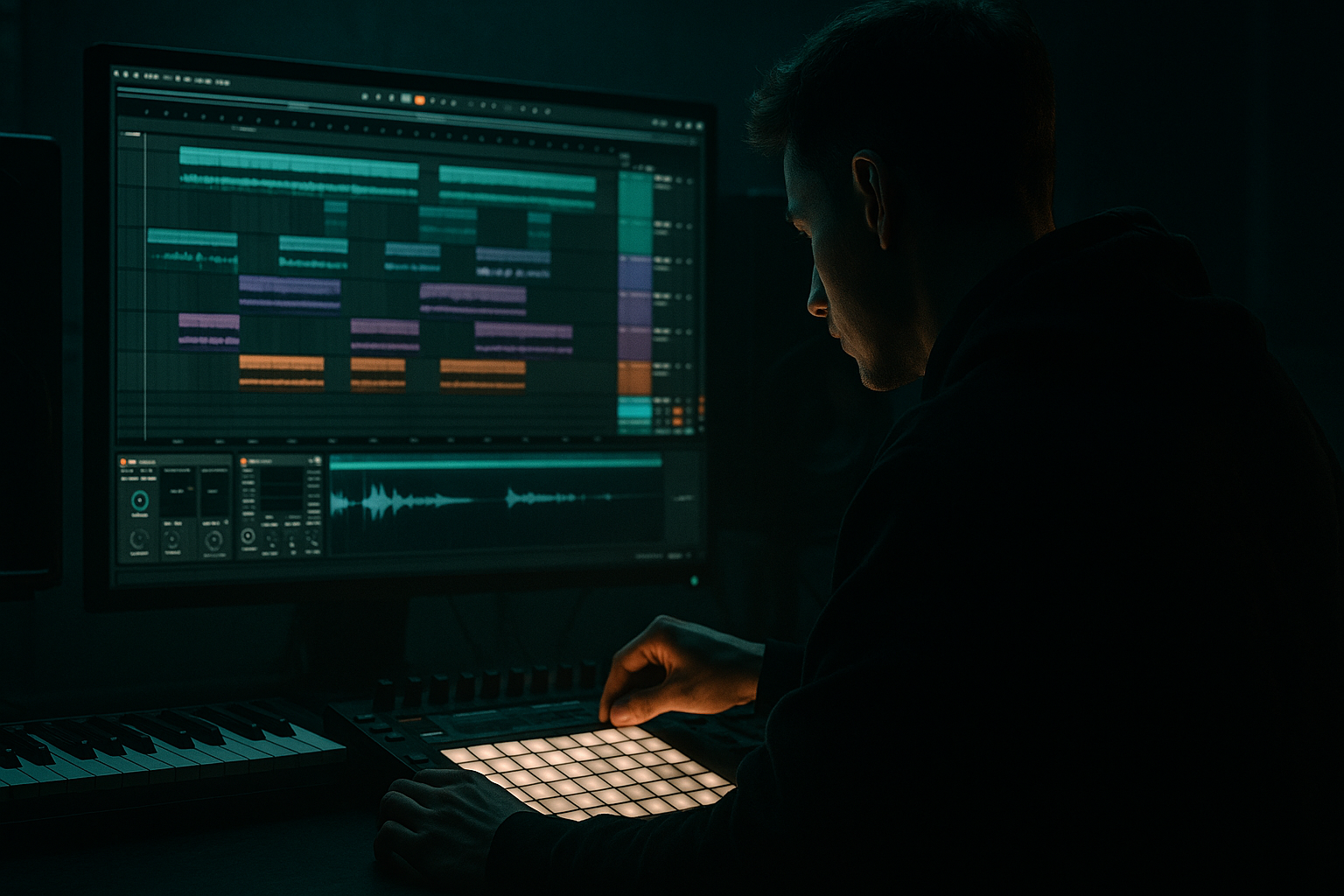
Main tutorial
Lesson Overview
In this lesson, you’ll build a Darkside transition lab in Ableton Live 12 for jungle / oldskool DnB / darker rollers with one clear goal: make your transitions feel tense, musical, and professional without loading up your CPU. This is especially useful when you want that classic DnB “pull” into a drop, break change, or eight-bar switch-up, but you don’t want to waste system power on heavy synths or huge effect chains.
In Drum & Bass, risers are not just “whoosh sound effects.” In a proper track, they help with:
- Phrasing: marking the end of 8, 16, or 32-bar sections
- Energy control: lifting the listener before a drop or drum edit
- Contrast: making the break feel bigger by pushing tension first
- DJ friendliness: helping transitions work in mixes and live sets
- a noise-based rise
- a pitched tonal sweep
- a reverse-style swell feel
- subtle filter, delay, and distortion movement
- optional drum fill support for oldskool jungle energy
- the last 4–8 bars before a full reload
- a 16-bar intro into the first break
- a switch into a halftime section
- a transition between a breakbeat loop and a reese drop
- Noise Rise
- Tonal Rise
- Impact / FX Support
- Bars 1–16: intro with drums and light atmospheres
- Bars 17–24: break or groove development
- Bars 25–32: build into drop
- Bars 33–40: main drop section
- Load Operator on the Noise Rise track
- Use one oscillator or noise mode only
- Keep it simple: no need for multiple unison voices
- If using a pitched oscillator instead of pure noise, choose a saw or sine-like source and keep it subtle
- Load Wavetable, but use only a basic oscillator setup
- Keep unison off or very low
- Use a stable waveform, not a huge layered patch
- Attack: 0–20 ms
- Release: 200 ms to 1.5 s
- Sustain: low or off
- Filter: low-pass or band-pass starting fairly closed
- Volume envelope: smooth, not punchy
- Filter type: Low-pass 24
- Frequency: around 200–800 Hz at the start of the build
- Resonance: 10–25%
- Drive: subtle, if needed
- Bars 1–2 of the build: move slowly
- Bars 3–4: increase faster
- Final beat before drop: open most of the way
- Start cutoff: 250 Hz
- End cutoff: 8–12 kHz
- One oscillator
- One note held for the whole build, often the root note or fifth
- Optional pitch automation upward by a few semitones
- root note pedal
- minor third tension
- tritone-style dark color
- slow pitch climb into the drop
- Choose the track’s root note
- Draw in one long MIDI note over 4 or 8 bars
- Add Auto Filter and a light Saturator
- Automate pitch up by 2–5 semitones over the build, or keep pitch fixed and automate the filter only
- Saturator Drive: 2–6 dB
- Dry/Wet: 30–60%
- Auto Filter cutoff: start low, end high
- LFO / modulation: keep minimal or off at first
- Delay Time: 1/8 or 1/4 synced
- Feedback: 15–35%
- Dry/Wet: 10–25%
- Filter: roll off low end
- Modulation: low
- Noise / diffusion: only a little, if desired
- Saturator
- EQ Eight
- Redux if needed
- Saturator Drive: 3–8 dB
- Soft Clip: on
- EQ Eight: high-pass around 150–250 Hz to protect the low end
- Redux: very light reduction, not extreme; try small amounts only
- Volume automation: gradual rise over the last 4 bars
- Pitch automation: final upward nudge of 1–2 semitones
- Filter open: last-bar cutoff opening
- Reverb send push: increase reverb only at the tail end
- Bars 1–2 of build: low volume, slowly rising
- Bars 3–4: more obvious
- Final 1 beat: quickest lift
- Drop: cut the riser fast so the drums and sub hit cleanly
- Decay: 1.2–2.5 s
- High Cut: reduce brightness
- Dry/Wet: 5–15% on the track, or better, send it to a return track
- a chopped amen fragment
- a snare pickup
- a reversed cymbal
- a tiny tom roll
- Last 2 bars before the drop: add a sparse break chop
- Final bar: a snare lead-in or snare flam
- Final beat: cut everything except the drop impact
- Simpler for chopped break hits
- Sampler if you have a one-shot fill
- Saturator for extra crunch
- EQ Eight to remove unnecessary lows
- Once the automation sounds right, Freeze Track
- Then Flatten if you want to save CPU
- Or resample the transition to a new audio track
- Keep the MIDI version while designing
- Once happy, bounce or freeze
- Save the rack or group as a reusable transition preset
- Making the riser too bright
- Using too much sub in the riser
- Overloading the transition with too many effects
- Leaving delay or reverb active into the drop
- Making the riser too long for the phrase
- Forgetting the drums
- Use minor-key tonal movement
- Keep your risers mono-friendly in the low mids
- Use subtle distortion before filtering
- Try a reversed tail feel without heavy resampling
- Layer one clean sound and one dirty sound
- Automate effects, not just volume
- Use short, dark reverbs
- Version A: cleaner, more subtle
- Version B: dirtier, more aggressive
- Build risers in Ableton Live 12 using simple stock devices like Operator, Auto Filter, Saturator, and Echo.
- For dark DnB, keep the riser tension-focused, not glossy.
- Use filter automation, light distortion, and subtle delay to create movement.
- Support the riser with a small drum fill or break chop for authentic jungle energy.
- Keep the low end clean, automate your transitions tightly, and freeze or flatten when CPU gets heavy.
- The best risers in DnB don’t just rise in pitch — they control energy, phrasing, and drop impact.
For Darkside DnB, the riser should feel more like a pressure build, noise climb, or spectral movement than a glossy EDM sweep. Think: smoky, tape-worn, gritty, and functional. We’ll use stock Ableton devices only, keep the workflow simple, and build a reusable template element you can drop into future tracks.
Why this matters: in jungle and darker DnB, the transition often does a lot of the emotional work. A good riser can make a simple drum loop feel like a full arrangement event. A weak riser makes the track feel flat, even if the drums and bass are strong.
What You Will Build
By the end of this lesson, you’ll have a CPU-light 8-bar riser rack that creates a dark, evolving transition using:
The result should sound like a shadowy build into a drop, ideal for:
Musically, it should sit in the background until the final bars, then become obvious enough to signal “something is coming.” The sound should feel dark and controlled, not overbright or euphoric.
Step-by-Step Walkthrough
1) Set up a clean transition group
Start with a new Ableton Live set and make a dedicated group called Transitions. Inside it, create three MIDI tracks:
This keeps your risers organized and easy to reuse later.
For a beginner-friendly DnB workflow, keep the riser group separate from your drum bus and bass bus. That helps you automate transitions without accidentally changing your mix balance.
Set your project around 170–174 BPM if you want oldskool jungle / darker rollers energy. If your tune is faster or more halftime, the same method still works, but the automation timing will need adjusting.
A good arrangement context example:
We’ll make the riser hit hardest in the last 4 bars before the drop.
2) Build a noise source using Ableton Wavetable or Operator
For the easiest low-CPU option, use Operator with a simple noise or basic oscillator layer.
Option A: Operator
Option B: Wavetable
For a beginner, Operator is usually the lighter choice.
Suggested settings:
Why this works in DnB: jungle and dark rollers often use noise and filtered tone as tension tools because they don’t fight the kick, snare, or sub. A controlled noise rise fills the upper spectrum without cluttering the low end, which keeps the drop clean.
3) Shape the rise with Auto Filter for tension
Add Auto Filter after your synth. This is the core of the riser movement.
For the Noise Rise, start with:
Automate the cutoff upward over 4 or 8 bars so the sound opens gradually. In dark DnB, you usually want the filter movement to feel like pressure being released, not a bright rave sweep.
A useful automation shape:
Try this range:
If it gets too sharp, lower the resonance. If it feels too smooth, add a little resonance and some drive.
4) Create a tonal sweep for dark atmosphere
Now build the Tonal Rise. This is what makes the transition feel musical instead of just noisy.
Use Operator or Wavetable again, but keep it simple:
For DnB, the tonal rise often works best as:
Beginner-safe approach:
Suggested settings:
This layer gives you a moody, oldskool feel, especially if the note matches the bass key. It can hint at the drop’s tonality without exposing the whole bassline.
5) Add movement with Echo or Delay, but keep it subtle
To create depth without heavy CPU use, add Echo to one of the riser layers. Echo is great for dark DnB because it can create space and smear the transition in a tasteful way.
Suggested Echo settings:
Use automation so the delay becomes more obvious in the last 1–2 bars of the build, then pull it back hard at the drop.
Why this works in DnB: the delay tail can help glue the riser into the drum break, but if you leave too much delay in the drop, it muddies the snare and bass impact. Controlled delay is the difference between “cinematic tension” and “messy build.”
If you want even lighter CPU usage, use Simple Delay instead of Echo. Keep one delay line, short feedback, and filter out lows.
6) Add a dirty texture layer with Saturator and Redux
Oldskool and darkside vibes often sound better when the transition has a little grit. Use Saturator first, then optionally Redux very lightly.
A practical chain:
Suggested settings:
Keep this layer on the tonal riser or noise rise, not your sub bass.
If you want the build to sound more “tape-worn jungle warehouse,” use a little saturation and a filtered top end. This gives the riser some attitude without needing a huge sound design patch.
7) Automate a final lift with pitch, filter, or volume
Now make the transition actually “arrive.”
Choose one of these simple final-lift moves:
For beginner control, start with volume automation and filter cutoff automation. That is usually enough.
Practical automation idea:
If you use Reverb, keep it short and dark:
This helps create a foggy Darkside atmosphere without washing out the mix.
8) Add a jungle-style drum fill support layer
A lot of oldskool DnB transitions feel better when the riser is supported by a tiny drum edit. Create a second MIDI or audio lane with a simple break fill or ghost percussion.
Use:
Keep it short and tight. The goal is not to replace the riser, but to give it rhythmic identity.
Try this arrangement idea:
Ableton tools that help:
This makes the transition feel rooted in jungle culture rather than a generic EDM rise.
9) Freeze the riser if your CPU starts to climb
If your project gets heavier, commit the riser to audio.
In Ableton:
This is very useful in DnB because arrangements often become CPU-heavy from drums, layered basses, atmospheres, and returns. A riser does not need to stay live if it is already working.
Best practice:
That gives you speed for future tracks and keeps your session responsive.
Common Mistakes
Fix: low-pass more aggressively at the start and avoid overdoing the final cutoff.
Fix: high-pass the riser around 150–250 Hz so it doesn’t fight the bass or kick.
Fix: use one main movement tool, usually Auto Filter, plus one texture tool like Saturator.
Fix: automate the send or dry/wet down hard at the downbeat.
Fix: in DnB, keep the build aligned to 4, 8, or 16 bars so the drop feels intentional.
Fix: add a tiny fill, snare pickup, or break chop to anchor the transition in jungle language.
Pro Tips for Darker / Heavier DnB
A simple root note or fifth is enough. If you want more tension, try a semitone lift near the end of the build.
Anything under about 200 Hz should stay clean or removed. The dark weight comes from tension, not muddy low-end energy.
Saturating a sound before opening the filter makes the rise feel more alive and less sterile.
You can fake a reverse swell by automating volume and filter in the opposite direction at the start of the build, then opening it up.
A clean tonal riser plus a noisy filtered layer often sounds bigger than one giant sound.
In DnB, motion matters. A small cutoff move or delay push can feel more exciting than a big volume sweep.
Long bright reverb can sound too polished. A compact, dark tail fits underground jungle and rollers better.
Mini Practice Exercise
Spend 10–20 minutes building a transition for an 8-bar build into a drop.
1. Create a new Noise Rise using Operator.
2. Add Auto Filter and automate the cutoff from low to high over 8 bars.
3. Create a Tonal Rise using one long note in the track’s root key.
4. Add Saturator to the tonal layer and drive it lightly.
5. Add Echo with low feedback and automate the dry/wet up in the last 2 bars.
6. Place a tiny snare pickup or break chop in the last bar.
7. Export or freeze the result and listen back with your drums and bass.
8. Check whether the drop lands cleanly and whether the riser feels dark, not shiny.
If you have time, make two versions:
Compare which one feels more authentic for your track.

