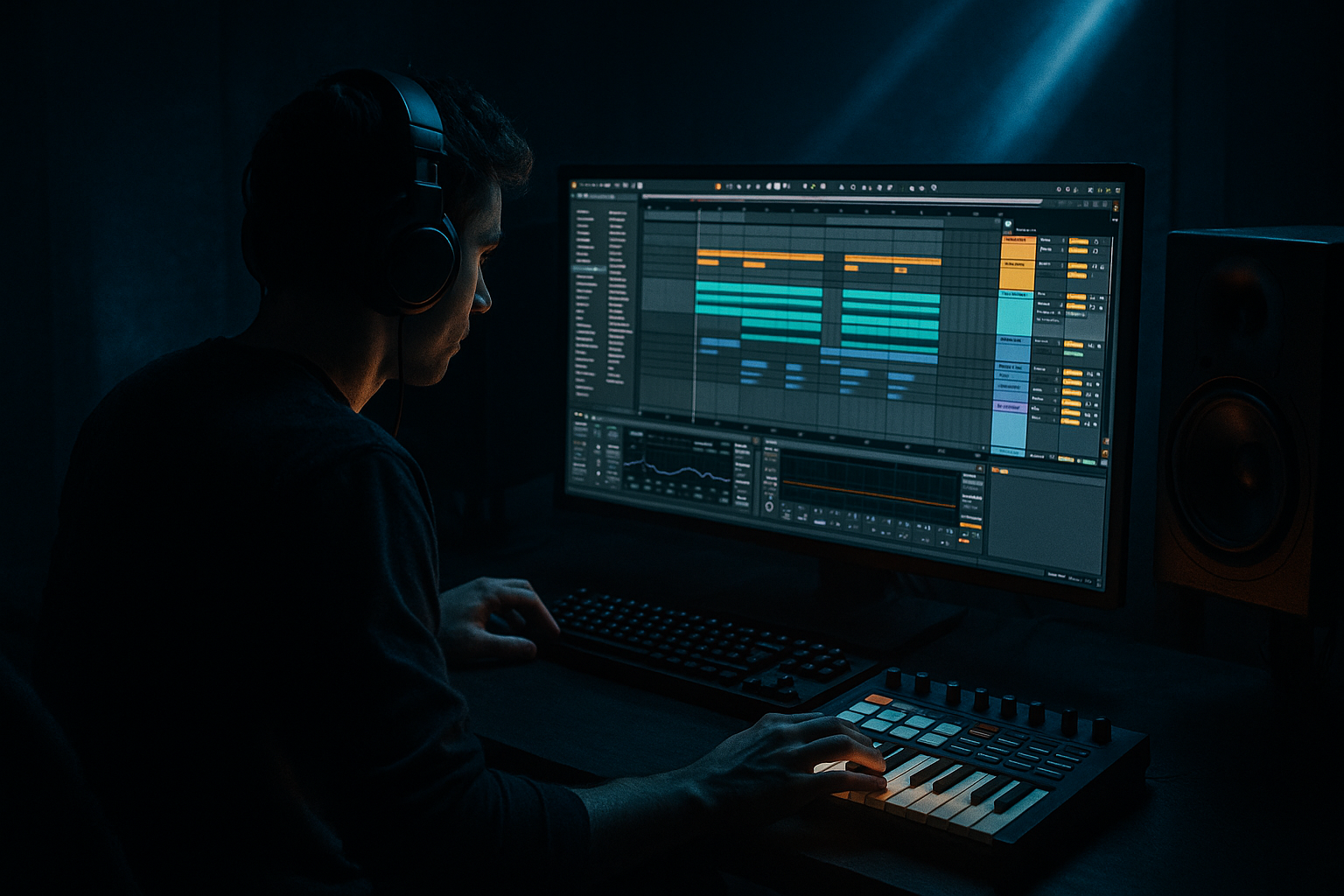
Main tutorial
Lesson Overview
In this lesson you’re building a DJ intro that feels like it belongs in a proper jungle / oldskool DnB record: enough space for a DJ to blend, enough identity that the crowd already knows the tune is coming, and enough low-end discipline that it won’t smear the mix when the intro ends and the drop lands.
This lives at the front end of the arrangement — usually the first 16, 32, or 64 bars — where the track has to work as a usable DJ tool, not just a “nice intro.” In DnB, that intro matters because it sets the grid for mixing, establishes the rhythmic personality, and hints at the drum language or bass flavour before the full pressure arrives.
For jungle / oldskool DnB vibes, the best intros usually lean on:
- break fragments and ghosted drum energy
- filtered or teased bass motion
- vinyl-style atmospheres, stabs, or distant samples
- clear phrasing that a DJ can read quickly
- a controlled build from sparse to busy, not an overcooked modern EDM ramp
- a steady, mixable foundation
- a filtered or restrained bass tease
- break edits or drum fragments that hint at the full groove
- a clear phrase turn near the end of the intro
- enough polish to sit next to your main drop without sounding like a sketch
- dark, moving, and functional
- rhythmically alive, but not too full
- slightly dusty or raw in character, but still clean enough to translate
- mix-ready in the sense that the low end is controlled, the highs aren’t harsh, and the DJ has space to work
- Use filtered bass to imply menace, not reveal it. A low-passed reese with a little saturation often feels darker than a fully open bass because it leaves the listener filling in the missing weight.
- Let the break breathe around the snare. In heavier DnB, the snare often carries the identity. If your intro respects the snare space, the whole thing hits harder when the drop arrives.
- Print a grimy texture, then cut it like a DJ. Resample a filtered bass drone or noisy stab, then chop it into short intro punctuation hits. This gives the section an underground character without overcomplicating the arrangement.
- Use small pitch or filter movement, not wide modulation. In dark DnB, tiny shifts make the intro feel alive. Huge sweeps can cheapen the tension.
- Keep sub pressure disciplined. If the intro is supposed to feel heavy, that doesn’t mean the sub should constantly dominate. A controlled tease often feels heavier because the drop has somewhere to land.
- Build contrast with density, not volume. A more focused second half of the intro often feels heavier than simply making it louder.
- If the tune is bleak, keep the top end dry. Too much reverb on hats and textures can turn a hard intro into a foggy one. A shorter room or subtle delay is often enough.
- Use only one break source
- Use one bass sound
- Use no more than two atmosphere or texture layers
- Keep the intro to 16 bars
- A finished 16-bar intro with:
- Can you feel a change every 4 or 8 bars?
- Does the bass stay controlled and mostly mono?
- Does the final 2–4 bars create enough tension for the drop to matter?
By the end, you should be able to hear a short intro that feels DJ-friendly, characterful, and intentionally arranged. A successful result should sound like it can be mixed into, mixed out of, and still feel like part of a real club record — not just a loop with a fade-in.
What You Will Build
You’ll build a 16- or 32-bar DJ intro in Ableton Live 12 for a jungle / oldskool DnB track.
It should have:
The finished intro should feel:
Success looks like this: when you loop the intro with drums and bass muted in parts, it already feels like a record with intent. When the drop comes in, it should feel earned — not like the song simply “starts,” but like the DJ has been guided there.
Step-by-Step Walkthrough
1. Set the intro length first: choose 16 bars or 32 bars
Start by deciding the job of the intro before you design any sound.
- 16 bars works best for a tighter, more modern mix-in or for a DJ tool that gets to the point fast.
- 32 bars suits jungle / oldskool DnB better if you want a more gradual build, more break teasing, and more time for a DJ to phrase-match.
In Ableton’s Arrangement View, place your marker or simply map out the section on the grid. Keep the intro aligned to bar starts. In this style, the intro must feel like it breathes in even-numbered phrases — 4, 8, 16 bars — because DJs are reading structure while they mix.
Why this works in DnB: DnB DJs mix fast, and they rely on phrasing. A clean 16 or 32-bar intro tells them when the groove turns and when the next section is likely to arrive.
2. Build a simple drum skeleton from a break fragment
Put a classic break or break-style loop on an audio track, then edit it into a slim intro version. You are not trying to drop the full battery straight away. You want a hint of the rhythm.
A good beginner move:
- keep the kick/snare backbone of the break
- remove some busy hats or fill hits
- leave ghost notes in place if they help the shuffle
- trim the loop so it feels intentional rather than “full loop pasted in”
Use Ableton’s stock tools:
- Warp if needed to lock the break to the project
- Simpler if you want to slice and rearrange the break hits
- EQ Eight to high-pass the break lightly if the sub is going to arrive later
A useful starting point:
- high-pass break layers around 120–180 Hz if you’re layering them over a separate sub/kick foundation
- keep the break’s lower mids controlled around 250–500 Hz if it gets boxy
- use only modest transient shaping with Drum Buss or Saturator if the break needs more bite
What to listen for: the break should suggest motion without fighting for the whole spotlight. If it sounds like the intro is already at full volume, you’ve gone too far.
3. Create the bass tease, but don’t reveal the full weapon yet
The intro should hint at bass identity before the full drop. For jungle / oldskool vibes, that usually means one of two things:
- a filtered reese tease
- a sub pulse or bass stab that implies the drop without taking over
Build a bass layer using an Instrument Rack, Operator, or Wavetable if you already have a core sound, then keep the intro version restrained with an Auto Filter:
- low-pass somewhere around 200 Hz to 800 Hz, depending on how hidden you want it
- automate resonance lightly if you want a bit of tension, but don’t overdo it
- keep the bass mostly mono in the intro
If you want a grittier tone, chain:
- Saturator first for harmonic weight
- then Auto Filter
- then EQ Eight to tame any midrange hash
A practical starting point for Saturator:
- Drive around 2 to 6 dB
- Soft Clip on if you need density without a sharp peak
What to listen for: the bass should feel like it is “under the floorboards” of the intro, not sitting on top of the drums. If you can hum the bass line easily already, it may be too exposed for a DJ intro.
4. Choose your intro flavour: A or B
Now decide which direction the intro should lean. Both are valid, but they create different DJ-tool energy.
A. Atmospheric mix-in intro
- more ambience
- fewer drum hits
- filtered bass and distant texture
- best if you want tension and a more cinematic lead-in
B. Drum-led intro
- stronger break presence
- more rhythmic identity
- bass teased underneath
- best if you want a more classic jungle / oldskool “crowd knows instantly” feel
If you choose A, use:
- pads, vinyl noise, field texture, or a distant stab
- a break that enters later
- a bass tease that appears only in the second half of the intro
If you choose B, use:
- break fragments from bar 1
- bass hints within the first 8 bars
- a slightly more obvious transition into the drop
Decision rule: if your track is already very dense or aggressive, choose A. If your track is about groove, swing, and underground drum pressure, choose B.
5. Shape the intro drums with hierarchy, not clutter
In DnB, the intro drums should still tell a story. That means a clear hierarchy:
1. main break or core rhythm
2. accent hits
3. ghost notes / hats / shuffles
4. fills and turnarounds
In Ableton, keep the arrangement clean by spreading these into separate tracks if needed. For example:
- Track 1: main break
- Track 2: top loop or hat texture
- Track 3: snare accent or rim
- Track 4: fill / turnaround hit
Use Clip Gain or track volume to stage them sensibly. A useful rule is to let the main break define the groove, then keep other elements several dB lower so they don’t flatten it.
Add light processing:
- EQ Eight to cut unwanted low end from top loops
- Drum Buss with modest Drive if the break needs more glue
- Glue Compressor very gently on the drum bus, if at all
Try roughly:
- Drum Buss Drive: light to moderate
- Glue Compressor: slow-ish attack, medium release, only a touch of gain reduction
Why this works in DnB: drum-led intros need momentum, but if every layer is loud, the groove loses depth. The listener stops hearing swing and starts hearing clutter.
6. Place the phrase turn so the DJ feels the section change
The best DJ intros usually have a clear phrase shift near the end. That might be at bar 9, 17, or 25 depending on the layout.
A useful arrangement example:
- Bars 1–8: break fragment + atmosphere, light bass tease
- Bars 9–16: add one more rhythmic layer or bass variation
- Bar 17: drop a fill, reverse, or snare pickup
- Bars 17–32: open the intro slightly more, then hand off to the drop
If you’re making a 16-bar intro, let bars 9–12 bring a stronger hint of the main groove, then use bars 13–16 as the final tension lane.
Use one clear event:
- a reversed cymbal
- a snare pickup
- a tape-stop style moment if it suits the record
- a short break edit with a stop or mini-roll
Keep it readable. The DJ should feel the change without needing to study it.
What to listen for: the transition should feel like the record is opening a door, not changing songs. If the phrase turn is too abrupt, it feels amateur. If it is too subtle, it gets lost in the mix.
7. Automate filters and levels, not everything at once
A beginner mistake is automating too many things simultaneously. For a DJ intro, keep movement focused.
Good automation targets:
- Auto Filter cutoff on bass or atmosphere
- track volume for incoming layers
- reverb send on the last hit before the drop
- occasional pan on top textures only
Practical ranges:
- bass filter opening from roughly 200–400 Hz up to 800 Hz–1.5 kHz
- reverb send rising only briefly on a fill, then cutting back
- volume moves kept small, usually just enough to reveal or hide a layer
If you use Reverb, keep it controlled:
- short decay if you want a tighter, club-ready intro
- longer decay if you want more atmosphere, but be careful not to blur the drum transients
Stop here if the intro already works with drums and bass muted in and out across the section. If the track still feels musical when you solo the intro against the next section, that’s a sign the structure is doing its job.
8. Check the intro in context with the main drums and bass
This is where the idea becomes a real track instead of a loop.
Bring in:
- the main drop drums
- the main bass or sub
- one key lead or stab if the drop depends on it
Now compare the intro-to-drop handoff:
- Does the intro leave enough space for the drop to feel bigger?
- Does the bass tease fight the drop bass?
- Does the drum energy make the drop feel earned?
A good intro should make the drop feel like the track has been “locking in” and then finally snaps into full power.
If the drop feels weak, the intro may be too full.
If the drop feels disconnected, the intro may be too anonymous.
Fix-it moment: if the intro and drop sound like two different tracks, copy one small element from the drop into the intro version — often a muted version of the same bass tone, a shared snare texture, or the same atmospheric bed. That gives the record identity without revealing the whole arrangement.
9. Print or commit the intro detail if the layering gets messy
When the intro starts to feel right, don’t keep stacking endless live layers. In Ableton, resampling or flattening a complex intro idea can help you keep control.
If you have:
- a layered bass tease
- a break edit
- a texture with repeated automation
- a small reverse fill that lands perfectly
…consider printing that section to audio so you can cut it cleanly and arrange faster.
This is especially useful when the intro depends on a specific moment of tension. Once it works, commit it so you can move on to the rest of the track.
Workflow efficiency tip: duplicate the intro across a second track lane as a backup version before printing. That way you keep the editable MIDI or device chain while still moving the arrangement forward.
10. Polish for DJ usability: space, mono safety, and clean exits
A DJ intro has one job beyond sounding cool: it has to mix properly.
Check these final points:
- Mono compatibility: keep the sub and main low bass mono. If you are using Utility, collapse the low-end-focused bass layer to mono or keep stereo width off it entirely.
- Low-end clarity: the intro should not have competing sub layers. If the break contains muddy low frequencies, trim them with EQ Eight.
- Exit space: the section should leave enough room for another track’s drums or bass to come in without fighting.
A good finishing chain on the intro bus might be:
- EQ Eight for cleanup
- Saturator for subtle density
- Glue Compressor very lightly, only if the section needs a little cohesion
Keep the output clean. The intro does not need to be louder than the drop. It needs to be clearer.
Common Mistakes
1. Using the full drop energy in the intro
- Why it hurts: the DJ has nothing to build toward, and the drop loses impact.
- Fix: remove one major element, usually either the full bass or the busiest drum layer, until the intro breathes.
2. Letting the break own the low end
- Why it hurts: the intro gets muddy and clashes with the incoming bass.
- Fix: high-pass the break with EQ Eight and keep the sub area reserved for the bass or kick.
3. Making every bar feel identical
- Why it hurts: DJs and listeners stop feeling the phrase movement.
- Fix: add a small change every 4 or 8 bars — a fill, filter move, ghost hit, or texture lift.
4. Over-automating everything
- Why it hurts: the intro becomes busy in a way that feels nervous instead of confident.
- Fix: automate one main element and one supporting element only. In most cases that’s filter plus level.
5. Using wide stereo on the bass tease
- Why it hurts: weak mono compatibility and messy low-end translation.
- Fix: keep the bass intro mostly mono; save stereo movement for higher textures or upper harmonics.
6. No clear handoff to the drop
- Why it hurts: the track feels like it suddenly appears instead of arriving.
- Fix: use a fill, reverse, pickup, or mute before the drop so the transition has shape.
7. Too many high-frequency elements at once
- Why it hurts: the intro sounds harsh and the cymbals flatten the groove.
- Fix: choose one top texture, not three. Use EQ Eight to trim unnecessary air from extra layers.
Pro Tips for Darker / Heavier DnB
Mini Practice Exercise
Goal: Build a DJ intro that can mix cleanly into a DnB drop while still feeling like a real jungle / oldskool record.
Time box: 15 minutes
Constraints:
Deliverable:
- break fragment or drum loop
- filtered bass tease
- one phrase turn near the end
- clear handoff into the drop
Quick self-check:
Recap
A strong DJ intro in jungle / oldskool DnB is functional first, musical second, and flashy last. Build it with a clear bar count, a restrained break, a filtered bass tease, and one obvious phrase turn. Keep the low end clean, the stereo width disciplined, and the handoff into the drop intentional.
If the intro feels like a DJ can mix on it immediately, and the drop feels bigger because of what came before, you’ve nailed it.

