Main tutorial
Lesson Overview
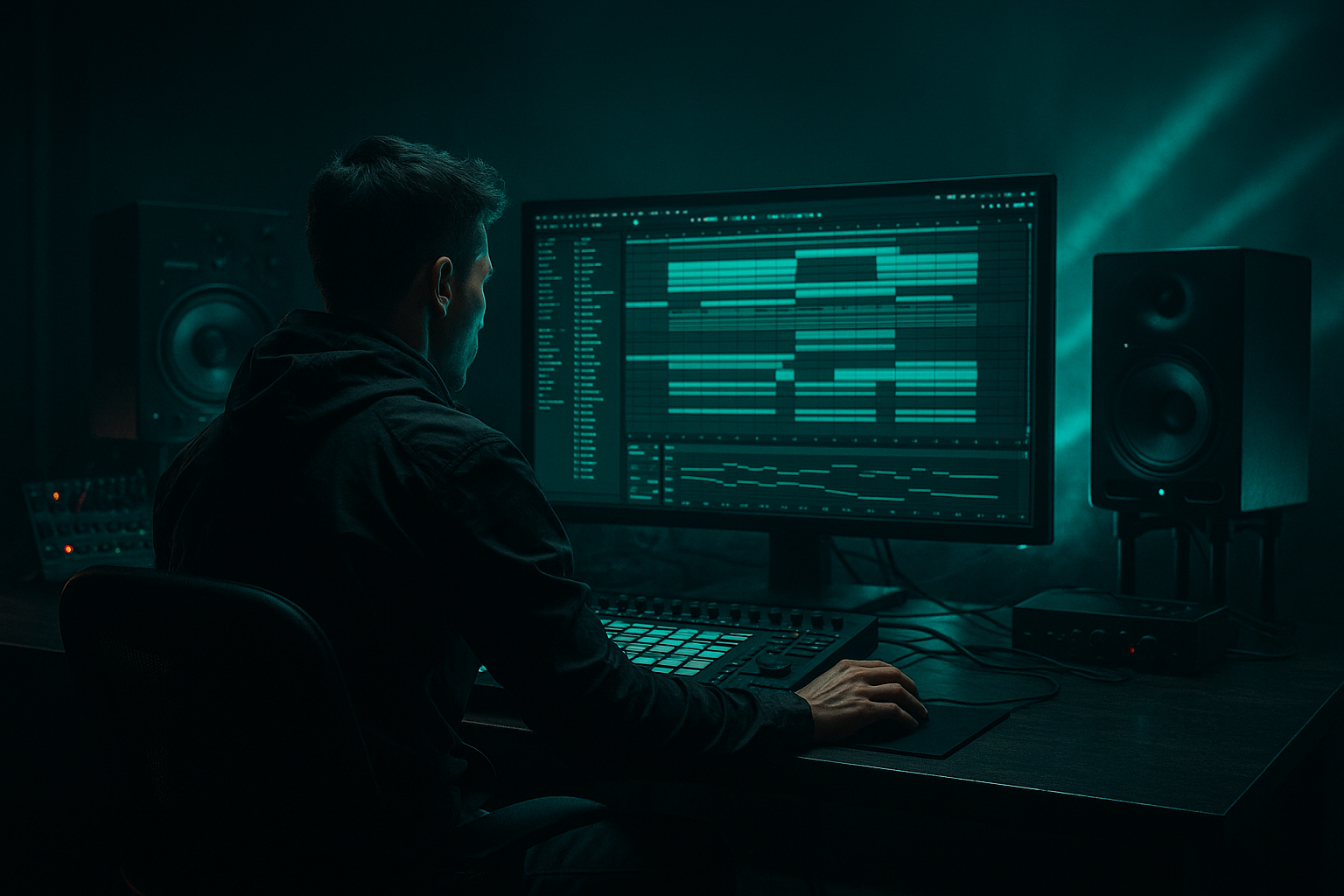
In this lesson, you’re building a classic oldskool jungle / DnB ride groove from scratch in Ableton Live 12 using a sampling-first workflow. The goal is not just to drop a ride on top of a break, but to create a driving, hypnotic top-end pulse that locks into the breakbeat, supports the bassline, and gives your track that rolling, forward-moving energy you hear in jungle, rollers, and darker DnB.
This matters because the ride is one of the fastest ways to define the energy curve of a DnB section. A good ride pattern can make an 8-bar loop feel alive, widen the drop without cluttering the drum loop, and create momentum between the snare and the bass call-and-response. In oldskool jungle, rides often sit like a shimmering engine above chopped breaks; in darker modern DnB, they’re frequently used as controlled texture and motion rather than obvious “cymbal on every beat” energy.
We’ll use Ableton’s stock tools to sample, slice, process, and arrange the ride so it feels authentic inside a DnB context. You’ll also learn how to shape the groove so it works with kick/snare placement, bass movement, and arrangement phrasing instead of fighting them.
What You Will Build
You will build a clean but gritty ride groove that feels like it belongs in a jungle oldskool intro or a first-drop roller:
- A sampled ride hit or short ride loop turned into a playable rack
- A tight 1/8 or broken 1/16-based ride pattern with humanized timing
- Subtle velocity movement so it doesn’t feel like a static hat loop
- A processed chain with EQ, saturation, transient shaping, and controlled space
- A version that can sit in a mix with:
- a DJ-friendly intro with filtered drums
- a first-drop jungle roller
- a darker neuro-influenced section where the ride becomes a precision top layer rather than a bright wash
- Using a ride that’s too bright or glossy
- Letting the ride overlap the snare too much
- Programming a rigid, identical pattern for 8 bars
- Ignoring the breakbeat context
- Not controlling stereo width
- Over-processing the cymbal into harshness
- Layer a dirty resample under the clean ride
- Use tiny filtering moves for tension
- Duck the ride very lightly from the snare bus if needed
- Make the ride part of the arrangement language
- Use resampling for character, not only correction
- Keep the low end clean at all times
- Let the ride reinforce the “forward motion” of the bassline
- Build the ride from a sampled source and shape it inside Ableton Live with stock devices.
- Keep the pattern rhythmic, controlled, and phrase-aware so it supports the break and bass.
- Use velocity, timing, and resampling to make it feel alive.
- Process with EQ Eight, Saturator, Drum Buss, and Utility for clarity and weight.
- In DnB, the ride is not just top-end decoration — it’s a groove engine that helps define energy, tension, and drop impact.
- chopped Amen or another break
- a sub-heavy bassline
- a reese or mid-bass layer
- simple arrangement automation for tension and switch-ups
By the end, you’ll have a ride groove that can work in:
Step-by-Step Walkthrough
1. Choose the right source and keep it short
Start in Ableton Live’s browser and audition your own sample library or built-in sounds for a ride source that feels usable in a DnB track. For this lesson, aim for one of these:
- a single ride hit
- a short ride loop
- a ride with a slightly dirty tail, not a shiny modern pop cymbal
In a jungle or oldskool context, the best rides often have a slightly rougher transient and a tail that isn’t too polished. You want brightness, but not a brittle top that competes with your snare crack or your break’s hat chatter.
Drag the sample into an audio track and trim it so the useful part starts immediately. If the tail is long, don’t panic — we’ll control that later. If you have a break already in the project, solo it and audition the ride against the break at the same tempo. In DnB, the relationship between ride brightness and break texture matters more than the ride itself.
Practical targets:
- keep the source under control around the 5 kHz–12 kHz zone
- avoid very low cymbal rumble below 200 Hz
- if it sounds too clean, keep it anyway; we can dirty it up with Ableton stock devices
2. Turn it into a playable Sampler or Drum Rack setup
For an intermediate workflow, the most flexible move is to load the sample into a Drum Rack or Simpler.
- If it’s a single ride hit, drop it into Simpler in One-Shot mode.
- If you want to layer multiple ride hits or keep the sound in a rack for later processing, put it inside a Drum Rack pad.
Recommended starting settings in Simpler:
- Mode: One-Shot
- Trigger: Gate or Classic depending on how tight you want the tail
- Voices: leave default unless you’re layering multiple hits
- Start: trim so the transient lands cleanly
- Fade: a small fade can prevent clicks, but keep it minimal
If the sample has too much tail, shorten the Amp Envelope Release or set the Fade Out in Simpler so the ride doesn’t wash over the snare. A ride for DnB usually needs to feel present, not endless.
Why this works in DnB: the genre is built on tight rhythmic detail. A ride that is playable and controllable lets you phrase the groove around the break and bass rather than being stuck with a static audio loop.
3. Program a jungle-friendly ride pattern that supports the break
Now write the actual groove in the MIDI editor. Start with an 8-bar clip so you can hear how the pattern develops over a phrase.
A strong starting point for oldskool DnB is:
- ride hits on the offbeats in a 1/8 pulse
- occasional skipped hits to create lift and variation
- extra pickups before bar changes
Try this as a base:
- Bar 1–2: steady 1/8 offbeat pulse
- Bar 3: remove one hit before the snare to create a small pocket
- Bar 4: add a short double hit leading into the next phrase
- Bar 5–8: repeat with small variations
If your break is busy, reduce the ride density. If your break is sparse, let the ride carry more of the motion. That’s the core decision: the ride should complete the rhythm, not duplicate it.
Useful note placement ideas:
- 1/8 offbeats for classic propulsion
- small 1/16 pickup before the snare on bar transitions
- occasional longer gap for tension, especially before a drop change
For darker modern DnB, you can also program the ride more sparsely and let it act like a movement marker rather than a constant shimmer.
4. Humanize the groove with velocity, timing, and groove pool
A rigid ride pattern can make even a good sample feel sterile. In the MIDI editor:
- vary velocities across repeated hits
- nudge a few hits slightly late for a looser jungle feel
- leave key accents slightly ahead if you want more urgency
A good velocity starting point:
- accents around 95–110
- supporting hits around 70–90
- softer ghost-style ride taps around 45–65
If you’re using an oldskool break vibe, push some hits a hair late to feel more human and swung. If you’re leaning more neuro / rollers, keep the timing tighter and use velocity more than timing for variation.
You can also use Ableton’s Groove Pool:
- try a light swing groove
- set Timing around 10–25% if you want subtle movement
- keep Random low, around 0–8%, so it doesn’t feel unstable
The point is not to make the ride sound “loose” in a generic way. The goal is to make it sit like a living part of the break, especially when the snare and ghost notes are moving around it.
5. Shape the tone with stock Ableton devices
Now process the ride like a DnB producer, not like a cymbal in isolation.
Start with EQ Eight:
- high-pass around 250–500 Hz to remove low junk
- gently dip any harsh spike around 6–9 kHz if needed
- if it lacks presence, a small boost around 10–12 kHz can help, but keep it controlled
Then add Saturator:
- Drive: start around 2–6 dB
- Soft Clip: on if you want extra bite without harsh peaks
- Curve: keep subtle unless you want more grime
If the ride feels too sharp, use Drum Buss lightly:
- Drive: low, around 5–15%
- Transients: slightly negative if the attack is too spiky
- Boom: usually off or very minimal for a ride
- Damp: helpful if the cymbal tail is too bright
A very effective chain for darker DnB:
- EQ Eight
- Saturator
- Drum Buss
- Utility
The Utility is important. Keep your ride lane in mono if it’s acting as a center-driving element, or reduce width if it’s clashing with stereo hats and break ambience. In DnB, stereo management is not optional.
6. Resample the ride into a new audio layer for grit and control
This is where the sampling mindset really pays off. Create a new audio track, set its input to resample or route the ride bus to it, and record a few bars of the processed ride.
Why resample?
- you can chop the exact useful tails
- you can create one-shots from a loop
- you can flatten processing into a more usable texture
- you can layer the resampled version under the original for thickness
Once recorded, use the resampled audio clip in Simpler or as a raw audio layer:
- cut out the most musical sections
- shorten overly long tails
- reverse a few tiny fragments for transition fills
- create a 1-bar loop and duplicate it with tiny edits
This is a classic jungle move: take a percussive source, resample it, then re-edit it until it feels like part of the composition. It’s especially useful when you want a ride that feels less like a stock cymbal and more like a curated texture.
7. Make it interact with the break and bassline
Now listen in context. Bring in your kick, snare, chopped break, sub, and mid-bass.
The ride should do three things:
- support the groove without masking the snare
- add lift above the break
- avoid fighting bass harmonics or resonance in the upper mids
Practical mix moves:
- if the snare loses impact, reduce ride hits on the snare’s attack
- if the sub feels smaller, check whether the ride chain has unnecessary low-mid buildup
- if the bassline is bright or distorted, carve a small dip in the ride around 2–4 kHz if needed
Musical context example:
In an 8-bar drop, you might run the ride steadily for the first 4 bars, then mute it for half a bar before the snare fill, then bring it back with a slightly louder velocity on the first hit of bar 5. That kind of phrasing creates a mini lift without changing the whole arrangement.
If your bassline is a rolling reese, the ride can act like a timekeeper. If the bassline is more syncopated and call-and-response, reduce ride density so the groove breathes.
8. Automate movement and build arrangement tension
Ride grooves become powerful when they evolve over time. Use automation to prevent loop fatigue.
Good automation targets:
- Auto Filter cutoff for filtered intro → full-drop transition
- Reverb send for a short wash before a fill
- Utility width for opening up a breakdown or a drop switch
- Saturator drive for heavier sections
- EQ Eight high shelf to tame brightness in breakdowns
Arrangement ideas:
- Intro: filtered ride tucked under break fragments
- Drop 1: full ride pattern with moderate processing
- 8-bar switch-up: remove ride for 1 bar, then reintroduce with a different velocity shape
- Breakdown: reverse a tiny ride fragment into a transition
- Outro: strip the ride back to make the mix DJ-friendly
In oldskool jungle, this kind of ride automation helps the track feel like it’s constantly evolving even when the drum foundation is repeating. In darker DnB, it prevents the top end from getting fatiguing.
Common Mistakes
Fix: choose a rougher source or tame it with EQ Eight around the harsh band, usually 6–9 kHz.
Fix: shorten the release in Simpler, trim the tail, or remove ride hits around key snare moments.
Fix: add small mutes, velocity changes, and one phrase-level variation every 2 or 4 bars.
Fix: solo is useful for sound design, but always make final decisions with the break playing. The ride should complement the chopped break, not flatten it.
Fix: use Utility to narrow the ride if your high end feels smeared or if the cymbal sits too wide against the drum bus.
Fix: if Saturator and Drum Buss make it aggressive, back off and use less drive. DnB needs edge, not fatigue.
Pro Tips for Darker / Heavier DnB
Keep one layer crisp and another slightly crushed. Blend the dirty layer low so the groove gains texture without losing definition.
A subtle Auto Filter sweep over 4 or 8 bars can make the ride feel alive. Try keeping the cutoff between 8 kHz and 14 kHz in a drop, then opening it briefly on a fill.
If the ride is stealing attack from the snare, use gentle sidechain-style control via volume automation or a compressor on the ride group triggered by the snare feel, but keep it subtle. The goal is clarity, not obvious pumping.
In dark rollers, remove the ride before a bass phrase switch. That emptiness makes the next phrase hit harder when it returns.
Print a few bars of the ride through your processing chain, then chop in micro-edits. This creates variation that feels intentional and underground.
Even when the ride sounds harmless, check the return path and bus. Any low-mid buildup from reverb or processing can blur the sub and make the whole track feel less powerful.
If your bass phrasing is syncopated, use the ride to stabilize the groove. If the bass is straight and mechanical, introduce slight ride swing to keep it human.
Mini Practice Exercise
Spend 10–20 minutes building two ride variations in the same project:
1. Create a single ride instrument using Simpler or Drum Rack.
2. Program an 8-bar ride pattern with:
- a steady offbeat pulse
- one bar with a skipped hit
- one bar with a pickup before the phrase loop
3. Make a second version with:
- lower velocities
- slightly more swing
- shorter decay
4. Process both with:
- EQ Eight
- Saturator
- Utility
5. Resample both versions onto audio tracks.
6. Compare them in context with your break and bass:
- Which one gives more jungle energy?
- Which one works better for a darker roller?
- Which one leaves more space for the snare?
Your goal is to finish with one clean version and one gritty version. Save both. You’ll use them later as drop variations or switch-up layers.

