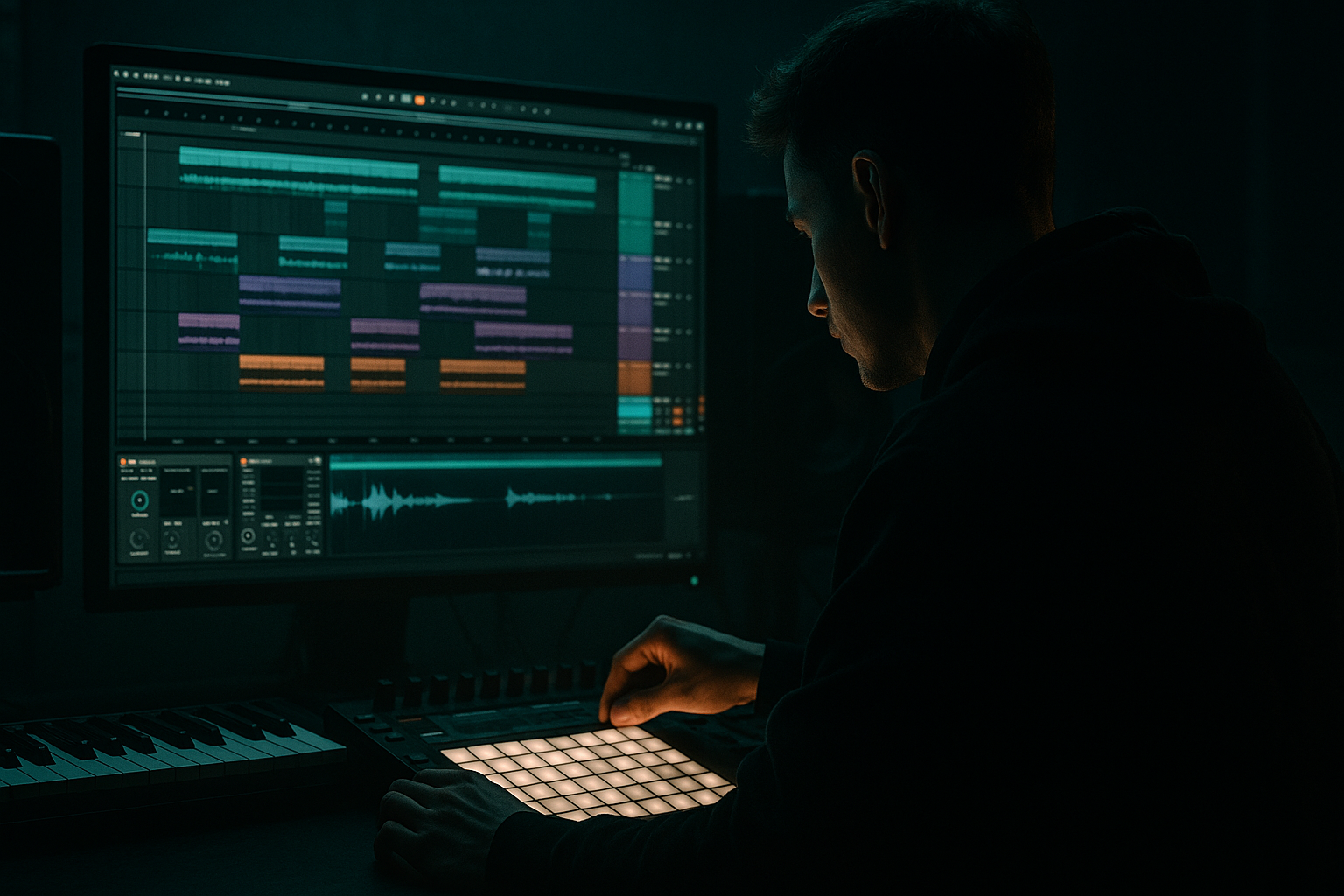
Main tutorial
```markdown
Course: Chopped‑Vinyl Character Intro + Oldskool Jungle Basslines (Ableton Live 12) 🎛️💿
Skill level: Intermediate
Category: Basslines (with intro vibe design + arrangement)
---
1. Lesson overview
In this lesson you’ll build a classic oldskool jungle/DnB intro that feels like it came off a dusty white label: chopped vinyl tone, noisy ambience, little tape wobbles… then you’ll drop into a rolling, weighty bassline that fits late-90s / early-00s jungle and modern rolling DnB.
We’ll do it entirely with Ableton Live 12 stock devices, focusing on workflow you can repeat fast:
- “Vinyl-chop” character using Simpler + Slice, Redux, Roar, Vinyl Distortion, Auto Filter, Echo
- Bassline built with Wavetable/Operator + Saturator/Overdrive + sidechain and resampling tricks
- Arrangement ideas that scream oldskool without sounding dated 🎚️
- Work in 2- or 4-bar loops
- Use call & response: hit a chop on bar 1, answer on bar 2
- Leave space! Oldskool intros breathe.
- Bar 1: chop hit on 1.1, another on 1.3, little ghost on 1.4.3
- Bar 2: hit on 2.2, answer on 2.4, and stop before looping
- Echo
- Saturator
- Reverb
- Reverb
- Osc A: Sine
- Level: adjust so it’s strong but not clipping
- Pitch: your root note (common keys: F, F#, G for DnB weight)
- Add a tiny bit of harmonics if needed:
- Osc 1: Saw (or “Basic Shapes” saw)
- Osc 2: Saw
- Detune: 10–25 cents
- Unison: 2–4 voices, Amount 20–40% (don’t go supersaw)
- Filter: LP24 around 200–800 Hz (automate later)
- LFO 1 → Filter Cutoff
- Optional: LFO 2 → Osc 2 Pitch (tiny) for instability
- Use root note + fifth (e.g., F and C) or root + minor third (F and Ab) depending on mood.
- Rhythm: syncopated 1/8 with off-beat pushes.
- Bar 1: notes on 1.1, 1.2.3, 1.3, 1.4.2
- Bar 2: notes on 2.1, 2.2, 2.3.3, 2.4
- Duplicate and change the last note every 4 bars (little “question mark” at the end).
- EQ Eight
- Glue Compressor
- Limiter (optional safety)
- Vinyl chops filtered (Auto Filter cutoff lower)
- Add crackle/noise (Vinyl Distortion crackle or a noise loop)
- Very light reverb/echo sends
- Tease the bass with high-passed reese only (HP at 200–400 Hz)
- Add a riser using Noise in Wavetable or Operator
- Automate Auto Filter cutoff on chops upward
- Do an “oldskool cut”:
- Add a short snare fill or reversed cymbal (even if drums aren’t the focus, a fill sells the drop)
- Bring in sub + mid together
- Reduce intro width slightly so drop feels centered and heavy
- Turn down crackle by 30–50% so the low-end feels clean
- Auto Filter cutoff on chops
- Redux Dry/Wet (intro gritty → pre-drop cleaner or vice versa)
- Reverb send (more in intro, less on drop)
- Bass mid filter cutoff (slightly open on drop)
- Over-crackling the intro: too much Vinyl Distortion crackle masks transients and makes the mix feel cheap.
- Redux on the sub: bitcrushing low-end destroys weight and makes mastering harder. Keep sub clean.
- No HP filtering on reese: if your mid bass overlaps the sub (below ~120 Hz), you’ll get muddy, inconsistent drops.
- Over-wide bass: stereo lows smear in clubs. Mono your sub and keep width above the low mids.
- Too busy intro chops: the drop won’t feel big if the intro is already full-range and dense.
- Resample your Reese:
- Use Roar’s tone controls like a DJ:
- Pitch drift for menace:
- Pre-drop “tape stop” illusion (stock):
- Sidechain the mid more than the sub:
- You made chopped-vinyl character by slicing audio into Simpler and processing with Auto Filter, Vinyl Distortion, Redux, and Roar.
- You built a proper DnB bass foundation using a clean mono sub (Operator) + dirty moving mid (Wavetable).
- You arranged it using DJ-friendly phrasing, automation, and controlled space so the drop feels heavier.
---
2. What you will build
By the end, you’ll have:
1. A 16–32 bar intro with chopped-vinyl texture (stabs, pads, spoken bits, or a melody sample), with movement and tension.
2. A rolling bassline (Reese/2‑note roller style) that punches in on the drop.
3. A simple intro → pre-drop → drop structure with risers, fills, and DJ-friendly phrasing.
---
3. Step-by-step walkthrough
A) Project setup (tempo + grid + routing) ⚙️
1. Set tempo:
- Jungle: 160–165 BPM
- Oldskool DnB: 165–172 BPM
A nice middle ground: 168 BPM.
2. Warp mode for samples (Preferences → Record/Warp/Launch):
- Set default Warp Mode to Complex (good for vinyl bits).
3. Create tracks:
- Audio Track: `VINYL SAMPLE`
- MIDI Track: `VINYL CHOPS (Simpler)`
- MIDI Track: `BASS (Sub)`
- MIDI Track: `BASS (Mid/Reese)`
- Optional Return Tracks: `DUB ECHO`, `PLATE`, `CRUNCH BUS`
---
B) Create the chopped-vinyl character (intro engine) 💿
You need a source: a short musical phrase, pad, chord, vocal, or stab. Even 1–2 bars is enough.
#### 1) Prepare the sample
1. Drag your audio into `VINYL SAMPLE`.
2. Warp it:
- Turn Warp ON
- Try Complex or Complex Pro
- Adjust Seg. BPM so it grooves with the project (don’t overcorrect; a tiny looseness is authentic).
#### 2) Slice it in Simpler for “chop” performance
1. Right‑click the clip → Slice to New MIDI Track
2. In the dialog:
- Slicing preset: Built-in → choose something neutral, or “Slice to Drum Rack” style
- Slice by:
- Start with Transient (fastest)
- If too messy, switch to 1/8 or 1/16 for oldskool grid chops
3. You now have a Simpler/Drum Rack setup of chops. This is your “vinyl instrument”.
#### 3) Program a classic jungle intro pattern
In the MIDI clip on `VINYL CHOPS`:
Quick rhythmic idea (2 bars):
Then duplicate to 16 bars, but vary every 4 bars with a different chop.
#### 4) Add “vinyl character” device chain (stock)
On the `VINYL CHOPS` track, build this chain:
Device Chain (in order):
1. Auto Filter
- Mode: LP24
- Cutoff: start around 8–12 kHz
- Resonance: 10–20%
- Add subtle movement: enable LFO
- Rate: 1/8 or 1/4
- Amount: 5–10%
2. Vinyl Distortion
- Tracing Model: On
- Drive: 1.5–3.5
- Pinch: 1–2 (don’t overdo)
- Crackle: 0.5–1.5 (or automate to rise into drop)
3. Redux (for crunchy “sampler era” edge)
- Bit Reduction: 10–12 bits (start subtle)
- Downsample: 1.2–2.5
- Tip: automate Redux Mix (Dry/Wet) per section
4. Roar (for controlled grit + movement)
- Style: Tape or Overdrive
- Drive: 5–15% (keep it musical)
- Use Roar’s Tone to avoid harsh highs
5. Utility
- Width: 80–110% (intro can be wide)
- Use Bass Mono if needed (below 120 Hz)
Goal: It should sound “sampled”, not just distorted. If it’s harsh, reduce Redux first.
#### 5) “Dubby space” returns for authenticity 🫧
Create Return tracks:
Return A: DUB ECHO
- Time: 1/8 dotted or 1/4
- Feedback: 25–45%
- Filter: HP around 250 Hz, LP around 6–8 kHz
- Drive: 2–4 dB, Soft Clip On
- Size small/medium, Decay 1.2–2.5s, HP around 300 Hz
Return B: PLATE
- Type: Plate (or Bright Hall but filtered)
- Decay: 1.8–3.5s
- Pre-delay: 10–25 ms
- HP: 300–600 Hz, LP: 7–9 kHz
Send your chops sparingly (you want vibe, not wash).
---
C) Build the rolling bassline (sub + reese split) 🔊
Oldskool jungle bass hits hardest when the sub is clean and steady and the mid bass is dirty + moving.
#### 1) Sub bass (clean, stable)
Create `BASS (Sub)` with Operator (simple and solid).
Operator settings:
- Osc B: Sine, -12 dB, Ratio 2.00, very low level (optional)
Processing chain:
1. Saturator
- Drive: 1–3 dB
- Soft Clip: On
2. Auto Filter
- HP12 around 20–30 Hz (remove rumble)
3. Compressor (Sidechain from kick)
- Sidechain Input: your Kick track
- Ratio: 3:1
- Attack: 5–15 ms
- Release: 80–140 ms (adjust to groove)
- Aim for 2–5 dB gain reduction on kick hits
Keep sub mono: Utility Width 0% on this track.
#### 2) Mid/Reese bass (movement + grit)
Create `BASS (Mid/Reese)` with Wavetable.
Wavetable settings (starter Reese):
Add movement:
- Rate: 1/8 (sync)
- Amount: small (start 5–15%)
Processing chain (classic rolling mid):
1. Roar
- Style: Overdrive or Bass
- Drive: 10–30%
- Mix: 50–80%
2. EQ Eight
- HP: 100–150 Hz (make room for sub)
- Notch any nasty resonance around 250–500 Hz if needed
3. Chorus-Ensemble (optional oldskool width)
- Amount: 10–25%
- Keep it subtle; we want thickness, not wobble-pop
4. Compressor (Sidechain from kick)
- Similar to sub but slightly stronger: 3–6 dB GR
5. Utility
- Width: 90–120% (keep low end filtered anyway)
#### 3) Write a jungle/DnB rolling bass pattern
A simple but effective 2-bar loop:
Example rhythm idea (2 bars at 168):
Then:
#### 4) Glue sub + mid into a Bass Group
Group both bass tracks (`Cmd/Ctrl+G`) → `BASS BUS`.
On `BASS BUS`:
- Gentle dip 200–300 Hz if it’s boxy
- Attack: 10 ms
- Release: Auto
- Ratio: 2:1
- Only 1–2 dB reduction (just cohesion)
- Ceiling: -0.3 dB
- Don’t smash; just catch peaks
---
D) Arrange the intro like a proper DJ-friendly jungle tune 🧱
Here’s a reliable structure:
#### 1) 0:00–0:16 (8 bars): establish vibe
#### 2) 0:16–0:32 (next 8 bars): introduce bass hint + tension
#### 3) 0:32–0:48 (pre-drop): stop/start + fill
- Mute chops for 1/2 bar
- Let Echo tail carry
#### 4) 0:48 (DROP): full bassline
Automation lanes to prioritize:
---
4. Common mistakes 🚫
---
5. Pro tips for darker/heavier DnB 🕶️
Freeze/Flatten `BASS (Mid/Reese)` → slice it in Simpler → re-trigger for nastier, more “hardware” movement.
Darker = roll off top above 6–8 kHz, push aggression around 1–3 kHz carefully.
Add tiny pitch modulation (cents) with an LFO on the mid bass only.
Automate clip Transpose down a few semitones over 1/2 bar + increase Reverb send. Oldskool tension builder.
Keeps weight continuous while the growl breathes around the kick.
---
6. Mini practice exercise 🧪
Goal: Make a 16-bar intro + 8-bar drop bassline loop.
1. Find a 1–2 bar musical sample (chord, pad, vocal phrase).
2. Slice to Simpler and program two different 2-bar chop patterns.
3. Build the vinyl chain (Auto Filter → Vinyl Distortion → Redux → Roar).
4. Write a 2-bar rolling bass pattern in F or F#.
5. Arrange:
- Bars 1–8: filtered chops + space
- Bars 9–16: open filter + echo throws
- Bar 16: 1/2 bar drop-out
- Bars 17–24: full bass in
6. Bounce a quick reference: Export 24 bars and listen on headphones + small speakers.
---
7. Recap ✅
If you want, tell me your target vibe (e.g., Metalheadz-style rollers, ragga jungle, techstep darkness) and I’ll give you a matching bass patch + 32-bar arrangement blueprint.
```

