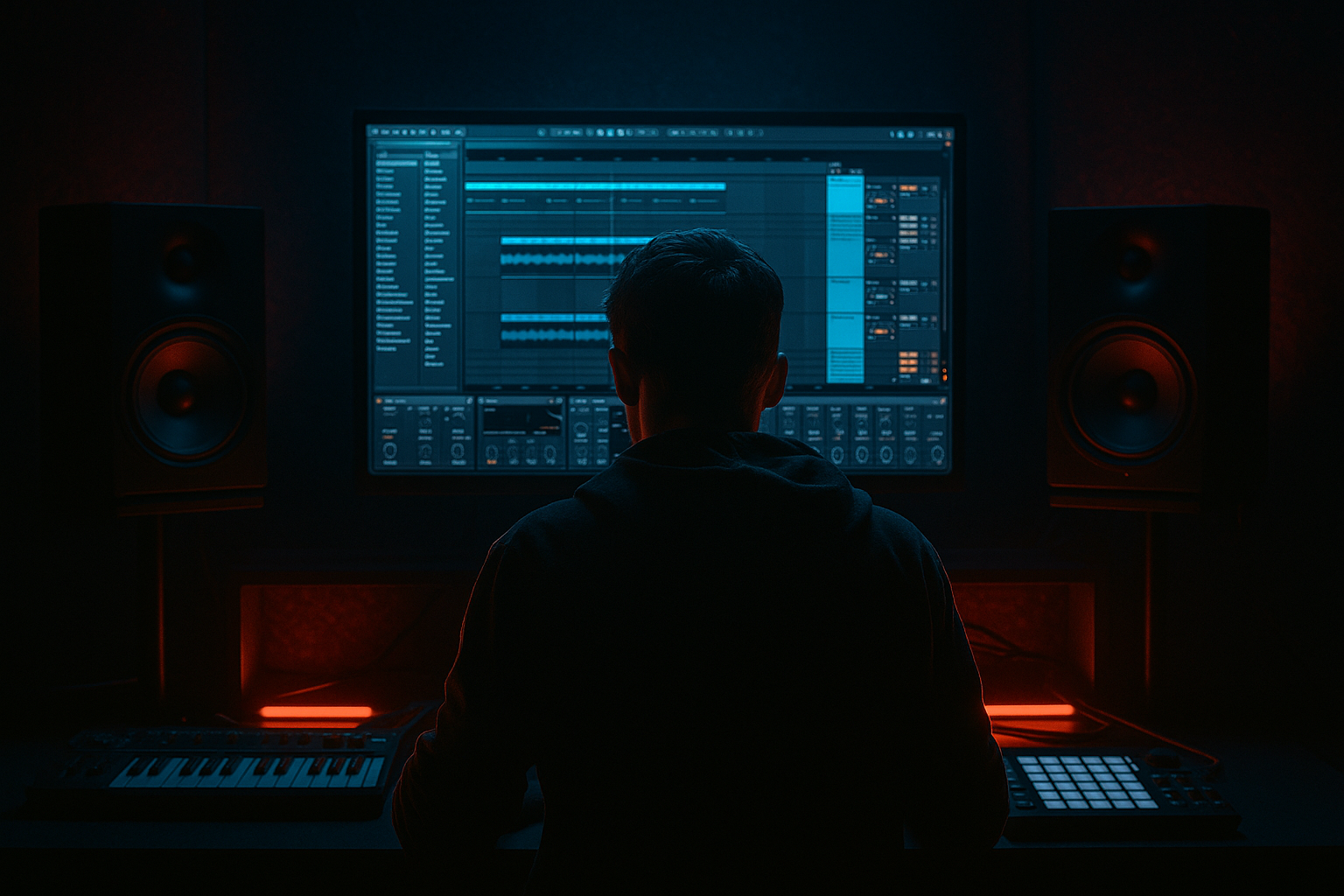
Main tutorial
```markdown
90s-Inspired Darkness in Ableton Live 12 (Jungle / Oldskool DnB) — Mastering (Advanced)
1. Lesson overview
This lesson is about mastering a jungle/oldskool DnB track so it lands with that 90s-inspired darkness: thick low-end, crunchy transients, controlled chaos, and a slightly “boxed / tape-ish” vibe without turning into muddy mush. 🖤
We’ll do this using Ableton Live 12 stock devices (plus smart workflow) and lean into the aesthetic: amen-driven drums, Reese bass, eerie pads, sampled stabs, and rough-but-intentional grit.
Goals:
- Achieve weight + aggression while keeping kick/snare clarity.
- Create a dark tonal tilt (less glossy top, more menace in low-mids).
- Build a master chain that’s loud enough but still punchy and rolling.
- Preserve “old hardware” attitude with controlled saturation and dynamics.
- Pre-master gain staging + metering workflow
- “Darkness EQ” strategy (tilt + low-mid control + air discipline)
- Glue + punch (bus-style compression approaches)
- Harmonic density (tape-ish / clip-ish saturation)
- Safe loudness via limiting without flattening breaks
- A/B referencing setup and export targets
- A Master Rack you can save as a preset ✅
- A repeatable method to master tracks that feel heavy, shadowy, and 90s-adjacent 🎛️
- Put references on an audio track.
- Set that track’s Audio To: Master (normal)
- Turn your mastering chain off when comparing (less ideal).
- HPF: Off or very gentle. For DnB, don’t auto-cut subs unless needed.
- Low-mid control (darkness lives here, but it can get swampy):
- Top discipline (avoid glossy EDM shine):
- Attack: 10 ms (lets snare crack through)
- Release: Auto (or 0.3 s if you want more pump control)
- Ratio: 2:1
- Threshold: aim for 1–2 dB gain reduction on loud sections
- Makeup: Off (do output gain manually later)
- Soft Clip: ON (subtle, very useful for jungle peaks)
- Mode: Analog Clip (or Soft Sine for smoother)
- Drive: 1.5–4.5 dB (small moves!)
- Soft Clip: ON
- Output: reduce to match bypass loudness (critical)
- Enable Color (if available in your view) and slightly emphasize low-mids.
- Or do “darkening by harmonics” rather than pure EQ.
- Nasal/box control: -0.5 to -2 dB around 500–800 Hz if it honks
- Presence for snare edge (if needed): +0.5 to +1.5 dB at 2–4 kHz
- Air restraint: if saturation made hats spitty, shelf down 10–14 kHz
- Low: up to 120 Hz
- Mid: 120 Hz – 4.5 kHz
- High: 4.5 kHz+
- Try Downward compression gently:
- Keep it slow-ish so it doesn’t wobble:
- If harsh: use subtle compression or expansion the other way.
- Ceiling: -1.0 dB (streaming-safe; also prevents intersample peaks)
- Lookahead: 1 ms
- Release: Auto (or 50–150 ms depending on groove)
- Push Gain until you hit your loudness target without destroying snare punch.
- Classic jungle vibe (more dynamics): -9 to -7 LUFS integrated
- Heavier modern-but-90s-inspired: -7 to -6 LUFS (careful—breaks can smear)
- Create automation on master chain where needed:
- For “dark intros”:
- Intro: pads/FX + filtered break tease
- Drop: full Amen + Reese
- Mid-break: dubby space, echoes
- Second drop: denser, maybe extra ride/hats, extra distortion
- Use Utility after Saturator if you’re driving hard:
- Bypass-match often:
- Mono compatibility (club systems):
- Sub stability:
- Break transients:
- Harshness:
- Use Soft Clip strategically (Glue + Saturator) to shave peaks before Limiter. This preserves punch at higher loudness. 🎚️
- Darkness is often a midrange story: control 300 Hz mud and 3–6 kHz abrasiveness, not just “cut highs.”
- Let the bass own the floor, not the whole spectrum: if the Reese dominates 150–300 Hz, the break loses urgency.
- Master “movement,” not just “volume”: keep 1–3 dB dynamic swing between phrases so the drop feels dangerous.
- Reference older jungle recordings for tonal tilt: you’ll notice less sub-hype than modern neuro, but more dense low-mid “loom.”
- You built a stock Ableton Live 12 mastering chain designed for 90s-inspired jungle darkness:
- You learned to prioritize break transients, sub stability, and dark tonal tilt over shiny loudness. 🖤
- You set up a practical A/B workflow and created two mastering flavors to choose from.
---
2. What you will build
A complete Ableton Live 12 mastering chain (stock devices) tailored for jungle/DnB, including:
You’ll end with:
---
3. Step-by-step walkthrough
Step 0 — Pre-master setup (don’t skip)
Why: If the mix is too hot, your master chain will lie to you.
1. Set your project sample rate (Preferences → Audio)
- Recommend: 48 kHz (modern) or 44.1 kHz if you’re explicitly targeting oldskool CD era.
2. On your Master, drop Limiter (temporary) and set:
- Ceiling: -1.0 dB
- Lookahead: 1 ms
3. Pull the Master fader to 0.0 dB (keep it there).
4. Adjust your mix so your pre-master peak is roughly -6 dBFS (ballpark) with the temporary limiter doing almost nothing.
- Practical: Put a Utility at the end of your mix bus and use Gain to trim.
5. Create a Reference track (audio track) with 1–3 jungle/DnB refs:
- Route it to Ext. Out (if you can) or to a separate Reference Group that bypasses the master chain (see Step 1).
DnB-specific check: If your Amen/Think break is smacking and your master is already pinning, your mix is too hot.
---
Step 1 — Build a clean A/B referencing workflow (inside Ableton)
Goal: Instantly compare your master chain ON vs references at matched loudness.
Option A (simple):
Option B (pro workflow inside Live):
1. Create two return tracks:
- Return A = “PRE-MASTER”
- Return B = “MASTERED”
2. Route your mix Group (or “PreMaster” audio track) to Send Only and send to both returns.
3. Put mastering chain on Return B only.
4. Put references directly to Master (not through Return B).
5. Use a Utility on the reference track to level-match by ear:
- Start around -6 to -10 dB (depends on reference loudness)
This gives you faster truth checks. 🔍
---
Step 2 — The Master Chain (stock-only) for 90s darkness
Create this device order on your Master (or “Mastered” return):
1) EQ Eight (cleanup + tilt foundation)
2) Glue Compressor (gentle glue, keep breaks intact)
3) Saturator (density + darkness harmonics)
4) EQ Eight (post-sat sculpt + “dark polish”)
5) Multiband Dynamics (control lows / tame harsh)
6) Limiter (final level)
We’ll set each for jungle/DnB.
---
#### 2.1 EQ Eight (pre) — Sub discipline + dark tilt
Add EQ Eight first.
Suggested moves (adjust to track):
- If there’s rumble: enable Highpass 24 dB/oct at 20–30 Hz.
- Try a bell cut -1 to -3 dB at 250–350 Hz, Q ~ 0.7–1.2
- If hats are crispy: high shelf -1 to -2.5 dB at 8–12 kHz, gentle Q
Tip: Oldskool darkness is rarely “no highs”—it’s controlled highs.
---
#### 2.2 Glue Compressor — “Break glue” without killing transients
Add Glue Compressor next.
Starting settings (classic DnB-friendly):
DnB note: If your Amen loses snap, your attack is too fast or GR is too high.
---
#### 2.3 Saturator — Tape-ish density (dark weight)
Add Saturator.
Starting point:
Optional (power move):
What to listen for: bass becomes “felt”, snare gets hair, cymbals don’t turn fizzy.
---
#### 2.4 EQ Eight (post) — Sculpt after saturation
Now that harmonics changed the tonal balance, shape it.
Common jungle/DnB post-sat moves:
---
#### 2.5 Multiband Dynamics — Keep low end steady, tame harsh breaks
Add Multiband Dynamics.
This is where you prevent “Reese + Amen” from fighting.
Set crossover points (starting place):
Low band (tighten sub/low bass):
- Ratio: ~2:1
- Aim 1–3 dB GR on heavy notes
- Attack: 20–40 ms
- Release: 120–250 ms
High band (control splashy breaks/hats):
- Start with 1–2 dB GR when cymbals get loud
- Faster timing:
- Attack 3–10 ms
- Release 60–120 ms
Important: Don’t “master” by smashing mids. Jungle needs midrange motion.
---
#### 2.6 Limiter — Final loudness without killing the roll
Add Limiter last.
Starting settings:
Targets (practical ranges):
DnB reality: If you need extreme loudness, fix the mix (especially low-end and transient spikes) rather than forcing the limiter.
---
Step 3 — “90s darkness” macro moves (Arrangement-aware mastering)
Oldskool vibes aren’t only EQ—it's how the master responds to sections.
Do this: master with arrangement in mind.
- Slightly lower limiter gain in intros (preserve atmosphere)
- Push 0.5–1 dB more in drops (impact)
- Reduce high shelf a touch (EQ Eight) in intro
- Open it slightly at drop for excitement (subtle)
Classic jungle arrangement cues to master for:
Your master should translate these contrasts, not flatten them.
---
Step 4 — Master bus gain staging (so your chain behaves)
Between devices, keep levels consistent:
- Trim -1 to -4 dB as needed
- Toggle device on/off and match loudness so you’re judging tone and punch, not “louder = better”.
---
Step 5 — Final checks (DnB-specific translation)
Before export, check:
- Put Utility at the end temporarily → Width 0% (mono).
- If bass disappears: you have stereo sub issues. Fix in mix (Bass in mono).
- Listen very quiet: can you still feel the pulse?
- Does snare still “crack” or did it turn into paper?
- Turn up a bit: do hats become painful?
---
4. Common mistakes
1. Over-limiting breaks: Amen transients smear and groove collapses.
- Fix: less limiter gain; use Glue soft clip + mild saturation earlier.
2. Too much 250–400 Hz: instantly “cheap muddy warehouse”.
- Fix: gentle cut; also check reverb tails in that range.
3. Stereo sub: wide Reese subs vanish in mono and on big rigs.
- Fix in mix: keep sub (below ~100–120 Hz) mono.
4. Harsh top from saturation: “spitty” hats and crunchy cymbals.
- Fix: post-sat shelf down, or reduce drive/change mode.
5. Mastering to a moving target: no level-matched reference.
- Fix: always A/B at similar loudness.
---
5. Pro tips for darker/heavier DnB
---
6. Mini practice exercise
Timebox: 30 minutes. Goal: Create two masters—“Clean Dark” and “Rugged Dark”.
1. Duplicate your master chain into two versions (Audio Effect Rack with chains):
- Chain A: Clean Dark
- Chain B: Rugged Dark
2. Clean Dark settings:
- Glue GR: ~1 dB
- Saturator Drive: 1.5–2.5 dB
- Limiter: target -8 LUFS-ish
3. Rugged Dark settings:
- Glue GR: 1–2 dB + Soft Clip ON
- Saturator Drive: 3–5 dB (careful)
- Multiband: slightly more high-band control
- Limiter: target -7 LUFS-ish, but stop if snare dulls
4. Level-match both chains (use Utility output gain).
5. Pick the winner on:
- Snare crack
- Bass weight
- Hat harshness
- Groove feel at low volume
Deliverable: Bounce 30 seconds of drop from both and compare on headphones + monitors.
---
7. Recap
EQ Eight → Glue Compressor → Saturator → EQ Eight → Multiband Dynamics → Limiter
If you want, tell me your track tempo (e.g., 165–175), whether it’s Amen-heavy or 2-step, and your bass style (Reese/sub), and I’ll suggest more precise crossover points and compression timings for your specific groove.
```

