Show spoken script
Welcome back. In this lesson we’re focusing on one of the most important “feel” skills in drum and bass: the contrast between your intro bass and your drop bass.

And here’s the mindset I want you to keep the whole time: the intro bass and the drop bass should feel related, but not equal. Same DNA, different role. The intro is there to tease, set mood, and create expectation. The drop is there to anchor the mix, lock with the drums, and hit with real weight.

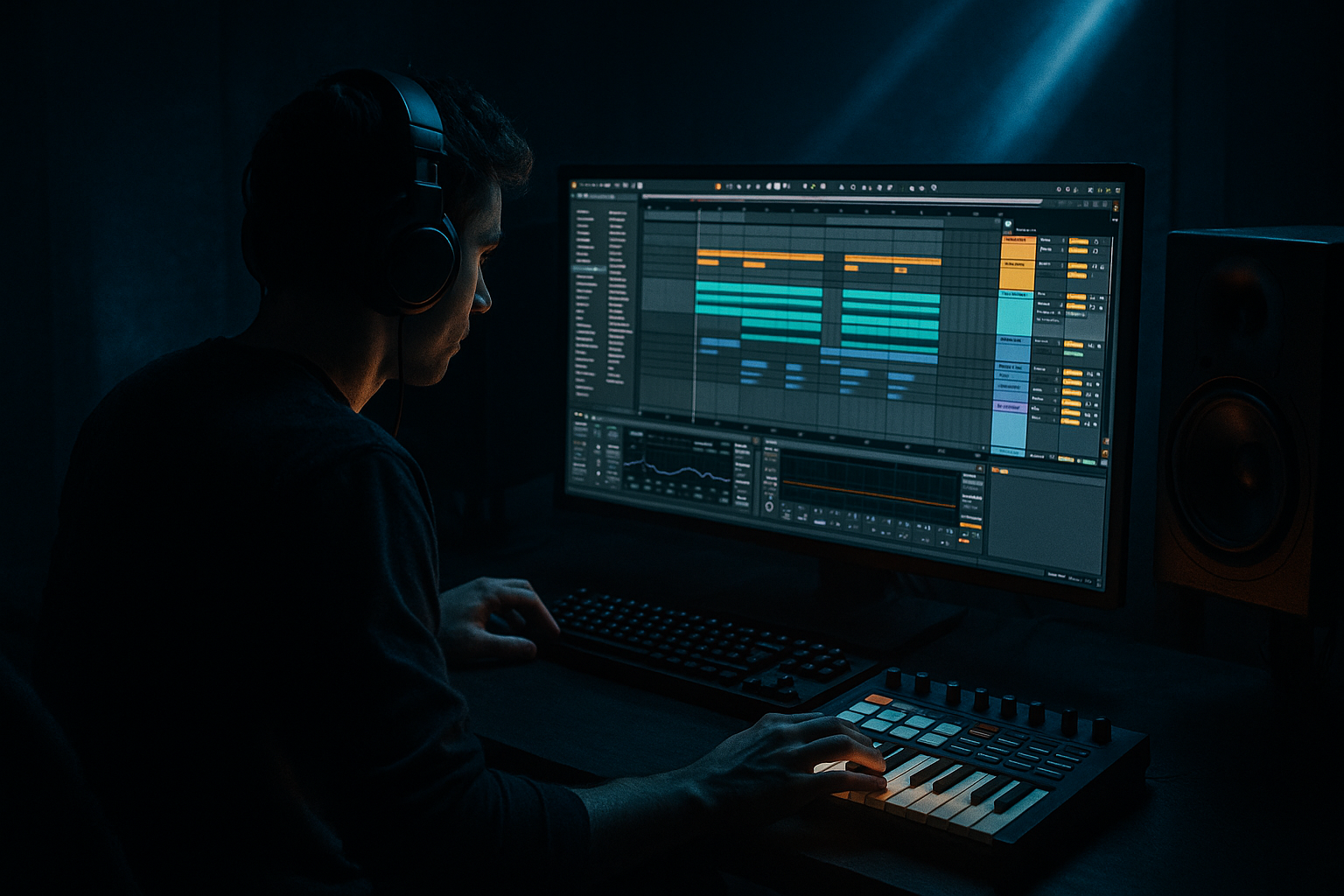
We’re going to build this inside Ableton in a super practical way: one MIDI pattern, then three tracks that use that pattern differently. Intro bass for the tease, plus a drop sub and drop mid for impact.

Alright, let’s set up the session.

Set your tempo to 174 BPM. Classic DnB territory. Now throw down a basic drum loop. Don’t overthink it. Kick, snare, hats. Even placeholders are fine, because we mainly need something to feel the groove against.

Now create four tracks:
One called BASS - SUB (Drop)
One called BASS - MID (Drop)
One called BASS - INTRO (Tease)
And one called SC - Ghost Kick

That last one is going to drive sidechain so the bass and kick don’t wrestle each other. This separation is not just “organized for fun.” It’s what keeps your low end clean and controllable.

Next: we write the bass DNA.

Create a MIDI clip, 4 or 8 bars, and use a simple rolling pattern. Keep it in a sensible range, roughly around F1 to A1 depending on your key. Short notes, like eighths and sixteenths, and make sure there are gaps. Those gaps are groove.

Big tip: leave space around the snare. In most DnB, that snare on 2 and 4 is sacred. If your bass is constantly overlapping it, your snare will feel smaller, and the whole track loses punch.

And one more: don’t get lost in swing yet. You can add Groove Pool later. For now, keep it clean and playable.

Cool. Now let’s build the drop bass, starting with the sub.

Go to BASS - SUB (Drop). Load Operator. Oscillator A should be a sine wave. Keep it mono: set voices to 1. And turn glide off for now, because we want the sub tight and predictable.

Now add EQ Eight. Low-pass it somewhere around 80 to 120 Hz. You’re basically telling it: “You are a sub. You do sub things. Nothing else.” If it’s a little boomy, you can do a tiny dip, but keep it minimal.

Then add Utility. Set width to 0%. Mono. Always. If your sub is wide, it might sound cool in headphones, but on a system it can get weak and phasey fast.

Goal check: this track should feel boring by itself. That’s a good sign. Clean sub is supposed to be boring solo and powerful in context.

Now the fun part: the drop mid bass.

Go to BASS - MID (Drop). Load Wavetable or Operator. We’ll use Wavetable as an example.

Pick a basic shapes style wavetable, something saw-ish, and set the position around 30 to 50 percent. Keep Osc 2 off or very quiet. Beginners often stack too much too early and then wonder why it’s messy.

Add a low-pass filter, 12 or 24 dB, and park it somewhere around 200 to 600 Hz. This is one of your main “vibe knobs,” by the way. Lower cutoff feels darker and more minimal, higher cutoff feels more aggressive and forward.

Set your amp envelope so it’s rolling: short-ish decay, medium sustain. We want body, but we don’t want it to smear across the whole bar.

Now build the effects chain.

First, Saturator. Soft Sine or Analog Clip. Drive around 3 to 8 dB. Turn Soft Clip on. This is how you get the mid bass to speak on smaller speakers without messing with your sub.

Then EQ Eight. High-pass around 100 to 150 Hz. This is crucial. You’re making room for the sub track to own the true low end. If it starts sounding honky or boxy, sweep around 250 to 400 Hz and gently pull it down a couple dB.

Optionally add Glue Compressor. Attack around 3 ms, release on Auto, ratio 2:1. Aim for about 1 to 3 dB of gain reduction on peaks. This isn’t about crushing it. It’s about making it feel glued and confident.

Then Utility. Width around 80 to 120 percent. The mid can be a bit wider than the sub, but we’ll keep the low mids under control. If you don’t, the drop can feel loud but oddly not punchy.

Now we sidechain, because DnB needs bounce and clarity more than it needs huge EDM pumping.

On SC - Ghost Kick, put a kick sample exactly where your kick hits. You can even do a more constant ghost pattern if you want a steady pump, but let’s keep it simple: match your kick rhythm.

Make sure you can’t hear the ghost kick. Turn it down to minus infinity, or route it so it doesn’t hit the master.

Now on both bass drop tracks, sub and mid, add Ableton’s Compressor. Turn on sidechain and select SC - Ghost Kick as the input.

Set ratio to 4:1. Attack between 1 and 5 ms. Release around 60 to 120 ms. Then lower the threshold until you see about 2 to 6 dB of gain reduction.

Listen carefully here: if the bass feels like it’s breathing in time with the drums and the kick feels clean, you’re in the zone. If it feels like it’s ducking too long and losing momentum, shorten the release. If it feels like it still hits the kick, lower the threshold a touch or make the attack a bit faster.

Now we create the intro bass, and this is where the contrast really happens.

Go to BASS - INTRO (Tease). Duplicate the MID bass instrument. That’s key. Same sound source equals cohesion. Then use the same MIDI clip, or simplify it. Fewer notes can actually build more suspense, because it feels like the track is holding something back.

Now we intentionally remove impact and add atmosphere.

First, EQ Eight. High-pass around 120 to 200 Hz. This is non-negotiable if you want the drop to feel like it “returns” with weight. If your intro already has 40 to 80 Hz, your drop loses the wow factor.

Also, check that you still have some presence in the 200 to 800 Hz zone. If you high-pass too hard and the sound becomes thin, it might disappear on phones and laptop speakers. We want the intro bass to be legible, not huge.

Next, Auto Filter. Low-pass mode. Put the cutoff somewhere like 300 to 800 Hz to start. Add a little resonance, maybe 10 to 25 percent, just enough to create tension and character. If you can, map that cutoff to a macro so you can automate it easily.

Now add Echo. Try eighth note or quarter note timing. If you want more of a jungle flavor, try dotted timing. Keep feedback around 20 to 40 percent, and inside Echo, filter out the lows so your delays aren’t adding mud.

Add Reverb after that. Decay maybe 1.5 to 3.5 seconds. Low cut at 200 Hz or higher. Wet around 10 to 25 percent. Remember: reverb on bass is dangerous if you let the lows through. We’re going for space, not soup.

Then Utility. Make it wider than the drop bass, something like 120 to 160 percent. And turn it down. This is a pro move: deliberately keep your intro bass about 3 to 8 dB quieter than your drop bass group. That loudness boundary makes the drop feel bigger automatically, without you having to slam a limiter.

Quick coach note: think in roles. If you’re ever stuck, ask yourself, “What is this bass doing right now?” Intro role is mood, harmony hint, light groove. Drop role is weight, punch, and translation on big systems.

Now let’s arrange it so the contrast is obvious.

A simple structure:
Bars 1 to 16: Intro. Use only BASS - INTRO. No sub. Automate the Auto Filter cutoff slowly so the intro feels alive.
Bars 17 to 32: Pre-drop. Start drying things out. Reduce reverb a bit. Maybe simplify notes. Maybe add a snare build. The vibe should feel like it’s moving closer to the listener.
Then bar 33: Drop. Mute the intro bass. Turn on the drop sub and drop mid. Full drums. Keep the bass relatively dry and forward at the start of the drop.

One really effective move: right before the drop, create a tiny pocket. Either a one-beat silence, or stop the bass notes for half a bar and let only the reverb tail ring out. That “freeze frame” makes the first drop hit feel massive.

Now let’s do a couple quick quality checks that beginners usually skip, but pros do constantly.

First, the mute test. Solo drums plus intro bass. Listen. Then switch to drums plus drop bass. If the kick and snare feel like they move backward when the drop bass comes in, your drop low-mids are probably too dense. That’s usually the 150 to 350 Hz area. Go to the mid bass EQ and carve gently until the drums feel forward again.

Second, check mono. Put Utility on your master and set width to 0 percent for about 30 seconds. The drop should stay solid and heavy. If it collapses and gets weird, your low end stereo is out of control. Remember: sub mono, and keep low mids on the sides cleaned up.

Third, listen quietly. Low volume is like a truth serum. If your distorted mid is harsh at low volume, it will be brutal loud. Sweep with an EQ bell around 2 to 5 kHz after distortion and pull down anything piercing.

Now, if you want an optional upgrade for better translation on small speakers: create a SUB TOP layer.
Duplicate the sub track. High-pass it around 120 to 200 Hz. Add light saturation to generate harmonics. Keep it mostly centered, width maybe 0 to 30 percent. This way, the drop reads on phone speakers, while the actual sub remains clean and stable.

Let’s recap the whole concept in one sentence.
Intro bass is a tease: filtered, less sub, more space, wider, quieter. Drop bass is impact: dedicated mono sub plus a controlled mid layer, tighter, punchier, and sidechained to the drums.

Your contrast comes mainly from three areas: frequency management, space, and dynamics. Not just “pick a different patch.”

Before you finish, do the mini exercise: make 16 bars of intro and 16 bars of drop using the exact same MIDI pattern. Then export and listen on headphones and a small speaker. The question is simple: can you feel the low end return when the drop hits?

If you tell me your track key and whether you’re going for liquid roller, steppers, or a darker neuro-ish roller, I can suggest a tight 8-bar MIDI pattern and some starting Wavetable settings that naturally create that intro tease to drop payoff without changing the notes much.