Main tutorial
Lesson Overview
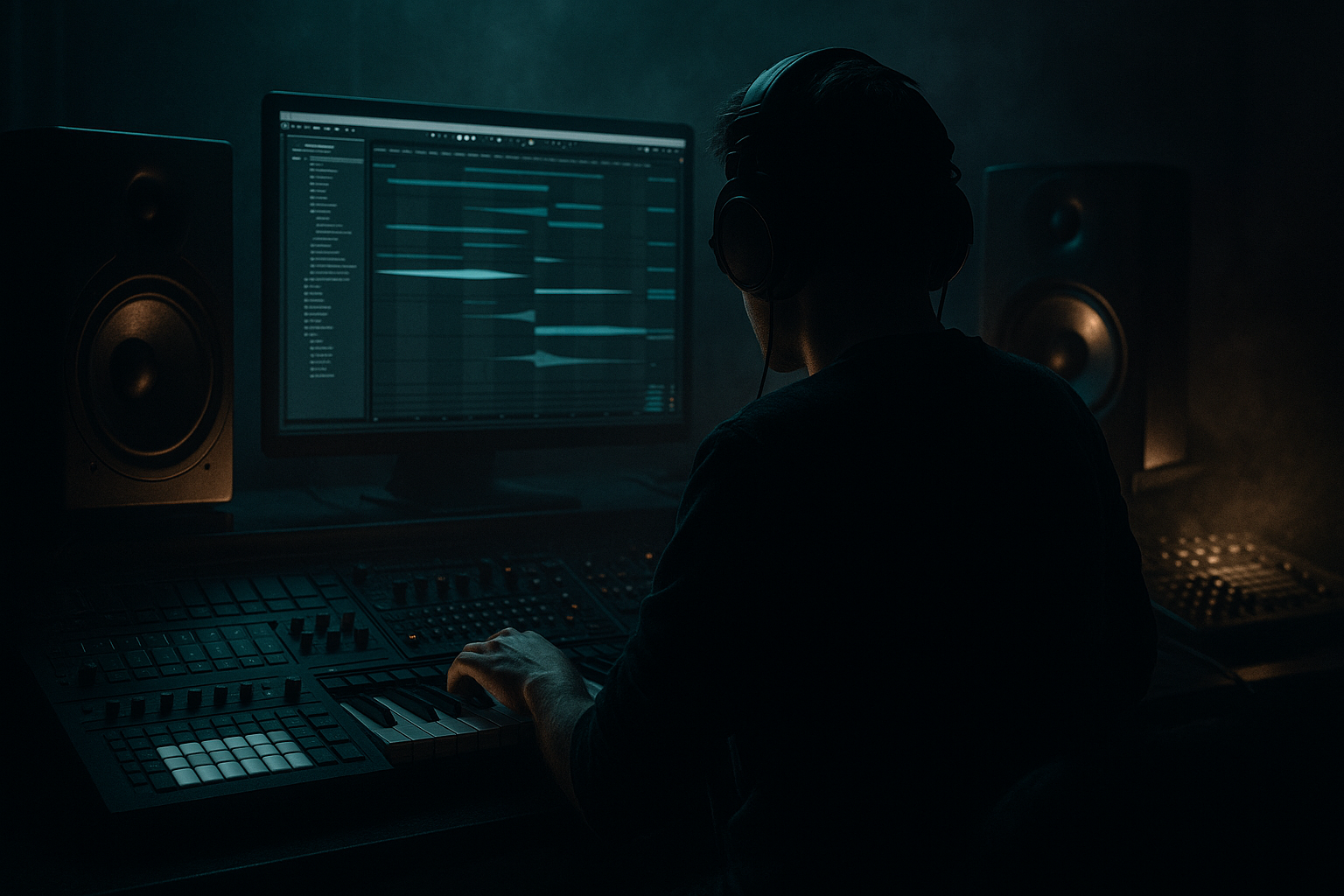
Oldskool DnB intros are all about setting a scene before the drop lands. In this lesson, you’ll build a VHS-rave-style intro in Ableton Live 12: dusty, slightly degraded, mysterious, and full of movement. Think early jungle energy, warehouse haze, tape wobble, and the feeling that the tune is about to break open. 🎛️
This matters because the intro is not just “the start” of the track — it’s your chance to establish identity, tempo energy, and tension. In Drum & Bass, especially darker or oldskool-influenced styles, the intro often needs to work for DJs too: clean enough to mix, interesting enough to hook the listener, and strong enough to hint at the drop without giving everything away.
For beginner producers, this lesson is a great way to learn arrangement, layering, and atmosphere without getting lost in complicated sound design. You’ll use Ableton stock devices to create a believable oldskool vibe: chopped breakbeats, sub hints, a dusty pad, VHS-style texture, and simple automation that makes the intro feel alive.
Why this technique matters in DnB:
- DnB intros often use tension and groove instead of big melodic development
- Oldskool/jungle styling relies on break edits, atmosphere, and sample character
- VHS-rave color gives your track a nostalgic underground identity fast
- A good intro helps the drop hit harder because the contrast is stronger
- A filtered breakbeat loop with oldskool movement
- A deep sub pulse or restrained bass hint
- A hazy pad or stab pattern with VHS-style filtering
- Tape-like noise, reverb wash, and subtle pitch wobble
- Automation that opens the energy gradually
- A DJ-friendly intro that can lead into a full roller, jungle, or darker half-time drop
- Making the intro too busy
- Letting the bass dominate too early
- Over-processing the break
- Using too much reverb on drums
- Ignoring low-end separation
- Forgetting arrangement contrast
- Keep sub elements mono
- Add controlled distortion, not random distortion
- Use a drum bus
- Make one element carry the VHS vibe
- Use short ghost hits
- Think in phrases
- Use automation to fake “production value”
- Oldskool DnB intros are about atmosphere, groove, and tension
- Keep the breakbeat central and process it for dusty VHS-rave color
- Use a minimal bass hint instead of a full bassline
- Add one pad, stab, or texture layer for mood
- Automate filters, volume, and reverb to create movement
- Keep the arrangement DJ-friendly and drop-focused
- In DnB, the intro should set up the impact, not compete with it
What You Will Build
By the end, you’ll have a 16-bar intro that feels like a tape-worn rave broadcast leading into a darker DnB drop.
Specifically, you’ll create:
Musically, the intro will sit comfortably around 170–175 BPM and feel like it belongs in a jungle/rollers hybrid: gritty drums, low-end restraint, and a sense of forward motion without overcrowding the mix.
Step-by-Step Walkthrough
1. Set up the session for an oldskool DnB intro
Start a new Ableton Live set and set the tempo to 172 BPM. This is a strong middle ground for classic-feeling DnB and jungle-inspired material.
Create these tracks:
- Drums
- Bass
- Atmosphere
- FX
On the Drums track, load Drum Rack or an audio track with a breakbeat loop. If you have a classic break sample, great. If not, use any clean break and later process it to sound older.
On the Atmosphere track, load a simple pad or chord sound using Wavetable, Analog, or even a sampled synth texture. Keep it simple: we want mood, not a huge harmonic lead.
On the FX track, prepare a noise source or field recording. Ableton’s stock Operator can make noise-like textures, or you can use a sample of vinyl hiss, crowd noise, or ambient room tone.
Why this works in DnB: the intro needs clear lane separation. Drums carry groove, bass hints at power, atmosphere creates scene, and FX glue the whole thing together.
2. Build a 4-bar break loop with oldskool phrasing
Place a breakbeat loop on the Drums track and loop 4 bars. If your break is long, cut it into slices and rearrange it in a simple call-and-response pattern. Keep it beginner-friendly:
- Bar 1: full break
- Bar 2: repeat with one or two hits removed
- Bar 3: add a small fill or reversed snare
- Bar 4: leave space before the next phrase
Use Simpler in Slice mode if you want to chop the break into MIDI notes. This makes it easy to mute a kick or snare for one beat and create a more human, rolling feel.
Add Groove from the Groove Pool if your break feels too rigid. A light MPC-style swing or a subtle break groove can help it feel less sequenced and more authentic.
Beginner target:
- Don’t over-edit yet
- Keep the loop repetitive enough to be hypnotic
- Focus on one or two intentional variations
3. Process the break for VHS-rave color
Put these devices on the break track in this order:
- EQ Eight
- Saturator
- Drum Buss
- Auto Filter
Suggested starting settings:
- EQ Eight: low-cut around 25–35 Hz to clean unusable sub-rumble
- Saturator: Drive 2–5 dB, Soft Clip on
- Drum Buss: Drive 5–15%, Crunch very low or off, Boom low or off for now
- Auto Filter: Low-pass with cutoff around 8–12 kHz, small resonance only
The goal is not to destroy the break — it’s to make it feel sampled, aged, and slightly compressed like old tape or a rough dub plate.
If you want more VHS flavor, automate the Auto Filter cutoff very slightly so the break feels like it breathes. Even moving from 8 kHz to 11 kHz over a few bars can make the intro feel alive.
Add a tiny amount of reverb using Reverb, but keep the Dry/Wet low, around 5–12%. Too much and you lose the punch of the break.
4. Create a bass hint, not a full drop bass
For the intro, you do not need a full Reese riff yet. You just need a bass suggestion that tells the listener the drop is coming.
Load Operator or Wavetable on the Bass track. For a beginner, Operator is great because it’s simple and strong for sub work.
Make a basic bass note on the root note of the tune, held for 1 bar or 2 bars. Then try a sparse rhythm:
- A single long note under bar 1
- A short pickup before bar 3 or bar 4
- Maybe silence on bar 2 to create tension
If using Operator:
- Use a sine wave for the main sub
- Keep the envelope smooth and simple
- Low-pass the sound if it’s too bright
- Add Saturator after it with Drive 1–3 dB for audibility on smaller speakers
For an oldskool feel, avoid doing too much movement here. The bass should feel like it’s lurking under the break, not demanding attention yet.
Why this works in DnB: a restrained bass hint sets expectation. In jungle and rollers, tension often comes from what you don’t fully reveal.
5. Add a dusty chord stab or atmospheric bed
On the Atmosphere track, create a simple 1- or 2-chord loop. Keep the harmony minimal:
- Minor chord
- Suspended chord
- Single-note cluster or stab
If you’re unsure, use just one chord and let texture do the work. Oldskool intros often rely on mood more than complex chord progressions.
Good Ableton stock choices:
- Wavetable for a soft pad
- Analog for a warm detuned tone
- Electric or a sampled synth for a more retro edge
Process it with:
- Auto Filter: low-pass around 2–6 kHz
- Chorus-Ensemble: very light width and motion
- Reverb: larger space, but keep the low end controlled with EQ Eight
Suggested settings:
- Reverb Size: medium to large
- Decay: 2.5–5 seconds
- Dry/Wet: 10–25%
- EQ Eight high-pass the pad around 150–250 Hz to avoid clashing with the bass and kick
Keep it simple and slightly eerie. If it feels too polished, reduce brightness and shorten the notes.
6. Add VHS texture with noise, wobble, and resampling
Create a track with noise or ambience. This can be:
- Vinyl hiss sample
- Crowd/warehouse ambience
- Operator noise
- Very quiet radio/static texture
Place it under the intro and automate the volume so it comes in and out subtly.
For VHS-style movement, add:
- Auto Pan with Amount low and Rate set slow
- Chorus-Ensemble very lightly
- Simple Delay with extremely low feedback, just for a smear effect
- Phaser-Flanger only if kept subtle
A very useful beginner trick is to resample your intro. Freeze and Flatten or record the intro section to audio, then chop the best moments. This gives you a more sample-driven feel, which suits oldskool jungle aesthetics well.
If your texture is too distracting, lower it until you barely notice it. The best VHS color often lives just under the surface.
7. Automate energy across 8 or 16 bars
Now make the intro feel like it’s progressing.
In Arrangement View, draw automation for:
- Breakbeat filter cutoff
- Pad filter cutoff
- Reverb dry/wet on the atmosphere
- Bass volume or low-pass filter
- Noise track volume
Simple automation plan:
- Bars 1–4: darker, narrower, more filtered
- Bars 5–8: slightly brighter and fuller
- Bars 9–12: add one extra drum fill or bass pickup
- Bars 13–16: reduce one element briefly so the drop feels bigger
For example:
- Auto Filter on the break opens from 8 kHz to 11 kHz
- Bass low-pass opens from 200 Hz to 800 Hz only near the end
- Pad reverb increases slightly before the transition
This creates tension/release without needing a big lead melody. That’s very DnB: the arrangement does the work.
8. Shape the intro for DJ-friendly movement and drop transition
In DnB, especially if you want your track to mix well, intros often need a clear structure. A 16-bar intro is a classic beginner-safe format.
Try this arrangement:
- Bars 1–4: break + atmosphere only
- Bars 5–8: add bass hint
- Bars 9–12: add pad or stab
- Bars 13–16: add fill, riser, or reverse FX before the drop
Use a reversed crash, riser, or noise swell from Ableton’s stock samples. Keep it short and tastefully gritty. You want anticipation, not festival-style overload.
If your drop starts immediately after the intro, leave one beat of space or a tiny pickup hit just before the drop. That tiny moment of silence or tension can make the downbeat hit much harder.
Musical arrangement example:
If your tune is in F minor, let the intro sit mostly on F minor with a single Bb or Ab stab for color. That creates a moody, oldskool vamp instead of sounding like a full chord progression.
Common Mistakes
- Fix: remove one layer. Oldskool DnB feels strong because of groove and texture, not constant activity.
- Fix: keep the bass filtered, quieter, or more minimal in the intro. Save the full low-end statement for the drop.
- Fix: if the drums lose punch, reduce Saturator drive or Drum Buss amount. You still need impact and groove.
- Fix: keep the break fairly dry and place space on the atmosphere instead. DnB needs punch in the transient region.
- Fix: high-pass pads and FX, and keep sub elements mono. Use EQ Eight to carve space.
- Fix: make the last 4 bars slightly simpler or darker before the drop. Contrast is what makes the drop feel huge.
Pro Tips for Darker / Heavier DnB
- Use Utility on the bass and set Width to 0% or keep the sound centered. Heavy DnB low end should stay focused.
- Saturator, Drum Buss, and soft clipping can make breaks feel nastier without wrecking clarity. Try Drive 3–8 dB on a break bus, then pull the output down.
- Route your break and percussion to a Drum Bus and apply gentle compression or Drum Buss processing there. This glues the intro together and feels more “record-like.”
- Don’t VHS-process everything. Usually the break or atmosphere is enough. Too much degradation can make the mix blurry.
- Very quiet snare ghosts or kick pickups can create movement in rollers and jungle intros. Keep them subtle so they feel like tension, not clutter.
- DnB often works in 4-bar and 8-bar sections. If something feels flat, add a small variation at the end of bar 4 or 8.
- A tiny filter move, a short reverb swell, or a bass opening at the end can make a beginner arrangement feel much more polished.
Mini Practice Exercise
Spend 10–20 minutes making a one-screen intro loop:
1. Set tempo to 172 BPM.
2. Load one breakbeat loop and loop 4 bars.
3. Add EQ Eight, Saturator, and Auto Filter to make it dusty.
4. Create a one-note bass hint with Operator.
5. Add a simple pad chord or stab with Wavetable or Analog.
6. Drop in a noise texture or ambient sample.
7. Automate one filter over 4 bars.
8. Duplicate the phrase to make 8 bars and add one fill at the end.
Your goal is not a finished track. Your goal is to make the intro feel like the opening of a real DnB tune: moody, rhythmic, and ready to slam into a drop.

