Main tutorial
Lesson Overview
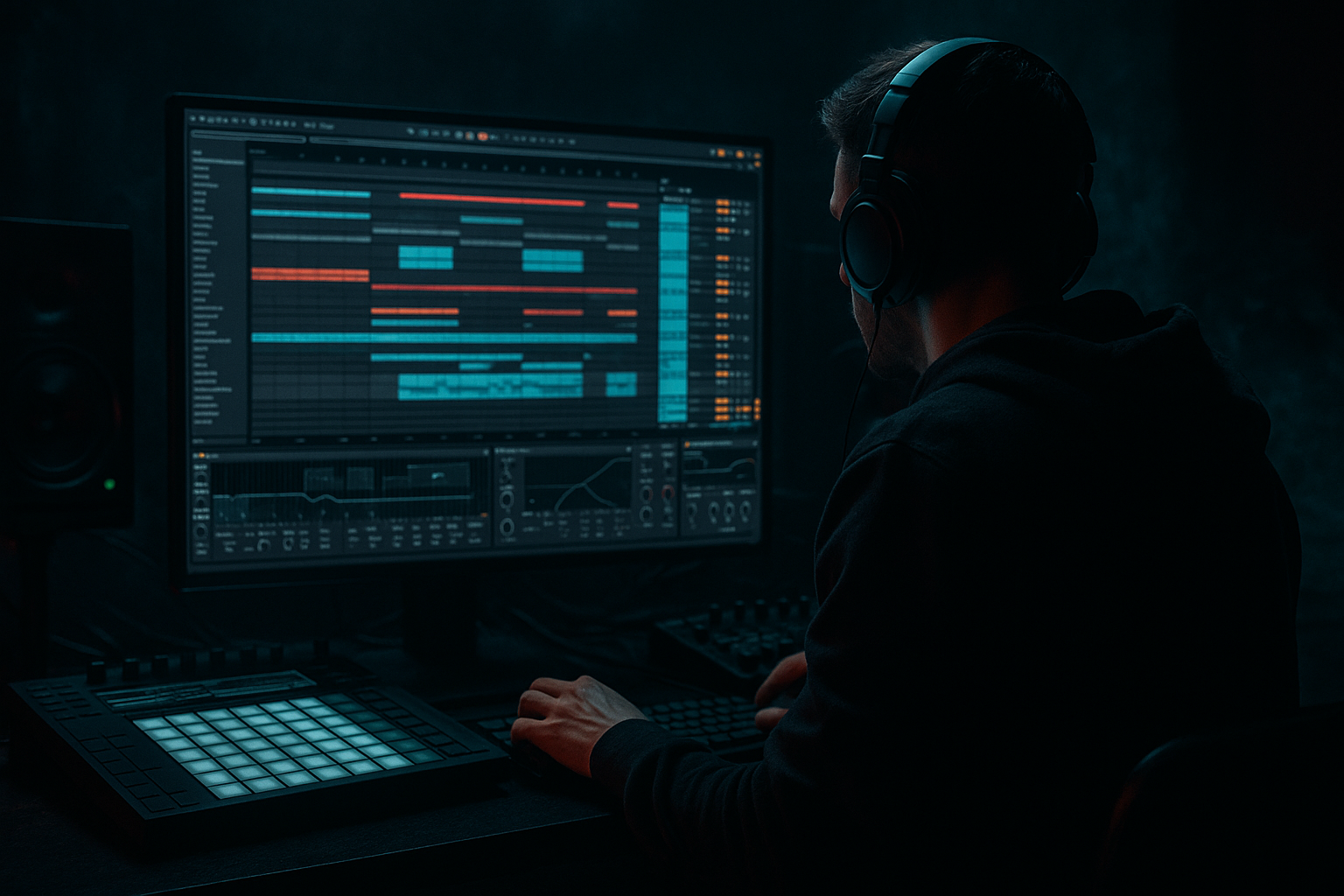
In this lesson, you’ll learn how to compose a 90s-inspired jungle breakbeat that feels dark, raw, and ready for a Drum & Bass arrangement inside Ableton Live 12. This is not about making a full polished track yet — it’s about building the kind of drum/break foundation that can carry a moody intro, a tense buildup, and a heavy drop.
Why this matters: in jungle and darker DnB, the breakbeat is often the personality of the track. A strong break edit can create forward motion, grit, and pressure before the bass even arrives. If your drums already feel alive, the rest of the arrangement becomes much easier. You’ll also learn how to keep it DJ-friendly, which is essential for classic DnB structure: intro, drop, switch-up, breakdown, second drop, outro.
We’ll focus on a beginner-friendly workflow using Ableton stock devices like Drum Rack, Simpler, EQ Eight, Saturator, Compressor, Utility, Reverb, Delay, Auto Filter, and Drum Buss. You’ll end up with a dark break loop and a simple arrangement that feels like it belongs in a 90s-inspired jungle roller or deeper darkside tune.
What You Will Build
By the end of this lesson, you’ll have:
- A 4- or 8-bar jungle breakbeat built from a classic break or break-style sample
- Chopped drum edits with ghost notes, fills, and variation
- A dark atmosphere layer to make the break feel more ominous
- A simple arrangement sketch with intro, drop, and switch-up
- Basic drum bus processing so the break hits harder without losing its raw character
- A workflow you can repeat later for rollers, jungle, darkstep, or neuro-inspired drum edits
- Making the break too quantized
- Over-processing the drums
- Letting the low end get messy
- Using only one loop with no edits
- Ignoring arrangement
- Overusing reverb
- Layer a clean snare under a gritty break snare to keep impact while preserving the old-school texture.
- Use Drum Buss carefully on the break group for extra punch and low-mid density without instantly smashing the transients.
- Add tiny call-and-response edits: one bar of full break, one bar with a missing kick or a different hat pattern.
- Resample your edited break once it feels good. Then chop the resampled audio again for a more committed, raw sound.
- Keep mono discipline below the low mids so the bass can later stay powerful and clear.
- Use short reverse hits or tiny filtered noise swells before a fill to create tension.
- Try a darker reese-style texture later in the arrangement and make the break answer it rhythmically. That call-and-response relationship is a classic DnB move.
- Leave one bar less busy than the others before a major drop. Silence and space hit hard in dark music.
- Use slight distortion on a return track rather than destroying the whole break. This lets you blend grit in more controllably.
- Reference a classic jungle or dark DnB tune while arranging. Compare where the drums open up, where they thin out, and how often fills appear.
- A dark jungle breakbeat is built from good sample choice, smart chopping, and small rhythmic edits
- In Ableton Live 12, Slice to New MIDI Track, Drum Rack, EQ Eight, Saturator, Drum Buss, and Auto Filter are your core tools
- The arrangement matters just as much as the loop: build intro, drop, switch-up, and outro
- Keep the break alive, gritty, and controlled, with room for future sub bass
- Use automation and small variations to create tension, release, and 90s-inspired darkness 🔥
Musically, the result should feel like a shadowy, tension-filled break that can sit under a sub bass or reese and still cut through. Think: smoky intro, pressure building, then a break-led drop with that classic rushed, chopped, unstable energy.
Step-by-Step Walkthrough
1. Set up a clean DnB project and tempo
Start a new Ableton Live 12 set and set the tempo to something in the DnB range:
- 160 BPM for a more rolling, modern dark DnB feel
- 170–174 BPM if you want a more classic jungle energy
For this lesson, use 170 BPM as a strong middle ground.
Create:
- 1 audio track for your break sample
- 1 MIDI track for a kick/snare support layer if needed
- 1 audio track for atmospheres/noise
- 1 return track for reverb or delay if you want shared space
In Arrangement View, loop an 8-bar section so you can hear how the break behaves over time. This is important because DnB is about phrasing, not just loops.
Why this works in DnB: the tempo and loop length shape how the groove breathes. A break that works at 170 BPM may feel too slow or too rushed elsewhere, so lock the tempo first.
2. Choose a break with character and slice it into playable parts
Pick a breakbeat sample that has:
- a clear kick
- a snare with attitude
- some hi-hat or ghost-note detail
- a little room sound or crunch
Good starting points are classic break-style loops with obvious transient peaks. You want something raw enough to cut up.
Drag the break into an audio track, then:
- right-click and choose Slice to New MIDI Track
- slice by transients
- create a Drum Rack with slices mapped to pads
If the break is already in a groove you like, keep the original loop and use it as a reference while you edit slices underneath it. For beginners, this is easier than starting from absolute silence.
In the Drum Rack, you can keep:
- kick slices on a few pads
- snare hits on a few pads
- hat/ghost slices on separate pads
This lets you re-order the break into a new pattern instead of just looping it.
3. Build a basic 2-bar jungle pattern first
Before doing fancy edits, program a simple 2-bar drum idea inside the Drum Rack. Think of it like the skeleton of the break.
A classic beginner-friendly DnB starting point:
- snare on 2 and 4
- kick before the snare
- extra ghost hits between main hits
- a few open hats or noisy slices to keep motion going
In Ableton’s MIDI Editor:
- place your main hits first
- leave tiny gaps for the break to “breathe”
- use short notes for most slices
- slightly vary note lengths for hats and ghost hits
Try this practical balance:
- main snare slice velocity: 110–127
- ghost notes velocity: 35–70
- supporting hat slices velocity: 45–90
The goal is not perfection — it’s movement. Jungle feels alive because the second and third hits around the main backbeat create momentum.
If you want a more 90s feel, let the break feel a little messy and human. Do not over-quantize every hit to death.
4. Add break edits and ghost notes for that dark 90s tension
This is where the pattern starts sounding like jungle instead of a plain drum loop.
Duplicate your 2-bar MIDI clip and make tiny edits:
- remove one main kick for a bar to create a gap
- add a quick snare or hat pickup into the next section
- shift a ghost hit slightly earlier or later by a few ticks
- repeat a hat slice twice for a stutter effect
Use these simple edit ideas:
- 1-bar fill at the end of bar 4 or 8
- snare drag into the main snare
- hat rush before a drop
- single kick mute to make the next hit feel bigger
In the MIDI Editor, try moving one or two ghost notes a tiny bit off-grid. Even 5–15 ms of offset can make the break feel more human and older-school.
If a slice is too loud, reduce its velocity before reaching for EQ. In jungle, the groove often comes from the relationship between hits, not just the tone.
For a dark edge, keep some slices dry and sharp while others are slightly washed. That contrast creates a sense of depth.
5. Shape the break with stock Ableton devices
Now process the break so it has weight, punch, and controlled grit.
On the Drum Rack chain or audio track, try this basic chain:
- EQ Eight
- Drum Buss
- Saturator
- Compressor or Glue Compressor
- Utility
Suggested starting settings:
- EQ Eight: high-pass around 25–35 Hz to clear sub-rumble; small cut around 200–400 Hz if the break is boxy
- Drum Buss: drive around 5–15%, crunch low or off at first, transients slightly up if needed
- Saturator: Soft Clip on, Drive around 2–6 dB
- Glue Compressor: ratio 2:1 or 4:1, attack 3–10 ms, release auto or 0.3–0.6 s
- Utility: width at 100% or slightly narrower if the break gets messy
Keep the processing subtle at first. You want the break to feel like it was printed to tape or run through a gritty mixer, not destroyed.
If the snare loses impact, reduce compression or slow the attack a bit. If the break feels too clean, add more Saturator instead of simply boosting volume.
Why this works in DnB: the drum break needs to stay aggressive and rhythmic at high tempo. Gentle saturation and transient control help the break feel louder and more urgent without crushing the groove.
6. Create a dark atmosphere layer around the break
A 90s-inspired dark break rarely lives alone. Add an atmosphere bed so the drum pattern feels haunted and cinematic.
Make a new audio track and add:
- a vinyl/noise texture, field recording, or dark ambient pad
- or a simple synth wash using Wavetable, Analog, or Operator
Keep it simple:
- use a long note or loop
- filter it with Auto Filter
- cut highs with EQ Eight so it sits behind the drums
Try these starting points:
- Auto Filter cutoff: around 300 Hz to 2.5 kHz, automated slowly
- Reverb decay: 2.5–6 seconds
- Reverb dry/wet: 10–25%
- EQ Eight high cut: roll off above 8–10 kHz
The atmosphere should not fight the break. It should make the drum pattern feel like it’s happening in a tunnel, warehouse, or abandoned basement.
If you want extra dread, automate the filter so the atmosphere opens slightly in the buildup and then ducks when the drop hits.
7. Build the arrangement: intro, drop, switch-up, outro
Now turn the loop into a real DnB arrangement sketch.
Use this simple structure:
- Bars 1–8: intro with filtered break fragments and atmosphere
- Bars 9–16: first drop with full breakbeat
- Bars 17–24: switch-up with edited fills or a different break variation
- Bars 25–32: breakdown or reduced section
- Bars 33–40: second drop with more intensity
- Bars 41–48: DJ-friendly outro
In the intro:
- keep only high percussion, noise, or sliced break tops
- low-pass the break or remove the kick
- tease a snare or ghost fill every few bars
In the drop:
- bring in the full break
- let the low end breathe if you later add a sub bass
- keep the first 4 bars slightly simpler than the next 4
In the switch-up:
- mute one kick
- add a fill at bar 4 or 8
- use a new slice pattern to make the listener lean forward
For a classic musical context example, imagine a tune that starts with 8 bars of filtered break noise and low rumble, then opens into a full 16-bar drop with the main break and bass, then shifts into a half-time feeling fill before returning to the main 170 BPM pulse. That kind of phrasing is very DnB-friendly and works well for DJs.
8. Use automation to create tension and release
Arrangement in DnB lives and dies by movement. Even a simple break can sound finished if the automation is smart.
Automate:
- Auto Filter cutoff on atmosphere layers
- Reverb send on select snare hits or fills
- Dry/wet of delay for one-shot transitions
- Utility gain for quick mutes or drop impacts
- EQ Eight to gradually open the top end before the drop
Easy automation ideas:
- increase reverb on the last snare before the drop
- filter the break down to make the intro feel distant
- add a quick gain dip before a big hit to create space
- automate a small volume lift on the second drop for extra intensity
Keep it tasteful. Dark DnB often works best with subtle but purposeful movement, not huge EDM-style sweeps.
9. Check the mix against the low end and simplify where needed
Even though this lesson focuses on drums, your break must leave room for bass later.
Do a quick check:
- put Utility on the break and switch to mono if needed
- cut unnecessary low-end rumble with EQ Eight
- if the kick slice is fighting future sub bass, reduce its low frequencies slightly
- if hats feel harsh, make a gentle cut around 7–10 kHz
Leave headroom. Try to keep your drum bus from peaking too hard. If your arrangement is clipping everywhere, the bass later will have nowhere to sit.
If the break sounds too weak after cleanup, bring back energy using Saturator or Drum Buss, not just more volume.
Save your project as a template once the routing and drum chain are working. That will speed up future DnB sketches massively.
Common Mistakes
- Fix: nudge a few ghost notes off-grid and keep some human variation.
- Fix: use light saturation and compression first. Too much can flatten the break and remove jungle energy.
- Fix: high-pass the break slightly, keep sub space clear, and use mono discipline on the lowest elements.
- Fix: add at least one fill, one mute, and one variation every 4 or 8 bars.
- Fix: turn your loop into a structure with intro, drop, switch-up, and outro.
- Fix: keep drums mostly dry and use reverb strategically on transitions, not every hit.
Pro Tips for Darker / Heavier DnB
Mini Practice Exercise
Set a timer for 15 minutes and do this:
1. Open Ableton Live and set the tempo to 170 BPM.
2. Load one break sample and slice it to a Drum Rack.
3. Program a 2-bar pattern with snare on 2 and 4, plus at least 4 ghost notes.
4. Make one variation where you remove or shift one kick.
5. Add EQ Eight and Saturator to shape the break.
6. Create a simple 8-bar arrangement:
- 2 bars intro
- 4 bars main break
- 2 bars fill/outro
7. Add one atmosphere layer with Auto Filter and Reverb.
8. Bounce the section or just loop it and listen for:
- groove
- darkness
- space for bass
Challenge: make the break feel more tense, not just louder. If you have time, duplicate the section and make a second version with a different fill so you can compare which one feels more DnB.

