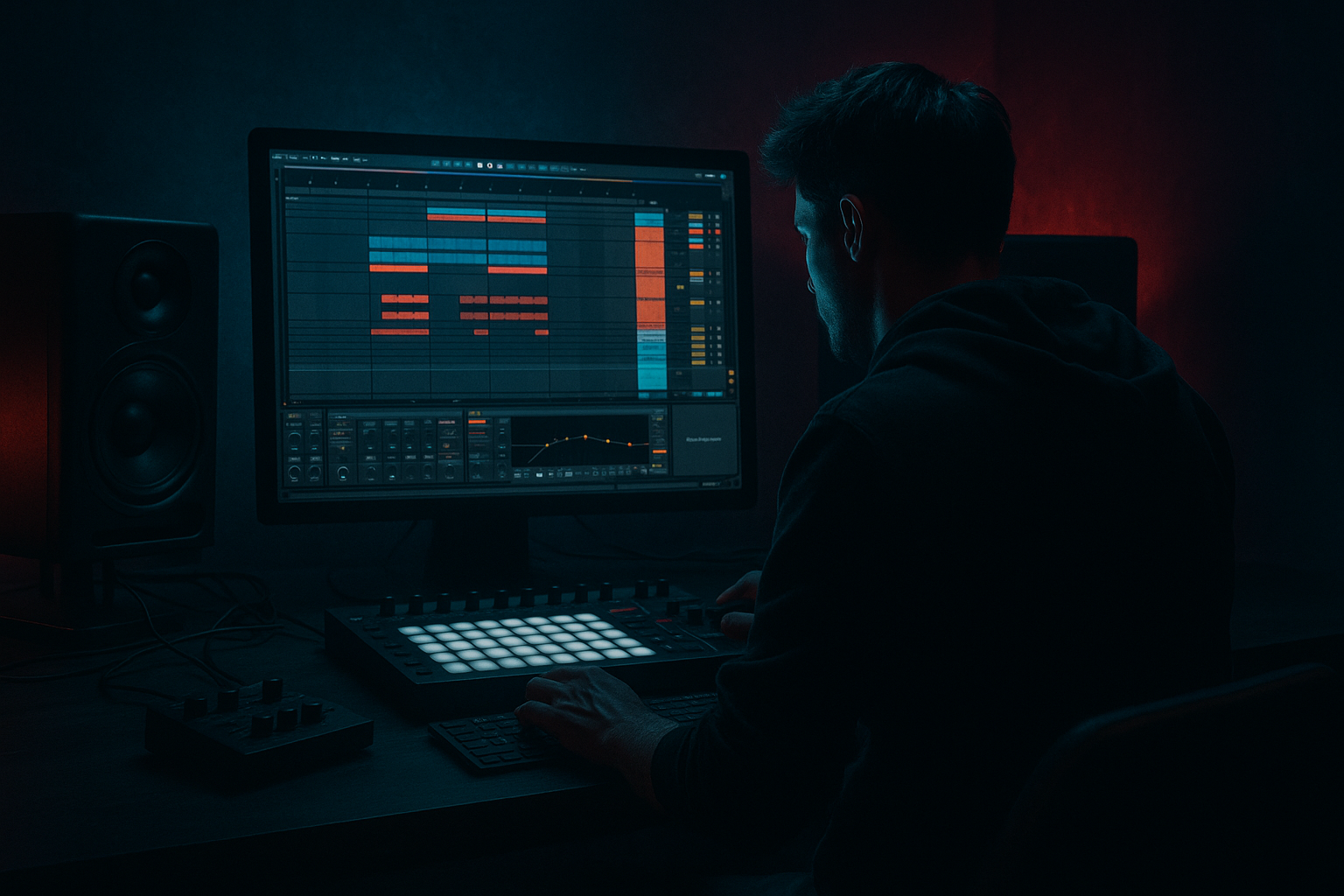
Main tutorial
Lesson Overview
A great Drum & Bass track usually lives or dies on the drums, but the secret sauce is often the supporting percussion layer: tiny shakers, jungle ticks, rim details, chopped break fragments, noise hits, and odd metallic accents that make the groove feel alive without eating headroom. In this lesson, you’ll build a color jungle percussion layer with minimal CPU load in Ableton Live 12 using stock tools and a sampling-first workflow.
This matters because in DnB, especially jungle, rollers, neuro-adjacent halftime switches, and darker underground tunes, percussion does more than “fill space.” It creates:
- forward motion between kick/snare hits
- syncopation that keeps the loop from sounding static
- texture that helps the drums feel expensive and layered
- contrast against heavy sub and Reese bass movement
- a 4-bar jungle percussion loop made from sliced break fragments, shakers, and metallic accents
- a CPU-light Ableton Drum Rack or simplified audio track setup
- subtle groove and swing that complements DnB swing rather than fighting the kick/snare
- a version that can be automated in arrangement for intro, drop, and switch-up sections
- a layer that works in:
- Using too many layered percussion samples
- Letting break fragments add low-end mud
- Over-swinging the layer
- Making the layer too loud
- Ignoring harsh top-end
- No variation across the song
- CPU creep from unnecessary devices
- Use one gritty break fragment as the “dust layer”
- Try call-and-response with the snare
- Mono the low-mid body, keep only the shimmer wide
- Automate subtle distortion into switch-ups
- Use reverse audio slices for dark transitions
- Create tension with subtraction
- Resample the best 4 bars and make a second variation
- Build your percussion color layer from a few carefully chosen samples
- Use Simpler, Drum Rack, EQ Eight, Drum Buss, Saturator, and Utility to keep it lean and effective
- Let the layer support the snare, groove, and bass movement instead of competing with them
- Use subtle swing, velocity variation, and arrangement automation to keep it alive
- Resample to audio when you want more control and less CPU
- In DnB, the best percussion layers are usually the ones you feel more than hear 🎯
The goal is not to stack five high-CPU percussion plugins or a giant drum rack full of overlapping transient samples. Instead, you’ll build a lean, modular layer from a few well-chosen samples, slice them smartly, and shape them with Ableton stock devices so the groove stays sharp and the session stays light on CPU. ⚡
This is ideal for the kind of DnB track where you already have a solid kick/snare backbone and bassline, but the loop still needs that jungle color: shuffling hats, dusty break debris, ghost hits, and little stereo movements that make the drop feel alive.
What You Will Build
By the end, you’ll have a single percussion layer track that can sit above your main drum bus and add motion without clutter.
Specifically, you’ll build:
- rollers for constant forward motion
- jungle / breakbeat sections for shuffle and grit
- darker neuro DnB for tension and mechanical detail
Musically, the result should feel like a percussion “mist” around the main drums, not a second drum kit. Think: little debris around the snare, occasional offbeat motion in the top end, and a few carefully placed accents that help the bar breathe.
Step-by-Step Walkthrough
1. Start with a simple reference and decide the role of the layer
Before touching samples, listen to a DnB reference and identify what the percussion is doing. Is it:
- constantly moving like a shaker bed?
- answering the snare with small fills?
- adding dusty break texture under the main drums?
- creating tension in the 2nd half of the 16-bar phrase?
In Ableton, create a new MIDI track or audio track labeled something obvious like `Perc Color`. Keep this layer conceptually separate from your main drum bus.
For an intermediate workflow, the key question is: what is missing from the groove? If your main break and snare are already busy, the color layer should be sparse. If the loop feels too empty, this layer can be more active. This is classic DnB judgment: not “more percussion,” but “the right type of motion.”
2. Choose one break fragment and one clean one-shot source
Use a sampling-first approach. Pull in:
- one dusty break fragment from a classic break, edited small
- one clean percussion one-shot like shaker, rim, wood hit, or tiny metallic tick
In Ableton Live 12, drag the samples into a Drum Rack. Put the break fragment on one pad and the one-shot on another. If the break fragment is stereo and messy, that’s okay — it can add jungle character. But keep the layer short and controlled.
Practical sample choices:
- a 1/16 or 1/8 slice from an amen-style break
- a closed shaker with soft attack
- a rim or finger percussion hit
- a short metallic click for high-end detail
Keep the source count low. The less sample stacking, the less CPU and the less mix confusion.
3. Slice the break fragment inside Simpler for quick control
On the break pad, load the sample into Simpler and switch to Slice mode if you want multiple chop points, or leave it in Classic if you only need one fragment. For a lean CPU setup, don’t overcomplicate it.
Useful starting settings in Simpler:
- Start/End: trim tightly so the tail doesn’t wash over the groove
- Fade: 2–10 ms to reduce clicks
- Filter: high-pass around 150–300 Hz if the fragment has low junk
- Transpose: keep near original, or drop/raise by 1–3 semitones for character
- Warp: only if needed; if the slice is already in time, avoid extra processing
Why this works in DnB: break fragments bring real drummer micro-timing and transient irregularity. That slight human unevenness is what makes jungle percussion feel alive. A sterile grid of hats can work for techstep, but chopped break debris gives the track a more authentic drum and bass pulse.
4. Program a 2-bar pattern that breathes around the snare
In your MIDI clip, program a loop that avoids crowding the core snare hits. If your snare lands on beat 2 and 4, let the color layer react around them rather than stacking directly on top.
A solid starting pattern:
- place a shaker or tick on the offbeats
- add a break fragment hit just before or after the snare
- use one or two syncopated ghost notes near the end of bar 1 and bar 2
- leave at least a few empty spaces so the groove can breathe
For example, in a 2-bar roller, you might:
- use soft 1/16 shaker hits across the bar
- mute one or two hits around the kick for clarity
- add a tiny break slice on the last 1/8 before bar 2
- use a single accent in bar 2 to create anticipation
Keep velocity variation real. Try a range like:
- main shaker hits: 55–80
- ghost details: 20–45
- accent hits: 90–110
This kind of dynamic contrast keeps the loop from sounding like a loop.
5. Add groove with Ableton’s Groove Pool, but keep it subtle
Open the Groove Pool and try a swing-based groove that matches DnB rather than house. Apply a small amount of groove to the percussion layer only.
Good starting range:
- Timing: 10–25%
- Random: 0–8%
- Velocity: 5–15%
If you are already using a swung break in the main drums, don’t over-swing this layer. The goal is to support the pocket, not create a second competing feel.
Another effective move: set the percussion clip to slightly different Groove Amount than the main drums. For example, if the break loop is heavily swung, keep this color layer a bit straighter. That contrast can make the overall groove feel wider and more intentional.
6. Shape the percussion with stock devices for clarity and bite
Keep the processing chain simple and efficient. A good low-CPU chain in Ableton stock devices could be:
- EQ Eight
- Drum Buss
- Saturator
- optional Utility
Suggested settings:
- EQ Eight: high-pass around 180–350 Hz depending on the sample; notch any harsh ring at 4–8 kHz if needed
- Drum Buss: light Drive around 5–15%, Transient slightly positive for tick detail, Boom off or very low
- Saturator: Soft Clip on, Drive around 1–4 dB
- Utility: reduce width or mono the layer if it starts fighting your bass or hats
If the layer needs more bite, use a tiny high-shelf boost with EQ Eight around 8–12 kHz. If it gets piercing, cut gently around 6–9 kHz instead of making it louder.
Keep in mind: in DnB, top-end percussion must exist above the snare crack and bass texture without becoming hissy. Harshness is one of the fastest ways to make a “cool” percussion layer feel amateur.
7. Use audio resampling for character, then strip it back
This is where the sample-based workflow gets fun. Once you like the MIDI pattern, resample the layer to audio:
- route the percussion track to a new audio track
- record a 4-bar loop
- then edit the audio clip for tighter control
Why do this? Because audio lets you:
- cut tails exactly
- reverse a fragment for a transition
- add fades with sample-level precision
- commit the sound and lower CPU further
After resampling, use Warp only if needed. If the clip is already in sync, leave it light. Then chop a few moments by hand:
- a tiny reverse slice before a drop
- a half-bar fill into a switch
- a silent gap before a snare for impact
This is especially effective in darker DnB where tension is often created by removing information, not adding more.
8. Automate movement so the layer evolves across the arrangement
A static percussion layer can feel good in a loop, but a track needs arrangement movement. Use automation to make the layer work in intro, drop, and breakdown.
Good automation moves:
- EQ Eight high-pass rising in the intro, then opening at the drop
- Drum Buss Drive increasing slightly in the second 8 bars
- Utility gain fading the layer in during build-up
- Auto Filter sweep for tension before a switch-up
- Reverb return send only on a few fills, not the whole layer
Practical arrangement example:
- Intro (8–16 bars): filtered percussion, mostly top end, low volume
- Drop A: full color layer enters but stays subtle
- Bar 8 or 16 switch: add extra break debris or a short fill
- Breakdown: mute the layer or leave only a single textured hit
- Drop B: reintroduce with a slightly different slice order or groove
This keeps the arrangement DJ-friendly and makes the track feel composed, not looped.
9. Check the percussion against bass and snare in mono
Since this is a color layer, it should not interfere with sub or snare impact. Put Utility on the percussion track and test:
- Width at 100% first
- then reduce to 0–60% if it clashes
- toggle mono to check phasey or thin-sounding elements
Also listen with the bass playing. In DnB, the bass and drums must own the center lane. If your percussion starts stealing attention from the snare transient or mid-bass growl, lower it and high-pass more aggressively.
Useful balance rule:
- if you notice the percussion immediately, it may already be too loud
- if you miss it when muted, it’s probably in the right place
Common Mistakes
- Fix: limit yourself to 2–4 core sources. DnB needs precision, not pileups.
- Fix: high-pass with EQ Eight. Start around 180–250 Hz, then adjust upward if the sample is still cluttered.
- Fix: keep groove subtle. The main break or drums should define the pocket.
- Fix: pull it down until it feels more felt than heard. Color percussion should support, not headline.
- Fix: tame 6–9 kHz with a small EQ dip or soften the transient with Drum Buss.
- Fix: automate filter, volume, and note density between sections. Even small changes make a loop feel arranged.
- Fix: use a lean chain. If the sample already sounds good, don’t stack extra effects.
Pro Tips for Darker / Heavier DnB
A short chopped break slice with a little saturation can add authentic jungle pressure under a modern roller.
Put a tiny accent after the snare hit, not on top of it. That space creates tension and makes the snare feel bigger.
If the layer has any thickness, use Utility or EQ to keep it centered and stable.
A little extra Saturator Drive in the last 2 bars before a drop can make the percussion feel like it’s pulling the tune forward.
Reverse a short percussion hit into a downbeat, then cut it off sharply. That works great for ominous jungle or neuro intros.
In heavier DnB, drop the percussion layer out for 1 bar before the drop, then bring it back in stripped or filtered. Silence hits harder than clutter.
Duplicate the audio, cut different hits, and use one version for the first drop and one for the second. Tiny changes keep the track moving without needing more sound design.
Mini Practice Exercise
Spend 10–20 minutes building two versions of the same percussion layer:
1. Make a basic 2-bar jungle color loop using:
- 1 break fragment
- 1 shaker or tick
- 1 accent hit
2. Process it with only:
- EQ Eight
- Drum Buss
- Saturator
3. Duplicate the clip and create a second variation:
- mute 2–4 hits
- shift one accent by 1/16
- automate the filter slightly darker
- resample both versions if you want to save CPU
4. Test both versions over:
- a rolling bassline
- a darker Reese section
- a snare-heavy jungle loop
5. Decide which one feels better in:
- the intro
- the main drop
- the switch-up
Goal: build the habit of making small, intentional percussion variations instead of one static loop.

