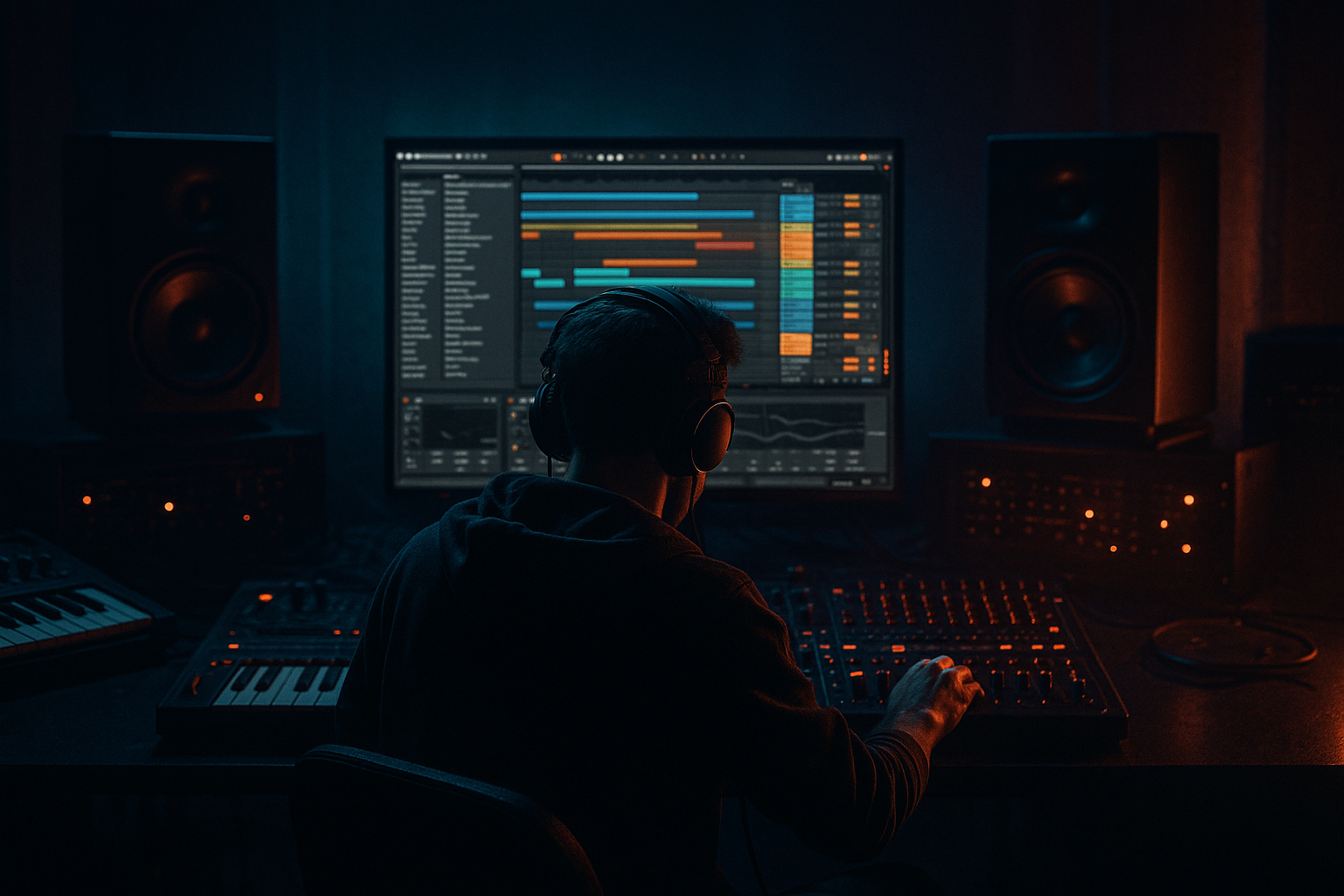
Main tutorial
```markdown
Color Jungle Drop using Session View → Arrangement View (Ableton Live 12)
Skill level: Intermediate
Category: Atmospheres
Focus: Building a vibrant (“color”) jungle drop using Session View for idea generation and Arrangement View for final structure in Ableton Live 12 🎛️
---
1) Lesson overview
In this lesson you’ll create a colorful jungle-style drop—think bright pads, rave stabs, airy FX, and rolling breaks—by jamming in Session View, then recording the performance into Arrangement View to lock a full DnB structure.
You’ll learn:
- How to set up Scene-based drop variations (A/B/C) in Session View
- How to design atmospheres that feel “color” but still hit hard
- How to record a live performance into Arrangement
- How to tighten timing, transitions, and energy like a proper jungle/DnB tune 🔥
- Drum bus: Amen-style break + tight modern top loop, with punchy glue
- Bass: rolling reese/sub layer (simple but effective)
- Atmosphere: bright pad bed, “space wash,” and ear-candy rises
- Color elements: rave stab / vocal chop / synth hook that evolves per 8 bars
- Arrangement: A/B variation + fills, crash swaps, and controlled density
- Drum Buss
- Glue Compressor
- EQ Eight
- Scene 1 = Drop A (main loop)
- Scene 2 = Drop B (more hats or alternate break)
- Scene 3 = Fill (1 bar)
- EQ Eight: low-pass around `120–180 Hz` (keep it pure)
- Compressor sidechained from kick/snare (or whole drum bus):
- Auto Filter (post synth):
- Saturator:
- EQ Eight:
- Hybrid Reverb: long hall `6–10s`
- Echo: `1/8 dotted` or `1/4`, Feedback `15–35%`
- EQ Eight: high-pass `200–400 Hz` to avoid low buildup
- Auto Filter (for movement)
- Saturator (drive 2–5 dB)
- Redux (very light, adds grit)
- Reverb (shorter than pad; keep it punchy)
- `Stab A` minimal
- `Stab B` busier (extra hit before snare)
- `Stab C` call-and-response with vocal chop
- Fine: `+0.10 to +0.30 Hz` (barely moving)
- Mix low
- Press `Tab` to go to Arrangement
- Use Consolidate (`Cmd/Ctrl + J`) on key clips after edits
- If you adjusted clip launching timing, nudge clips to tighten starts
- Bar 1–9: Drop A (8 bars)
- Bar 9–17: Drop A+ (8 bars)
- Bar 17–25: Drop B (8 bars)
- Bar 25–26: Fill (1 bar)
- Bar 26–34: Drop A return (8 bars)
- Reverb throw: automate send to “Space” on last stab before a change
- Filter sweep: Auto Filter on pad group, open into Drop B
- Noise riser: Operator noise oscillator → Auto Filter sweep → Reverb
- Crash swap: change crash sample or reverse crash into section change
- Parallel distortion on drums:
- Make the color darker without losing vibrance:
- Reese menace:
- Tighter drop feel:
- Snare authority:
- You used Session View to design clip-based variations and Scenes like a DJ-friendly jungle performance.
- You recorded it into Arrangement View to lock structure and transitions.
- You built “color” using pads, space returns, stabs, and ear candy, while keeping drums and bass driving the drop.
- Your drop now has intentional 8-bar evolution—the secret sauce of rolling jungle/DnB.
---
2) What you will build
A 64–96 bar drop section at 170–174 BPM featuring:
---
3) Step-by-step walkthrough
Step 0 — Set your project for jungle workflow
1. Tempo: `172 BPM` (classic modern jungle sweet spot)
2. Time signature: 4/4
3. Global Quantization: set to `1 Bar` (top middle of Live)
4. Create track groups now (helps later in Arrangement):
- DRUMS (Group)
- BASS (Group)
- ATMOS (Group)
- MUSIC (Group: stabs/hooks)
- FX (Group)
Session View mindset: each Scene = a musical moment (Drop A, Drop B, Fill, Break tease, etc.)
---
Step 1 — Build your DRUMS clips (break + modern tops)
Goal: Classic jungle DNA + modern punch.
#### A) Break layer (Amen/Think style)
1. Add Audio Track: `Break`
2. Drag in an amen/think break (or any jungle break).
3. Warp settings (Clip View):
- Warp: ON
- Mode: `Beats`
- Preserve: `Transient`
- Start with Transient Loop around `1/16` (tight jungle chop feel)
4. Create 3 clips in Session:
- `Break A` (main)
- `Break B` (slightly different loop region, or different slice)
- `Break Fill` (1-bar fill / edited slice)
Quick editing tip: Duplicate the clip, then change Start/End markers to grab different break phrases. Small changes = big energy shift.
#### B) Modern top loop (tight hats/shaker)
1. Add Audio Track: `Tops`
2. Load a clean hat loop or program MIDI hats in Drum Rack.
3. If MIDI hats:
- Closed hat pattern: 1/16 with velocity movement (important for roll)
- Add occasional 1/32 bursts for jungle sparkle ✨
#### C) Drum processing (stock chain)
On the DRUMS Group:
- Drive: `5–15%` (taste)
- Boom: `20–35` (keep subtle; jungle already has weight)
- Transients: `+10 to +25`
- Attack: `3 ms`
- Release: `Auto`
- Ratio: `2:1`
- Aim for `1–3 dB` gain reduction on loudest hits
- High-pass the whole drum group lightly: `20–30 Hz` (remove rumble)
- If harsh: dip `6–10 kHz` a touch
Scene behavior:
---
Step 2 — Build a rolling bass that leaves room for color
Goal: Rolling bass that supports the “color” atmospheres without swallowing them.
#### A) Sub layer (clean and steady)
1. Add MIDI Track: `Sub`
2. Load Operator:
- Osc A: Sine
- Envelope: short-ish decay if you want bounce, or sustained for roll
3. MIDI idea (classic): root notes on 1/8 or 1/4 with occasional syncopation.
Processing (Sub track):
- Ratio `4:1`, Attack `5–15 ms`, Release `60–120 ms`
- Just enough to let drums speak
#### B) Reese/mid layer (movement)
1. Add MIDI Track: `Reese`
2. Use Wavetable:
- Osc 1: Basic Shapes (saw-ish)
- Osc 2: detuned saw/square
- Unison: `2–4`, Amount subtle
- Filter: LP24 with a little drive
Movement tools:
- Envelope or LFO to gently move cutoff (don’t over-wobble; keep it rolling)
- Drive `2–6 dB`
- Soft Clip ON
- Cut some `250–500 Hz` if it muddies the break
- Keep a pocket for snare crack ~`180–220 Hz` (depends on snare)
Bass Group tip: Put a Limiter last on the BASS group just catching peaks (not smashing).
---
Step 3 — Create “color” atmospheres (pads, air, and space)
This is the heart of the lesson: “color jungle” = bright, emotional atmosphere + rave heritage, but still fast and heavy.
#### A) Pad bed (wide but controlled)
1. Add MIDI Track: `Pad`
2. Load Analog or Wavetable pad preset as a starting point.
3. Play sustained chords (try minor 7 / suspended chords for that euphoric edge).
Pad processing chain (stock):
1. EQ Eight
- High-pass `150–300 Hz` (leave room for bass)
2. Chorus-Ensemble
- Amount `20–40%` for width
3. Hybrid Reverb (big but clean)
- Algorithmic Hall, Decay `4–8s`
- Predelay `15–30 ms` (keeps clarity)
- Hi Cut `6–10 kHz` (avoid harsh fizz)
4. Utility
- Width `120–160%`
- Optional: Bass Mono (if you use it) below `150 Hz`
Automation idea: In Session View, create clips with different pad filter cutoff per scene (Drop A calmer, Drop B brighter).
#### B) “Air wash” texture (noise + resampling vibe)
1. Add Audio Track: `Air Wash`
2. Use Granulator III (if available) or simpler: record a long reverb tail and resample it.
3. Stock approach:
- Create a Return Track “Space”
- Put Hybrid Reverb 100% wet + Echo after it
- Send small amounts of hats/stabs into it
On the Return “Space”:
This gives you that “colored halo” around the drop 🌈
---
Step 4 — Add jungle color: rave stab / vocal chop hook
Goal: one recognizable element that changes slightly every 8 bars.
#### A) Rave stab
1. Add MIDI Track: `Stab`
2. Use Simpler (Classic mode)
3. Drop in a stab sample (or resample your own chord hit).
4. Play off-beat stabs (classic jungle trick):
- Put stabs on the “&” of beats 2 and 4, and occasional syncopations.
Stab chain:
Clip variation: Create 2–3 MIDI clips with slightly different rhythms:
#### B) Vocal chop (optional but very “color”)
1. Add Audio Track: `Vox Chop`
2. Warp in Complex Pro if tonal, or Beats if percussive.
3. Slice to new MIDI track (right-click) if you want playable chops.
Quick polish: Add Frequency Shifter (very subtle) to make it shimmer:
---
Step 5 — Organize Session View into Scenes (Drop performance plan)
Create Scenes like this (example):
1. Scene 1: DROP A (8 bars)
- Break A, Tops A, Sub A, Reese A, Pad A, Stab A (minimal)
2. Scene 2: DROP A+ (8 bars)
- Add extra hats, brighter pad, slightly more reese movement
3. Scene 3: DROP B (8 bars)
- Break B, Stab B, Vox chop appears
4. Scene 4: FILL (1 bar)
- Break Fill + FX hit + reverb throw
5. Scene 5: DROP A (return) (8 bars)
- Pull back a little density so the return hits harder
Key principle: DnB drops feel alive because something changes every 8 bars (drums, bass rhythm, stab pattern, or atmosphere brightness).
---
Step 6 — Record Session performance into Arrangement View 🎬
1. Hit Arrangement Record (top transport record button).
2. Launch Scenes in real time:
- Let each Scene run 8 bars
- Trigger Fill for 1 bar
- Return to Drop A
3. When you’re done, stop recording.
Now you have a real performance captured—much more musical than drawing blocks.
Cleanup:
---
Step 7 — Arrange the drop like a real jungle tune (structure + transitions)
A practical drop layout (example):
Transitions (stock devices):
DnB energy move: In bars 17–25, reduce pad low-mids slightly and push hats + stabs forward so the drop feels “brighter” without needing to get louder.
---
4) Common mistakes
1. Atmospheres too loud / too full in the low-mids
- Fix: high-pass pads/air (often `200–300 Hz`) and cut `300–600 Hz` if boxy.
2. Break gets buried by reese
- Fix: carve space at snare fundamental; sidechain mids slightly from snare.
3. Everything wide = weak center
- Fix: keep sub mono; check Utility width on pads; don’t widen the whole drum bus.
4. No 8-bar variation
- Fix: plan A/B clips in Session; change one element per 8 bars.
5. Over-warped break loses punch
- Fix: try Beats mode; reduce warp markers; preserve transients.
---
5) Pro tips for darker/heavier DnB 🖤
Create a return “CRUNCH” with Saturator + Drum Buss, blend subtly for weight.
Use EQ Eight to dip harsh highs, then add “sparkle” with selective bright elements (one hat layer or a shimmer FX), not everything.
Add Corpus very subtly (tuned) or use Amp (Clean/Blues) at low drive to add aggression.
Shorten reverb tails in the drop; keep long reverbs mainly in fills and transitions.
Layer a clean snare with a crunchy break snare. Group them and glue lightly.
---
6) Mini practice exercise (15–25 minutes)
1. In Session View, create 3 Scenes: Drop A / Drop B / Fill.
2. Use one break and create 2 variations by changing clip start points.
3. Build one pad with high-pass + Hybrid Reverb.
4. Add one stab and automate Auto Filter cutoff differently in A vs B.
5. Record a performance into Arrangement and make it a 32-bar drop:
- 8 bars A → 8 bars A+ → 8 bars B → 1 bar fill → 7 bars A return
Deliverable: export a quick bounce and listen away from the screen—does it evolve every 8 bars?
---
7) Recap
If you want, tell me your target vibe (e.g., 1995 jungle rave, liquid color, modern deep jungle) and I’ll suggest a specific chord/stab palette + exact 8-bar automation plan.
```

