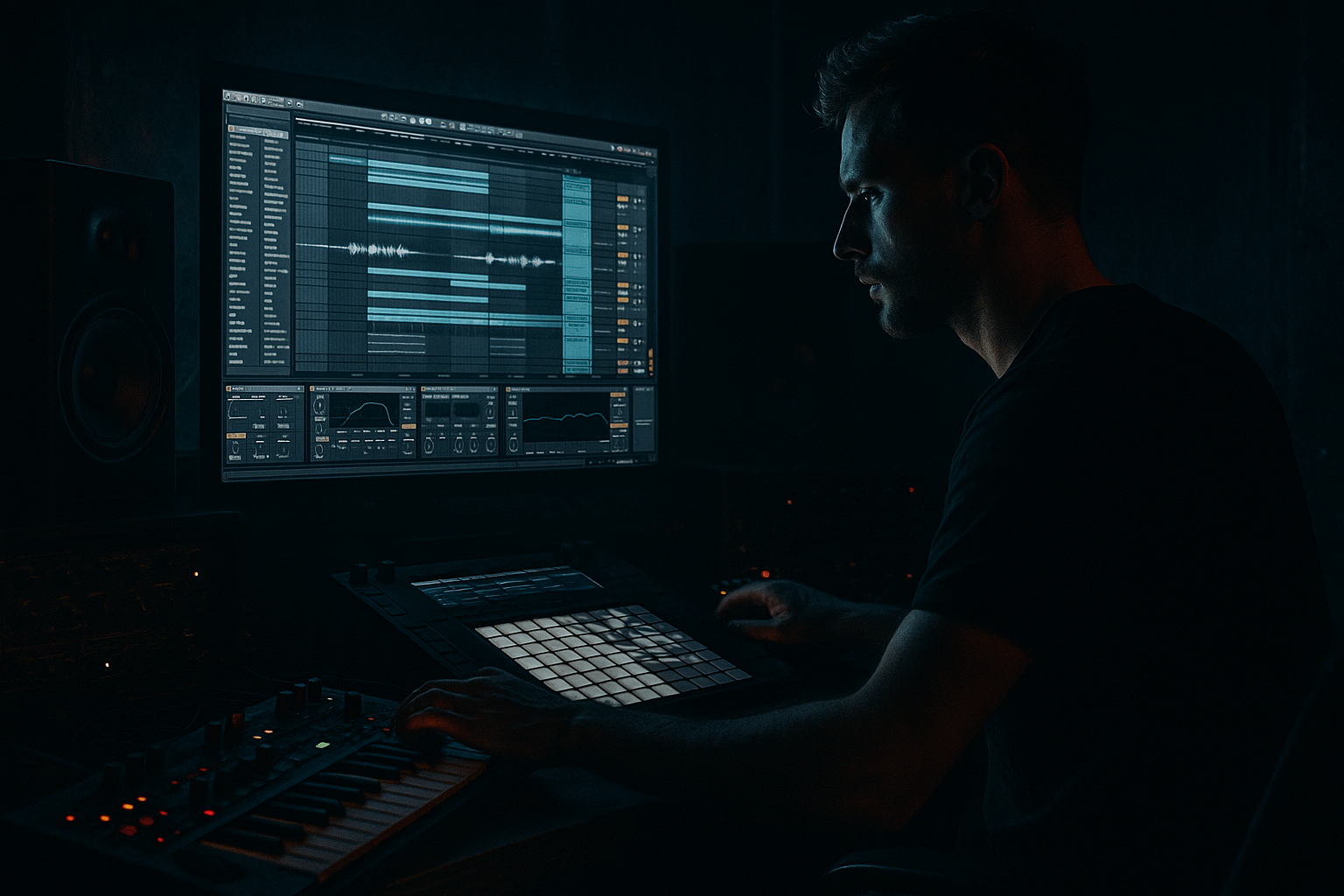
Main tutorial
Color Jungle Bassline for Oldskool Rave Pressure (Ableton Live 12)
Intermediate • Sampling • Drum & Bass / Jungle 🔥
---
1. Lesson overview
In this lesson you’ll build a colorful jungle-style bassline that hits with oldskool rave pressure—that “warm-but-nasty” low end that moves, talks, and locks to breakbeats. We’ll do it using sampling workflows in Ableton Live 12, with a focus on:
- Resampling a simple bass tone into a playable instrument
- Adding harmonic color (rave-era saturation + filtering)
- Creating tight, rolling groove with classic DnB note choices
- Getting it to sit under breaks without turning to mud
- A Sampler/Simpler bass instrument made from a resampled tone
- A bassline that feels jungle/early DnB: syncopated, swung, and aggressive
- A device chain ready for modern mixes but rooted in oldskool vibe
- An 8–16 bar loop arrangement that “raves” like proper ’94–’97 energy ⚡
- Grab a single bass stab from a rave sample pack / old hardcore record one-shot (legally obtained).
- Drop into Simpler and proceed to Step 2.
- Try F minor or G minor (common, heavy, friendly for subs)
- HP filter (optional): 20–30 Hz (steep 24/48 dB if needed)
- If it’s boxy: cut 200–350 Hz by -2 to -4 dB (Q ~1.2)
- If it’s honky: cut 700–1.2k slightly
- Type: Analog Clip or Soft Sine
- Drive: 2–7 dB
- Soft Clip: On
- Keep an eye on low-end headroom (don’t just crank)
- Type: LP12 for movement, LP24 for heavier
- Map Frequency to a Macro (if using Rack)
- Add LFO:
- Res: 0.8–1.4 for that old rave “eee-ow”
- Mode: Clean or Blues
- Gain: low to moderate (5–20 depending)
- Bass: don’t overboost (your sub should be stable)
- Ratio: 2:1 – 4:1
- Attack: 15–30 ms
- Release: 60–120 ms
- Aim for 1–3 dB gain reduction on peaks
- If your bass is wide: Bass Mono (Live 12 Utility has Bass Mono)
- Gain stage to hit your mix bus nicely
- Drums + bass (filter slightly closed)
- Tease movement; keep it restrained
- Open the filter slightly
- Add mid-layer quietly
- Add a short bass fill on bar 8 (resampled slice)
- Full bass (sub + mid)
- Strongest note pattern
- Optional: automate Saturator drive +1–2 dB for intensity
- Change the last 2 notes of each 2-bar phrase
- Add a call-response with a higher note (C2/Eb2)
- Use a 1-beat mute for tension (classic rave move) 😈
- Split the bass into SUB + MID intentionally
- Use subtle pitch drift for menace
- Sidechain the bass to the kick (lightly)
- Dark “rave room” feel without washing out the bass
- Print and commit
- You created a character bass tone, then resampled it to capture movement and grit 🎚️
- You built a playable Sampler/Simpler bass instrument with looping and pitch envelope
- You wrote a jungle-rooted rolling pattern with swing and space
- You shaped “color” using Saturator, Auto Filter, Amp, and smart EQ
- You upgraded the mix with SUB/MID layering, mono control, and light sidechain
- You arranged 8–16 bars with classic rave pressure: tease → drop → switch
Stock devices only (with optional extras).
---
2. What you will build
By the end, you’ll have:
---
3. Step-by-step walkthrough
Step 0 — Set the project vibe (so the bass writes itself)
1. Tempo: 165–172 BPM (try 170 BPM)
2. Time signature: 4/4
3. Add a basic drum loop to write against:
- Drop a break (Amen / Think / Hot Pants style) onto an audio track.
- Warp mode: Beats or Complex Pro depending on the sample.
- If it’s a classic break, try Beats with:
- Preserve: 1/16
- Transient Loop Mode: Forward
4. Add a simple sub guide temporarily (we’ll replace later):
- MIDI Track → Operator → Sine wave (Osc A only)
- This is just to help you hear the key and groove quickly.
> Goal: You want the bassline to answer the break, not fight it.
---
Step 1 — Make a “color source” bass tone (then resample it)
We’re going to create a single strong bass hit with character, then resample it into an instrument.
#### Option A: Quick rave-bass source using Operator (fast + controllable)
1. Create a MIDI Track → add Operator
2. Operator settings (starting point):
- Osc A: Saw (or Square if you want hollow)
- Osc B: Sine, level low (for fundamental)
- Algorithm: A + B (no FM yet, keep it stable)
- Filter: On
- Type: LP24
- Freq: ~200–600 Hz (we’ll move it later)
- Res: 0.3–0.6
3. Add Saturator after Operator:
- Type: Analog Clip
- Drive: 3–8 dB
- Soft Clip: On
4. Add Auto Filter after Saturator (for “talk”):
- Type: LP12
- Freq: ~120–400 Hz (start lower, open later)
- Res: 0.7–1.2
- Envelope: small positive (try 10–25%) for a pluck
#### Option B: Sample-based source (more “old record” energy)
#### Resample it (this is the key sampling workflow)
1. Create a new Audio Track called: `BASS_RESAMPLE`
2. Set its input to Resampling
3. Arm recording, and record:
- A single long note (e.g., F1 or G1) for 2–4 bars
- Add a little filter movement while recording (hands-on automation feels rave) 🎛️
4. Consolidate the recorded clip (Cmd/Ctrl+J), then Crop Sample (right-click)
> Why resample? It “prints” the vibe—filter motion, saturation, tiny inconsistencies—into audio, making the bass feel less sterile.
---
Step 2 — Turn the resample into a playable instrument (Sampler/Simpler)
1. Drag the cropped audio into a new MIDI Track → choose Sampler (preferred) or Simpler
2. In Sampler:
- Root key: set to the note you recorded (e.g., F1)
- Loop: turn on looping for sustained bass
- Loop mode: Sustain
- Adjust loop points to avoid clicks (zoom in)
- Filter: LP24
- Freq: ~200–800 Hz
- Drive: 2–6
3. Add Pitch Envelope (Sampler) for “donk” / pluck:
- Amount: +6 to +18 st
- Decay: 40–120 ms
- This gives that oldskool “bwoop” attack without needing FM.
---
Step 3 — Build the classic jungle note pattern (rolling + syncopated)
DnB/jungle basslines often work like call-and-response with the kick/snare and break ghost notes.
#### Choose a key (quick and practical)
#### Write a 2-bar loop first
1. Create a 2-bar MIDI clip for the bass
2. Start with these note choices:
- Root (F1), minor 3rd (Ab1), 5th (C2), flat 7 (Eb2)
3. Rhythm idea (very usable pattern):
- Bar 1: F1 on 1, short F1 on the “and” of 2, Ab1 on 3, rest into snare
- Bar 2: F1 on 1, C2 on the “and” of 1, Eb2 on 3, F1 pickup into next bar
4. Timing:
- Add a touch of swing using Groove Pool
- Try: MPC 16 Swing 54–58
- Commit groove once it feels right (or leave it live)
> Jungle pressure = space + syncopation. Let the snare breathe. Don’t fill every gap.
---
Step 4 — Make it “color jungle” (movement + grit without losing the sub)
Now we turn it into that warm + nasty bassline.
#### Device chain (stock, reliable)
Sampler/Simpler → EQ Eight → Saturator → Auto Filter → Amp → Compressor → Utility
1) EQ Eight (clean the chaos early)
2) Saturator (rave crunch)
3) Auto Filter (the “wah” / speak)
- Rate: 1/8 or 1/4
- Amount: small to medium (5–20%)
- Phase: try 0° for consistent movement
4) Amp (adds bite in the mids)
5) Compressor (glue)
6) Utility (sub discipline)
- Set Bass Mono freq: 120 Hz
---
Step 5 — Add oldskool “pressure tricks” using resampling + layering
This is where it starts sounding like records.
#### A) Make a “mid layer” from the same bass (keeps it cohesive)
1. Duplicate the bass track: `BASS_MID`
2. On `BASS_MID`:
- EQ Eight: high-pass at 150–250 Hz
- Add Pedal (stock):
- Mode: OD or Distortion
- Drive: taste (start low)
- Add Redux (tiny amount for grit):
- Bit reduction: 8–12
- Dry/Wet: 5–15%
3. Keep `BASS_SUB` cleaner (LP filter more, less distortion)
> This gives you “color” without wrecking the sub fundamentals.
#### B) Resample the moving bass for “printed” vibe
1. Set another audio track to Resampling
2. Record 8 bars of the bass with filter automation moving
3. Slice interesting bits and use them as fills:
- Right-click → Slice to New MIDI Track
- Choose Transient or 1/8
4. Drop those slices in the last 1–2 bars before a drop or switch
---
Step 6 — Arrangement ideas (8–16 bars that feel like jungle)
Try this structure:
Bars 1–4:
Bars 5–8:
Bars 9–12 (Drop pressure):
Bars 13–16 (Switch / Variation):
---
4. Common mistakes
1. Over-distorting the sub
If your distortion is before your low-pass / mono control, the sub gets unstable and eats headroom.
2. No space for the snare
Jungle relies on snare impact. If your bass hits hard on 2 and 4 (or right under the snare), it’ll feel smaller.
3. Too much resonance at low cutoff
Auto Filter res can spike low-mids and make the mix sound like it’s inside a cardboard tube.
4. Not gain-staging after saturation
Louder sounds “better,” so you might think you improved it when you just boosted level. Match output when A/B testing.
5. Wide low end
Oldskool bass is usually tight and centered down low. Mono below ~120 Hz unless you really know why not.
---
5. Pro tips for darker/heavier DnB
Use Audio Effect Rack with two chains:
- SUB chain: LP around 90–140 Hz, minimal saturation
- MID chain: HP 150–250 Hz, more distortion, more movement
In Sampler: add a tiny LFO to Pitch (like 3–8 cents). It makes it feel alive without sounding out of tune.
Use Compressor with sidechain from kick:
- Ratio 2:1
- Fast attack 1–5 ms
- Release 50–120 ms
- Just 1–2 dB ducking keeps the low end punchy
Don’t reverb the sub. If you want space:
- Send only the mid layer to a short Reverb (0.6–1.2s)
- HP the reverb return at 250–400 Hz
Resample your bass variations into audio once they slap. Editing audio is faster for jungle: mutes, stutters, reverses, fills.
---
6. Mini practice exercise (15–25 minutes)
1. Build the resampled bass instrument (Steps 1–2).
2. Write two different 2-bar bass patterns in the same key:
- Pattern A: more space (fewer notes)
- Pattern B: more roll (extra syncopation)
3. Arrange a 16-bar section:
- Bars 1–8 = Pattern A (filter slightly closed)
- Bars 9–16 = Pattern B (filter opens + mid layer fades in)
4. Resample bars 15–16 and create a 1-bar fill using Slice to New MIDI Track.
Deliverable: one 16-bar loop that feels like it could drop after a break edit.
---
7. Recap
If you want, tell me your target vibe (e.g., ’94 Metalheadz darkness, Congo Natty steppers, Ram Trilogy weight, modern roller with jungle flavor), and I’ll suggest a specific note pattern + device settings tailored to it.

