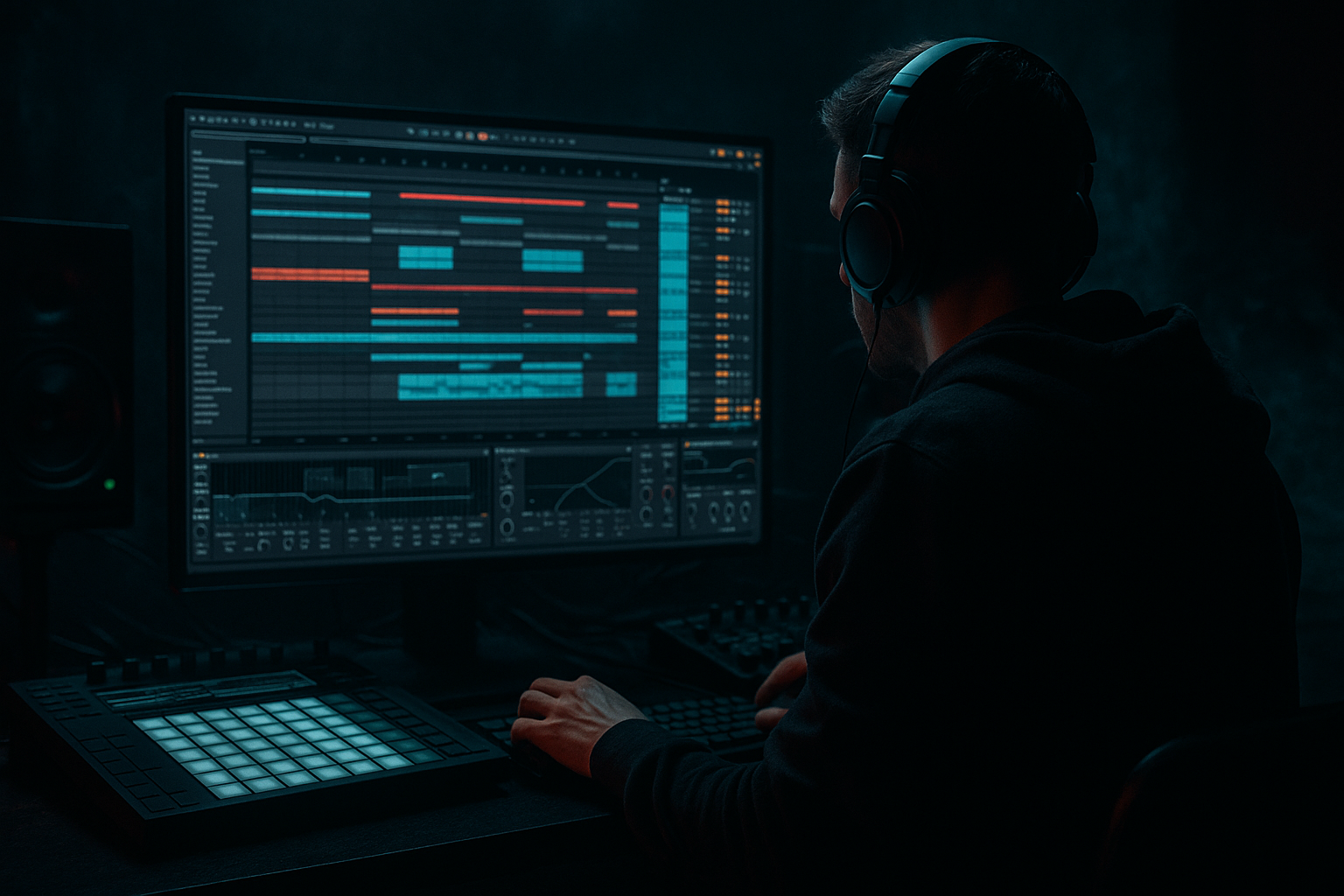
Main tutorial
Lesson Overview
Clean jungle shuffle is one of the fastest ways to get that classic ragga-jungle energy working in a modern DnB track without sounding messy. In Ableton Live 12, the goal is to build a drum groove that feels bouncy, chopped, and human, while keeping the low end tight, mono, and powerful. Then we layer in a small ragga-style vocal idea or call-and-response phrase to give the loop that vintage soul and dancefloor character.
This matters because a lot of beginner jungle loops either sound too raw and chaotic, or too polished and robotic. Real DnB sits in the balance:
- the drums shuffle and swing,
- the bass hits with intention,
- the vocal chops add identity,
- and the arrangement leaves space for tension and release.
- a jungle-style breakbeat with swing and chopped fills
- a tight kick/snare layer that hits with modern punch
- ghost notes and break ambience for shuffle and movement
- a simple sub bass that supports the groove without crowding it
- a ragga vocal chop or phrase that answers the drums
- basic intro, drop, and switch-up ideas so the loop can become a full DnB section
- Using a break that is already too busy
- Making the bass too wide or too loud
- Overprocessing the break
- Letting the vocal chop fight the snare
- Ignoring arrangement
- Too much swing
- Add a second bass layer with a slightly dirty midrange sound, but keep the sub separate. A good beginner method is to duplicate the bass MIDI, put one copy on a mid bass sound, then high-pass it around 120 Hz so the low end stays clean.
- Use Saturator or Pedal lightly on the mid bass for grit, not on the pure sub.
- Try Auto Filter on the ragga vocal with slow automation for tension before the drop.
- Add a tiny bit of resonance on a filter sweep to build movement, but don’t make it whistle.
- Use Echo with very short delay times on a vocal chop to create eerie space in darker sections.
- In heavier rollers or neuro-leaning jungle, make the drums slightly more aggressive with Drum Buss and tighter transient control, but preserve the break’s human feel.
- If the track needs more underground character, leave some room tone, vinyl texture, or break noise in the intro — just keep it quiet enough not to muddy the mix.
- Check the mix in mono often. If the bass or vocal disappears, simplify the stereo image.
- Start with a strong breakbeat and keep its natural shuffle.
- Layer a simple kick/snare for modern punch.
- Use a mono, minimal sub bass to support the groove.
- Add a short ragga vocal chop for vintage soul and identity.
- Shape everything with light Ableton stock processing, not heavy overmixing.
- Finish with one or two arrangement changes so the idea feels like a real DnB section.
In this lesson, you’ll learn how to build a clean jungle shuffle with modern punch and vintage soul using Ableton stock devices only. We’ll focus on a beginner-friendly workflow that still sounds like proper DnB: break edits, ghost notes, ragga vocal sampling, bass support, and simple arrangement logic that works in rollers, jungle, and darker bass music contexts.
What You Will Build
By the end of this lesson, you’ll have a short loop or 8-bar section that includes:
Musically, think of it as:
breakbeat drum loop + reggae/ragga vocal texture + sub bass pressure + clean arrangement spacing.
A good reference point is that classic moment in a jungle track where the drums are doing most of the talking, but the vocal stab or ragga phrase gives the listener something to remember. The result should feel like it could sit in a DJ set between a dark roller and a more soulful jungle tune.
Step-by-Step Walkthrough
1. Set your project up for a DnB workflow
Open a new Ableton Live 12 set and set the tempo between 170 and 174 BPM. For this lesson, start at 172 BPM, which is a very common jungle and DnB center point.
Create these tracks:
- Drums Break
- Kick/Snare Layer
- Sub Bass
- Ragga Vocal Chop
- FX / Atmosphere
Keep the track colors different so you can see the structure quickly. For beginner workflow, this matters a lot: DnB sessions get busy fast, and clean organization helps you finish ideas instead of getting lost.
If you already have a reference track, drag it into a new audio track and lower its volume so you can compare groove and density while you work.
2. Find a break with natural shuffle
For the drum foundation, use a classic breakbeat loop from your own library or sample pack and drop it onto the Drums Break track. You want a break with clear hats, snare ghosting, and a strong groove. In jungle, the break is not just percussion — it is the main rhythmic identity.
In Ableton, turn on Warp and choose Beats mode for the break. Try these starting settings:
- Preserve: Transients
- Loop: On
- Transients: around 30–60
- Envelope: around 10–30
- Flux: low or off at first
Then trim the loop to 1 or 2 bars. If the break feels stiff, try nudging the Warp markers slightly so the snare lands with the groove instead of perfectly on-grid. That little looseness is part of the jungle feel.
Why this works in DnB: the shuffle comes from the combination of break timing, ghost hits, and syncopation. If everything is locked too hard to the grid, the groove can lose its swing and feel more like a flat loop than a real jungle pattern.
3. Build a kick/snare layer for modern punch
A clean jungle shuffle often needs a little extra punch to work in a modern mix. Keep the break, but add a second layer with a kick and snare that reinforce the main hits.
On the Kick/Snare Layer track, create a simple MIDI clip:
- Kick on the first beat
- Snare on beat 2 and beat 4
- Keep it minimal at first
Use Ableton stock instruments:
- Drum Rack with a clean kick and snare sample
- Or Simpler if you want to play one sample per note
Suggested starting processing:
- EQ Eight: low-cut gently on the snare layer if needed, but keep the kick full
- Drum Buss: drive around 5–15%, Crunch low to moderate, Boom only if the kick needs extra weight
- Saturator: drive around 1–3 dB for subtle punch
Keep this layer quieter than the break. The goal is not to replace the break, but to make the drop hit harder and translate on smaller systems.
4. Edit the break into a cleaner jungle pattern
Now go back to the Drums Break track and make it more musical. This is where the jungle shuffle becomes intentional.
Duplicate the loop and create small edits:
- remove one or two snares to open space
- let a ghost kick or ghost snare stay in between main hits
- cut a tiny fill at the end of every 2 or 4 bars
- keep some hat chatter for motion
Beginner-friendly move: slice the break into separate clips or use Slice to New MIDI Track if you want more control. If you’re not ready for that, simple clip duplication and cut edits are enough.
Add Groove Pool swing if the break needs a little more bounce. Start lightly:
- Groove amount around 10–25%
- Avoid over-swinging, or the groove can get lazy and lose its driving energy
Use Clip Gain or track volume to balance the break against the kick/snare layer. If the snare is too sharp, reduce the layer and let the break do more of the work. If the break feels weak, raise it slightly or add a touch of saturation.
5. Create a simple sub bass that leaves room for the drums
For beginner DnB, keep the bass simple and solid. A clean jungle shuffle does not need an overly complex bassline to work. Start with Wavetable, Operator, or even Analog. The job is to support the rhythm and give the groove weight.
Make a MIDI clip with notes that answer the drums. Try a bass pattern that hits:
- on the downbeat
- after the snare
- with a short call-and-response phrase
Example musical context: if your drums are doing a busy shuffle, let the bass only hit on selected gaps so the groove breathes. Think “drums speak, bass replies.”
Suggested starting settings in Operator:
- Oscillator A: sine wave
- Envelope decay: short to medium
- Sustain: low
- Release: short
- Optional slight pitch envelope for a small attack thump
Then add:
- Saturator with soft drive around 2–4 dB
- EQ Eight to keep the sub focused under about 100–120 Hz
- Utility to keep it mono
If you use Wavetable, keep the sound simple:
- one low oscillator
- low-pass filter
- minimal movement
- no wide stereo effects on the sub
A good beginner rule: the sub should be felt more than heard. If it starts sounding like a lead, it’s too much.
6. Add a ragga vocal chop for vintage soul
This is where the ragga element comes alive. Find a short vocal phrase, chant, or one-shot with attitude. It could be a spoken line, a reggae-style ad-lib, or a chopped phrase from your own recording. Keep it short and rhythmic.
Drag it into an audio track or use Simpler for quick chopping. If using Simpler:
- set mode to Classic or Slice
- tighten the start/end points
- play the vocal as a rhythmic instrument
Best practice for this style:
- chop the vocal into 2–4 short hits
- place them in the gaps between snare hits
- repeat one phrase as a hook
- leave space so the vocal doesn’t crowd the drums
Add simple processing:
- EQ Eight: high-pass around 120–200 Hz
- Echo or Delay: short delay with low feedback for atmosphere
- Reverb: small amount, low mix, just enough to create depth
Try a call-and-response idea:
- bar 1: vocal stab
- bar 2: drum-only response
- bar 3: vocal repeat with a slight variation
- bar 4: fill or filtered version
This makes the track feel more like a real jungle tune and less like a looped beat.
7. Shape the groove with simple bus processing
Group your drums into a Drum Bus. Grouping helps you shape the whole groove without overprocessing individual sounds.
On the drum group, try:
- Drum Buss for glue and punch
- Glue Compressor with gentle settings
- Ratio: 2:1
- Attack: 10–30 ms
- Release: Auto or medium-fast
- Aim for only 1–2 dB of gain reduction
- EQ Eight to clean up harshness if needed
For the overall mix, use Utility on the bass or master for mono checking. The low end should stay centered. If your drums feel wide and your bass feels unstable, you’re probably losing clarity in the club.
Keep headroom. Don’t push the master into clipping while building the loop. Leave space for later arrangement and effects.
8. Automate movement for drop energy and transitions
Even a beginner jungle loop feels much more finished when it has movement. In Ableton, automate a few simple things:
- Filter cutoff on the vocal chop
- Echo send at the end of a phrase
- Drum Buss Drive for a short fill
- Bass filter opening slightly into the drop
- Reverb return on the vocal for one bar before the switch
A practical arrangement move:
- 8 bars intro
- 16 bars drop
- 4-bar drum fill or switch-up
- 8 bars return with a new vocal chop
For DJ-friendly writing, keep the intro and outro a little more stripped back. That gives your track room to mix in and out in a set.
A nice beginner automation trick is to filter the vocal chop down during the intro, then open it right as the drums drop. That makes the ragga element feel like a reveal instead of being present all the time.
9. Make one switch-up so the loop becomes a real track idea
At the end of every 8 or 16 bars, change something small:
- drop out the kick for half a bar
- reverse a vocal chop
- mute the break for one beat
- add a drum fill
- make the bass answer later than usual
This is important in DnB because repetitive loops lose impact quickly if nothing changes. Even one small switch-up can make the section feel arranged instead of just looped.
Keep it simple. You do not need a full breakdown yet. Just create a clear A section and B section:
- A section: full groove
- B section: slightly reduced drums, more vocal space, or a bass variation
That contrast is enough to make the idea feel like a proper tune sketch.
Common Mistakes
- Fix: choose a cleaner break, or remove a few hits so the shuffle breathes.
- Fix: keep the sub mono with Utility, reduce stereo effects, and tuck it under the drums.
- Fix: use light Drum Buss or gentle compression. If the break loses its life, you’ve gone too far.
- Fix: place vocals in the gaps, high-pass them, and keep them short.
- Fix: add at least one fill, one drop variation, and one stripped intro/outro.
- Fix: keep groove subtle. Jungle needs movement, not drag.
Pro Tips for Darker / Heavier DnB
Mini Practice Exercise
Spend 10–20 minutes building a mini loop:
1. Set the tempo to 172 BPM.
2. Drop in one breakbeat and warp it in Beats mode.
3. Add a kick/snare MIDI layer with only the main hits.
4. Program a 4-note sub bass pattern that answers the snare.
5. Find one ragga vocal phrase and chop it into 2–3 hits.
6. Add one automation move: filter the vocal in the intro or add a delay throw at the end of bar 4.
7. Make one 4-bar variation by removing a drum hit or adding a fill.
Goal: finish a rough 8-bar jungle shuffle loop that feels clean, punchy, and soulful — not perfect, just musical.
Recap
If the drums bounce, the bass stays clean, and the vocal answers the groove, you’ve got the core of a proper clean jungle shuffle with modern punch and vintage soul.

