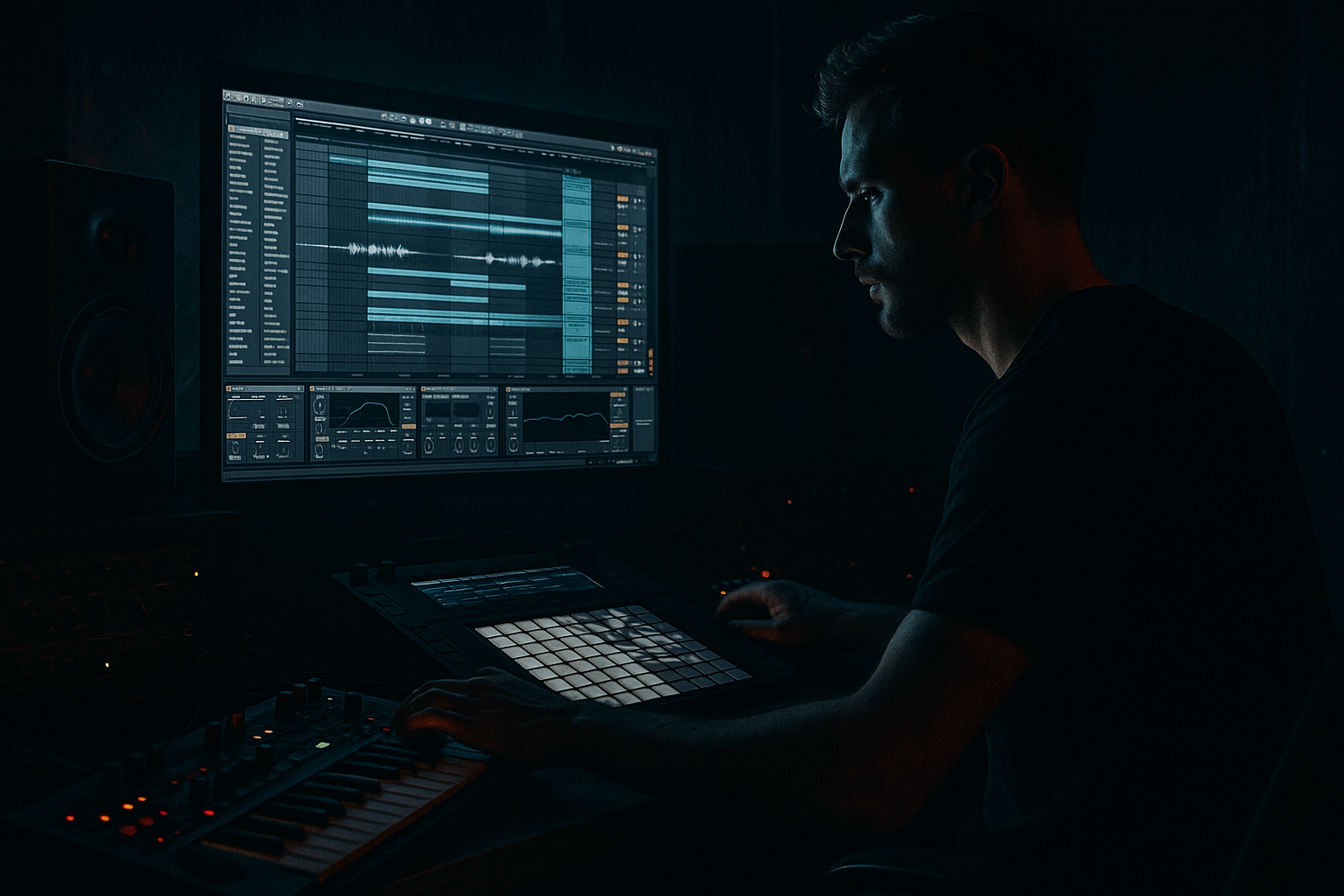
Main tutorial
Lesson Overview
An Amen-style fill is one of the fastest ways to inject that unmistakable pirate-radio pressure into a Drum & Bass arrangement. In a DnB track, especially around 170–175 BPM, the Amen fill acts like a micro-switch: it breaks the loop, creates a burst of kinetic tension, and tells the listener, “the drop is about to turn.” This is especially effective in rollers, jungle-leaning tracks, darker dancefloor DnB, and neuro-adjacent arrangements where you want movement without losing the groove.
In Ableton Live 12, the goal isn’t just to chop a break for the sake of it. You’re carving a short, intentional fill out of an Amen break, shaping it so it punches through a mix and feels like it belongs in a DJ-friendly structure. That means editing the break, controlling transients, keeping the low end clean, and using automation and routing to make the fill hit like a proper radio rewind moment without wrecking the master bus.
This lesson matters because fill design is part of arrangement design. If your track has strong 16- or 32-bar phrasing, a well-carved Amen fill can create that classic “lift before the next section” energy that works on the dancefloor and in a mixdown. It also gives you a reusable DJ tool: once you build one strong fill, you can resample it, repitch it, and place it across different sections for consistent, high-impact transitions.
What You Will Build
You’ll build a short, hard-hitting Amen-style fill in Ableton Live 12 that lasts roughly 1 to 2 bars and feels ready for pirate-radio style switch-ups. It will include:
- A chopped Amen break fragment with a strong snare-led accent
- Tight transient shaping so the fill cuts through a busy DnB mix
- Controlled low-end so the sub and kick relationship stays clean
- A touch of grit and movement using stock Ableton devices
- A DJ-friendly arrangement placement, such as the final bar before a drop or the last 2 beats of a 16-bar phrase
- Leaving too much low end in the fill
- Using the full Amen loop instead of carving a phrase
- Making every hit too loud
- Too much reverb or delay
- Letting the fill fight the drop
- Ignoring mono compatibility
- Stack a tiny amount of Drum Buss on the fill bus for extra smack, but keep Drive modest so the transient stays sharp.
- Use Auto Filter automation on the fill send with a fast cutoff rise in the last 1/4 bar for that classic lift into darkness.
- Add a reversed version of the last snare slice underneath the fill to create suction into the next section.
- Layer a pitched-down ghost hit very quietly under the main fill for weight, especially in half-time or roller sections.
- Keep the bass mono and let the fill occupy the midrange so the arrangement stays powerful without losing club translation.
- Try resampling the fill through Saturator, then slicing it again if you want a more mangled, pirate-radio edge.
- For neuro-leaning tracks, automate tiny filter and width changes instead of huge FX sweeps. Subtle movement reads as sophistication; huge movement can feel cheap.
- An Amen-style fill is a phrase-ending energy tool for DnB arrangement.
- Carve a short, intentional fragment from the break rather than using the full loop.
- Clean the low end with EQ Eight and keep the fill separate from sub duties.
- Use velocity, groove, and small automation moves to make the fill feel alive.
- Resample it for speed, consistency, and DJ-friendly switch-up writing.
- The best fills create tension, clarity, and impact right before the next drop.
By the end, you should have a fill that works in jungle, rollers, darkstep, and heavier minimal DnB contexts — not a generic drum edit, but a purposeful “carve” that sounds like it belongs in a proper set transition.
Step-by-Step Walkthrough
1. Start with a clean 16-bar context and identify the fill slot
Open your arrangement and find a section where the energy needs a lift: commonly bar 15–16 before a drop, or the last 2 bars before a switch-up. In DnB, these spots are phrase markers, so the fill should feel like a cue, not random decoration.
Create or locate an Amen break on an audio track. If you already have a loop, consolidate it first so you can work cleanly. If not, drag the break into Arrangement View and set the project tempo around 172–174 BPM for a classic feel.
Why this works in DnB: DnB arrangement is phrase-driven. A carved fill works because it exploits the listener’s expectation at the end of a loop cycle, especially when the low end and kick pattern are about to reset.
2. Warp the Amen for tight timing, then choose the best 1-bar or 2-beat fragment
Turn Warp on for the break. For Amen material, start with Beats mode and a transient-preserving setting. If the break is already close to tempo, use:
- Preserve: Transients
- Transient Loop Mode: 1/16 or 1/8 depending on the slice density
- Envelope: Short enough to avoid smearing
Now audition different sections of the break and locate a fragment that has a strong snare, hat chatter, or a ghost-note turn. For pirate-radio energy, the best fills often come from the last 1/2 bar or last 2 beats of the Amen cycle, where the break naturally rolls into a snare hit.
If you’re using a clip in Arrangement View, duplicate the break and trim it down to a smaller region. Keep it musical: the fill should feel like a drum phrase, not an audio glitch.
3. Slice the Amen into a Drum Rack for surgical control
Right-click the Amen clip and choose Slice to New MIDI Track. Use a slicing preset based on transients, then map slices into a Drum Rack. This gives you direct control over which hits stay, which get muted, and which get repeated.
In the Drum Rack, focus on:
- Primary snare slice
- One or two ghost hit slices
- A hat or ride slice for motion
- Optional low tom or kick fragment only if it doesn’t fight your sub
Keep the MIDI pattern short. For example:
- Beat 4: snare accent
- Last 1/8 note: ghost hit
- Final 1/16: hat pickup into the next section
This is where the “carve” happens. You’re not just looping the break — you’re editing a call-and-response phrase.
4. Shape the fill with Clip Envelopes and a drum-focused groove
In the MIDI clip, use note lengths and velocity to control the energy. For a more authentic jungle feel, vary the velocity of ghost notes rather than leaving everything at full strength.
Useful starting points:
- Main snare velocity: 105–127
- Ghost notes: 35–70
- Hat pickup: 60–95
If the fill feels stiff, apply a light groove from Ableton’s Groove Pool. For Amen-derived fills, a subtle swing can help, but don’t overdo it — the point is urgency, not drunken delay. Try:
- Swing amount: 54–58%
- Timing: around 10–20%
- Random: very low, if any
You can also nudge the last note slightly ahead of the grid to create that “falling forward” sensation. In pirate-radio style DnB, forward momentum is everything.
5. Clean up the low end and control overlap with EQ and transient shaping
This is critical: an Amen fill often contains low-frequency junk that can clutter your kick/sub relationship. Put EQ Eight on the break or Drum Rack return and high-pass the fill aggressively enough to clear the sub lane.
A solid starting point:
- High-pass at 120–180 Hz
- Steeper slope if the break is muddy
- If the fill still feels boxy, dip 250–500 Hz by 2–4 dB
If you want more impact without more mud, place Drum Buss after EQ Eight. Start gently:
- Drive: 5–15%
- Boom: low or off if your sub is already busy
- Transient: slightly up for bite
- Crunch: small amounts only
If the fill is just a bit too long or splashy, use the clip fade handles or shorten the samples directly in the Drum Rack. The goal is a tight burst of energy, not a washed-out break loop.
6. Add movement and grit with stock Ableton devices
To give the fill that underground edge, chain a subtle amount of character after the break edit. Two very effective stock paths:
Option A: Saturator into Utility
- Saturator: Soft Clip on, Drive 2–6 dB
- Keep the effect subtle so the snare gains density without fizzing out
- Utility: reduce width on the fill to keep it focused and mono-safe
Option B: Echo or Delay for a micro-trail
- Use Echo with a very short feedback tail
- Keep the dry signal dominant
- Filter the repeats so they don’t clutter the low mids
A tiny amount of stereo movement can make the fill feel bigger, but be careful. In darker DnB, the fill should still feel center-anchored enough to punch through on club systems. If you use Auto Filter, a quick high-pass sweep into the fill can add tension, but keep it short and intentional.
7. Automate the transition so the fill feels like a proper DJ tool
The strongest pirate-radio fills usually aren’t isolated drum edits — they’re part of a transition. Automate one or two parameters in the final 1–2 bars before the drop or switch-up.
Good automation targets:
- Filter cutoff on the break or break bus
- Reverb send on the final snare or ghost hit
- Dry/Wet on Drum Buss or Saturator for the last hit
- Volume lift of the fill by 1–2 dB just for the final accent
- Utility width narrowing into the fill, then reopening at the drop
A reliable arrangement move:
- Bar 15: reduce main loop energy slightly
- Bar 16 beat 3: introduce the Amen fill
- Beat 4: leave a tiny gap or snare hit
- Downbeat: full drop with sub and kick restored
That little gap matters. In DnB, silence before impact creates a bigger hit than piling on more noise.
8. Resample the fill for fast reuse and better arrangement speed
Once the fill is working, resample it to audio. Record the processed fill onto a new audio track using Resampling or by routing the drum bus to a fresh track. This gives you a commitment layer you can quickly duplicate, reverse, pitch down, or chop further.
Use this resampled version for:
- Final 2-beat transitions
- Layering under risers
- Call-and-response with a bass stab
- DJ-style breakdown entries
If you want a heavier moment, duplicate the fill and lower one layer by -12 semitones very subtly, then low-pass it and tuck it under the main version. This can create a darker tail without sounding like a second, competing break.
9. Place the fill in a musical arrangement context
Think like a DnB arranger, not just a drum editor. A strong context example:
- You have a 16-bar rollers section with a steady sub and sparse top-loop
- In bars 13–14, the bassline starts thinning out
- Bar 15 introduces a filtered atmosphere or vocal chop
- Bar 16 gets the Amen-style fill
- The next drop hits with a new reese answer, larger snare, or more open hats
This creates a proper tension/release arc. The fill acts as the bridge between sections, and because it’s carved from an Amen, it carries authentic jungle pressure while still fitting modern arrangement logic.
Common Mistakes
- Fix: high-pass more aggressively with EQ Eight and keep the sub lane separate.
- Fix: isolate the last 1/2 bar, 1/4 bar, or even 2 beats and turn it into a purposeful fill.
- Fix: use velocity variation and leave ghost notes soft. The contrast is what makes the accent hit.
- Fix: keep FX tails short and filtered. Pirate-radio energy is urgent, not washed out.
- Fix: clear the bass and kick before the downbeat. The fill should point toward impact, not compete with it.
- Fix: use Utility to reduce width if needed, and check the fill in mono so the snare stays focused.
Pro Tips for Darker / Heavier DnB
Mini Practice Exercise
Spend 10–20 minutes making three versions of the same Amen-style fill:
1. Version A: Jungle-leaning
- Keep the raw Amen character
- Use light velocity variation
- Minimal processing, just EQ Eight and a touch of Drum Buss
2. Version B: Dark roller transition
- High-pass harder
- Add subtle Saturator
- Use a short filtered Echo tail on the final hit
3. Version C: Heavy switch-up tool
- Resample the fill
- Chop the last 2 beats into a tighter pattern
- Automate a quick filter rise and then cut to silence before the drop
Place each version at the end of a 16-bar phrase and listen back in context. Your goal is to feel which one creates the most convincing tension without cluttering the next section. If possible, bounce the section and audition it in mono too.

