Main tutorial
```markdown
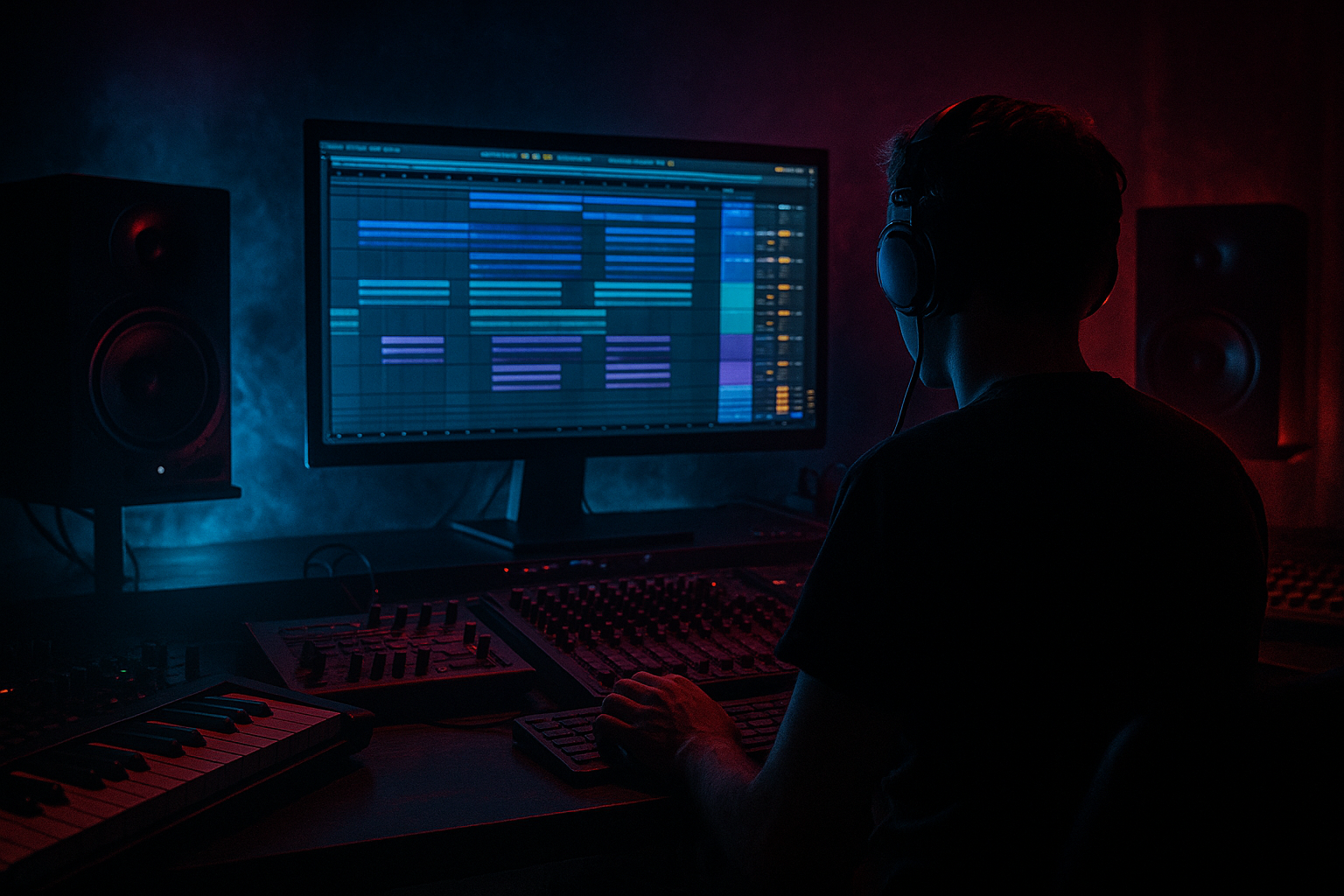
Call-and-response riff in Ableton Live 12: resample it with crisp transients + dusty mids (oldskool jungle vibes) 🥁🔥
1. Lesson overview
In jungle/oldskool DnB, call-and-response riffs are a signature move: a “call” phrase hits, then a “response” answers with a different tone, pitch, or rhythm. The magic happens when you resample the riff into audio and treat it like a break: tight transients, dusty midrange, and tape-ish grit—so it sits with breaks and rolling bass without sounding too clean.
This lesson is about edits workflow in Ableton Live 12: writing a MIDI riff, printing it to audio, and turning it into a playable, choppy jungle phrase using stock devices.
---
2. What you will build
You’ll build a short 2-bar riff that:
- Has a clear call (bar 1) + response (bar 2) structure
- Gets resampled to audio for faster editing and more “sample-era” feel
- Is processed for:
- Becomes a Slice-to-MIDI instrument you can rearrange like a break 🧩
- Bar 1: notes on 1, 1.2, 1.3.4, 1.4.2 (syncopation)
- Bar 2: simplify but add attitude: 2.1, 2.2.3, 2.3, 2.4.3
- Reprogram slices so bar 1 = call is more intact (play 2–4 key slices)
- bar 2 = response can be chopped, reversed, or pitched
- Reverse 1 slice: duplicate the slice audio → enable Rev in Simpler
- Pitch the response down: in Simpler, Transpose -3 to -7 st
- Add a little “turnaround” at the end of bar 2: repeat a tiny slice 1/32–1/16 for tension
- Bars 1–4 (Intro): Call phrase only, filtered (Auto Filter LP)
- Bars 5–8 (Hook A): Full call-and-response
- Bars 9–12 (Variation): Drop out the call in bar 11, let response answer alone (space = impact)
- Bars 13–16 (Hook B): Same riff but add one extra response chop right before snare on bar 16
- Overdoing Redux/Crunch: turns into fizzy garbage and masks snares/hats. Use tiny moves.
- Too much low end in the riff: it fights the sub-bass and makes the drop feel smaller. High-pass it.
- No transient control: if your resample is too smooth, it won’t cut through breaks.
- Over-quantizing the slices: jungle grooves breathe. Try nudging a few response hits late by 5–15 ms.
- Call and response are too similar: make the response obviously different (pitch, rhythm, texture, or stereo).
- Parallel distortion for weight (without losing punch):
- Make it “mean” with formant-ish moves:
- Sidechain to the snare (classic DnB clarity):
- Reese-adjacent response:
- Build a call-and-response riff that leaves space for the groove.
- Pre-shape it for punch, then resample (audio = edit power).
- Post-process the resample for crisp transients (Drum Buss/Glue) and dusty mids (EQ/Redux).
- Slice-to-MIDI and edit like a break: pitch, reverse, stutter, re-order.
- Arrange with classic jungle logic: repetition + small variations = hypnosis.
- Crisp transients (oldskool bite)
- Dusty mids (90s sampler tone)
- Controlled lows (so it doesn’t fight the sub)
Target tempo: 165–172 BPM (classic jungle pocket).
---
3. Step-by-step walkthrough
Step A — Write the call-and-response MIDI riff 🎹
1. Create a MIDI track: `Cmd/Ctrl + Shift + T`
2. Load a simple source (clean is good before we dirty it):
- Wavetable (or Operator)
Suggested starting point:
- Wavetable: Basic Shapes → Sine/Triangle-ish
- Filter: LP24, Drive ~ 5–10%
- Amp Env: Short attack (0–5 ms), Decay 200–400 ms, Sustain 0–20%, Release 60–120 ms
3. Set your clip length to 2 bars.
4. Program a riff in A minor (easy jungle vibe). Example rhythm:
- Bar 1 = Call: strong, memorable phrase (syncopated)
- Bar 2 = Response: answer with a different contour (pitch down, inversion, or more stabs)
Practical pattern idea (grid 1/16):
Tip: Jungle riffs often feel right when they talk around the snare. If your snare hits on 2 and 4, leave micro-gaps before/after those hits.
---
Step B — Make it “sample-friendly” BEFORE resampling 🎛️
We want it to print with punch, but not harsh.
On the riff track, add this pre-resample chain (stock devices):
1. Saturator
- Type: Soft Sine
- Drive: 3–6 dB
- Output: adjust so it doesn’t clip the channel
2. EQ Eight
- High-pass: 24 dB/oct @ 120–180 Hz (keep sub clean for your bass track)
- Gentle bell boost: +1 to +2 dB @ 1.2–2.5 kHz (presence)
- Optional tiny cut: -1 to -3 dB @ 300–500 Hz if it’s boxy
3. Drum Buss (yes, even on riffs)
- Drive: 5–15%
- Crunch: 0–10% (keep it subtle here)
- Transients: +10 to +25 (this helps your resample “snap”)
- Boom: Off (or very low) to avoid low-end buildup
4. Utility
- Mono: On below 150 Hz (or just keep the whole riff fairly mono for authentic oldskool placement)
- Gain stage so your loudest hits peak around -6 dBFS (good headroom for resampling)
---
Step C — Resample to audio (the core “edit” move) 🎧➡️📼
You’ve got two clean ways:
#### Option 1: Resampling (fast)
1. Create a new Audio Track: `Cmd/Ctrl + T`
2. Set its input to Resampling
3. Arm the audio track
4. Record 2 bars while looping your MIDI clip
#### Option 2: Freeze + Flatten (clean and precise)
1. Right-click the MIDI track → Freeze Track
2. Right-click again → Flatten
3. Now it’s audio on the same track
Pro move: After resampling, Consolidate (`Cmd/Ctrl + J`) so the audio starts exactly at bar start. This makes slicing dead easy.
---
Step D — “Dusty mids + crisp transients” post-resample chain 🧱
Now treat the resampled audio like it came off an S950-ish workflow (but using stock).
On the audio riff track:
1. Gate (tighten the tail so it chops like a sample)
- Threshold: set so tails tuck in
- Return: 0–50 ms
- Release: 60–140 ms
- Lookahead: 0–1 ms
2. Drum Buss (more character now)
- Drive: 10–25%
- Crunch: 10–25% (this is your “dust”)
- Transients: +15 to +35
- Damp: 3–8 kHz (tames brittle highs, keeps it vintage)
- Output: match level
3. EQ Eight (shape the mid “nostalgia”)
- HPF: 24 dB/oct @ 140–220 Hz
- Bell boost: +2 to +4 dB @ 700 Hz–1.4 kHz (dusty/forward midrange)
- Gentle shelf down: -1 to -4 dB above 8–10 kHz (less modern sparkle)
4. Redux (for sampler-ish grit)
- Downsample: try 12–18 kHz
- Bit Reduction: 0–2 (small amounts go far)
- Keep it subtle: you want “texture,” not “broken”
5. Glue Compressor (final smack)
- Attack: 3 ms (lets transient through)
- Release: Auto (or 0.1–0.3 s)
- Ratio: 2:1
- Threshold: aim 1–3 dB gain reduction on peaks
- Makeup: as needed
---
Step E — Slice it like a break and create call/response edits ✂️🧠
This is where it becomes jungle.
1. Right-click the resampled audio clip → Slice to New MIDI Track
2. Choose:
- Slicing preset: Built-in
- Slice by: Transient (or 1/16 if your riff is super grid-locked)
3. Ableton creates a Drum Rack with slices.
Now you can:
Add response tricks (fast jungle edits):
---
Step F — Arrangement ideas (rolling DnB context) 🏁
Try this classic 16-bar structure:
DnB placement tip: Keep the riff mostly in 200 Hz–4 kHz territory so your sub (40–90 Hz) and breaks remain dominant.
---
4. Common mistakes 🚫
---
5. Pro tips for darker/heavier DnB 🖤
- Send the resampled riff to a Return track with Roar or Saturator + Drum Buss.
- High-pass the return at 250–400 Hz so only gritty mids come back.
- Convert slices into Simpler (Classic) and automate Filter Freq + Resonance on the response only.
- Add subtle Envelope > Filter modulation for a talking feel.
- Use Compressor on the riff track keyed from your snare.
- Ratio 2:1, fast attack, medium release, just 1–2 dB duck on snare hits.
- Duplicate the resampled audio.
- On the duplicate: low-pass around 2–4 kHz, add Chorus-Ensemble very lightly, then distort.
- Keep it low in the mix—just enough to sound dangerous.
---
6. Mini practice exercise 🧪
Goal: 8-bar loop that feels like a 90s jungle hook.
1. Write a 2-bar call-and-response MIDI riff.
2. Resample to audio.
3. Create two versions:
- Version A: cleaner (Drum Buss Transients + mild Saturator)
- Version B: dusty (Redux + mid boost)
4. Slice Version B to Drum Rack.
5. Program an 8-bar phrase:
- Bars 1–2: Call only
- Bars 3–4: Call + response
- Bars 5–6: Response pitched down (-5 st)
- Bars 7–8: Add one stutter slice at the end of bar 8 for a turnaround
Deliverable: bounce a quick loop and check if the riff still cuts when the breaks and bass are playing.
---
7. Recap ✅
If you want, tell me your tempo + key + whether your drums are more Amen-style or roller 2-step, and I’ll suggest a riff rhythm and exact slice grid that locks to your drum pattern.
```

