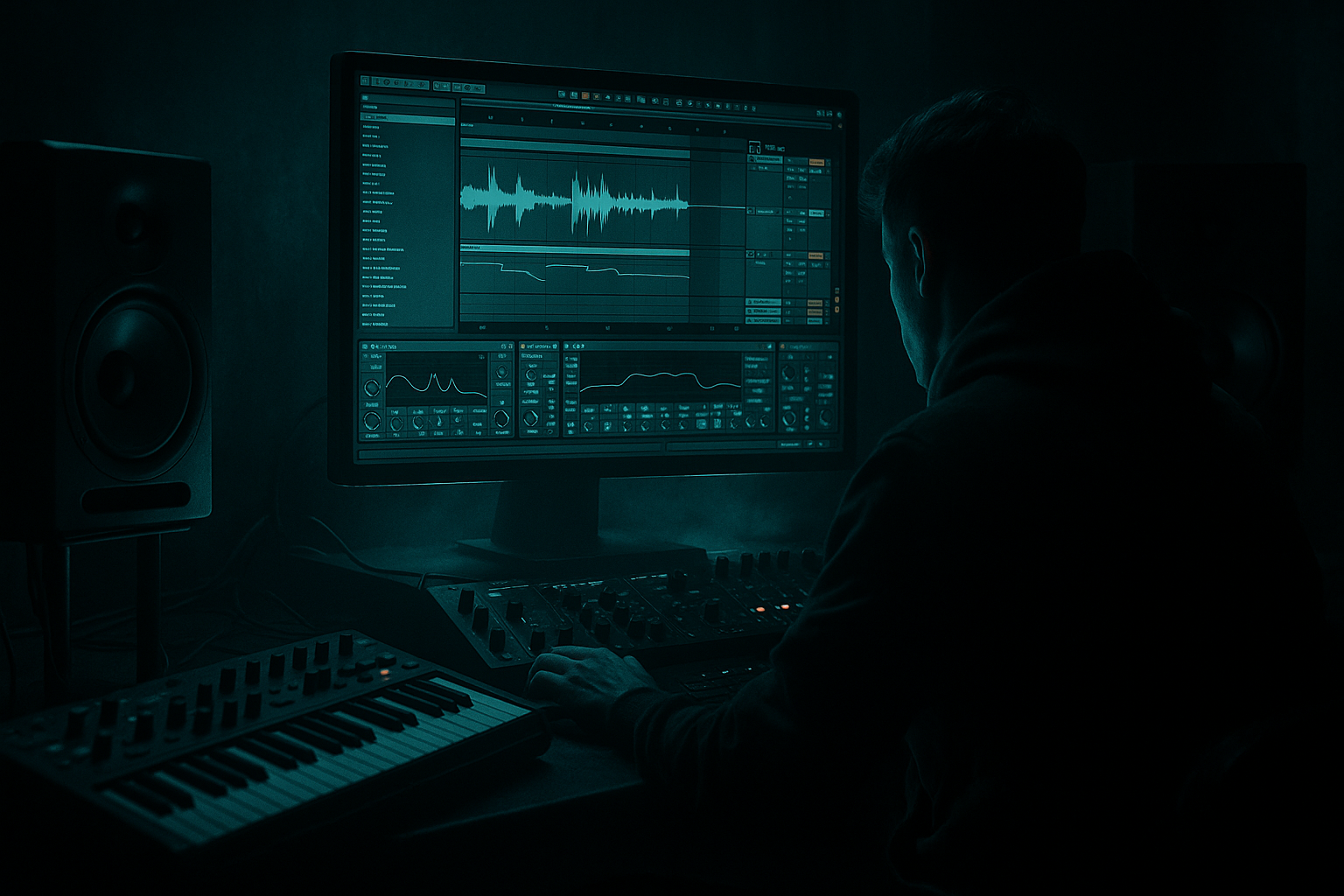
Main tutorial
Breakdown for Intro with Minimal CPU Load in Ableton Live 12 for Jungle / Oldskool DnB Vibes 🥁⚡
1. Lesson overview
In this lesson, you’ll build a dark, atmospheric intro breakdown for a jungle / oldskool DnB track in Ableton Live 12, designed to sound musical and cinematic while keeping CPU usage low.
The goal is to create tension before the drop using:
- A small number of efficient devices
- Audio-based resampling instead of heavy real-time processing
- Simple but effective automation
- Stock Ableton tools only, where possible
- foggy warehouse warmth
- chopped break tension
- sub-bass pressure held back
- eerie pads, dubby echoes, and dusty vinyl energy 🎛️
- A filtered breakbeat loop
- A low-CPU atmospheric texture
- A chopped vocal or stab motif
- A dub-style delay tail
- A tension riser into the drop
- A simple arrangement that leaves space for the drop to slam
- dusty amen fragments
- submerged bass pressure
- tape-worn ambience
- sub drops hinted, not fully revealed
- oldskool rave tension with modern clarity
- use short audio loops
- freeze/flatten when needed
- use return tracks for shared delay/reverb
- use resampling to print effects
- rely on EQ, filter, echo, and utility tools rather than heavy third-party processors
- Tempo: 160–174 BPM
- For oldskool jungle, try 165–170 BPM
- Time signature: 4/4
- Clip length: build in 8-bar or 16-bar phrases
- Audio clip in Simpler? Not necessary here if you’re keeping it efficient.
- Just place the break as audio on a track.
- High-pass very gently around 30–40 Hz if needed
- Small cut around 250–400 Hz if muddy
- Slight boost around 3–6 kHz if the snare needs crack
- Drive: 5–15%
- Crunch: light, around 5–10%
- Boom: only if the break needs weight, keep it subtle
- Transients: +5 to +20 if you want more snap
- Start with a Low-Pass filter
- Cutoff around 500 Hz to 1.5 kHz during intro
- Raise cutoff gradually toward the drop
- Use to control width and level
- Keep the intro break mostly centered if the mix needs focus
- If the break is too wide, reduce width slightly for a tighter oldskool feel
- Auto Filter cutoff
- Reverb send
- Delay send
- Track volume
- Utility width
- Drum Buss Drive or Transients
- Bars 1–4: filtered break, sparse ambience
- Bars 5–8: slowly open the filter, add delay tails
- Bars 9–12: introduce more break detail and atmospheric lift
- Bars 13–16: tension peak, then strip for the drop
- Bar 1 cutoff: 500 Hz
- Bar 8 cutoff: 2 kHz
- Bar 12 cutoff: 5 kHz
- Bar 15 cutoff: fully open
- Bar 16: mute or thin the break for a clean drop entry
- vinyl crackle
- field recording
- reversed break tail
- room tone
- pad stem bounced to audio
- High-pass at 120–250 Hz
- Remove unnecessary low-mid buildup around 300–600 Hz
- Low-pass around 6–10 kHz
- Slow automation for movement
- Time: 1/4, 1/8D, or 3/16
- Feedback: 20–45%
- Filter: darken the repeats
- Modulation: subtle
- one-shot rave stab
- chopped vocal phrase
- string hit
- detuned piano stab
- short Reese-style chord hit bounced to audio
- Use One-Shot mode for stab hits
- Keep the sample short
- Use a basic envelope, no extra layers needed
- Short decay
- Band-pass or low-pass filtering
- Slight saturation
- Dubby delay throw at phrase endings
- on beat 3 of bar 2
- on the last half of bar 4
- then repeat with slight variation in bar 8 or 12
- Pre-delay: 15–30 ms
- Decay time: 2.5–5 seconds
- Low cut: 200–400 Hz
- High cut: 6–10 kHz
- Dry/Wet on return: 100%
- Sync: 1/4 or 1/8D
- Feedback: 25–50%
- Filter: roll off top end
- Mode: keep it clean, not too smeared
- fewer instances
- less CPU
- more cohesive space
- committed ambience
- a more organic feel
- lower CPU
- easier arrangement decisions
- reverse reverb swells
- delay tails into the drop
- ghosted vocal echoes
- break manipulations
- Auto Filter
- Reverb
- Echo
- Saturator
- Drum Buss
- Utility
- Simple pitch automation
- Reverse audio clips
- Auto Filter with cutoff rising over 8 bars
- Utility with subtle width automation
- Saturator increasing slightly before the drop
- short noise risers bounced to audio
- reverse it
- high-pass it
- automate volume up
- add a delay throw at the end
- print it to audio if needed
- filtered break only
- atmosphere in the back
- minimal stab ghost
- bring in a delayed vocal chop or stab
- open filter slightly
- add one extra break fill
- more drum detail
- wider atmosphere
- delay throw into bar ends
- tension peak
- snare fill or reverse impact
- strip low-end just before the drop
- one final impact or silence gap
- Use audio clips instead of endless instrument layers
- Use return tracks for shared FX
- Freeze and flatten when a part is finished
- Turn off unused devices
- Avoid too many reverbs and delays on separate tracks
- Use Simpler instead of heavier samplers when possible
- Keep warping simple and only where needed
- stack multiple reverbs on every channel
- use huge unison synths for a tiny intro texture
- leave every device active all the time
- over-process the break with unnecessary chains
- a snare drag
- a reversed break hit
- a tiny amen fill
- a one-beat dropout before the drop
- Saturator drive: 1–4 dB
- Soft Clip: on if needed
- Drum Buss drive: modest, not extreme
- Utility to narrow width on the break during the intro
- widen only the atmospherics
- keep the drop prep focused and forward
- the atmosphere for the last half bar
- the break for one beat
- the stab right before the downbeat
- Only stock Ableton devices
- Only one reverb return
- Only one delay return
- No more than 6 total active devices per track
- Does it feel like jungle/DnB?
- Is the groove alive?
- Is the intro building tension?
- Is the drop going to hit harder because of this?
- a strong break
- a simple but evolving arrangement
- filtered atmosphere
- shared reverb and delay on returns
- automation with purpose
- resampling to commit big FX moments
- Use audio wherever possible
- Keep the breakdown to a few meaningful layers
- Automate filter cutoff, sends, and width
- Print heavy FX when you’re happy with them
- Leave space before the drop so the impact lands hard
- a ready-made Ableton track template
- a 16-bar arrangement blueprint
- or a stock-device chain for a classic amen intro
This is perfect for intros that feel like:
You’ll learn how to build a breakdown that works in jungle, oldskool DnB, rollers, and darker halftime-adjacent intros.
---
2. What you will build
By the end, you’ll have a 16-bar intro breakdown with:
Target vibe
Think:
Why this approach is CPU-friendly
Instead of stacking huge synths and long effect chains, we’ll:
---
3. Step-by-step walkthrough
Step 1: Set up a lean project structure
Create these tracks:
1. Drum Break Audio Track
2. Atmos Pad/Texture Audio Track
3. Vocal/Stab Audio Track
4. Return A: Reverb
5. Return B: Delay
6. Optional: Sub Hint Track
7. Master
Keep it minimal. For an intro breakdown, you do not need a huge layered mix. You need contrast and movement.
#### Recommended session setup
---
Step 2: Build the break foundation with one audio loop
Start with a single breakbeat loop, ideally an amen, think, or classic chopped break.
#### Use:
#### Basic processing chain for the break:
1. EQ Eight
2. Drum Buss
3. Auto Filter
4. Utility
#### Suggested settings
EQ Eight
Drum Buss
Auto Filter
Utility
#### Practical tip
If the break is busy, duplicate the clip and chop it manually rather than adding more processing. Jungle energy often comes from arrangement and slicing, not plugins.
---
Step 3: Add controlled movement with clip automation
For a breakdown intro, movement is everything. But movement should be intentional, not chaotic.
#### Automate:
#### A strong 16-bar intro automation arc
#### Example automation idea
Use clip envelopes when the movement belongs to a specific loop, and track automation when the entire section should evolve.
---
Step 4: Create a low-CPU atmosphere layer
This is where many producers overdo it. For a clean intro, one atmosphere layer is enough.
#### Option A: Audio texture
Use:
#### Process it with:
1. EQ Eight
2. Auto Filter
3. Echo
4. Reverb on send return
#### Suggested atmosphere settings
EQ Eight
Auto Filter
Echo
Use Echo instead of stacked delays. It sounds musical and saves CPU.
#### Why audio textures work well
In jungle and DnB, atmosphere often sounds more authentic when it’s sampled and printed rather than overly synthesized. That dusty edge helps the track feel like old tape, radio noise, or a rave memory 📼
---
Step 5: Add a stab or vocal chop for identity
A breakdown intro often needs a memorable hook, even if it’s tiny.
#### Best choices:
#### CPU-friendly processing chain:
1. Simpler or audio clip
2. Auto Filter
3. Saturator
4. Delay send
5. Reverb send
If using Simpler:
#### Stab treatment for oldskool vibe
#### Arrangement trick
Place the stab:
This creates call-and-response energy without cluttering the mix.
---
Step 6: Set up return tracks for shared reverb and delay
This is one of the biggest CPU-saving moves in Ableton.
#### Return A: Reverb
Use Reverb or Hybrid Reverb carefully.
If you want the lightest load, start with Reverb stock device.
Suggested Reverb settings
Keep sends low and use automation for bigger moments.
#### Return B: Delay
Use Echo for the main delay return.
Suggested Echo settings
#### Pro workflow
Put your reverb and delay on returns, not directly on every track.
That means:
---
Step 7: Use resampling to “print” big moments
If a breakdown starts getting too dense, resample your effects.
#### How to do it
1. Create a new audio track called PRINT FX
2. Set input to Resampling
3. Arm the track
4. Play the intro section with delay throws, reverb swells, and filter sweeps
5. Record the output
6. Edit the best parts into clips
Now you can freeze/flatten or simply disable the original heavy effects.
#### Why this helps
You get:
This is especially useful for:
---
Step 8: Build tension with simple FX, not complex chains
For jungle and DnB, tension usually works best when it feels like it’s rising from the arrangement.
#### Good low-CPU tension tools in Ableton:
#### Example tension devices
On the master intro build bus or individual FX track:
#### Simple riser idea
Take a crash or noise sample:
That’s much lighter than a big synth riser chain.
---
Step 9: Arrange the intro like a DJ-friendly DnB section
A strong DnB intro should give DJs space to mix in and give listeners a clear lift.
#### Classic 16-bar intro structure
Bars 1–4
Bars 5–8
Bars 9–12
Bars 13–16
#### DJ-friendly tip
Leave at least 1–2 bars with reduced elements so the drop feels huge when it arrives. In jungle, contrast is everything.
---
Step 10: Keep CPU low with smart Ableton habits
Here’s the practical CPU discipline that keeps your session smooth.
#### Do this:
#### Don’t do this:
---
4. Common mistakes
1. Overloading the intro with too many layers
If your intro has break, pad, vocal, stab, riser, sub, and noise all at once, it stops feeling like a breakdown.
Fix: keep it to 3–4 core elements max.
---
2. Too much low end in the breakdown
The intro should hint at the sub, not fight the drop.
Fix: high-pass non-bass elements and keep the sub mostly absent or heavily filtered.
---
3. Using huge reverb on everything
This muddies the groove and eats CPU.
Fix: use return tracks and automate sends only where needed.
---
4. Static filtering
A filter left in one place feels lazy.
Fix: automate cutoff in phrases so the intro evolves every 4 or 8 bars.
---
5. No arrangement contrast before the drop
If the intro is full all the way through, the drop won’t feel bigger.
Fix: thin out the last bar or two before the drop.
---
6. Over-editing the break
Too many micro-cuts can kill the natural swing of jungle.
Fix: keep the groove breathing. Use a few key chops, not constant surgery.
---
5. Pro tips for darker/heavier DnB
Tip 1: Darken the space, not the whole mix
Use Echo with filtered repeats and a dark reverb return. That creates depth without washing out the drums.
---
Tip 2: Print your reverse swells
If you have a great delay swell or reverse reverb moment, resample it.
Printed FX often sound more convincing in jungle because they feel like part of the tape history.
---
Tip 3: Use break fills as punctuation
Instead of adding more synth movement, create excitement with:
That’s classic DnB tension.
---
Tip 4: Saturate lightly for grime
A touch of Saturator or Drum Buss can make the intro feel harder and more analog.
Try:
---
Tip 5: Use mono for menace
A dark intro often hits harder when the low-mid is tighter.
Try:
---
Tip 6: Let silence work
A short gap before the drop can be devastating in jungle.
Try muting:
That tiny vacuum makes the drop feel massive 💥
---
6. Mini practice exercise
Exercise: Build a 16-bar intro with 4 elements only
Use just these:
1. One breakbeat loop
2. One atmosphere texture
3. One stab or vocal chop
4. One riser or reverse impact
#### Constraints
#### Steps
1. Put a filtered break on Track 1
2. Add atmosphere on Track 2 with EQ and Auto Filter
3. Add a stab on Track 3 with saturation and delay send
4. Automate the break filter open over 16 bars
5. Add a reverse swell in bars 13–16
6. Print the best delay tail to audio
7. Remove anything that doesn’t clearly support the drop
#### Goal
When you listen back, ask:
If the answer is yes, you’ve nailed it.
---
7. Recap
A great jungle / oldskool DnB intro breakdown in Ableton Live 12 does not need a massive CPU-heavy setup. It needs:
Key takeaways
If you build your intro like this, you’ll get that murky, tense, authentic jungle energy without turning your session into a CPU struggle. 😎
If you want, I can also give you:

