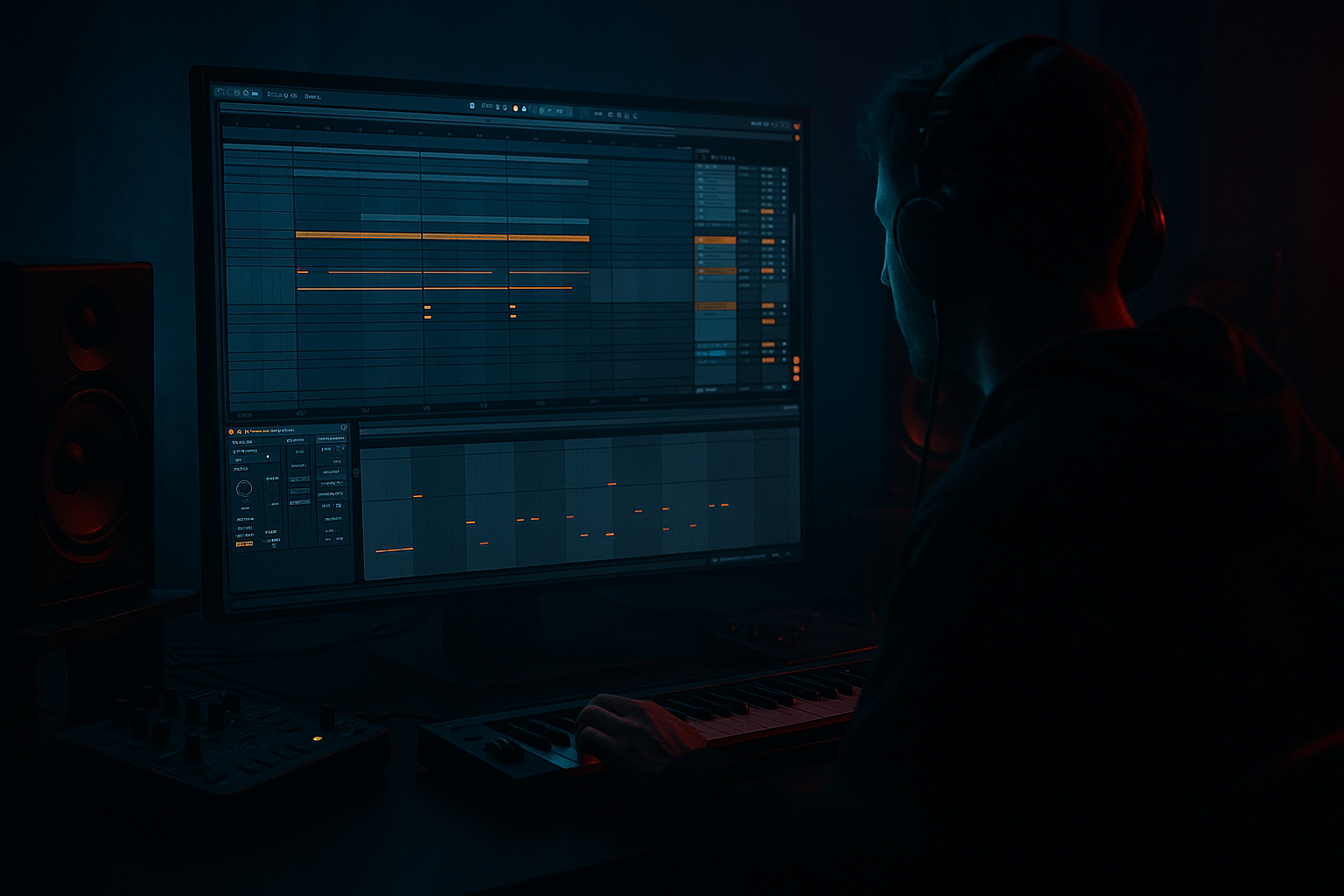
Main tutorial
Breakdown for Atmosphere for Ragga-Infused Chaos in Ableton Live 12
1. Lesson overview
In this lesson, you’ll learn how to build a dark, atmospheric breakdown that sets up a ragga-infused drop in a drum and bass track. The goal is not just “making it quiet” — it’s about creating tension, space, and cultural character before the drop smashes back in.
In DnB and jungle, the breakdown is where you can:
- strip the track back to sub, texture, and vocal identity
- let the listener breathe while still feeling pressure
- make the next drop feel heavier, faster, and nastier
- a mood-setting atmospheric bed
- a ragga vocal breakdown section
- a controlled energy dip
- a transition that snaps back into chaos 🔥
- a filtered pad or ambience layer
- a chopped ragga vocal phrase
- a dubby delay tail
- a low-end tension layer
- an FX transition into the next drop
- mastering-style control over the breakdown’s tonal balance
- dark jungle atmosphere
- ragga attitude
- space for tension
- enough movement to keep it alive
- heavy contrast against the drop
- smoky alleyway energy
- siren flashes in the distance
- chopped vocal commands
- sub pressure underneath
- then: drop impact 💥
- Bars 1–4: reduce drums, keep atmosphere and vocal
- Bars 5–8: increase tension with filters, delays, risers
- Bars 9–16: remove more elements, then set up the return
- Bar 1: hard cut from full groove into ambience
- Bar 2: vocal phrase enters
- Bars 3–4: delay throws and texture movement
- Bars 5–6: snare roll or percussion ghosting
- Bars 7–8: riser and pre-drop tension
- Osc 1: basic saw or triangle
- Osc 2: detuned saw, lower in mix
- Filter: low-pass
- Unison: moderate, not too wide
- Attack: 200–500 ms
- Release: 2–6 seconds
- rain
- city noise
- vinyl crackle
- radio static
- distant siren fragments
- Auto Filter
- Reverb
- Delay
- Saturator
- a vocal sample
- your own recorded voice
- a licensed ragga vocal one-shot
- a chopped phrase from a vocal loop
- Mode: Slice
- Slicing: Transients or Beat
- Add a few note triggers for chops
- “Come again!”
- “Original! Original!”
- “Run it!”
- “Pull up!”
- one chop at the top of bar 1
- a delayed response at bar 2
- a stutter or reverse tail at bar 4
- a final phrase before the drop
- Oscillator: sine
- Octave: low
- Keep it simple
- Add very gentle saturation if needed
- EQ Eight: low-pass so it stays focused
- Saturator: slight drive for harmonic visibility
- Utility: mono
- Auto Filter
- Redux very subtly for grit if needed
- Saturator
- cutoff slowly closing
- resonance rising slightly at the end of the breakdown
- Echo
- Filtered repeats
- Feedback 30–50%
- Wet 100%
- Reverb
- Long decay
- Darker tone
- Wet 100%
- increase delay send at phrase endings
- cut the dry signal briefly and let the throw ring
- automate high-pass opening on the delay return for buildup
- automate feedback for a “runaway” moment right before the drop
- reversed cymbals
- distant snare ghosts
- rimshot echoes
- chopped break fragments with heavy filtering
- background percussion loops
- high-pass aggressively
- compress lightly
- saturate for crunch
- add Drum Buss for transient shape
- Drive: low to moderate
- Boom: usually off or very subtle in a breakdown
- Transients: slight positive or negative depending on the source
- Damp: adjust to darken the texture
- Filter cutoff slowly opens
- Reverb sends increase
- Stereo width slightly widens
- Delay feedback rises near the end
- High frequencies open up
- One phrase gets repeated more aggressively
- Sub drone swells in the middle, then ducks
- Or filtered bass opens slightly before the drop
- a gentle high-shelf dip on the breakdown
- or let the breakdown feel narrower and darker
- then restore brightness for the drop
- a reverse crash
- a snare fill
- a quick vocal chop
- a filter sweep
- one final delay throw
- a tiny silence before the drop
- a rising noise
- a vocal hit
- a quick snare flam
- a short sub dropout
- darker
- slightly narrower
- less sub-heavy than the drop
- rich in midrange detail
- controlled dynamically
- vocal identity
- texture bed
- low drone
- dub delay tail
- repeat one syllable
- pitch one chop down a few semitones
- add a short slap delay
- keep it slightly distorted
- modulated pads
- metallic textures
- filtered break ghosts
- vocal grit
- distant sirens
- 1 atmospheric pad or texture
- 1 chopped ragga vocal
- 1 low sub drone or filtered bass tone
- 1 delay return
- 1 reverb return
- at least 3 automation moves
- Bars 1–4: atmosphere + vocal phrase
- Bars 5–8: introduce low drone and delay feedback automation
- Bars 9–12: thin the texture, bring in a ghost break or reverse FX
- Bars 13–16: increase tension, then create a small silence or stop before the drop
- eerie
- rooted in jungle/ragga culture
- spacious but still dangerous
- ready to explode into a heavy drop
- headphones
- monitors
- phone speaker
- Does the vocal cut through?
- Is the atmosphere too cloudy?
- Does the transition into the drop feel exciting?
- Use atmosphere to create space and mood
- Use ragga vocal chops to give the breakdown character
- Keep controlled low-end tension underneath
- Use delay and reverb returns to create depth and movement
- Automate the section so it grows from sparse to tense
- Shape it with a mastering mindset so it translates in the final track
- a sample Ableton project chain
- a bar-by-bar arrangement template
- or a rack preset recipe for the ragga vocal breakdown.
We’ll use Ableton Live 12 stock tools to build:
This is aimed at intermediate producers, so I’ll assume you already know basic arrangement, slicing, and basic EQ/compression.
---
2. What you will build
By the end of this tutorial, you’ll have a breakdown section with:
The vibe we’re aiming for:
Think:
---
3. Step-by-step walkthrough
Step 1: Set up the breakdown section in arrangement
Open your arrangement and find the section before the drop — usually 8 or 16 bars.
A good DnB breakdown often works like this:
If your track is around 174 BPM, an 8-bar breakdown is usually enough for a rolling tune. If it’s more cinematic or jungle-influenced, 16 bars can work.
Arrangement suggestion:
---
Step 2: Build the atmospheric bed
Create an audio or MIDI track for your ambience.
#### Option A: Pad from Ableton stock synths
Use Wavetable or Analog.
Wavetable patch suggestion:
Then add these stock devices in this order:
1. EQ Eight
- High-pass around 120–200 Hz
- Cut muddy zone around 250–500 Hz if needed
- Gentle dip at 2–4 kHz if it fights the vocal
2. Chorus-Ensemble
- Low depth
- Wide mode on
- Keep it subtle; this is atmosphere, not trance lushness
3. Echo
- Delay time: dotted 1/8 or 1/4
- Feedback: 20–35%
- Filter inside Echo: roll off lows and some highs
- Enable modulation lightly for movement
4. Reverb
- Decay: 4–8 seconds
- Pre-delay: 10–30 ms
- Low cut: around 200 Hz or higher
- High cut: around 7–10 kHz
5. Utility
- Reduce gain if the chain gets too loud
- Use Width sparingly; keep the low-end mono elsewhere
#### Option B: Create an ambience from sampled noise or field texture
Use any jungle-style texture:
Then process with:
Key tip: Don’t let the ambience become a wash of mush. It should feel like a room, alley, or smoke-filled space — not just “pretty reverb.” 😈
---
Step 3: Add the ragga vocal identity
A ragga-infused breakdown needs a vocal phrase or chop that carries personality.
Use:
#### Workflow in Simpler
Drop the vocal into Simpler:
Or use Warp in the clip and slice manually in Arrangement.
#### Process the vocal with:
1. EQ Eight
- High-pass at 100–150 Hz
- Remove any boxiness at 300–600 Hz
- Add a small presence bump at 2–5 kHz if needed
2. Compressor
- Light compression to keep the vocal consistent
- Ratio: 2:1 to 4:1
- Fast enough attack to catch peaks, but don’t kill the grit
3. Echo
- Ping-pong or stereo mode
- Feedback around 25–45%
- Use filter to keep repeats darker than the original vocal
4. Saturator
- Use soft clipping or subtle drive
- Add edge without wrecking intelligibility
5. Auto Filter
- Automate cutoff to open up over the breakdown
- Use resonance carefully for tension
#### Ragga vocal arrangement idea
Try chopping a phrase like:
Then arrange it like call-and-response:
This creates identity and tension without needing constant drum energy.
---
Step 4: Shape the low-end during the breakdown
A common mistake is removing everything below 120 Hz and calling it a day. In DnB, that can make the breakdown feel weak.
Instead, use controlled low-end tension.
#### Method 1: Sub drone
Create a sine or very pure low tone using Operator.
Operator settings:
Process:
Automate the volume so it sits under the breakdown like a pressure bed.
#### Method 2: Filtered bass tail
If your drop bass has a growl or Reese, take a short tail or held note and filter it down.
Use:
Automate:
This keeps the listener aware that the bass energy hasn’t vanished — it’s just being held back.
---
Step 5: Add movement with dub-inspired delay throws
Ragga and jungle breakdowns love space with attitude.
Use a return track or insert Echo on the vocal and select atmospheric hits.
#### Return track setup
Create two return tracks:
Return A: Delay
Return B: Reverb
Send only selected vocal hits and FX to these returns.
#### Automation ideas
That “one last echo” before the drop is classic DnB tension.
---
Step 6: Create atmospheric tension with drum ghosts and texture
Even in a breakdown, you don’t always want total silence.
Add:
#### For break fragments
Use Simpler or just warp audio clips:
Drum Buss settings suggestion:
You can use a ghost break pattern at very low volume to imply groove without fully restarting the drum assault.
---
Step 7: Automate the breakdown from sparse to tense
This is where the section becomes musical.
Automate these over 8 bars:
#### Atmosphere
#### Vocal
#### Low end
#### Master or mix bus elements
Be careful here. You can automate:
Do not overdo master bus processing changes. Keep the breakdown’s emotional arc mainly in the arrangement and track automation.
---
Step 8: Use a pre-drop impact strategy
The last 1–2 bars before the drop should feel like a trap snapping shut.
A strong pre-drop setup can include:
#### Practical trick
Mute the kick and bass for half a bar before the drop, then insert:
That brief void makes the drop feel bigger.
---
Step 9: Mastering-style control for the breakdown
Since this lesson is in the Mastering category, we need to think about how the breakdown sits in the overall loudness and tonal balance of the track.
You’re not mastering the whole song here, but you are shaping the breakdown so it translates in the final master.
#### On the breakdown bus, try this chain:
1. EQ Eight
- Gentle high-pass only if needed
- Clean up muddy buildup around 200–400 Hz
2. Glue Compressor
- Very light compression
- 1–2 dB gain reduction max
- Slow attack to preserve transients
- Release on Auto or medium
3. Saturator
- Very subtle harmonic density
- Keep it controlled
4. Utility
- Check mono compatibility
- Narrow the breakdown slightly if the mix is too wide
5. Limiter only if needed
- Avoid smashing the breakdown
- You want dynamics, not flatness
#### Mastering mindset
In a DnB tune, breakdowns often sound best when they are:
That contrast is what makes the drop feel violent in the best way.
---
4. Common mistakes
1. Making the breakdown too empty
If you remove too much, the track loses tension. Keep at least one of these alive:
2. Using too much reverb
Big reverb without filtering turns the breakdown muddy fast. Always high-pass and low-pass your reverb return.
3. Leaving the sub totally silent for too long
In DnB, silence can be powerful, but total low-end absence for too long can make the track feel weak rather than suspenseful.
4. Letting the vocal fight the atmosphere
If the ragga vocal gets buried, carve space with EQ. If the atmosphere dominates 2–5 kHz, reduce it there.
5. Over-automating everything
You don’t need 40 moves. Pick a few important automations and make them count.
6. Transitioning with no impact
A breakdown that just “ends” is forgettable. You need a riser, hit, fill, reverse tail, or silence gap.
---
5. Pro tips for darker/heavier DnB
Tip 1: Darken the space, not just the tone
Use Echo and Reverb with filtered repeats, not bright glossy tails. Dark spaces feel heavier.
Tip 2: Let the vocal feel like a weapon
A chopped ragga vocal can become a rhythmic hook. Try:
Tip 3: Use contrast in width
Keep the breakdown somewhat wide, but let the drop slam back into a more focused center. This makes the return feel bigger.
Tip 4: Build pressure with midrange, not just bass
A rolling DnB breakdown can feel massive with:
Tip 5: Automate less-filtered moments
For a second or two, briefly open the filter on a vocal or pad. That small “reveal” gives the drop more emotional weight.
Tip 6: Use saturation as density, not loudness
A little Saturator or Drum Buss can make atmosphere feel closer and more aggressive without pumping the level.
---
6. Mini practice exercise
Build a 16-bar breakdown for a 174 BPM ragga DnB tune using only stock Ableton devices.
Requirements:
Exercise structure:
Goal:
Make the breakdown feel:
Render it, then listen on:
Ask yourself:
---
7. Recap
A strong ragga-infused DnB breakdown is built from contrast, identity, and pressure.
Key takeaways:
If you do it right, the breakdown won’t feel like downtime — it’ll feel like the moment the track is loading the cannon before the drop hits. 🚀
If you want, I can also give you:

