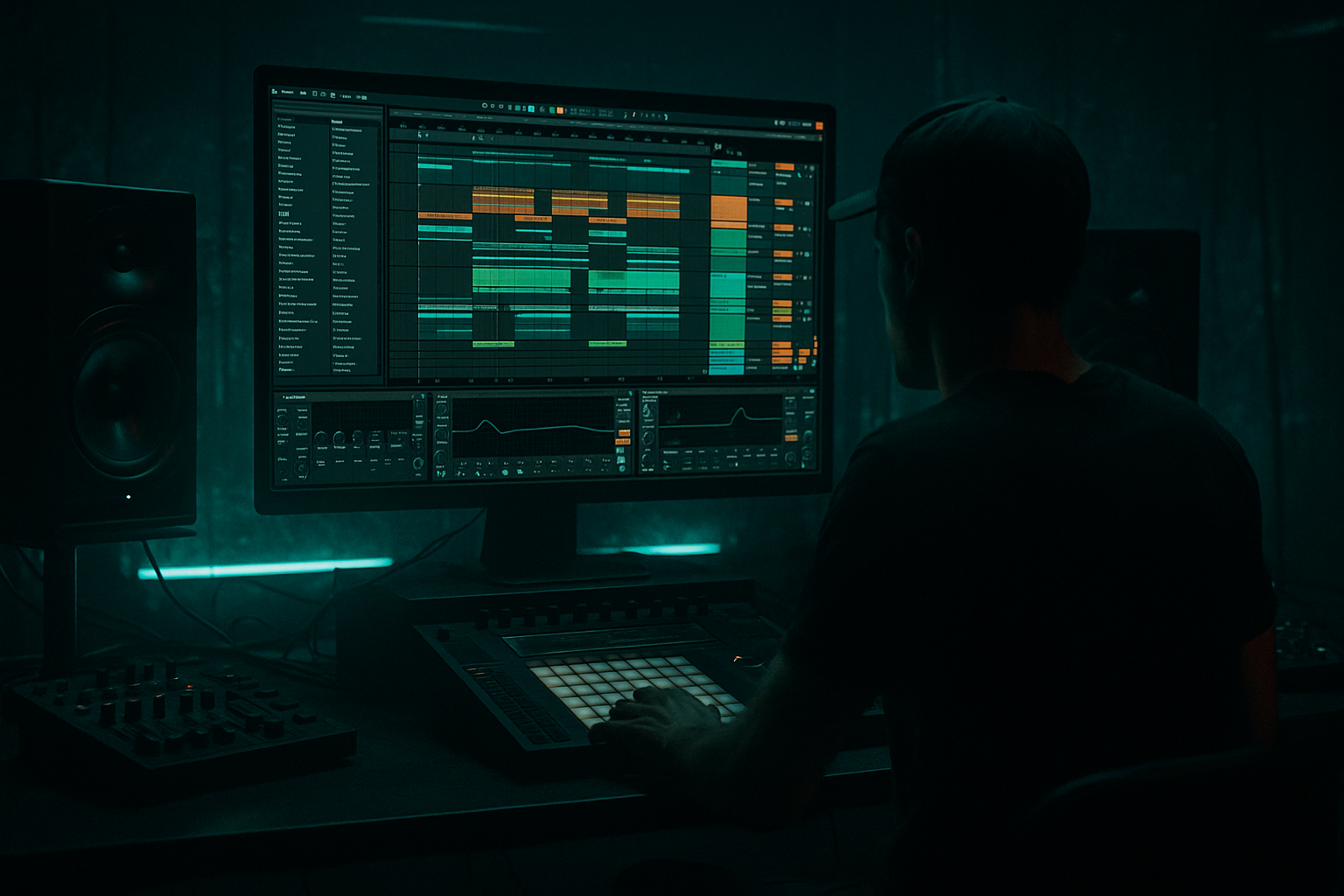
Main tutorial
```markdown
Break-noise cleanup for smoky late-night moods (Advanced DnB Mixing in Ableton Live) 🌒🔧
1) Lesson overview
In dark, late-night drum & bass, break noise is part of the vibe: vinyl crackle, room tone, tape hiss, micro-distortion, and those gritty “air” layers around classic breaks (Amen, Think, Funky Drummer, etc.).
The problem: once you start pushing subs, widening tops, and slamming the drum bus, that noise can turn into hashy, tiring fizz—especially in the 6–14 kHz zone—or it can pump weirdly when sidechained.
This lesson is about cleaning noise without sterilizing the break. You’ll keep the smoke, ditch the harshness, and make your break sit confidently over a rolling bassline.
---
2) What you will build
You’ll create a repeatable “Break Cleanup Rack” in Ableton Live for jungle/DnB breaks:
- Transient-preserving noise control (not just aggressive gating)
- Frequency-focused de-noise behavior (treat hiss differently than low rumble)
- Parallel “smoke layer” so vibe stays even when you clean hard
- Sidechain-aware behavior so noise doesn’t pump against your kick/sub
- A fast workflow that works at 170–176 BPM, with chopped breaks and edits
- Apply your kick sidechain (e.g., Compressor with sidechain input) on:
- Keep `AIR` chain either:
- Add a Compressor to `AIR` chain
- Sidechain input: your SUB/BASS group
- Settings:
- `AIR Gate Threshold` (more open in intro, tighter in drop)
- `SMOKE return level` (higher in intro)
- `High shelf cut` depth (less cut in intro, more cut in drop)
- `Reverb Dry/Wet` on `SMOKE` (intro only)
- Intro (bars 1–33): more smoke, more width
- Drop: tighter air, mono-compatible hats, less reverb
- Mono the low percussion:
- Make snares feel closer without extra hiss:
- Add controlled “metal” in the tops:
- Use Clip Gain + fades on edits:
- Reference classic rollers:
- Split breaks into LOW/MID/AIR so you can treat noise surgically.
- Control hiss with Multiband Dynamics + Gate (with Floor) on the AIR band.
- Preserve vibe with a parallel SMOKE layer (filtered + lightly saturated + dark reverb).
- Avoid weird pumping by sidechaining body more than air.
- Automate cleanup so intros stay hazy and drops stay tight.
---
3) Step-by-step walkthrough
Step 0 — Prep: Gain staging + context first 🎚️
1. Put your break in a Drum Group (e.g., `BREAK BUS`).
2. Level it so peaks hit around -8 to -6 dBFS pre-processing.
3. Loop an 8–16 bar section with bass + pads playing.
You cannot judge noise in solo—especially in smoky mixes.
Ableton tip: Add a Spectrum on the break bus and on the master for quick A/B.
---
Step 1 — Split the break into “Body” and “Air/Noise” bands (surgical control)
This is the core move: treat noise differently from drums.
Option A (quick): Audio Effect Rack + Multiband split
1. On the break track, add Audio Effect Rack.
2. Create 3 chains: `LOW`, `MID`, `AIR`.
3. Add an EQ Three (or EQ Eight) to each chain:
- `LOW`: Low-pass around 180–250 Hz (24 dB/Oct)
- `MID`: Band-pass 200 Hz – 6.5 kHz
- `AIR`: High-pass around 6–8 kHz (12–24 dB/Oct)
Why: Most “late-night hiss” that gets annoying lives in the AIR chain. You can now compress, gate, saturate, and widen only that region.
---
Step 2 — Clean the LOW: remove rumble that makes “dirty smoke” become mud 🪵
On the `LOW` chain:
1. EQ Eight
- HPF at 25–35 Hz, 24 dB/Oct (remove sub-rumble)
- Optional: narrow cut 50–80 Hz if break has boomy room tone fighting your sub
2. Glue Compressor (gentle)
- Attack: 10–30 ms
- Release: Auto or 0.3 s
- Ratio: 2:1
- Aim: 1–2 dB gain reduction on hits
Goal: Keep low percussion punchy but stop uncontrolled low noise from smearing your bass.
---
Step 3 — Clean the MID: keep crack + snare bite, reduce “papery” loop wear
On the `MID` chain:
1. Drum Buss
- Drive: 2–6
- Crunch: 0–10% (tiny)
- Damp: 10–30% (tames brittle mids)
- Boom: Off (you likely don’t want it fighting the sub)
2. EQ Eight (optional problem-solving)
- If the break feels “cardboard”: dip 300–600 Hz by 1–3 dB
- If snare loses bite: small shelf at 3–5 kHz (+1 dB)
DnB note: This mid chain is where the “rolling” energy lives—don’t over-clean it.
---
Step 4 — Clean the AIR: de-noise without killing late-night shimmer 🌫️✨
On the `AIR` chain, we’ll do controlled shaping, not brutal cuts.
#### 4A) Dynamic-ish hiss control using Multiband Dynamics (stock “de-noiser” behavior)
1. Add Multiband Dynamics.
2. Focus on the High band:
- Set High band crossover around 6–8 kHz (match your split).
- In the High band, use Downward compression:
- Ratio: 2:1 to 4:1
- Attack: 1–5 ms
- Release: 50–120 ms
- Threshold: set so the high band compresses 2–5 dB when hats/snare occur, and more when hiss is constant.
3. Keep Mid/Low largely untouched or very gentle.
Why this works: Constant hiss gets controlled, but transients still poke through if you don’t overdo the threshold.
#### 4B) Gate only the top, tuned to your break’s groove (so it doesn’t chatter)
1. Add Gate after Multiband Dynamics.
2. Settings to start:
- Threshold: adjust until hiss reduces between hits (don’t fully mute)
- Attack: 0.2–1 ms
- Hold: 15–40 ms
- Release: 60–150 ms
- Floor: -12 to -24 dB (important: don’t slam to -inf unless you want that “hard gate” effect)
3. Use the Gate’s Sidechain Filter (little triangle):
- Enable filter
- Band-pass around 2–8 kHz
- This makes the gate respond to snare/hat articulation rather than random noise.
Pro behavior: The Floor control is your “smoke knob.” Leaving a floor keeps the late-night atmosphere.
#### 4C) De-harsh: tame 8–12 kHz “fizz” with a gentle shelf
1. Add EQ Eight last in AIR.
2. Add a high shelf:
- Frequency: 9–11 kHz
- Gain: -1 to -4 dB
- Q: 0.5–0.7
3. If there’s a nasty whistle, add a tight bell cut (Q 6–10) around the offender.
---
Step 5 — Parallel “Smoke Layer” so vibe stays even when you clean hard 🕯️
If you clean aggressively, breaks can feel too “digital.” We’ll re-add controlled dirt.
1. Duplicate the break track (or add a parallel chain inside the Rack):
- Name it `SMOKE`.
2. On `SMOKE`:
- Auto Filter
- Band-pass mode
- Center: 5–9 kHz
- Resonance: 0.7–1.2 (subtle)
- Saturator
- Mode: Soft Clip on
- Drive: 2–8 dB
- Output down to match
- Reverb (tiny room, dark)
- Decay: 0.4–0.9 s
- Size: small/medium
- High Cut: 5–7 kHz
- Dry/Wet: 5–12%
3. Blend `SMOKE` back in at -18 to -10 dB under the clean break.
Result: You retain “late-night air” without letting raw hiss dominate the full mix.
---
Step 6 — Stop the noise from pumping against kick/sub (sidechain-aware cleanup) 🚦
If your break bus is sidechained to kick, the noise often “breathes” unnaturally.
Two fixes:
#### Fix A) Sidechain only the BODY, not the AIR
- `LOW` + `MID` chains
- not sidechained, or
- very gently sidechained (1–2 dB)
This keeps hats/air stable while the body ducks for the kick/sub.
#### Fix B) Duck the AIR only when bass hits (cleaner sub illusion)
- Ratio: 2:1
- Attack: 5–15 ms
- Release: 80–200 ms
- Aim: 1–3 dB ducking on bass notes
This keeps the top end from “masking” the perception of low-end weight.
---
Step 7 — Arrangement: automate cleanup for intros vs drops 🎛️
Smoky DnB often wants more noise in the intro, cleaner in the drop.
Automate:
Practical DnB move:
---
4) Common mistakes ❌
1. Hard-gating the entire break
Kills groove and makes edits clicky. Gate the AIR band, and use Floor.
2. Over-highpassing
If you HPF the break at 150 Hz because “sub is king,” you’ll lose the rolling glue. Clean rumble, don’t delete body.
3. Solo-mixing the noise
Noise that sounds bad solo can be perfect under bass/pads. Always mix in context.
4. Over-saturating the AIR chain
Distorted hiss becomes brittle and fatiguing fast. Saturate the MID more than the AIR.
5. Sidechaining the whole break equally
Makes the hiss pump. Sidechain body harder than air.
---
5) Pro tips for darker/heavier DnB 🖤
Use Utility on `LOW` chain, Width 0–30%. Keeps subs stable and club-friendly.
Add a short, dark Reverb only on snare hits via a snare layer or transient-triggered clip, not on the entire break noise.
Very subtle Corpus or resonant Auto Filter on the `SMOKE` layer can add that industrial shimmer—keep it low.
If you chop breaks, add tiny fades (1–5 ms) to prevent clicks that read as “extra noise.”
Compare your top-end density to a known rolling track. If your hats/noise feel like a constant white sheet, you’ve overdone AIR.
---
6) Mini practice exercise 🧪
Goal: Clean a classic break so it feels smoky but not harsh over a deep roller.
1. Pick an Amen/Think-style break and set project to 174 BPM.
2. Build the 3-band rack (LOW/MID/AIR) and the SMOKE parallel.
3. In a 32-bar loop:
- Bars 1–16: intro (pads + break)
- Bars 17–32: drop (add sub + kick)
4. Automate:
- AIR Gate Threshold: looser in bars 1–16, tighter in bars 17–32
- SMOKE level: -12 dB intro, -18 dB drop
5. Print/export a 16-bar intro and 16-bar drop.
Listen on headphones: the intro should feel atmospheric, the drop should feel clean and heavy with no harsh “spray” on top.
---
7) Recap ✅
If you want, tell me what type of break you’re using (Amen, Think, etc.) and whether your bass is more deep roller or neuro/tech, and I’ll suggest exact crossover points and sidechain timings for that vibe. 🌒
```

