Main tutorial
Lesson Overview
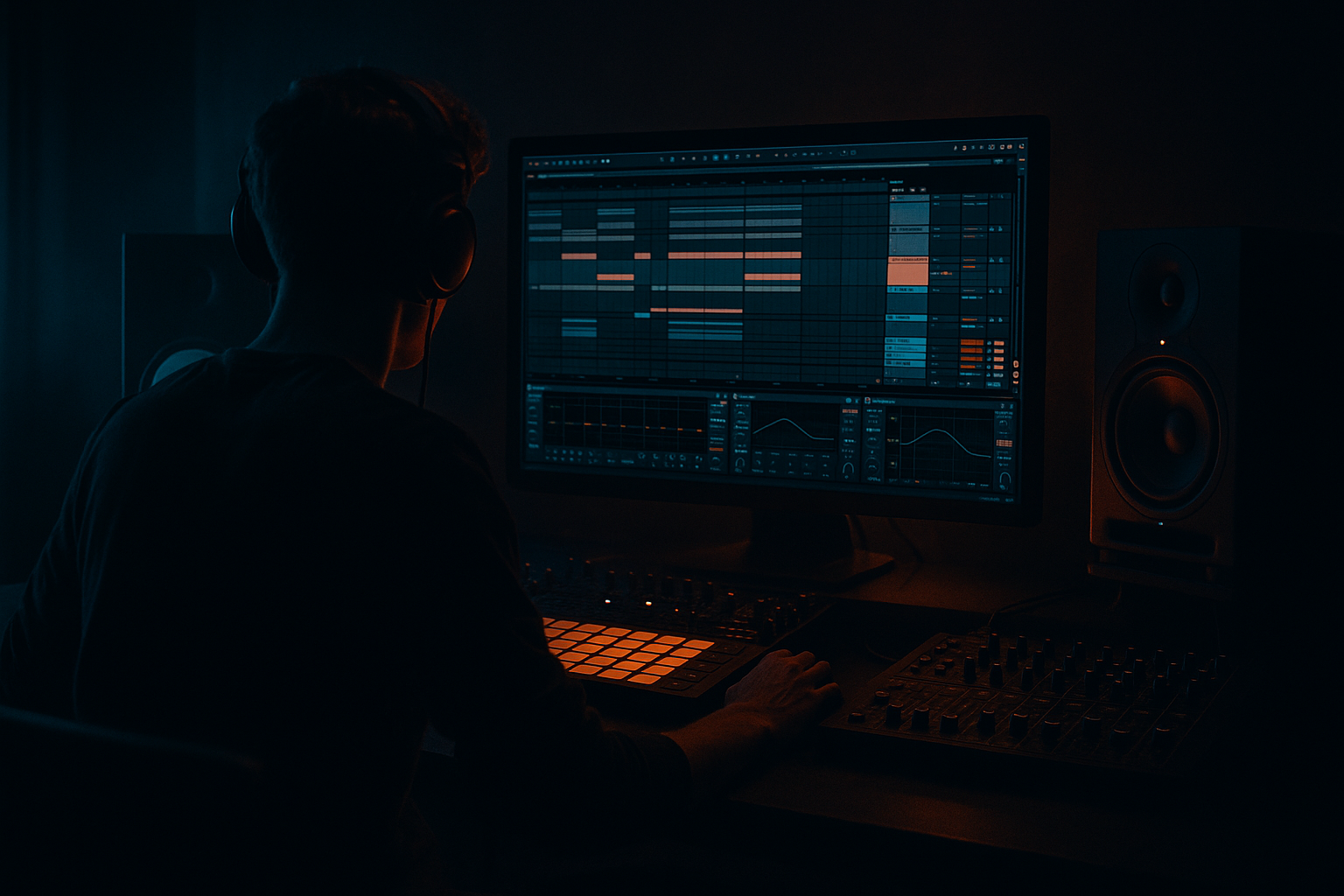
In this lesson, you’ll rebuild a ragga vocal layer from scratch inside Ableton Live 12 and use it as a proper Break Lab edit element in a Drum & Bass arrangement. The goal is not just to “throw a vocal on top” but to create a rhythmic, chopped, processed, and mix-ready vocal layer that can sit above breaks, bass, and atmospheres without getting messy.
This technique matters because ragga and dancehall vocal phrasing is one of the fastest ways to give a DnB track identity. In jungle, rollers, darkstep, and neuro-adjacent bass music, a vocal layer can:
- lock into the drum groove like an extra percussion part,
- create call-and-response with the bassline,
- add scene-setting attitude in intros and drops,
- and give your track that rewind-ready, DJ-friendly edge.
- a tight ragga vocal chop layer built from a raw vocal phrase,
- an Ableton Live 12 chain using stock devices only,
- a vocal that feels beat-synced, gritty, and alive,
- a layer that can work in:
- plus a simple routing setup for:
- a short pickup into the snare,
- a syncopated response after the bass hit,
- a double-time vocal stab over the break loop,
- and a filtered tail that leads into the next section.
- Overloading the vocal with too much reverb
- Letting the vocal fight the snare
- Leaving too much low end in the vocal
- Making the vocal too wide in the center of the drop
- Using every syllable from the sample
- Ignoring velocity and note length
- Dirtying the vocal so much that it loses identity
- Sidechain the vocal lightly to the kick/snare bus if the arrangement is dense. Even subtle ducking can keep the groove clean.
- Use filtered repeats instead of constant reverb for a more underground vibe. Short delay throws feel more controlled and aggressive.
- Layer one low-passed vocal phrase under the main chop to add chesty weight without cluttering the mids.
- Print or resample the vocal edit once it works. In darker DnB, committing to audio often helps you make bolder edits faster.
- Try a tension build with Auto Filter: open from around 300 Hz up to 8–10 kHz across 4 or 8 bars, then cut hard at the drop.
- Keep the sub region clean. If the vocal layer is still reading low-frequency energy on the spectrum, it’s probably stealing focus from the bassline.
- Use contrast: a dry, clipped ragga chop before a huge bass answer can feel heavier than nonstop processing.
- Pair vocal rhythm with break edits. If you cut the break into a fill, mirror that rhythm in the vocal for extra impact.
- Build the vocal like a rhythmic instrument, not a full lead.
- Use Warp, Slice to New MIDI Track, Simpler, EQ Eight, Saturator, Compressor, Auto Filter, Echo, and Reverb as your core Ableton stock workflow.
- Keep the vocal tight, selective, and groove-aware.
- Let the drums and bass breathe; the vocal should answer them, not crowd them.
- Use clean core + dirty parallel processing for weight and clarity.
- Automate filters, delay throws, and phrase endings to make the edit feel alive.
We’re focusing on a from-scratch rebuild, which means you’ll take a raw vocal, slice it, shape it, time it, and process it into something that feels like it belongs in a modern DnB breakdown or drop edit. The emphasis is on practical Ableton stock workflow, fast decisions, and repeatable results.
Why this works in DnB: the genre thrives on rhythmic density and contrast. A ragga vocal layer can act like a hook, a texture, or a percussion insert. If you place and process it properly, it adds energy without fighting the kick, snare, or sub.
What You Will Build
By the end of this lesson, you’ll have:
- a 2-step roller drop,
- a jungle break edit,
- or a dark halftime switch-up,
- dry vocal core,
- parallel grit,
- delay throws,
- and reverb space control.
Musically, the finished result will sound like a chopped ragga chant that bounces against the drums in short phrases such as:
This is the kind of layer that can sit under a rewind intro, live through the first drop, and still work as a switch-up in bars 17–32.
Step-by-Step Walkthrough
1. Choose and prepare the source vocal
Start with a ragga, dancehall, or reggae-style vocal phrase with clear consonants and strong attitude. In DnB, you want a vocal that has a rhythmic shape, not just a sustained melodic line.
In Ableton:
- Drag the vocal into an Audio Track.
- Switch the Warp mode:
- Complex Pro if it’s a full vocal phrase,
- Beats if the source is already chopped and percussive.
- Set the project tempo to your DnB target, typically 172–176 BPM.
- Turn on the metronome and find a phrase with a strong downbeat or obvious rhythmic accent.
Then trim the clip so you only keep the most usable line or word cluster. For a Break Lab edit, shorter is often better. You are building a layer, not a full topline.
Practical choice: if the vocal has too much room tone, use the clip gain to reduce quieter tail sections before processing. That keeps later gating and compression cleaner.
2. Warp and place the vocal against the drum grid
Open the clip and line the vocal up so it locks to the groove. Your main objective is to make the vocal feel like it was performed for the beat.
Workflow:
- Put the vocal phrase on bar 1 or bar 9 of your loop.
- Align the strongest syllable with a snare or a pickup into the snare.
- Use warp markers to tighten stray syllables.
- If the source drifts, simplify the phrase and use fewer words.
For DnB, a common placement is:
- one short vocal stab just before the snare,
- another call right after the snare,
- then a tail that gets filtered and delayed.
Why this works in DnB: the genre is built on grid pressure. A vocal that lands slightly ahead of the snare can create urgency, while one that answers after the snare makes the groove feel conversational.
3. Slice the vocal into playable parts
Now turn the phrase into a controllable performance.
In Ableton:
- Right-click the clip and choose Slice to New MIDI Track.
- Slice by:
- Transient for chopped syllables,
- or Warp Marker if you want more intentional phrase pieces.
- Choose Simpler as the target instrument.
In Simpler:
- Set it to One-Shot for vocal hits you want to fire fully.
- If the chops feel too long, shorten the Release.
- If you want more rhythmic control, set it to Classic and use envelopes more deliberately.
Good starting points:
- Fade in Simpler: 5–20 ms to avoid clicks.
- Release: 60–180 ms for tight chops.
- Start adjustment: tiny shifts can help consonants hit harder.
The goal is to create 4–8 usable slices: maybe “oh,” “ragga,” “come,” “now,” or a few more attitude-heavy fragments. These become your vocal vocabulary.
4. Build a performance pattern with space for the drums
Open the MIDI clip and program a pattern that responds to the break, rather than cluttering it.
A solid DnB approach:
- put vocal hits on off-beats and pickup notes,
- leave gaps where the snare or kick needs room,
- use repeated syllables for momentum,
- vary the note velocity so it doesn’t sound static.
Example arrangement idea for a 2-bar loop:
- Bar 1 beat 4: short vocal pickup,
- Bar 2 beat 1: accented main phrase,
- Bar 2 beat 3: quick response chop,
- last 1/8 note: filtered tail.
In the MIDI editor:
- Use velocity contrast around 70–120 depending on how aggressive the samples are.
- Shorten notes for stabs; slightly lengthen notes when you want a tail.
- Duplicate the loop and change one or two chops every 4 bars to avoid fatigue.
For a ragga vocal layer in DnB, less is usually more. The point is to create memorability and bounce, not constant chatter.
5. Shape the tone with a focused stock device chain
Put your vocal chops into a dedicated group or instrument rack so you can manage the layer fast.
A useful stock chain:
- EQ Eight
- Saturator
- Compressor
- Auto Filter
- optional Redux for texture
Suggested settings:
- EQ Eight:
- high-pass around 120–180 Hz to clear subs,
- gently cut muddy buildup around 250–500 Hz if needed,
- tame harsh presence around 2.5–5 kHz if the sample bites too much.
- Saturator:
- Drive around 2–6 dB,
- Soft Clip on if you want controlled edge,
- keep output matched so you judge tone, not volume.
- Compressor:
- Ratio around 2:1 to 4:1,
- Attack 10–30 ms to retain consonant snap,
- Release 50–120 ms so the chop feels punchy.
- Auto Filter:
- Use low-pass movement for intro and transition filtering,
- resonance modest, around 0.7–1.5 for character without whistles.
If the vocal needs a more raw jungle feel, add a touch of Redux:
- downsample lightly,
- keep it subtle,
- use it more like texture than destruction.
This chain gives you a vocal that cuts through a loud drum loop while still sounding like part of the same sonic world.
6. Add parallel grit and width without losing mono compatibility
Ragga vocals in DnB often benefit from a “clean core + dirty sidecar” approach.
Create a return track or duplicate track for parallel processing:
- On the return, add Saturator or Overdrive,
- then EQ Eight to carve out low end and ugly harshness,
- and blend it under the main vocal.
Suggested blend strategy:
- Keep the dry vocal center-focused and intelligible.
- Add the parallel dirt at -12 to -20 dB below the main layer.
- High-pass the dirty return around 200 Hz so it doesn’t cloud the bass.
For width:
- Use Echo very subtly on a send for stereo movement.
- Or use Utility on a duplicate track and keep anything below 150 Hz mono.
- If you want a wider top, use short delay offsets or a very light stereo spread only on the effected return.
Why this works in DnB: the sub and kick need the center lane. Keeping the vocal core stable and the grit/widening on a separate path preserves low-end discipline while still creating energy.
7. Make the vocal interact with the drums and bassline
This is where the layer becomes “DnB,” not just “vocal processing.”
Listen to the break and bass together:
- If the snare is strong, place a vocal response immediately after it.
- If the bass has a long reese note, carve space by moving the vocal earlier or shortening the tail.
- If the break has ghost notes, let the vocal stabs answer them rhythmically.
Use automation to keep the interaction alive:
- automate Auto Filter cutoff to open in fills,
- automate send to Echo at the end of 4- or 8-bar phrases,
- automate volume dips so the vocal doesn’t mask the snare transient.
A musical arrangement example:
- Bars 1–8: filtered vocal teaser in the intro.
- Bars 9–16: vocal chops enter lightly with the break.
- Bars 17–32: full ragga layer rides above the drop.
- Bar 33: reduce to one line plus delay throw before the switch-up.
In darker DnB, vocal phrasing often works best as short statements with clear room between them. That space lets the drums feel heavier.
8. Create transition moments and finishing movement
To make the vocal feel like a complete edit, add movement at phrase endings.
Good Ableton tools:
- Echo for delay throws,
- Reverb for short space,
- Auto Pan very subtly for motion,
- Utility for mutes or mono checks,
- Automation for final phrase energy.
Practical settings:
- Reverb: short decay, around 0.6–1.4 s, low-cut it so it doesn’t muddy the mix.
- Echo: use a tempo-synced delay around 1/8 or 1/8 dotted for vocal darts.
- Keep feedback moderate, around 15–35%, unless you want a dramatic wash.
- Filter the delay return so the repeats sit behind the dry vocal.
For arrangement:
- Use one bar with an isolated vocal throw before a drop.
- Use a filtered vocal tail during a breakdown to bridge into the next section.
- Automate a hard stop or quick mute so the next drum hit lands with more impact.
This is classic DnB tension/release: the vocal creates anticipation, then drops away so the bass and drums can hit harder.
Common Mistakes
Fix: shorten the decay, high-pass the reverb return, and keep the dry vocal dominant.
Fix: move chops off the exact snare transient or shorten the note length.
Fix: high-pass with EQ Eight around 120–180 Hz or higher if needed.
Fix: keep the core mono-compatible and put width on effects returns only.
Fix: simplify. In DnB, a few memorable words often hit harder than a busy phrase.
Fix: vary MIDI velocity and shorten notes to create a more human, percussive feel.
Fix: keep a clean layer underneath the grit so the listener still understands the phrase.
Pro Tips for Darker / Heavier DnB
Mini Practice Exercise
Spend 10–20 minutes building a mini vocal edit loop:
1. Find a 1–2 bar ragga vocal phrase.
2. Warp it to 174 BPM.
3. Slice it into 4–6 chops.
4. Program a 2-bar MIDI pattern with at least:
- one pickup,
- one snare-response hit,
- one delayed tail.
5. Add EQ Eight and Saturator.
6. Create one return track with Echo and one with Reverb.
7. Automate a filter sweep over 4 bars.
8. Bounce the loop to audio and listen with a break and bassline.
Goal: make the vocal sound like an intentional DnB layer, not an imported sample.
Recap
If you get the placement and contrast right, a ragga vocal layer can turn a solid DnB loop into a proper Break Lab edit with attitude, movement, and replay value.

