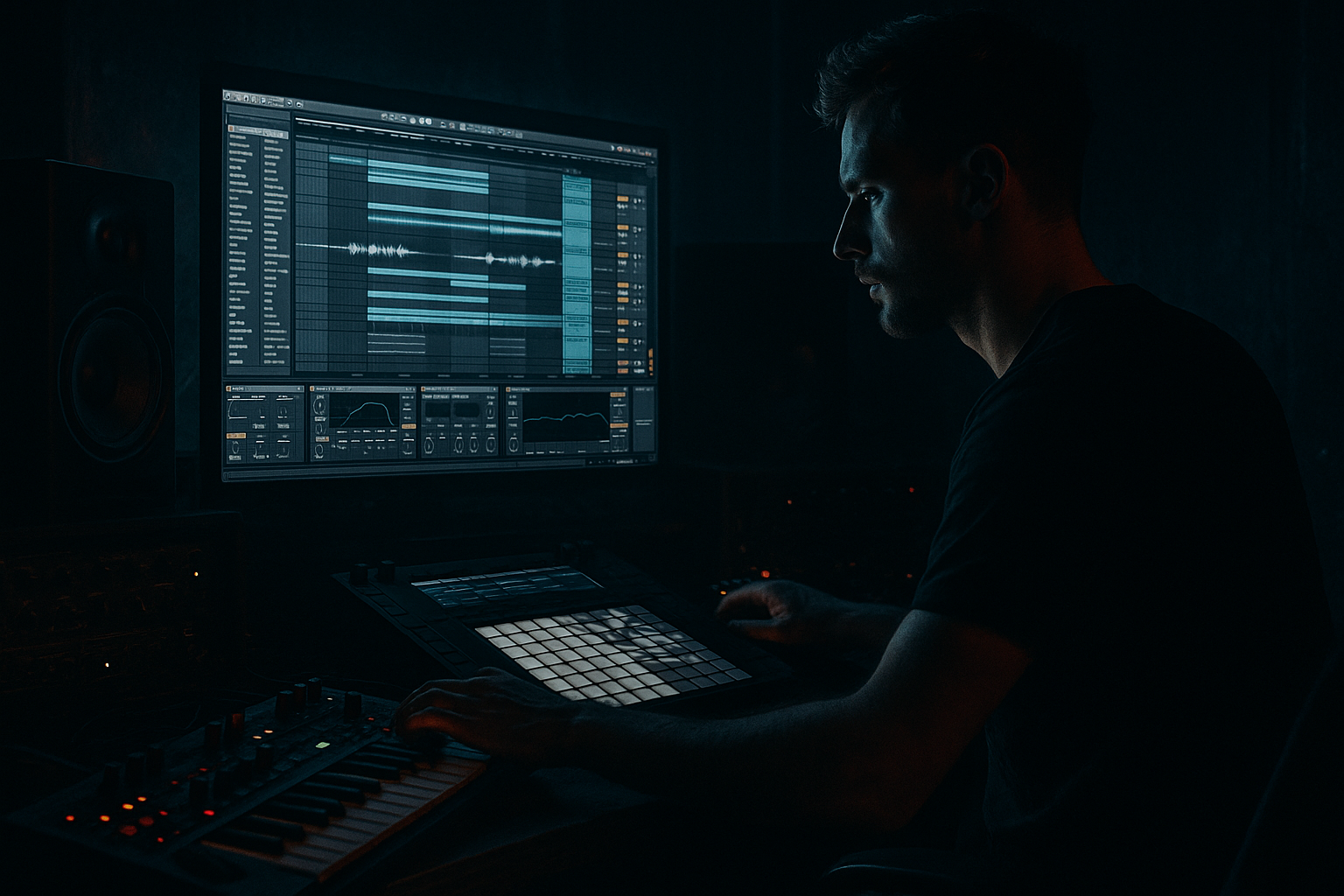
Main tutorial
Lesson Overview
This lesson is about making a bouncey oldskool DnB breakbeat feel like it could cut through a pirate-radio set: rough, urgent, moving, and alive, but still tight enough to sit in a modern Ableton Live 12 arrangement.
In Drum & Bass, the breakbeat is not just “the drums.” It is often the main energy source of the track. A good oldskool-style break gives you:
- instant forward motion
- swing and human feel
- enough texture to feel vintage and underground
- space to build bass call-and-response around it
- chop and reshape a break in Ableton Live
- add punch with stock devices
- create pirate-radio grit without destroying the groove
- make the drums feel ready for an intro, drop, and DJ-friendly mix
- a chopped breakbeat that feels loose but controlled
- kick and snare accents with classic jungle energy
- ghost notes and shuffle for movement
- light saturation and compression for a pirate-radio bite
- an optional layer of sub or reese phrasing to make the break feel like part of a full DnB groove
- a simple arrangement idea you can expand into an intro, drop, and switch-up
- dirty but clear
- vintage but not weak
- fast, jumpy, and ready for a bassline to answer it
- Over-editing the break until it loses its life
- Too much low end in the break itself
- Snare getting buried by layers
- Using too much compression
- Ignoring the bass/drum relationship
- Applying heavy distortion everywhere
- Use call-and-response bass phrasing: let the bass answer the snare rather than playing nonstop. This makes the break feel bigger and more dramatic.
- Keep sub mono: use Utility on the bass group and keep the lowest frequencies centered. Wide sub is usually messy in club systems.
- Add tension with automation: open an Auto Filter slowly across 4 or 8 bars, then snap it shut before the drop for a stronger impact.
- Layer a quiet metallic or noisy texture: a faint hat loop, vinyl noise, or filtered noise burst can make the break feel more underground without cluttering it.
- Use transient emphasis carefully: Drum Buss transients can help the snare cut through dark mixdowns, especially when the bass is dense.
- Resample your drum bus: once the groove feels right, record it to audio and chop it again. That’s a classic way to get more character and commit to a sound.
- Leave headroom for the bass: if the drum loop is too loud, the tune loses weight. Heavy DnB often sounds bigger when the drums are slightly controlled, not maxed out.
- Oldskool DnB breaks work because they combine human swing, clear snare impact, and rhythmic texture
- In Ableton Live, Slice to New MIDI Track, Drum Buss, Auto Filter, EQ Eight, Saturator, and Utility are your core tools
- Keep the break punchy, but don’t over-process it
- Let the bass answer the drums with space and phrasing
- Use arrangement changes to keep the loop feeling like a real DnB track
- Small edits, not huge ones, are what make the groove feel alive
For beginner producers, this is a perfect sound design lesson because you’ll learn how to:
Why this matters in DnB: the breakbeat is the “engine,” and the bass is the “weight.” If the drums have bounce and attitude, even a simple sub or reese line feels bigger. That’s the old jungle and rollers mindset: keep the rhythm exciting, keep the bottom solid, and let the track breathe.
What You Will Build
You’ll build a 4-bar oldskool DnB break loop with:
The end result should feel like:
Think: an oldsample break with a modern Ableton polish, suitable for a stripped-back rollers section, a darker jungle passage, or a tense intro into a heavier drop.
Step-by-Step Walkthrough
1. Start with the right tempo and project setup
Set your Live project tempo between 170 and 174 BPM. For classic oldskool pirate-radio energy, 172 BPM is a great starting point.
Create two audio tracks and one MIDI track:
- Track 1: Breakbeat
- Track 2: Drum layers or one-shots
- Track 3: Bass sketch
On your Master, keep headroom early. Aim for your loudest sections peaking around -6 dB to -8 dB while building. That gives you space later for mastering or clip gain adjustments.
Why this works in DnB: fast tempos make tiny groove decisions matter. At 172 BPM, a small snare delay, ghost note, or decay change can completely alter the feel. Starting clean helps you hear that movement clearly.
2. Load a break and slice it into playable pieces
Drag in a break sample with personality: think dusty, punchy, and slightly roomy. If you already have a full break loop, use that. If not, any vintage-style drum loop works as a starting point.
Right-click the clip and choose Slice to New MIDI Track. In Ableton Live 12, this is one of the fastest ways to turn a loop into a playable break kit.
Use the default slicing preset, then:
- set slice points by transients
- choose Simpler as the slicing device
- name the track something clear like “Break Chops”
Now you can trigger individual slices from MIDI notes. This is ideal for beginner break programming because you don’t have to edit waveforms manually every time.
Practical move: keep the original break clip muted on an audio track so you can compare your edits against the source.
3. Build a classic DnB drum phrase from the slices
Create a 1-bar MIDI clip on your sliced break track and program a simple oldskool pattern. Start with the core anchors:
- kick on the downbeat
- snare on the backbeat
- extra ghost hits before or after the snare
- occasional break fill at the end of the bar
A strong beginner pattern idea:
- Bar 1: kick, snare, ghost kick, hat slice
- Bar 2: same base, but add one extra snare or tom slice at the end
- Bar 3: repeat with a small variation
- Bar 4: add a fill into the next section
Don’t try to make it complex yet. In jungle and oldskool DnB, the repeat with variation method is powerful. The listener feels motion because the groove changes slightly every bar.
Use the Clip Grid and nudge notes slightly off perfect quantize if the break feels stiff. A tiny push or pull of 5–15 ms can make the groove feel more human. Don’t overdo it.
4. Shape the break with Simpler controls and basic transient discipline
Open the Simpler on your break track and check the sample settings:
- shorten the release if notes are bleeding into each other
- use the start/end markers to tighten slices
- if a slice has too much tail, trim it so the groove stays punchy
For a beginner-friendly control workflow, keep the break feel tight enough that the snare cuts through. In oldskool DnB, the break can be messy in texture, but it still needs a clear pulse.
Add Drum Buss after Simpler:
- Drive: 5–15%
- Crunch: low to moderate, around 5–20%
- Boom: use carefully, or leave off if the break already has enough low end
- Transients: slightly up if the break feels soft
This helps the break hit harder without needing heavy processing.
Why this works in DnB: Drum Buss gives the break attitude and density while keeping the transient shape readable. That’s important because DnB drums need to feel fast, not blurry.
5. Add groove and swing so it feels like pirate radio, not a loop pack
Open the Groove Pool and try a swing groove from Ableton’s stock groove library. Start subtly:
- Groove Amount: 20–35%
- Timing: leave close to the default at first
- Random: very low or off for now
Apply the groove to your break clips, then listen in context. If the groove starts to feel too loose, reduce the amount rather than deleting it completely.
You can also manually adjust:
- hats slightly late for laid-back bounce
- ghost notes slightly early for urgency
- snare slightly locked to the grid for impact
This contrast is a big part of DnB bounce. The snare is the anchor, while the smaller break fragments dance around it.
Musical context example: imagine a DJ mixing into your track after a stripped intro. If the break has swing and tiny push-pull timing changes, it immediately feels like an energetic radio dub rather than a generic loop.
6. Layer one-shot drums to reinforce the break
Create a second drum track and add a kick and snare one-shot from your drum rack or audio library. Keep the layering simple:
- kick layer for low punch
- snare layer for crack and body
Use stock Ableton devices:
- EQ Eight to cut unnecessary low end from the snare layer
- Drum Buss or Saturator for extra presence
- Utility to keep the low frequencies centered
Suggested starting points:
- Kick layer low-pass if needed to keep it focused
- Snare layer high-pass around 120–180 Hz
- Saturator drive around 2–6 dB if you need more grit
The aim is not to replace the break. It’s to reinforce the hits that matter so the whole loop feels harder and more controlled.
Keep the layer low in the mix at first. If you can clearly hear the layer as a separate drum sample, it’s probably too loud.
7. Create movement with filter automation and resampling-style grit
Add an Auto Filter to the break bus or the full drum group. Try a gentle band-pass or low-pass motion for transitions:
- Cutoff around 8–12 kHz for subtle movement
- Resonance: low to moderate
- Automate cutoff to open up over 4 or 8 bars
For a darker switch-up, automate a narrower filter on the break for one bar before the drop. That creates tension without needing a big FX chain.
If you want more character, add Redux very lightly on a duplicate break track or on an effect return:
- Bit Reduction: subtle, around 10–20% feel
- Sample Rate reduction only slightly
- Blend it in quietly
This can give the break that cheap-system, pirate-transmission roughness. Keep it low in the mix so the groove stays usable.
Beginner tip: always A/B your processed break with the dry break. If the processed version feels exciting but loses the snare punch, back off a little.
8. Bus the drums and glue them together
Group your break, kick layer, and snare layer into a Drum Group. On the group, use gentle bus processing:
- EQ Eight: cut mud around 200–400 Hz if needed
- Glue Compressor: light compression, about 1–2 dB gain reduction
- Drum Buss: subtle drive or transient shaping if the group feels too soft
Be careful not to crush the dynamics. Oldskool DnB needs some air between hits. Too much compression makes it feel flat and kills the “bounce.”
If the snare starts sounding harsh, reduce the high-mids slightly with EQ Eight:
- try a small cut around 3–6 kHz
- keep it narrow or gentle
This is where your drums start feeling like one instrument instead of separate samples.
9. Sketch a bass phrase that answers the break
Even though this lesson is about the breakbeat, the break only really comes alive when a bassline interacts with it. Create a simple MIDI bass track with a Wavetable, Operator, or Analog patch.
Beginner-friendly DnB bass idea:
- use a sub layer for weight
- add a mid bass or reese layer for movement
- keep the notes short and rhythmic
- let the bass leave space for the snare
Good starting settings:
- Sub oscillator: sine or triangle
- Filter: low-pass with cutoff around 100–200 Hz for sub focus
- Add a second oscillator detuned slightly for a reese feel
- Put Saturator after the synth for harmonics
Phrase the bass so it answers the break:
- bass hits after the snare
- short note, then gap
- call-and-response between kick/snare accents and bass stabs
Why this works in DnB: the break creates rhythmic identity, and the bass creates pressure. When they leave space for each other, the track feels larger and more professional.
10. Arrange it like a real DnB tune
Build a simple arrangement:
- Intro: filtered break, no full bass yet
- Drop A: full break + bass
- Switch-up: remove a kick, add a fill, or automate a filter
- Drop B: bring back the full groove with a slight variation
- Outro: strip the bass and leave the break for DJ mixing
For pirate-radio energy, the intro doesn’t need to be huge. It can be a tense 8-bar or 16-bar build with:
- filtered drums
- distant ambience
- a few snare hits or rewind-style pauses
- a sub swell that hints at the drop
Keep your arrangement DJ-friendly. In DnB, clean intros and outros make tracks more usable in mixes, especially when the breakbeat is the star.
A strong beginner move is to make your first drop feel like a “statement” and your second drop feel like a “variation.” Even a small change — a new fill, a reversed break hit, a bass rhythm shift — keeps the listener locked in.
Common Mistakes
Fix: keep some imperfections. A little room tone, tiny timing drift, and tail texture help the break feel authentic.
Fix: use EQ Eight to trim unnecessary low frequencies if the break fights the bass. Let the sub own the bottom.
Fix: lower the layer volume, reduce competing mids, and keep the snare transient clear.
Fix: aim for glue, not flattening. If the loop stops bouncing, back off the compressor.
Fix: make sure the bass leaves room for the snare and kick. In DnB, space is part of the groove.
Fix: use grit in spots. A little saturation on the group, a bit of Redux on a duplicate, or some Drive on Drum Buss is usually enough.
Pro Tips for Darker / Heavier DnB
Mini Practice Exercise
Spend 10–20 minutes making a pirate-radio break loop with this challenge:
1. Set the tempo to 172 BPM.
2. Slice one break into a MIDI track.
3. Program a 4-bar loop with:
- one main kick/snare pattern
- at least 2 ghost notes
- one fill at the end of bar 4
4. Add Drum Buss with light drive.
5. Add Auto Filter and automate it to open over 4 bars.
6. Layer a simple sub or reese phrase that leaves space after each snare.
7. Bounce the full drum group to audio and listen back once without changing anything.
Goal: make it sound like something you’d hear in a dark DnB intro or a rolling pirate-radio drop. Don’t chase perfection — chase bounce, character, and clarity.
Recap
The key ideas from this lesson are:
If you can make one 4-bar break loop feel exciting on repeat, you’re already building real DnB momentum.

