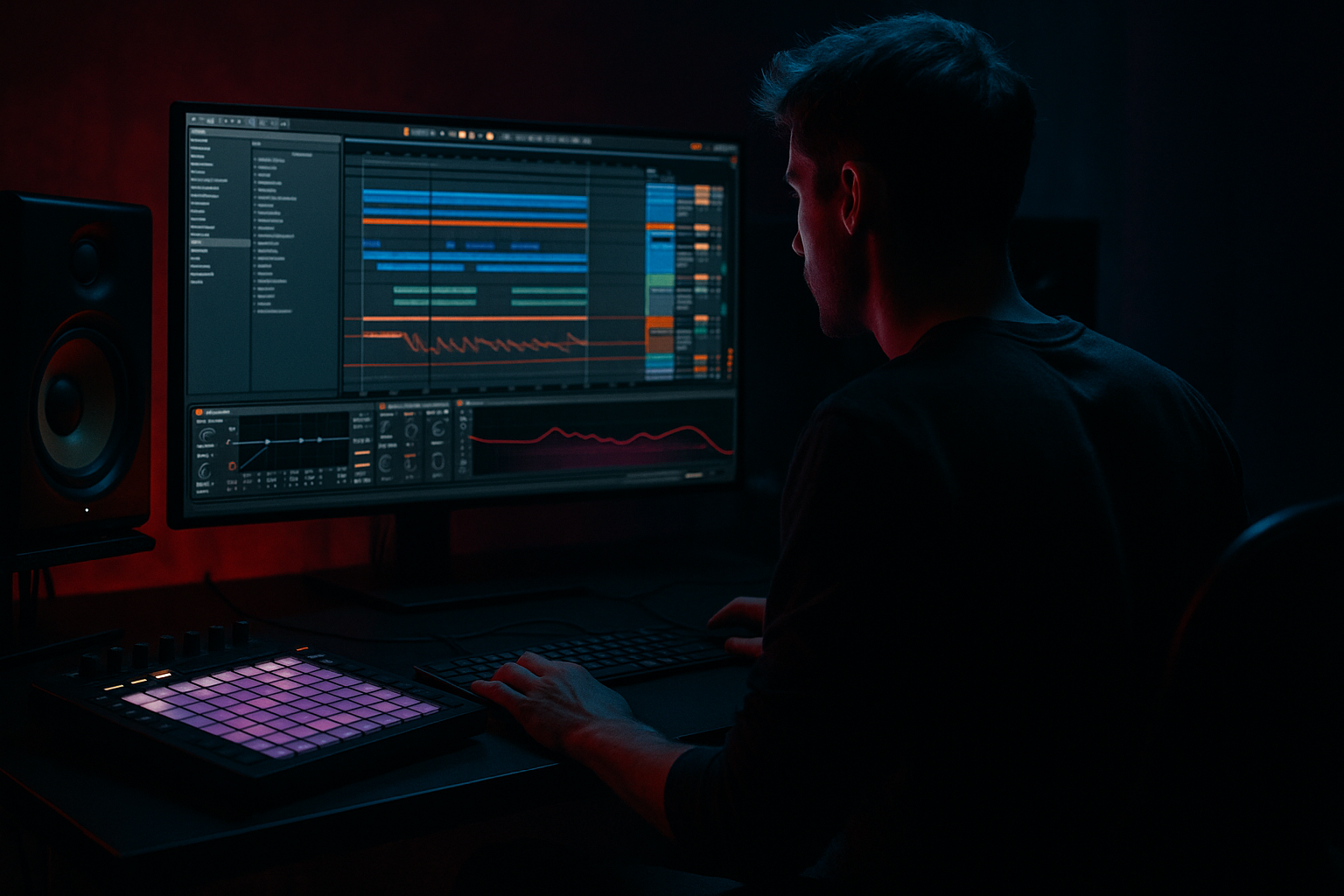
Main tutorial
Lesson Overview
In this lesson you’ll build a dark, DJ-friendly Amen intro with a crunchy sampler texture that feels like it belongs at the front of a serious Drum & Bass tune in Ableton Live 12. The goal is not just “make an Amen loop,” but to create a controlled, evolving intro section that can lead into a drop, break switch, or roller groove without sounding flat or over-processed.
This technique matters because in DnB, the intro often does a lot of heavy lifting: it sets mood, hints at rhythmic identity, and gives the mix engineer headroom before the full drum and bass impact arrives. A well-built Amen intro can work as a DJ-friendly 16-bar opener, a tension builder before the drop, or a signature drum texture you can resample into fills and transition elements later.
We’ll use Ableton stock devices to turn a raw break into something more characterful: crunchy, slightly unstable, and weighty, but still controlled enough to sit in an arrangement. The focus is on FX-driven transformation: distortion, filtering, resampling, transient shaping, glue, and automation that make the intro feel alive. 🎛️
Why this works in DnB: the Amen break already contains syncopation, ghost notes, and transient variation, which makes it perfect for intro energy. By processing it through Ableton’s sampler, saturation, and modulation tools, you can exaggerate its movement while keeping enough space for the sub and bass to enter later with impact.
What You Will Build
You’ll build an 8- or 16-bar intro phrase built from an Amen-style break that has:
- a crunchy, degraded sampler texture
- tight transient punch on key hits
- filtered motion and automation-based tension
- subtle ghost-note detail for groove
- enough low-end discipline to work before a drop
- a clean path to transition into a heavy DnB drop or roller section
- bars 1–4: filtered, spacious, low-intensity
- bars 5–8: added grit, stereo movement, and fill energy
- bars 9–16: tension build, automation rise, and drop-ready impact
- Over-warping the break
- Too much low end in the intro
- Distortion without control
- Flat 4-bar repetition
- Reverb washing out the snare
- Stereo mess in the low mids
- Making the intro too “finished”
- Layer a degraded resample under the clean break
- Use tiny filter chokes before snare hits
- Automate Echo feedback briefly on fills
- Keep the sub silent until the intro has earned it
- Use a second texture layer with band-pass filtering
- Resample the automation itself
- Try a drum stop before the drop
Musically, this will feel like a darker intro you might hear in a jungle-influenced roller, neuro-leaning opener, or a modern halftime-to-174 transition. The break should feel like it’s breathing and cracking, not just looping.
Think of it as:
Step-by-Step Walkthrough
1. Choose and prep the Amen source
Start with a clean Amen-style break sample in Simpler or on an audio track. If you’re using a straight loop, first trim it so the transient starts exactly on the grid. In Ableton Live 12, turn on warp only if needed; for a break that is already close to tempo, keep it musical and avoid over-warping the swing.
Good starting moves:
- Set the project to a DnB tempo like 172–176 BPM
- If the sample feels stiff, slightly loosen timing with groove rather than hard quantization
- Duplicate the clip and create a “main” version plus a “texture” version
For advanced workflow, drag the break into Simpler and set playback to Classic mode if you want more control over start position, filter, and envelope. This gives you a flexible base for resampling later.
Practical choice: keep one version relatively clean and use the second version for aggressive processing. That way, you can blend articulation with grit instead of destroying the whole loop.
2. Shape the break into an intro rhythm, not a full loop
Before adding FX, edit the break into a musical intro phrase. In Drum & Bass, the intro should create anticipation, not immediately reveal the entire drum story.
Do this in the clip:
- Cut the loop into 1-bar or 2-bar chunks
- Remove or soften one of the busiest snare moments early on
- Leave space in the first bar so the listener hears the texture build
- Add a small fill or reverse-style pickup into bar 4 or 8
Strong arrangement idea: start with only kick, ghost snare, and hat texture for 2 bars, then bring in the full Amen slice pattern by bar 3 or 4. That gives you phrasing and a clear sense of progression.
Why this works in DnB: even the hardest drum intros still need a narrative. The break should suggest the drop, not compete with it too early.
3. Build the crunchy sampler chain
On the break track, create a processing chain that adds bite, dirt, and control. A strong stock-device chain for this style is:
EQ Eight → Saturator → Drum Buss → Auto Filter → Glue Compressor
Start with these settings:
- EQ Eight: high-pass around 30–40 Hz to clean unusable sub rumble; gently dip 250–400 Hz if the break is boxy
- Saturator: Drive around 3–8 dB, Soft Clip on, and try the Analog Clip mode if you want more edge
- Drum Buss: Drive 5–20%, Crunch 10–35%, Boom low or off for the intro, Transients slightly up if the break needs snap
- Auto Filter: band-pass or low-pass with moderate resonance for intro movement
- Glue Compressor: light glue only, around 1–2 dB gain reduction with a slower attack to preserve punch
If the break sounds too polite, push Saturator before Drum Buss. If it gets harsh, tame the top with EQ after distortion rather than backing off too early.
Advanced tip: use Saturator into Drum Buss to create two stages of coloration. Saturator adds harmonic density; Drum Buss makes the break feel more like a machine that’s been beaten up.
4. Turn the sample into a crunchy texture with resampling
This is where the intro becomes “save-worthy.” Instead of just processing the break, resample it. Create a new audio track set to resampling or route the break track into it. Record 8 bars while automating filter, drive, and decay-style movement.
Best automation targets:
- Auto Filter cutoff: slowly open over 4 or 8 bars
- Saturator drive: increase slightly in the second half of the intro
- Drum Buss transient or crunch: automate only a few percent for movement
- Reverb return send: increase briefly on fills only
Once recorded, chop the resampled audio into phrases:
- a dry 1-bar chunk
- a crunchy 1-bar chunk
- a noisy fill or tail
- a reversed lead-in slice
This workflow gives you a texture that feels intentional. It also creates audio you can reuse as a layer under other drums or as a transition effect later in the track.
5. Add ghost notes and micro-edits for jungle movement
The difference between a static Amen loop and an advanced DnB intro is often in the micro-editing. Use the Clip View or audio warp markers to add ghost-note details and remove repetition.
Try these moves:
- Nudge one hat or snare ghost slightly late for a looser feel
- Duplicate a short snare tail and tuck it under a main hit
- Slice a tiny kick fragment and place it before a snare for momentum
- Create a one-beat “stutter” at the end of bar 4 or 8
If you’re working with Drum Rack instead of audio, map break hits to pads and process specific slices separately:
- snare layer through distortion
- hat layer through Auto Pan
- ghost layer through short reverb and high-pass filtering
This approach keeps the groove human and makes the intro feel like a real edit rather than a loop. In darker DnB, that instability is part of the character.
6. Control stereo width and low-end discipline
Crunchy break textures can easily become messy in the low mids or too wide in the wrong places. Keep the intro powerful but mix-safe.
On the break bus:
- Use EQ Eight to high-pass the texture layer around 80–120 Hz if bass content is not needed
- Keep the main kick/snare impact centered
- Use Utility to reduce width on the low end if the break feels too diffuse
- Check mono compatibility regularly
A smart routing choice:
- Main break = center-focused, punchy, relatively dry
- Texture layer = wider, more filtered, more distorted
- Reverb/echo returns = high-passed so they don’t blur the low end
If the intro is going to sit before a sub-heavy drop, you want the listener to feel energy without stealing bass headroom. That’s especially important in DnB where the bassline needs room to hit hard at 174 BPM.
7. Use Return tracks for atmosphere, not wash
A premium intro usually has atmosphere, but in DnB, too much reverb can kill drive. Set up returns for controlled FX rather than long blur.
Good stock return setups:
- Return A: Reverb with short decay, high-pass filtered
- Return B: Echo with tempo sync and filtered repeats
- Return C: Saturated noise or grain layer if you want a rougher texture
Useful settings:
- Reverb decay: 0.8–1.8 s
- Pre-delay: 10–25 ms
- Echo feedback: 15–35%
- Echo filter: roll off lows aggressively, keep repeats dark
Automate send amounts only on transitions or final hits. For example, at the end of bar 8, send the snare crack into Echo for a half-bar tail, then cut dry signal back immediately as the drop enters. That contrast is what makes the intro hit harder.
8. Shape the build with arrangement automation
Now turn the texture into a functional intro. In a DnB arrangement, you can think in phrases:
- Bars 1–4: sparse filtered groove
- Bars 5–8: added crunch and small fill
- Bars 9–12: wider motion, rising cutoff, extra snare layers
- Bars 13–16: tension peak, drum stop, final impact or pickup
Automate:
- filter cutoff opening across the phrase
- a subtle increase in distortion amount
- dry/wet on reverb or echo for transitions
- volume dips before impact hits to create punch
Musical context example: if your drop enters with a Reese bass and a heavy rolling kick/snare pattern, let the Amen intro only hint at that energy. Use a 1-beat stop or filter choke just before the drop so the bass line feels like a release, not a continuation.
The goal is tension/release. Don’t let the intro become the drop. Make it a doorway.
9. Glue the intro bus and check against the bass energy
Route all drum-texture layers to a drum bus and apply very light glue processing. This helps the intro feel like one instrument.
On the bus:
- Glue Compressor: 1–2 dB gain reduction
- EQ Eight: subtle cut if harshness builds around 3–6 kHz
- Saturator: minimal, just enough to unify layers
- Optional Limiter only if peaks are unruly, but keep headroom
Then A/B it against the bass section. In DnB, the intro doesn’t need to be loud; it needs to be convincing and clear. Leave room so the sub and bassline can enter with real authority.
If the intro feels weak after bus compression, don’t just turn it up. Usually the fix is better transient shaping, cleaner sample selection, or a stronger fill at the end of the phrase.
Common Mistakes
- Fix: keep timing natural where possible. Too many warp artifacts can flatten the groove.
- Fix: high-pass non-essential layers and keep sub frequencies for the drop section.
- Fix: use EQ before and after saturation. Crunch should add attitude, not fizz.
- Fix: automate something every 2 or 4 bars: filter, send, fill, or slice variation.
- Fix: shorten decay, high-pass the return, and automate sends only at transition points.
- Fix: keep the main drum hits centered and widen only filtered or atmospheric layers.
- Fix: leave space for the drop. The intro should imply power, not fully reveal it.
Pro Tips for Darker / Heavier DnB
- Render the break through Saturator and Drum Buss, then tuck it under the original at low level. This gives you grime without losing attack.
- A fast cutoff dip on the bar leading into a snare can create a nasty pull. This works especially well in darker rollers.
- Push feedback for half a beat, then cut it abruptly. That gives the intro a dangerous, unstable edge.
- In heavy DnB, withholding sub makes the eventual drop feel massive. Let the drums carry the intro’s weight.
- High-pass and low-pass together can create a narrow, haunting midrange break texture that sits behind the main drum hit.
- Record the moving FX chain, not just the dry break. The rendered result often sounds more expensive and more cohesive.
- Even a single-beat gap can make the incoming bassline hit much harder.
Mini Practice Exercise
Spend 10–20 minutes building a 4-bar Amen intro sketch:
1. Load an Amen-style break into Simpler or an audio track.
2. Build a processing chain with EQ Eight, Saturator, Drum Buss, and Auto Filter.
3. Create a filtered 4-bar phrase with the first bar sparse and the last bar busier.
4. Automate filter cutoff to open gradually over the 4 bars.
5. Add one fill using a chopped snare tail or reverse slice.
6. Resample the result to audio.
7. Compare the original and resampled versions, then choose the one that feels more dangerous and controlled.
Extra challenge: make one version for a jungle-style intro and one for a darker roller intro. In the jungle version, leave more break movement and ghost notes. In the roller version, make the texture tighter, darker, and more restrained.
Recap
The key to a strong Amen-style intro in Ableton Live 12 is combining break editing, crunchy sampler processing, and automation-led arrangement. Use stock devices to create grit and motion, keep the low end disciplined, and resample your FX so the texture feels alive. In DnB, the intro should build tension and identity while leaving space for the drop to land hard.

