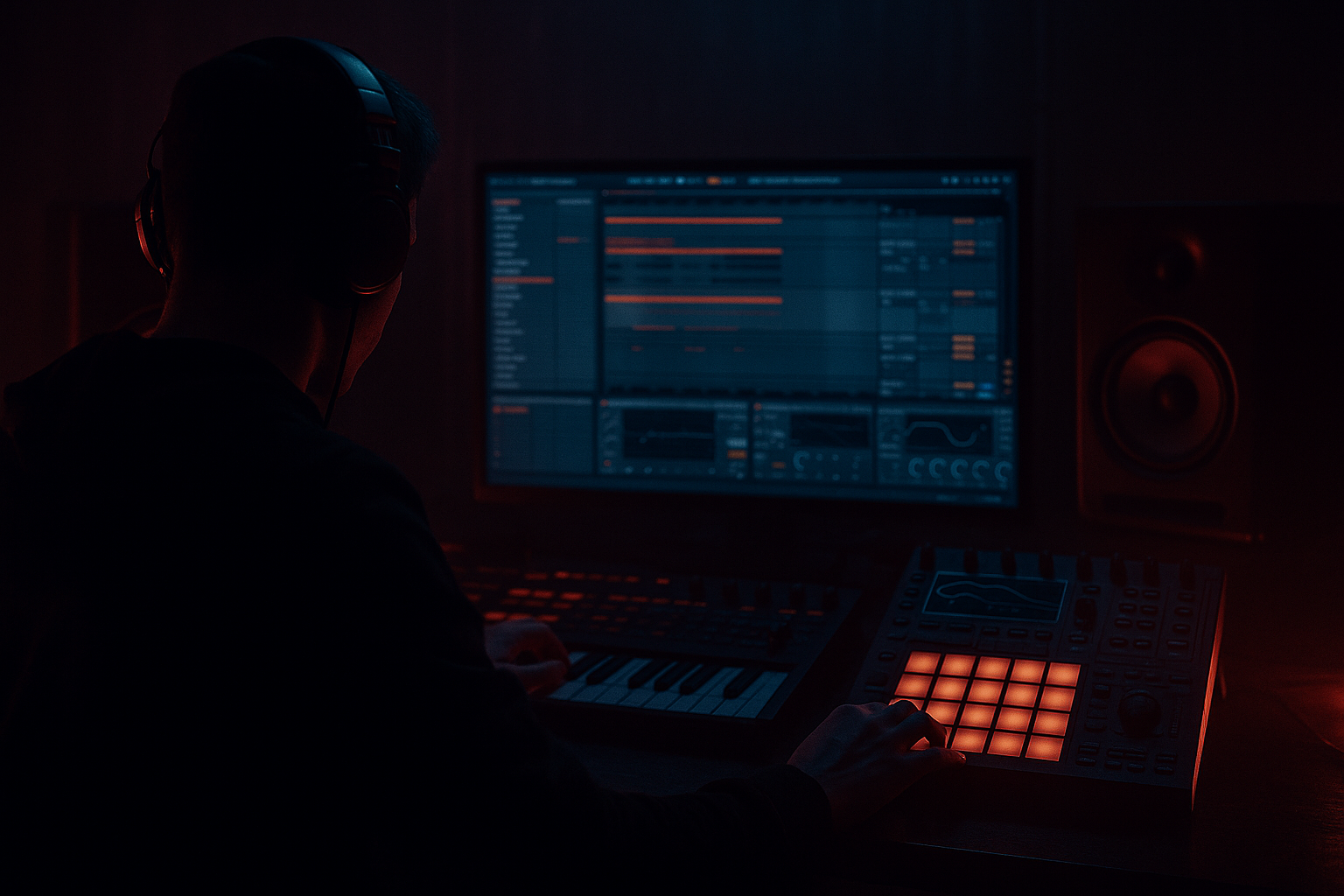
Main tutorial
Blueprint for Impact: Deep Jungle Atmosphere in Ableton Live 12 (Beginner, DJ Tools) 🌫️🥁
1. Lesson overview
This lesson is a practical blueprint for creating impactful deep jungle atmosphere in Ableton Live 12—think: humid warehouse air, distant sirens, vinyl haze, tape-stretched pads, and “you can feel the room” depth.
You’ll build a DJ-tool-style Atmos/FX layer that sits behind your drums and bass without muddying them, and you’ll learn a workflow you can repeat every time.
Goal: Make your track instantly feel bigger, darker, and more “real”—without relying on expensive plugins.
---
2. What you will build
You’ll create an Atmos + Impact Rack made of:
- A continuous “air bed” (noise + field/texture + filtered pad)
- Movement (auto-filter sweeps, subtle pitch drift, sidechain pulse)
- Depth (reverb sends + controlled stereo)
- Impact moments (reverb throws, reverse swells, dub-style hits)
- A DJ-tool arrangement: 16–32 bar loopable sections with easy mix points
- In Auto Filter, enable LFO
- Rate: 0.05–0.20 Hz (slow)
- Amount: 5–15%
- Send to ShortVerb: -18 to -12 dB
- Send to DubVerb: -24 to -16 dB
- In Wavetable:
- Hold one note (root note of your tune) for 8–16 bars
- Or a simple 2-note movement (e.g., A → G) for tension
- Create an Audio Effect Rack on the bus and map:
- Use noise + filter sweep downward:
- Noise + field texture only
- Slowly open the LPF macro (ATMOS LPF)
- Light ShortVerb
- Bring in pad drone quietly
- Add subtle dub delay throws on 1–2 hits
- Slight increase in sidechain pump
- Add 1–2 impact moments (reverse swell into bar 17)
- Increase SPACE macro briefly then pull it back (reverb bloom)
- Filter down (LPF closes)
- Remove pad, leave noise + texture
- Keep low end clean for mixing into the next tune
- Too much low end in atmos → instant mud. High-pass aggressively (120–300 Hz is normal).
- Reverb with no low-cut → your whole mix turns into fog soup. Always low-cut reverb returns.
- Atmos too loud → it should be felt more than heard.
- Wide bassy atmos → wide sub/low mids can cause mono issues and weak drops. Use Utility “Bass Mono.”
- Constant FX everywhere → impact needs contrast. Save the biggest swells/throws for phrase endings.
- Make space for the snare crack: If your atmos masks 2–5 kHz, dip it slightly with EQ Eight.
- Grit without harshness: Use Saturator or Drum Buss (very lightly) on atmos, then low-pass a touch.
- Controlled stereo: Keep width mostly in highs.
- Resample “happy accidents”:
- One scary element beats ten generic ones:
- Build jungle atmosphere as layers: air (noise), realism (field texture), musical mood (pad/drone).
- Control depth with returns, not endless insert reverbs.
- Keep atmos out of the sub zone (HPF + mono low end).
- Add impact moments (reverse swells, throws) at phrase endings.
- Use sidechain to make the atmosphere breathe with the break—rolling, deep, and clean.
By the end, you’ll have a ready-to-drop Atmos group you can reuse across jungle/DnB projects.
---
3. Step-by-step walkthrough
Step 0 — Project setup (fast + clean)
1. Tempo: 165–174 BPM (try 170 BPM).
2. Create groups:
- `DRUMS` (your breaks, hats, tops)
- `BASS`
- `ATMOS` ✅ (we’ll build this)
- `FX` (optional)
3. Create Return Tracks (this is huge for jungle space):
- Return A – “ShortVerb”
- Hybrid Reverb
- Algorithmic or Convolution: “Room/Studio” style
- Decay: 0.6–1.2s
- Pre-delay: 10–25ms
- Low Cut: 250–400 Hz
- High Cut: 8–12 kHz
- Return B – “DubVerb”
- Hybrid Reverb (bigger)
- Decay: 3–6s
- Pre-delay: 25–45ms
- Low Cut: 350–600 Hz (important!)
- Modulation/Chorus: light (if available)
- Return C – “DubDelay”
- Echo
- Time: 1/8 or 1/4 dotted (sync)
- Feedback: 25–45%
- Filter: HP around 250 Hz, LP around 7–10 kHz
- Mod: subtle
Why returns? Jungle atmosphere works best when multiple elements share the same “room,” but you still control low end.
---
Step 1 — Build the “Air Bed” (Noise layer) 🌫️
Inside `ATMOS`, create an Audio track called: `Air_Noise`.
Option A (fast): Drag in a vinyl/noise sample.
Option B (stock-only): Use Operator as noise:
1. Create a MIDI track in `ATMOS` called `NoiseGen`.
2. Add Operator
- Turn on Noise (in Operator oscillator section).
- Set filter to Band-Pass or Low-Pass (if you want darker).
3. Add effects after Operator:
- Auto Filter
- Mode: Band-Pass
- Freq: 1.5–4 kHz (adjust to taste)
- Resonance: 0.7–1.2
- Saturator
- Drive: 1–4 dB
- Soft Clip: On
- Utility
- Width: 80–120% (don’t overdo)
- Bass Mono: On, set to 150 Hz
Movement: add Auto Filter LFO
Now send it:
This becomes the “air” your drums live inside.
---
Step 2 — Add a “Texture/Field” layer (distance + realism) 🏙️
Create an Audio track: `Field_Texture`.
Use any: rain, station ambience, crowd, distant road noise, jungle wildlife, room tone, tape hiss—keep it subtle.
Processing chain (stock):
1. EQ Eight
- High-pass: 150–300 Hz (steep 24/48 dB)
- Optional: Dip 2–5 kHz if it fights snares
2. Auto Filter
- Low-pass: 6–12 kHz (dark jungle vibe)
- Map cutoff to a Macro later (we’ll do this)
3. Redux (optional for grit)
- Bit Reduction: 10–14
- Downsample: 1.5–3
- Mix: 10–25%
4. Utility
- Width: 110–140% (only if it’s too narrow)
Placement tip: Keep this layer quieter than you think. You should miss it when it’s muted, not notice it when it’s on.
---
Step 3 — Create a “Pad Drone” (musical atmosphere) 🎛️
Create a MIDI track: `Pad_Drone`.
Use Wavetable (great stock choice) or Analog.
- Choose a smooth table (sine-ish / warm)
- Add Unison lightly (Amount: 2–4 voices)
- Filter: Low-pass around 400–2kHz depending on brightness
MIDI:
Processing chain:
1. Auto Filter
- Low-pass: start around 800 Hz
- Add LFO very slow: 0.03–0.10 Hz
2. Chorus-Ensemble
- Amount: 10–25%
- Rate: slow
3. Hybrid Reverb (insert, not return, for character)
- Decay: 2–4s
- Low Cut: 400–700 Hz (pad low end is a bass killer if unchecked)
4. EQ Eight
- High-pass: 200–400 Hz
- Gentle dip around 250–500 Hz if it clouds the mix
---
Step 4 — Glue the Atmos together (group + macro control)
Select `NoiseGen/Air_Noise`, `Field_Texture`, `Pad_Drone` → Group them (Ctrl/Cmd+G). Name the group: `ATMOS BUS`.
On the ATMOS BUS, add:
1. EQ Eight
- High-pass: 120–200 Hz (don’t let atmos fight sub)
- Optional high shelf down: -1 to -3 dB above 8–10k for darker tone
2. Glue Compressor
- Attack: 3 ms
- Release: Auto
- Ratio: 2:1
- Threshold: aim for 1–2 dB gain reduction max
3. Saturator
- Drive: 1–2 dB
- Soft Clip: On
4. Utility
- Bass Mono: On (150 Hz)
- Width: 90–110%
Macro idea (DJ tool friendly):
- Macro 1: “ATMOS LPF” → Auto Filter cutoff (bus)
- Macro 2: “SPACE” → Send amounts (to DubVerb/DubDelay) or reverb mix
- Macro 3: “GRIT” → Saturator drive
- Macro 4: “MOVE” → Auto Filter LFO amount on key layers
This turns your atmos into something you can “play” live.
---
Step 5 — Add the “impact moments” (reverse swells + throws) 💥
Now we add moments that make transitions feel expensive.
#### A) Reverse reverb swell (classic jungle lift)
1. Take a vocal stab / snare / chord hit (anything short).
2. Duplicate it, and on the duplicate:
- Add Hybrid Reverb (100% wet)
- Decay: 4–8s
- Low Cut: 500 Hz
3. Freeze the track (right-click → Freeze) then Flatten.
4. Reverse the rendered audio (right-click clip → Reverse).
5. Place it leading into a drop or fill (last 1/2 bar or 1 bar).
Pro move: Fade the reverse swell in gently, and low-pass it to keep it deep.
#### B) Dub delay throw (on a stab/snare)
1. Create a short audio or MIDI stab.
2. Automate Send to DubDelay (Return C) to spike on the last hit of a phrase.
- Keep throw moments at phrase ends: bar 8, 16, 24, 32
#### C) Subtle downlifter (dark energy)
- Auto Filter cutoff: automate from 8k → 500 Hz over 1–2 bars
- Add a touch of DubVerb send
---
Step 6 — Sidechain the Atmos to the break (clean + pumping) 🥁
You want your atmosphere to move with the groove without masking drums.
On `ATMOS BUS`:
1. Add Compressor
2. Enable Sidechain
3. Input: your main drum track (break / drum bus)
4. Settings:
- Ratio: 2:1 to 4:1
- Attack: 5–20 ms (lets transients through)
- Release: 80–200 ms (set by feel with tempo)
- Threshold: aim for 2–5 dB of gain reduction
This creates that rolling inhale/exhale behind the break. 🔥
---
Step 7 — Arrangement blueprint (DJ tool structure) 🧱
Here’s a simple 32-bar atmos tool you can loop in DJ sets or use in intros/outros.
Bars 1–8: “Fog In”
Bars 9–16: “Tension”
Bars 17–24: “Statement”
Bars 25–32: “Exit / Mix Point”
DJ-tool mindset: always give yourself clean 4–8 bar mix zones with fewer “attention-grabbing” FX.
---
4. Common mistakes
---
5. Pro tips for darker/heavier DnB 🖤
- Utility Bass Mono at 150–200 Hz is your friend.
- Record 8–16 bars of your atmos bus to audio (“Resampling”), then chop/warp it for new textures.
- A single distant siren, owl, metal hit, or radio snippet (low-passed) can define the vibe.
---
6. Mini practice exercise (15 minutes) ⏱️
1. Create `ATMOS BUS` with Noise + Field + Pad (3 tracks).
2. Set up Return A ShortVerb and Return B DubVerb with low-cuts.
3. Make a 16-bar loop:
- Bars 1–8: noise+field only, LPF opens slightly
- Bars 9–16: add pad drone + one dub delay throw at bar 16
4. Add sidechain compression from your break to `ATMOS BUS`.
5. Export the 16 bars as an “Atmos DJ Tool” for future projects.
---
7. Recap
If you want, tell me your target vibe (e.g., 1994 basement jungle, metalheadz deep, modern minimal rollers), and I’ll suggest exact sound sources + a starter 32-bar atmos arrangement tailored to it.

