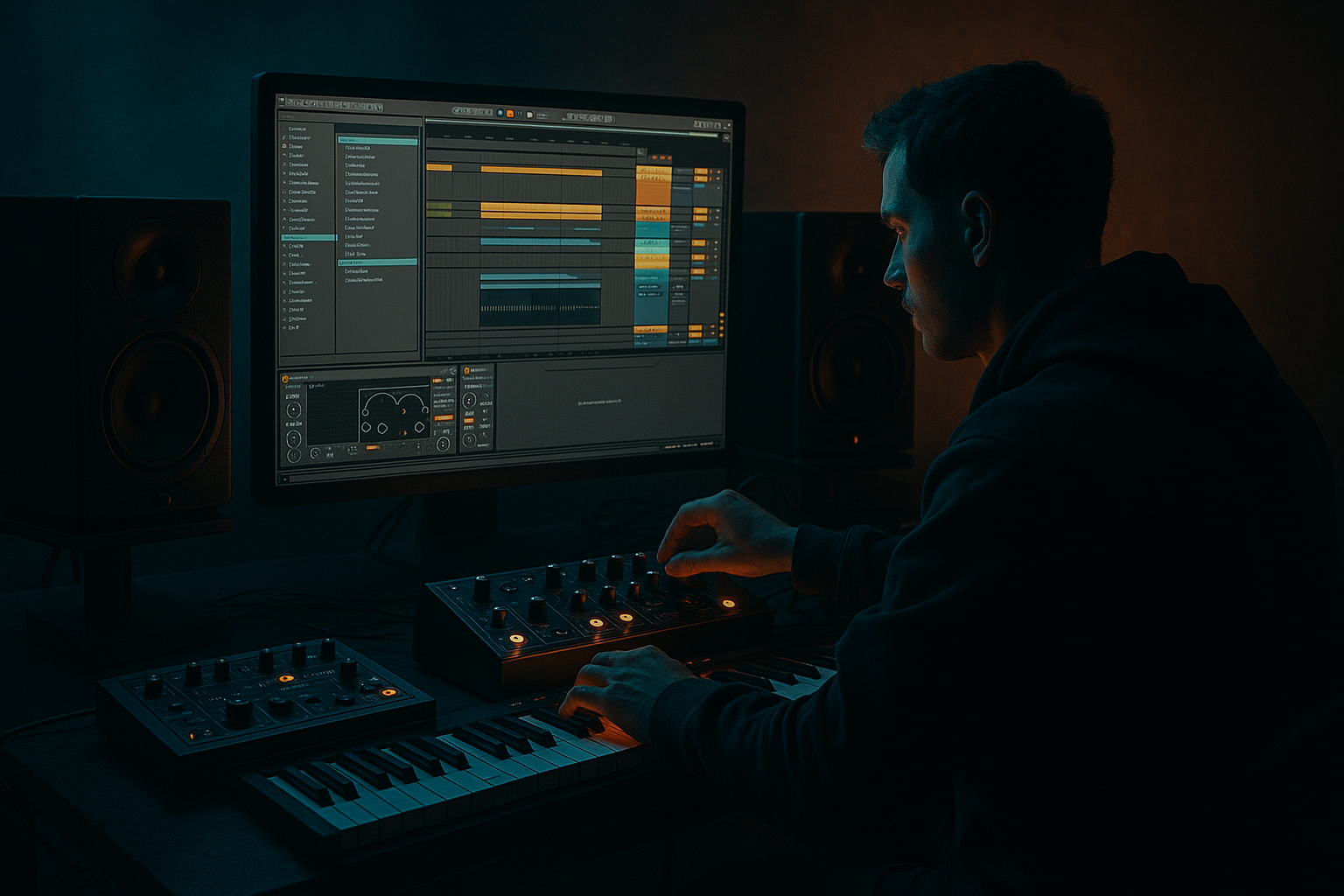
Main tutorial
Lesson Overview
This lesson shows you how to blend an oldskool Drum & Bass breakbeat with crunchy sampler texture in Ableton Live 12 so the drums feel raw, physical, and modern at the same time. The goal is to take a classic break like a funky Amen-style loop or a chopped jungle break, then mix it with a gritty sampled layer that adds dust, bite, and character without turning the groove into mush.
In a real DnB track, this kind of texture is often what makes the drums feel “finished.” The clean break gives you movement and history, while the crunchy sampler layer gives you attitude and density. That combo is useful in rollers, jungle, darker halftime-influenced DnB, and even neuro-adjacent tracks when you want the drums to feel alive instead of overly sterile.
Why it matters: modern DnB often lives or dies on drum character. If your break is too clean, it can feel flat. If it’s too distorted without control, it can lose punch and low-end separation. This lesson gives you a beginner-friendly way to layer, shape, and mix both elements in Ableton Live using stock tools only.
What You Will Build
You’ll build a tight 170–174 BPM DnB drum bus made of:
- An oldskool breakbeat loop, chopped into clean, playable sections
- A crunchy sampler layer underneath or alongside it for grit and density
- A controlled drum bus with EQ, compression, and optional saturation
- A groove that feels like jungle heritage but sits in a modern mix
- A simple loop that can be dropped into a 16-bar arrangement with intro, main drop, and variation
- Making the crunchy layer too loud
- Letting the break and bass fight in the low end
- Over-processing the break with too much warping or distortion
- Using too much stereo width on the drums
- Over-compressing the drum group
- Ignoring the groove after adding texture
- Use saturation in stages
- Keep the sub separate from the break
- Automate crunch into transitions
- Use very short reversed bits
- Layer a quiet “dust” track
- Protect the snare
- Check mono often
- Use a clean oldskool break for groove and a crunchy Simpler layer for texture.
- Keep the low end separate so the break and bass don’t fight.
- Use Ableton stock devices like Simpler, EQ Eight, Drum Buss, Saturator, Glue Compressor, and Utility to shape the sound.
- Add subtle automation and ghost notes to make the loop feel alive.
- In DnB, the best drum texture supports the groove instead of covering it up.
Musically, the result should feel like a break-driven roller with enough grime to survive on a loud system. Think: strong kick/snare movement, busy hats, ghost notes, and a subtle “dusty tape / sampler” edge that helps the drums cut through synths and bass.
Step-by-Step Walkthrough
1. Set up your project and pick the right source breaks
- Set the tempo to 170–174 BPM. If you’re making a slightly darker, half-time-leaning tune, 172 BPM is a great starting point.
- Drag in an oldskool breakbeat loop into an audio track. Good candidates are Amen-style breaks, Think break-type loops, or any dusty funk break with obvious snare transients.
- In Ableton Live 12, right-click the clip and choose Slice to New MIDI Track if you want full chop control, or keep it as audio if you want a simpler loop workflow.
- For this lesson, start with one full break loop, then duplicate it so you can create a clean version and a crunchy version.
- Keep your arrangement simple at first: 4 bars looping, with the break playing steadily. This makes it easier to hear what your processing is doing.
2. Clean up the break so the groove stays tight
- Open the clip in the Clip View and use Warp only if needed. If the break is already close to the project tempo, keep it subtle. Over-warping can smear the transient feel that makes jungle breaks exciting.
- Use Warp Mode: Beats for percussive breaks. Try Preserve: Transients with a low envelope setting so the hit edges stay punchy.
- If the break has messy low-end rumble, use EQ Eight on the break track:
- High-pass around 30–40 Hz to remove unnecessary sub rumble
- Small cut around 200–350 Hz if it sounds boxy
- Gentle boost around 6–9 kHz only if you need extra hat presence
- Why this works in DnB: your bassline needs room in the sub and low-mids. Cleaning the break early lets the kick and snare speak without fighting the bass.
3. Create the crunchy sampler layer with Simpler
- Duplicate the break track.
- On the duplicate, drop the break sample into Simpler.
- Set Simpler to Classic mode if you want to play the full sample, or keep it in One-Shot if you want a simple layer triggered by MIDI notes.
- For a beginner-friendly approach, use the same MIDI note as the main snare or break hits and trigger a shortened version of the break.
- Shape the texture with these starting points:
- Start: move slightly into the sample, around 5–20 ms, to avoid the cleanest attack and expose the grit
- Fade: around 1–5 ms for smoother edges
- Volume envelope release: short, around 100–250 ms if you want it to feel more chopped
- You’re not trying to replace the break. You’re creating a second layer that gives the drums a rough, sampled footprint.
4. Add crunchy character with stock Ableton effects
- Put Drum Buss on the Simpler layer or directly on the break track.
- Start with:
- Drive: around 5–20%
- Crunch: low to moderate, around 5–15%
- Boom: usually off for this layer unless you want extra low-end grit
- Transients: slightly up if you want the layer to bite more
- If you want more lo-fi sampler texture, add Saturator after Drum Buss:
- Choose Soft Sine or Analog Clip
- Drive around 2–6 dB
- Turn on Soft Clip if the layer gets too spiky
- For extra dirt, try Redux very lightly:
- Reduce bit depth or sample rate only a little
- Keep it subtle; you want texture, not complete destruction
- If the crunch gets harsh, put EQ Eight after the distortion and cut a bit around 3–5 kHz.
5. Shape the two layers so they complement each other
- The clean break should provide the main punch and rhythm.
- The crunchy Simpler layer should fill the body and edge.
- Use EQ Eight on each track to split responsibilities:
- Clean break: keep more transient clarity, trim low mud
- Crunch layer: high-pass around 120–180 Hz so it doesn’t fight the kick/sub, and reduce some top end if it gets fizzy
- A good beginner rule: if both layers are loud across the whole spectrum, your mix will blur. Make one layer the “detail” and the other the “weight.”
- Add Utility to the crunchy layer and pull its gain down if it’s overloading the mix. Sometimes the best crunch is the one you barely hear until you mute it.
- If you want the break to feel wider without wrecking mono, keep the main break fairly centered and let the crunch layer stay mostly mono too.
6. Lock the drum groove with compression and bus shaping
- Route both drum layers to a Drum Group.
- On the group, use Glue Compressor to gently tie the layers together:
- Ratio: 2:1 or 4:1
- Attack: 3–10 ms
- Release: Auto or around 0.1–0.3 s
- Aim for only 1–3 dB of gain reduction
- If the break feels too spiky, add Drum Buss on the group very lightly:
- Drive low
- Transients near neutral or slightly positive
- The idea is glue, not flattening. DnB drums need impact. If you compress too hard, the break loses the natural swing that makes jungle and rollers move.
- Add Utility at the end of the group and check Mono briefly. Your kick and snare should still hit hard when summed.
7. Program the bassline around the drums, not against them
- Even though this lesson is about drums, the mix only works if the bass respects the break.
- Use a simple reese or sub-bass lane under the break, and keep the low end disciplined:
- Make sure the sub stays centered
- Avoid long bass notes directly under the snare if they clash
- Leave small gaps for the kick and snare accents
- If you’re using a reese, high-pass the stereo texture while keeping the sub separate.
- A useful beginner arrangement trick: let the bass answer the snare. For example, in a 2-bar phrase, the drum break fills the first bar and the bass answers in the second half-bar. That call-and-response keeps the groove energetic without overcrowding it.
8. Automate texture changes for movement
- Duplicate the drum group or create a second variation of the crunchy layer for the drop.
- Automate:
- Drum Buss Drive slightly higher in the last 4 bars before the drop
- EQ Eight high shelf down a little in breakdowns, then open it up in the drop
- Simpler filter cutoff if you want the sample to feel more distant at the start and more aggressive later
- A practical DnB arrangement example:
- Bars 1–8: stripped intro with the break and filtered crunch
- Bars 9–16: full drum+bass drop
- Bars 17–24: add extra ghost hits or a fill on the last bar
- Keep changes small but noticeable. In DnB, tiny automation moves can make a loop feel like it’s evolving instead of repeating.
9. Add ghost notes and small edits for authenticity
- Open the break in the audio editor or MIDI slices and add tiny edits on the last beat of bars 2 and 4.
- Place small extra snare taps, hat fragments, or reversed break pieces very quietly.
- Keep these low in the mix; they’re there to create momentum, not steal attention.
- This is especially effective in oldskool jungle-style phrasing where the ear expects constant rhythmic motion.
- If you want to make the crunchy layer feel more sampler-like, shorten a few hits so they sound slightly chopped rather than perfectly played.
10. Finish with a simple mix check
- Turn the whole drum group down until it sits comfortably under the bass.
- Check the balance at low volume first: kick and snare should still read clearly.
- Use Spectrum if you want a visual check:
- Low end should be controlled
- Snare presence should sit roughly in the upper mids
- Crunch should add texture without dominating the top end
- If the drums feel harsh, look around 4–8 kHz first.
- If they feel thin, add a touch of midrange body, but don’t overfill the 200–500 Hz region.
- Save the group as a template or rack once it works. Reusing a good drum bus is a massive speed boost for future DnB sketches.
Common Mistakes
- Fix: lower the layer until you miss it when muted, not when it’s soloed.
- Fix: high-pass the break, keep the bass sub centered, and leave space around snare hits.
- Fix: preserve the break’s natural swing. Use light processing first, then add character.
- Fix: keep kick, snare, and sub mostly mono. Add width only to upper percussion if needed.
- Fix: aim for subtle glue, not smash mode. DnB needs transient punch.
- Fix: if the drums feel slower after processing, shorten the crunchy layer or reduce low-mid buildup.
Pro Tips for Darker / Heavier DnB
- A little Drum Buss plus a little Saturator often sounds better than one heavy processor. This keeps the drum tone thick but readable.
- For darker rollers, let the break be midrange character while the sub carries the weight. This keeps the mix powerful on bigger systems.
- Before a drop, increase Drum Buss Drive or open the Simpler filter for 1–2 bars. That creates tension without adding extra notes.
- A tiny reversed snare or break slice before a downbeat can make the groove feel more sinister and intentional.
- Duplicate the break, filter it heavily with Auto Filter, and add mild saturation. Keep it very low. This gives the drums a sense of room and age, especially in dark jungle or atmospheric DnB.
- In heavier DnB, the snare is a focal point. If the crunch layer masks it, carve a small dip in the 180–250 Hz area or reduce the layer around the snare hit.
- Underground bass music can sound huge in stereo but weak in mono. A quick mono check helps you keep club translation strong.
Mini Practice Exercise
Spend 10–20 minutes building a two-bar drum loop using only stock Ableton tools:
1. Find one oldskool break and place it in an audio track.
2. Duplicate the track.
3. Leave one version mostly clean.
4. Put the duplicate into Simpler and make it gritty with Drum Buss and Saturator.
5. High-pass the crunchy layer around 120–180 Hz.
6. Add Glue Compressor to the drum group and aim for 1–3 dB gain reduction.
7. Loop it with a simple sub-bass note under the snare.
8. Make two tiny automation moves: one filter change and one drive change.
9. Listen in mono for 30 seconds.
10. Adjust until the break feels alive, the grit is audible, and the low end stays solid.
Bonus challenge: make one version sound more like a jungle roller and one version sound darker and more minimal using only EQ, Saturator, Drum Buss, and arrangement changes.

