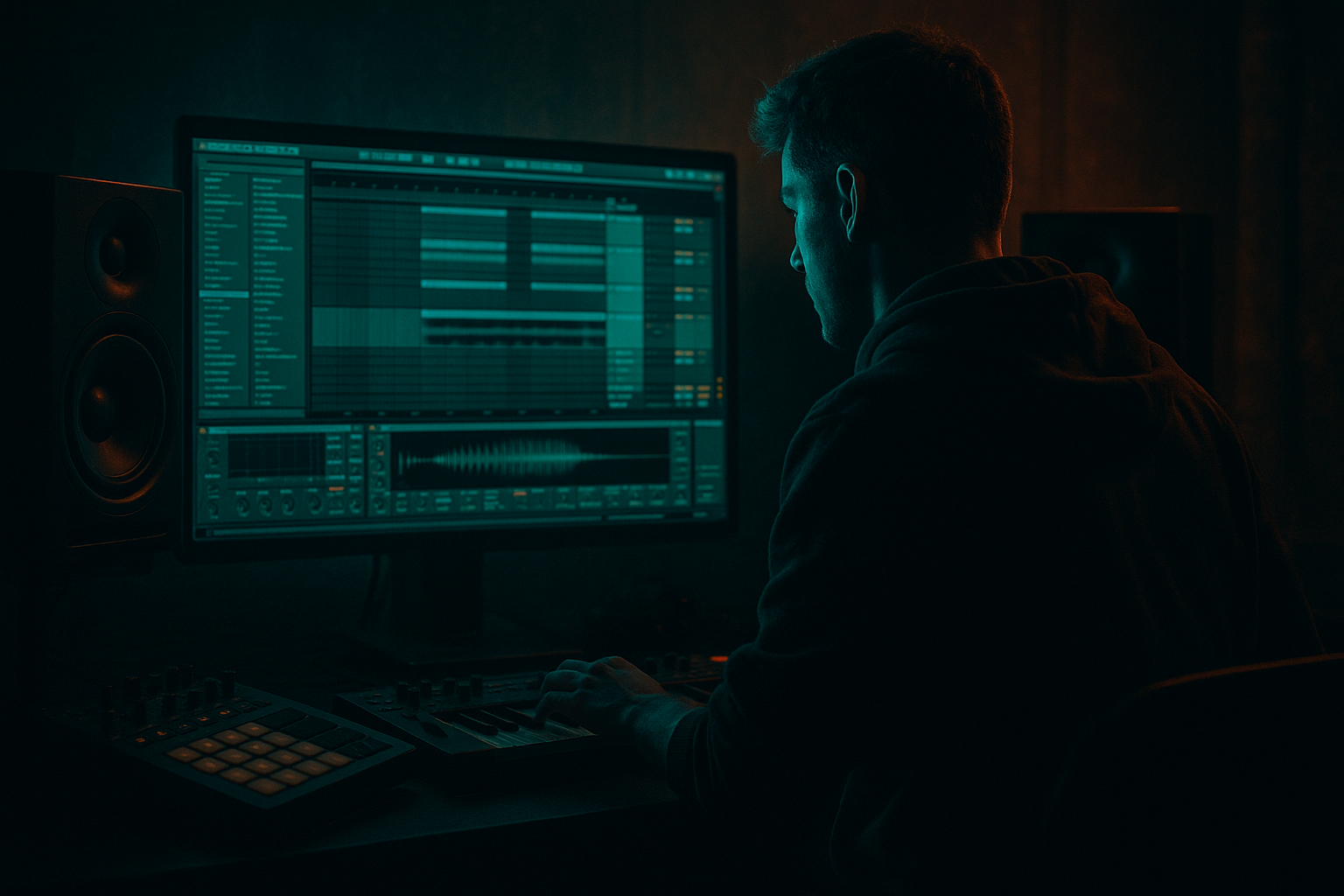
Main tutorial
Blend a Jungle Arp Using Session View to Arrangement View in Ableton Live 12
1. Lesson overview
In this lesson, you’ll build a jungle-style arp motif in Session View, then blend it into a full Arrangement View track without losing momentum or energy. This is a core DnB workflow: keep ideas flexible in Session View, then commit them into Arrangement where you can shape tension, drop impact, and automated movement.
We’re aiming for a dark, rolling jungle/DnB arp that feels alive, gritty, and musical — not just a loop pasted across the timeline.
You’ll learn how to:
- Design an arp that works in a DnB context
- Build variation with Ableton Live 12 stock devices
- Record clips from Session View into Arrangement View
- Transition from loop-based energy to full-track structure
- Keep the arp moving while leaving room for drums and bass 🥁
- A 2-bar or 4-bar jungle arp loop in Session View
- A sound-design chain using stock Ableton devices
- Automation and clip variation for movement
- A drop-ready Arrangement View section where the arp supports the drums and sub
- A practical technique for blending the arp so it doesn’t fight the bassline or breakbeat
- Roland-era jungle spirit
- Dark minor-key stabs
- Broken, flowing arps with tape-like grit
- Tight stereo sparkle on top
- Controlled low-end so it doesn’t clash with the sub
- Oscillator 1: Saw, unison 2–4 voices
- Oscillator 2: add a square or triangle layer quietly
- Filter: Low-pass 12 dB or 24 dB
- Filter drive: light to medium
- Amp envelope:
- Style: Up, Down, or Converge for darker motion
- Rate: 1/16 or 1/32 depending on density
- Gate: 50–75%
- Retrigger: On
- Distance: experiment with 2–4 octaves
- Velocity: use Random lightly if you want humanized attack variation
- Am
- G
- F
- E
- Am
- F
- Dm
- E
- Use mid-range notes
- Avoid stacking too much low end
- Use inversions so the arp moves smoothly
- Notes should mostly sit between C3 and C5
- Avoid root-heavy voicings if your sub bass is active
- Use short note lengths if the arp engine is driven by held MIDI notes
- Length: 2 bars or 4 bars
- Grid: 1/16
- Quantization: 1/16 for tight DnB sequencing
- Launch mode: Trigger
- Launch quantization: 1 bar if you want controlled scene switching
- One or two chord tones
- Note lengths
- Octave positions
- Arp rate on the second clip
- High-pass around 120–200 Hz
- Cut muddiness around 250–500 Hz
- Add a gentle presence boost around 2–5 kHz if needed
- Drive: 2–6 dB
- Soft Clip: On
- Use subtle drive to make the arp cut through the mix
- Use lightly for width
- Keep low frequencies out using the device’s tone controls or by high-passing before it
- Cutoff opening in transitions
- Resonance for tension
- LFO amount if you want motion
- Time: 1/8D or 1/4
- Feedback: 15–35%
- Dry/Wet: 10–25%
- Filter out low end inside Echo
- Keep mono compatibility in check
- Use Width around 100–130%
- If the arp gets too wide, reduce it
- Support the break
- Leave space for snare accents
- Avoid overpowering the sub
- Create forward motion
- Put the arp in the mid/high register
- Use shorter note lengths so it “pops” through gaps in the break
- Leave room during snare hits
- If the kick/snare is dense, use automation to thin the arp in certain bars
- Threshold: adjust for 2–4 dB gain reduction
- Attack: 1–5 ms
- Release: 50–120 ms
- Ratio: 2:1 to 4:1
- Real-time energy
- Clip launches
- Automation moves
- Sound-shaping decisions
- Does the arp come in too early?
- Does it mask the snare?
- Is it too wide in the drop?
- Does it compete with the bassline?
- Filtered arp
- Heavy reverb
- Minimal drums
- Tease the melodic identity before the drop
- Gradually open the filter
- Increase echo feedback
- Automate saturation and width
- Add riser-style automation
- Keep arp in a narrower midrange pocket
- Remove excessive reverb
- Use clipped, rhythmic phrases instead of long tails
- Let it answer the drums, not dominate them
- First 8 bars: filtered, wetter, more distant
- Next 8 bars: brighter, drier, more rhythmic
- Version 1: filtered, sparse
- Version 2: brighter, more rhythmic
- Version 3: octave-up lift with delay throw
- Intro scene
- Pre-drop scene
- Drop scene
- Breakdown scene
- High-pass the arp around 120–200 Hz
- Remove harshness around 3–6 kHz if it conflicts with snare crack or cymbals
- If needed, dip a little 250–400 Hz
- Keep the sub and kick mono
- Let the arp live wider than the bass
- Don’t over-widen if the track already has busy hats and FX
- Use shorter reverbs in the drop
- Use larger reverbs in intro/breakdown
- Consider automating dry/wet rather than leaving it static
- One layer: mono, filtered, slightly distorted
- One layer: wide, airy, delayed
- Redux for bit reduction and aliasing texture
- Roar for modern saturation and aggressive harmonics
- occasional octave jumps
- short pickup notes
- muted passing notes
- reverse tails
- cut reverb throws
- add tape-style edits
- create micro-stutters for transitions
- Wavetable
- Arpeggiator
- EQ Eight
- Saturator
- Auto Filter
- Echo
- Compressor or Glue Compressor
- Utility
- Start with a strong harmonic idea in a minor key
- Use Arpeggiator and stock synths to create movement
- Keep the arp away from the sub range
- Perform automation in Session View before recording to Arrangement
- Use Arrangement View to shape contrast, tension, and drop impact
- In DnB, the arp should support the break and bass, not compete with them
- a device-by-device Ableton rack recipe
- a project template for jungle/DnB
- or a follow-up lesson on automating arp transitions into a drop
---
2. What you will build
By the end, you’ll have:
Sound target
Think:
---
3. Step-by-step walkthrough
Step 1: Set the project up for DnB workflow
1. Open Ableton Live 12.
2. Set tempo to 170–174 BPM.
- For modern jungle/DnB, 174 BPM is the safest reference point.
3. Create these tracks:
- MIDI Track 1: Arp
- MIDI Track 2: Sub Bass
- Audio Track 1: Drum Bus or individual drum tracks if you prefer
4. Turn on Loop in Session View and create a 4-bar loop for writing.
Why this matters:
At DnB tempos, short loop cycles help you hear syncopation against the break. A 4-bar loop gives enough space for the arp to breathe without becoming repetitive too quickly.
---
Step 2: Design the arp instrument
You can build this with stock devices in several ways. Here’s a strong, practical chain:
#### Option A: Wavetable-based jungle arp
On the Arp MIDI track, load:
1. Wavetable
2. Arpeggiator
3. EQ Eight
4. Saturator
5. Hybrid Reverb or Echo for space
6. Utility at the end
#### Suggested Wavetable settings
- Attack: 0–5 ms
- Decay: 200–500 ms
- Sustain: 40–70%
- Release: 80–180 ms
This gives you a sharp, playable arp with enough tail to feel musical over a breakbeat.
#### Arpeggiator settings
Insert Arpeggiator before the instrument if you want MIDI chord-triggered movement, or after if you are using a synth patch that already has a rhythmic pattern. For this workflow, use it before the synth.
DnB note:
A 1/16 arp can get very busy at 174 BPM. If your drums are already active, use 1/8T or 1/16 with lower gate and let automation create intensity rather than pure note density.
---
Step 3: Write a jungle-friendly chord source
Even if the result sounds like an arp, start with a strong harmonic source.
Use a minor-key progression with tension. A classic jungle approach is to keep the harmony simple but ominous.
Try this in A minor:
Or a darker variant:
Keep voicings tight:
#### Practical chord tips
---
Step 4: Build the Session clip
In Session View, create a MIDI clip with your chord progression.
#### Good clip settings
#### Write the clip
1. Draw the chord notes into the clip.
2. Use the Arpeggiator to transform the chord into motion.
3. Make sure the notes are not too long if the arp feels muddy.
4. Listen to the pattern against your kick/snare and break.
#### Variation idea
Duplicate the clip and alter:
That way, you can switch from A section to B section in Session View before recording into Arrangement.
---
Step 5: Add movement with stock devices
Now we make the arp feel alive, not static.
#### Device chain suggestion
Arpeggiator → Wavetable → EQ Eight → Saturator → Chorus-Ensemble → Auto Filter → Echo → Utility
##### EQ Eight
##### Saturator
##### Chorus-Ensemble
##### Auto Filter
Automate:
##### Echo
A very useful DnB tool for creating depth and throw effects.
##### Utility
---
Step 6: Shape the arp around the drums
This is where it becomes a real DnB element.
In jungle and rolling bass music, the arp should:
#### Practical arrangement behavior
##### Sidechain tip
Use Compressor or Glue Compressor sidechained from the kick or drum bus.
Suggested starting point:
This helps the arp breathe with the groove rather than sit on top of it.
---
Step 7: Perform the Session View clip before moving to Arrangement
This is the key part of the lesson.
Instead of copy-pasting the arp straight into Arrangement, perform it.
#### How to do it
1. Launch your arp clip in Session View.
2. Jam with:
- Filter cutoff
- Echo feedback
- Reverb amount
- Arp rate changes if you automate them
3. Record the performance into Arrangement by pressing Arrangement Record.
This captures:
Why this works in DnB:
Arrangement feels more musical when the arp evolves like a performance rather than a loop with no dynamics.
---
Step 8: Blend it into Arrangement View
Once recorded, switch to Arrangement View and tighten the performance.
#### What to check
#### Arrangement ideas
Use the arp in one of these ways:
##### A. Intro texture
##### B. Build-up tension
##### C. Drop support
#### Good arrangement move
Split the arp into two regions:
This creates the illusion of progression without writing a new melody.
---
Step 9: Create contrast with clip variants
Advanced DnB arrangements live on contrast.
In Session View, make at least three versions of the arp:
Then record each version into different parts of the Arrangement.
#### Useful technique
Use scene launching to perform:
This keeps the energy moving and helps the arp feel like part of the arrangement, not an afterthought.
---
Step 10: Final mix placement for the arp
Before calling it done, check the mix.
#### EQ placement
#### Stereo placement
#### Reverb placement
---
4. Common mistakes
1. Making the arp too low
If the arp sits too low, it competes with the sub and bass layer.
Fix: high-pass it and move the MIDI up an octave.
2. Too much reverb in the drop
Big wash can destroy clarity in a fast DnB mix.
Fix: reduce wetness in the drop and automate reverb only for transitions.
3. Overusing 1/32 note density
Fast arps can sound exciting, but they can also turn into noise.
Fix: simplify rhythm and use movement through filters and automation instead.
4. Copy-pasting the same loop across the track
This kills arrangement energy fast.
Fix: perform multiple variants from Session View and record them into Arrangement.
5. Ignoring sidechain and drum interaction
The arp must groove with the break.
Fix: use sidechain compression and shorten note lengths.
6. Letting stereo width blur the center
If the arp is too wide, the mix can feel unstable.
Fix: keep the core midrange focused and widen only the top layer.
---
5. Pro tips for darker/heavier DnB
Tip 1: Layer a gritty mono core under the stereo arp
Duplicate the arp track:
This gives you weight and sheen at the same time.
Tip 2: Use Redux or Roar for controlled grime
Ableton stock devices are great here:
Keep it subtle on the main arp, or use them on a parallel return.
Tip 3: Automate filter cutoff against the snare phrasing
In jungle, tension often feels stronger when the harmonic brightness shifts around the snare pattern.
Try opening the filter slightly on the bars leading into a fill.
Tip 4: Use ghost-note arp hits
Create tiny MIDI note variations:
This makes the arp feel more “played,” which is perfect for jungle energy.
Tip 5: Keep the arp out of the sub zone
A heavy DnB track often lives or dies by the low end.
If your arp has too much body, it will blur the bassline. Use EQ early and often.
Tip 6: Try resampling
Once you like the arp, resample it to audio and chop it in Arrangement View.
This lets you:
That’s a very jungle-friendly move 🔥
---
6. Mini practice exercise
Goal
Create a 16-bar section where the arp evolves from Session View into Arrangement View.
Exercise steps
1. Build a 4-bar arp loop in Session View.
2. Make two variations:
- one filtered and sparse
- one brighter and more intense
3. Record both into Arrangement View across a 16-bar structure:
- Bars 1–4: filtered intro
- Bars 5–8: open filter, light drums
- Bars 9–12: full groove
- Bars 13–16: drop variation with more delay or octave lift
4. Add sidechain compression from the kick.
5. Resample the final 4 bars and chop one transition hit.
Challenge
Do the entire exercise using only Ableton stock devices:
If you can make that sound strong, you’re building real production control.
---
7. Recap
You’ve now built a practical workflow for blending a jungle arp from Session View into Arrangement View in Ableton Live 12.
Key takeaways
If you approach it like a performance plus arrangement, your jungle arp will feel alive, heavy, and intentional — exactly what a rolling DnB record needs 🎛️
If you want, I can also turn this into:

