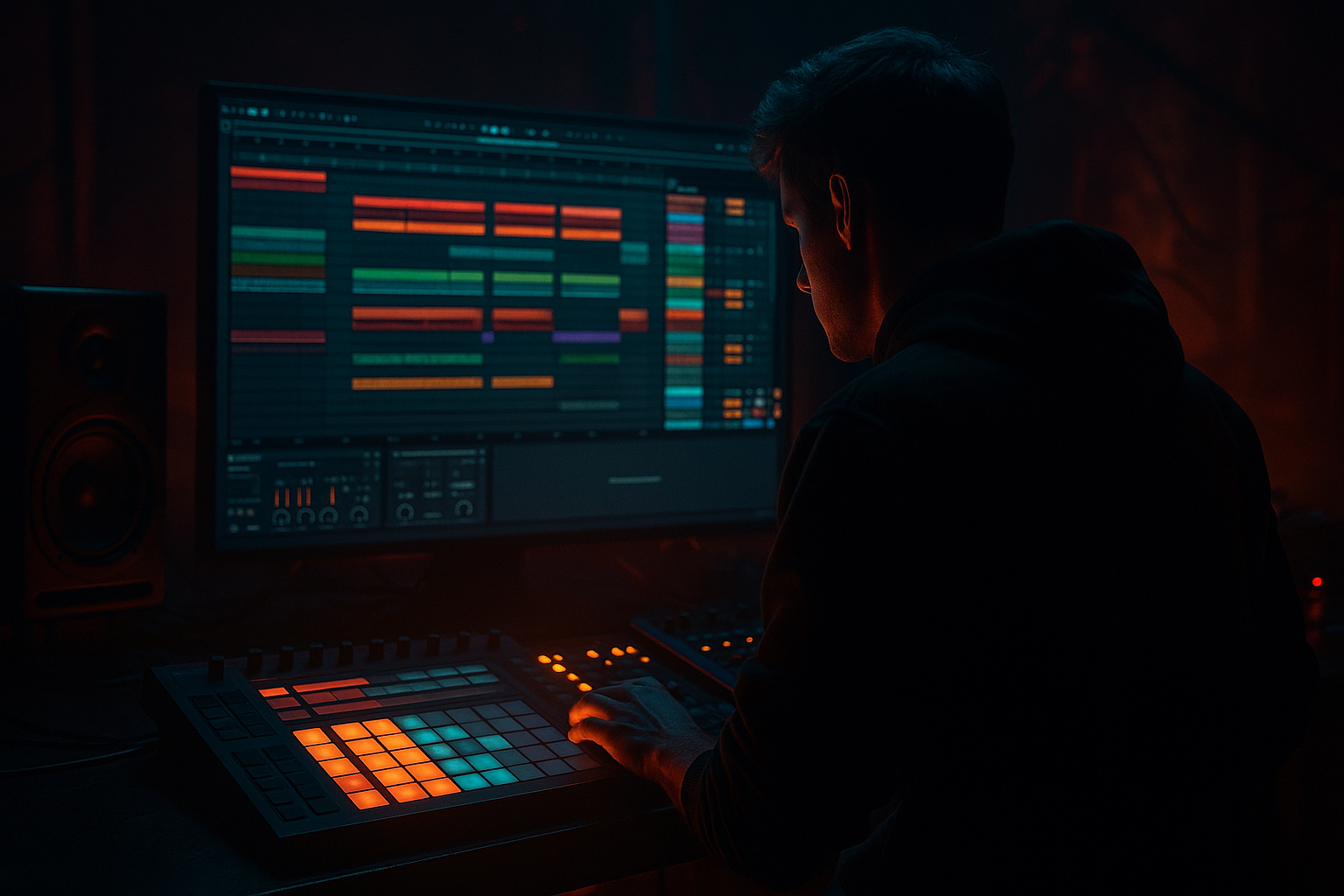
Main tutorial
Lesson Overview
In this lesson, you’ll build a DJ-style intro that blends naturally into a jungle / oldskool DnB groove using Ableton Live 12 stock tools, with a special focus on vocals as an atmospheric hook. The goal is to make an intro that feels like it could sit in a proper mix set: it gives DJs room to blend, it teases the drop, and it already carries the identity of the tune before the full drums and bass arrive.
This matters in DnB because intros are not just “empty bars before the drop.” In jungle and oldskool-style DnB, the intro often does three jobs at once:
- gives the mix engineer or DJ a clean entry point
- establishes the vibe with a vocal phrase, texture, or break
- creates tension so the drop feels earned
- Warp
- Groove Pool
- EQ Eight
- Auto Filter
- Reverb
- Delay
- Drum Buss
- Saturator
- Utility
- Compressor
- a filtered breakbeat loop with groove
- chopped vocal phrases that feel sampled and musical
- a tension-building riser or noise sweep
- a smooth transition into a full oldskool/jungle drop
- Bars 1–4: sparse intro with atmospheric vocal and low-pass filtered texture
- Bars 5–8: breakbeat starts to appear, lightly swung and humanized
- Bars 9–12: vocal chops and snare ghosts create motion
- Bars 13–16: tension rises, filter opens, and the drop is set up clearly
- Vocal Atmosphere
- Vocal Chop
- Break Loop
- Kick/Snare Layer if needed
- Bass Placeholder
- FX / Risers
- leave the sub bass out for the first 8 bars
- bring it in later, or only hint at it with a filtered low layer
- a one-line spoken phrase
- a single soulful note or ad-lib
- a short acapella chop
- your own recorded voice through a phone mic if needed
- Warp Mode: Complex Pro for full vocal phrases, or Beats if it’s more chopped
- Start with the clip aligned to bar 1
- Adjust the warp markers so the phrase sits in time without sounding stretched too hard
- High-pass around 120–180 Hz
- If the vocal sounds boxy, dip a little around 300–500 Hz
- If it gets harsh, tame 2.5–5 kHz gently
- Decay Time: 1.8–3.5 s
- Pre-Delay: 15–30 ms
- Dry/Wet: 10–25%
- Duplicate the vocal clip
- Cut it into 2–4 short slices
- Move slices so they answer each other rhythmically across the bar
- a phrase on beat 1
- a short reply on the “and” of 2
- another chop on beat 4
- a delay tail into the next bar
- Time: 1/8 or 1/8 dotted
- Feedback: 20–35%
- Dry/Wet: 8–18%
- Beats mode for drum breaks
- Transient loop on 1/16 or 1/8
- Preserve: Transients if available
- choose a groove with subtle swing, not extreme timing
- start with 30–55% groove amount
- use Timing only at first
- avoid too much velocity shifting until you hear the timing working
- reducing Quantize strength if you edited it
- nudging the clip a few milliseconds later
- using Audio Quantize only lightly
- a closed hat pattern
- a rimshot
- a snare ghost layer
- a tiny percussion loop
- hats on offbeats
- soft velocity on ghost hits
- pan tiny percussion slightly left/right if needed
- EQ Eight: high-pass below 200–300 Hz
- Drum Buss: Drive around 5–15%
- Auto Filter: low-pass to shape intensity over time
- Filter Type: Low-pass
- Frequency: start around 200–600 Hz
- Resonance: 5–20% depending on taste
- Drive: small amounts if needed for color
- Bars 1–4: very closed
- Bars 5–8: slightly more open
- Bars 9–12: midrange comes through
- Bars 13–16: almost fully open before the drop
- vocal reverb gets bigger before the transition
- break filter opens gradually
- one impact hit appears at bar 15
- a short reverse cymbal or noise sweep leads into bar 17
- Operator for a simple sine/sub if you want a clean low hint
- or Wavetable / Analog if you want a reedier reese-style tease
- play one note or two notes in the intro
- keep it low velocity or filtered
- high-pass it lightly if it clashes with the drums
- on the bass track, add Auto Filter
- start with low-pass around 120–250 Hz
- keep Utility on the track to check mono compatibility
- if using saturation, try Saturator with Drive around 2–6 dB
- Return A: Reverb
- Return B: Delay
- Decay: 2–4 s
- High Cut: lower if the reverb gets bright
- Dry/Wet: 100% on the return, then send sparingly
- 1/8 or 1/4 sync
- Feedback: 25–40%
- Filter the return so repeats don’t get muddy
- cut the vocal at the end of bar 16 and let the reverb tail ring
- mute the break for half a bar, then bring the full drums back
- add a reverse crash into the drop
- open the filter fully on the last bar
- use a short snare fill with a pitch or filter sweep
- Bars 1–8: DJ intro with vocal and filtered break
- Bars 9–12: more drum presence and a teasing bass hint
- Bars 13–16: full tension build with automation
- Bar 17: drop lands with full break, sub, and bassline
- Making the intro too busy too early
- Using a vocal that sounds too “main hook” for the intro
- Overusing reverb until the mix gets washed out
- Groove Pool swing pushed too far
- Letting the low end fight the kick and break
- Forgetting a clear transition into the drop
- Use Saturator on the break bus with modest Drive to add grit without destroying transients.
- Try Drum Buss on the drum group:
- Put EQ Eight on the vocal and cut low mids around 250–400 Hz if the phrase gets foggy.
- For a darker intro, filter the vocal with Auto Filter and automate resonance slightly as tension rises.
- Add tiny ghost notes in the break to make it feel more “record-like.”
- If you want more underground character, keep the vocal dry at the start and only widen it near the transition.
- Check the mix in mono with Utility. DnB intros often sound big in stereo but can get messy if the low-mid buildup isn’t controlled.
- If the break feels too clean, resample it and add gentle saturation or a bit of room reverb for grime.
- Does this feel DJ-friendly?
- Is the vocal adding vibe without crowding the groove?
- Does the drop feel bigger because of the intro?
- Build your intro like a DJ tool: spacious, clear, and easy to mix.
- Use vocal chops as atmosphere and rhythm, not just melody.
- Apply Groove Pool subtly to your break for that human jungle swing.
- Automate filters, reverb, and delay to create movement and tension.
- Keep the sub bass out early so the drop hits harder.
- In DnB, a great intro is about space, motion, and anticipation — not complexity.
Using groove pool tricks in Ableton Live 12 helps the intro feel human and rolling instead of rigid. That little push-pull between breakbeats, vocal chops, and rhythmic delay is a big part of why oldskool jungle feels alive. The swing, timing, and subtle looseness are what make it feel like records from the era — not over-quantized, not too tidy, but still controlled.
We’ll keep this beginner-friendly and practical, using stock Ableton devices like:
By the end, you’ll have a usable workflow for building a DJ intro with vocal atmosphere, groove, and a clean handoff into the main drum section. 🔥
What You Will Build
You’ll create a 16-bar DnB intro that starts with a DJ-friendly texture and vocal element, then gradually adds:
The result should feel like:
Musically, think of a classic DnB arrangement where a DJ can mix in over 8 or 16 bars before the main groove lands. The intro should leave space in the low end, hint at the tune’s identity, and make the drop feel bigger when it arrives.
Step-by-Step Walkthrough
1) Set up a simple intro section in Arrangement View
Open a new project in Ableton Live 12 and set the tempo to something in the jungle / oldskool DnB range: 165–174 BPM. For this lesson, try 170 BPM because it sits nicely between classic jungle energy and modern DnB pace.
Create these tracks:
Keep the first 16 bars reserved for the intro. In DnB, this helps you make a proper DJ-friendly structure from the start. If you think like a DJ, your arrangement becomes easier to mix and easier to finish.
A helpful beginner rule:
Why this works in DnB: the intro needs space. If the low end is already full, DJs have less room to blend, and the drop loses impact. A clean intro gives contrast, and contrast is huge in bass music.
2) Choose a vocal phrase that sounds like a sample, not a full lead vocal
For this style, the best vocal choice is usually a short phrase, spoken line, or soulful cut-up, not a long pop-style hook. You want something that can act like a texture and a rhythmic motif.
Good vocal sources for this lesson:
Drag the vocal into Audio Track 1 and open the clip view. Turn on Warp if it isn’t already enabled.
Beginner-friendly warp settings:
Now add EQ Eight after the clip:
Then add Reverb:
This gives the vocal that distant, memory-like intro feel common in jungle and atmospheric DnB.
3) Chop the vocal into a rhythmic intro motif
Now make the vocal feel like a sampled element. You can do this in a very beginner-friendly way:
A simple pattern could be:
If you want more control, try placing the vocal into Simpler on a MIDI track and trigger slices from pads or MIDI notes. But if that feels too advanced, keep it as audio and edit the clip directly.
Add Delay after the vocal track:
Automate the delay Dry/Wet up slightly at the end of phrases so the vocal spills into the next bar. This is a classic DnB tension trick: the delay tail becomes part of the build.
4) Build the breakbeat foundation and make it groove
Drag in a classic break loop or a break sample that fits the jungle feel. Put it on Audio Track 3. Think of a break like a Amen-style, Think-style, or similar chopped drum loop — the exact sample matters less than the energy and transient shape.
Now use Warp and try one of these:
Next, open the Groove Pool in Ableton Live 12 and test a swing groove. You’re not trying to make the break sloppy — just alive.
Beginner-friendly groove ideas:
Drag the groove onto the break clip. Then listen to how the snare and ghost notes pull against the grid. That slightly off-grid feel is a huge part of oldskool jungle.
If the break feels too rigid, try:
Why this works in DnB: jungle and oldskool DnB often feel exciting because the drums are tight but not robotic. Groove Pool adds motion without forcing you to manually humanize every hit.
5) Layer a second percussion element to make the intro feel fuller
Add a second drum layer, like:
This gives the intro movement without jumping straight into the full drop.
Keep it simple:
Use Utility on the layer if you want to reduce width or keep it centered. For intro clarity, it’s often better to keep the main rhythmic energy mostly in the center and let reverb create width.
Optional stock device chain:
The goal is not to overproduce the intro. It’s to suggest that the main groove is coming.
6) Automate filter movement so the intro grows naturally
This is where the intro starts feeling like a real DnB record. Use Auto Filter on the breakbeat and maybe the vocal bus.
Suggested starting settings:
Automate the filter so it opens over 16 bars:
A good beginner arrangement move is to automate different elements at different rates:
This layered automation gives you tension without making the intro cluttered.
7) Add a simple bass hint, but keep the sub out until the right moment
Even in an intro, you can hint at the bassline without fully landing it. This is especially useful in DnB, where the bass drop feels much bigger if it’s introduced in stages.
Create a bass track with:
For beginner simplicity, just use a filtered bass note or short bass pulse:
Useful starting settings:
Do not overcrowd the intro with bass movement yet. The aim is to foreshadow the drop, not reveal everything too early.
8) Use return tracks for space and controlled energy
Create two return tracks:
On Return A, use Reverb with a darker setting:
On Return B, use Delay:
Send the vocal and break slightly into these returns. In DnB, shared ambience helps the intro feel glued together, but keep the sends controlled so the mix stays punchy.
A good workflow choice: automate send amounts in the last 2–4 bars before the drop. That creates a sense of lift without needing extra notes.
9) Shape the transition into the drop with one clear arrangement move
Your intro should end with a decisive moment. Don’t just stop the loop — make the listener feel the transition.
Try one of these:
A classic oldskool-style arrangement example:
Keep the transition simple. In jungle and DnB, clarity beats excess. One strong move is often better than five weak ones.
Common Mistakes
Fix: remove the sub bass and keep only one main rhythmic idea at first.
Fix: choose a shorter phrase, chop it, and treat it like texture.
Fix: high-pass the reverb return and keep the dry vocal intelligible.
Fix: start around 30–55% groove amount and keep the break tight enough to dance to.
Fix: keep the intro bass-light, use Utility to check mono, and avoid stacking sub-heavy layers.
Fix: automate a filter open, mute one element, or place a fill on bar 16.
Pro Tips for Darker / Heavier DnB
- Drive: 5–10%
- Crunch: light amounts
- Boom: keep very low in the intro
A useful dark DnB mindset: the intro should feel like a shadow of the drop, not a second chorus.
Mini Practice Exercise
Spend 10–20 minutes building a new 16-bar intro using this structure:
1. Pick one vocal phrase or spoken line.
2. Chop it into 3–4 short bits.
3. Add a breakbeat loop and apply a subtle Groove Pool swing.
4. Filter the break so it starts muffled and opens over time.
5. Add one short delay throw at the end of a vocal phrase.
6. Keep the bass out for the first 8 bars.
7. Add one bass hint or one-note tease in bars 9–16.
8. Create a simple fill or reverse effect into the drop.
When you finish, ask yourself:
If not, remove one element and simplify.

