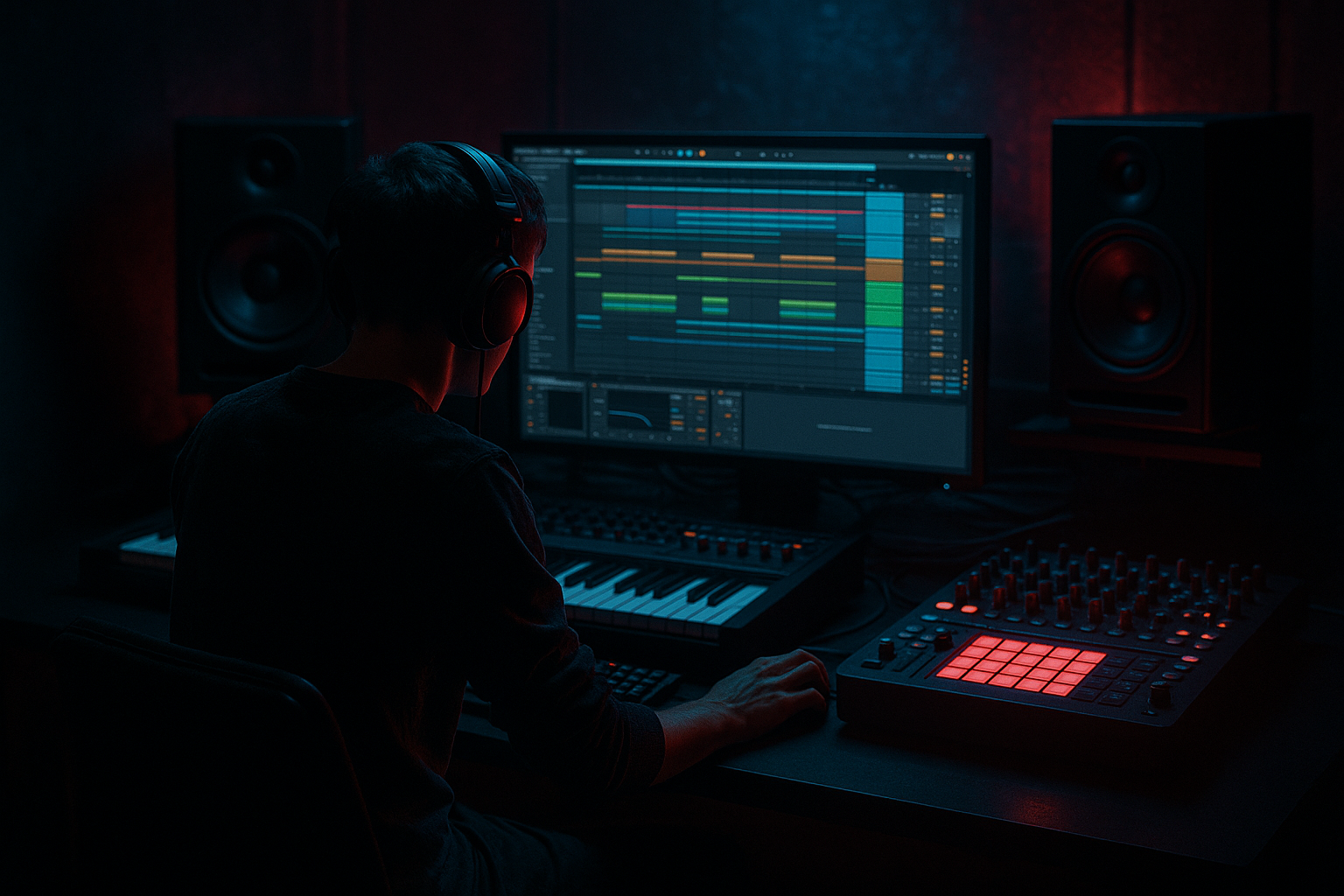
Main tutorial
Lesson Overview
A bassline turn is that moment where your bassline stops simply driving forward and starts answering itself — a bend, slide, rhythmic pivot, or phrase change that gives the drop personality. In modern DnB and jungle, the best bass turns do two jobs at once: they hit with current punch and still carry vintage soul from oldskool breaks, rave bass phrasing, and dubwise movement.
In Ableton Live 12, this technique matters because it lets you shape a bassline that feels alive across the arrangement, not just heavy in the first 8 bars. For advanced DnB production, the goal is to blend:
- modern impact: clean sub discipline, sharp transient control, controlled distortion, mono-safe low end
- vintage soul: expressive note turns, pitch dips, glide, ghosted movement, call-and-response phrasing, breakbeat timing
- a sub anchor that stays mono and weighty
- a mid-bass layer with a turn phrase that bends downward into the next bar
- a vintage-feeling modulation gesture using glide/pitch movement and saturation
- a drum-friendly groove that locks to a chopped break and leaves space for snare impact
- a final loop that can be dropped into a jungle or rollers arrangement with a natural sense of lift, tension, and release
- a clean modern DnB low end
- with a soulful bass turnaround
- that could sit under a dark intro, into a drop, or as a switch-up in a 16-bar section
- Making the turn too busy
- Letting the sub glide too much
- Using too much distortion on the whole bass
- Ignoring the break groove
- Making every 8 bars identical
- Sidechaining the bass into invisibility
- Over-widening the low end
- Use parallel saturation on the mid-bass rather than crushing the main chain. This keeps the turn gritty without flattening the groove.
- Try Filter Delay subtly on the last note of the turn for a dubby, nocturnal tail. Keep feedback low and filter it hard.
- Add a tiny amount of Frequency Shifter movement on the mid layer for unsettling tension, but automate it only on selected phrases.
- For neuro/darker rollers, program the turn so it resolves one note lower than expected. That off-centre resolution can make the drop feel heavier.
- If the bass feels too polite, layer a quiet resampled scrape or breathy noise transient on the turn attack.
- Use Drum Buss very lightly on the bass group if you want more knock in the upper harmonics; keep Drive modest so the low end doesn’t blur.
- In a jungle context, try a turn that echoes the break’s ghost-note rhythm. The bass should feel like it’s dancing with the snare flicks, not fighting them.
- Check the loop in mono and at low volume. If the turn still reads, it will usually translate on club systems.
- which one hits hardest on the snare?
- which one feels most human?
- which one leaves the best space for the next phrase?
This lesson is about building a bass turn that works in a jungle oldskool DnB context — the kind of phrase that can sit under chopped Amen-style drums, rollers, or darker half-step grids and still feel musical. We’ll make the turn feel intentional, not like a random MIDI flourish.
Why this matters in DnB: a strong bass turn creates forward motion before the next phrase, which is huge in 16-bar and 32-bar arrangement cycles. It also gives the listener a moment to latch onto the groove, especially when your drums are busy and your low end is doing a lot of the emotional work.
What You Will Build
You’ll build an 8-bar bassline loop in Ableton Live 12 with:
The finished result should feel like:
Step-by-Step Walkthrough
1. Set up the reference loop and phrasing first
Start with an 8-bar section at your target tempo, usually 170–174 BPM for jungle/DnB. Drop in your break loop first so the bass turn is designed against the drums, not in isolation. If you’re using an Amen, Think, or Boss-style chop, make sure the break already has a recognizable groove and a clear snare on 2 and 4.
In Ableton Live, put the drums on one group and leave the bass lane empty for the moment. Loop bars 1–8 and focus on the phrase shape:
- bars 1–2: establish the bass motif
- bars 3–4: repeat with variation
- bars 5–6: introduce the turn
- bars 7–8: release or resolve
Why this works in DnB: bass turns need a rhythmic context. In jungle and rollers, the bass often feels best when it reacts to the break rather than forcing its own grid. A turn placed against the snare or kick openings creates that classic push-pull tension.
2. Build a two-layer bass patch: sub and movement
Create a MIDI track and load Instrument Rack. Make two chains:
- Sub chain: Operator or Analog
- Mid-bass chain: Wavetable or Analog for reese-like movement
For the sub:
- Use a sine or very clean triangle
- Keep it mono
- Set filter or oscillator output so it’s smooth and stable
- Aim for notes mostly in the 40–60 Hz region depending on key
For the mid-bass:
- Use a saw or two detuned oscillators
- Add slight phase drift or filter movement
- Keep it mid-focused, not sub-heavy
Suggested starting settings:
- Operator: sine wave, no unneeded modulation, short amp envelope if you want tightness
- Wavetable: unison 2–4 voices, detune very subtle, filter cutoff around 120–250 Hz to keep it out of sub territory
- Add Saturator on the mid chain only, Drive around 2–6 dB, Soft Clip on
Keep the rack organized: sub on one chain, character on the other. That separation is crucial for modern punch.
3. Write the bass motif in call-and-response form
Program a simple motif across 2 bars first. Use a bass line that answers the drums instead of stepping on every snare.
A strong jungle/DnB pattern often uses:
- a root note on the downbeat
- a short offbeat answer
- a turn note near the end of bar 2 or bar 4
- a brief rest before the next phrase
Example phrasing concept in A minor:
- bar 1: A1 - A1 - G1
- bar 2: short C2 answer, then a slide or fall back toward A1
- bar 3–4: repeat with one extra note before the turn
- bar 5–6: turn falls lower or pushes upward into a new register
- bar 7–8: leave space and resolve
Keep notes short at first. Then start shaping note lengths so the mid-bass breathes around the break.
Advanced tip: use velocity differences to make repeated notes feel human and oldskool. Don’t leave every note at the same dynamic. Even a 10–20 velocity spread can help the line feel played.
4. Create the turn using pitch movement and glide
This is the heart of the lesson. The turn should feel like a bassline bend or pivot, not just a scale run.
In your bass patch:
- turn on glide/portamento in the synth
- set glide time around 40–120 ms for a tight but noticeable slide
- use overlapping MIDI notes where appropriate so the glide actually speaks
If using Wavetable, try:
- a subtle pitch envelope
- filter envelope with a short decay to give the turn a vowel-like movement
- a mild LFO on wavetable position or filter cutoff for texture
MIDI ideas for the turn:
- drop from the 5th down to the root with a glide
- flick up a semitone before falling back
- use a quick note tied into a longer held note for a “pull” feel
- place the turn on the last half-beat of bar 2 or bar 4 to create anticipation
Suggested turn shapes:
- modern punch: short slide down into the root, tight envelope, fast recovery
- vintage soul: slightly longer glide, more expressive note tail, less abrupt release
Use both together by keeping the sub clean and letting the mid-bass carry the slide character.
5. Shape the groove with Ableton’s groove engine
This is where the bassline stops feeling programmed and starts feeling like part of the break.
Open the Groove Pool and try one of Ableton’s swing-heavy or MPC-style grooves. Apply groove gently to the bass MIDI clip:
- start with 10–25% amount
- preserve the bassline’s downbeat stability
- emphasize late offbeats and turn notes, not the sub anchor
If your break is heavily swung, you may not want a full groove template on the bass. Instead:
- manually shift select notes slightly late
- keep the sub on the grid
- nudge the turn notes a few milliseconds behind the beat for a laid-back jungle feel
This balance matters:
- sub notes = disciplined
- mid-bass turn notes = slightly human and elastic
That contrast is what makes the groove feel premium.
6. Add saturation, transient control, and low-end separation
On the mid-bass chain, place Saturator before or after filtering depending on tone:
- before filter for aggressive harmonic shaping
- after filter for controlled density
Also consider:
- Drum Buss lightly on the bass group, only if it tightens rather than smears
- EQ Eight to carve out room for the kick/snare relationship
- a gentle high-pass on the mid chain if it’s fighting the sub
Practical settings:
- Saturator Drive: 2–6 dB
- EQ Eight low cut on mid chain: around 90–140 Hz
- If the bass turn gets harsh, notch around 2.5–5 kHz by 1–3 dB
For the sub:
- keep it clean
- mono
- no widening
- minimal processing
If needed, use Utility on the sub chain and engage Bass Mono style discipline by keeping it narrow and centered. The goal is to preserve punch on club systems while keeping the turn expressive above the sub.
7. Lock the bass to the drums with sidechain and envelope discipline
Add Compressor with sidechain from the kick or key drum group. In DnB, sidechain should feel like groove shaping, not obvious pumping unless that’s the style.
Start here:
- sidechain input from kick
- attack: 1–10 ms
- release: 40–90 ms
- ratio: 2:1 to 4:1
- aim for just enough gain reduction to clear the kick impact
For the bass turn specifically, check whether the glide note is ducking too hard. If it is, try:
- shortening the bass note slightly
- changing the compressor release
- automating bass volume a touch so the turn lands after the kick punch
In darker neuro-adjacent DnB, you may want the bass turn to cut through with precision rather than obvious sidechain motion. In oldskool jungle, a slightly more elastic duck can feel musical and period-correct.
8. Automate the turn across the arrangement
Don’t keep the bass turn identical every 8 bars. In DnB, variation is everything.
Try automating:
- filter cutoff on the mid-bass
- Saturator drive
- wavetable position
- glide time for one specific turnaround
- reverb send only on the last note of the phrase
- frequency of a subtle chorus or ensemble effect on the mid layer
Arrangement idea:
- intro: filtered bass hints, no full turn
- first drop: cleanest version of the turn
- second 8 bars: extra note before the turn
- pre-drop switch-up: louder turn with more distortion and a short fill
- outro: strip the mid-bass and leave only sub hints for DJ-friendliness
A strong oldskool DnB arrangement often uses the turn as a phrase marker. It tells the listener, “something is about to happen,” which is perfect for 16-bar drop design.
9. Resample the turn for character and control
Once the bass line is working, resample the best 1–2 bar turn into audio. This is especially useful in jungle and darker DnB because it lets you treat the bass like a break element.
Use Resampling or freeze/flatten the bass track, then:
- slice the turn into a new audio track
- reverse a tiny tail if it helps the transition
- warp carefully if needed, but avoid over-processing the groove
- layer micro-edits, a vinyl-esque tail, or a short reverse burst before the turn
You can also duplicate the audio turn and process one copy with:
- Erosion for grain
- Redux for lo-fi edge
- Auto Filter automation for a moving cutoff accent
Keep one clean version underneath if the resample gets too dirty. That blend of clean and gritty is often the sweet spot.
Common Mistakes
- Fix: reduce note count. One strong pivot beats a flurry of notes that steals energy from the drums.
- Fix: keep the sub chain tight and mono; let only the mid layer carry the expressive slide.
- Fix: distort the mid-bass more than the sub. Preserve low-end clarity.
- Fix: align the bass turn to the break’s phrasing, not just the MIDI grid.
- Fix: vary one detail per phrase — velocity, turn note length, filter opening, or extra pickup note.
- Fix: shorten release or lower threshold so the turn still speaks after the kick.
- Fix: keep everything below roughly 120 Hz centered and stable.
Pro Tips for Darker / Heavier DnB
Mini Practice Exercise
Spend 10–20 minutes making three versions of the same 2-bar bass turn:
1. Version A: Clean modern
- sub + mid split
- short glide
- minimal saturation
- tight sidechain
2. Version B: Vintage soul
- slightly longer glide
- more human velocity variation
- gentler filter movement
- a looser groove offset
3. Version C: Dark/heavy
- more mid-bass harmonic density
- one extra pickup note
- resampled turn tail
- subtle distortion and automation
Then audition all three against the same breakbeat loop and decide:
Finally, blend the strongest elements from each into one final turn.
Recap
A great DnB bassline turn is built from clean low-end control, expressive mid-bass movement, and groove-aware phrasing. In Ableton Live 12, separate your sub and character layers, use glide and automation to shape the turn, and let the break dictate the feel. Keep the bass mono where it matters, vary the phrase every 8 bars, and use resampling when you want extra jungle attitude.
Modern punch comes from discipline. Vintage soul comes from phrasing. The best turns give you both.

