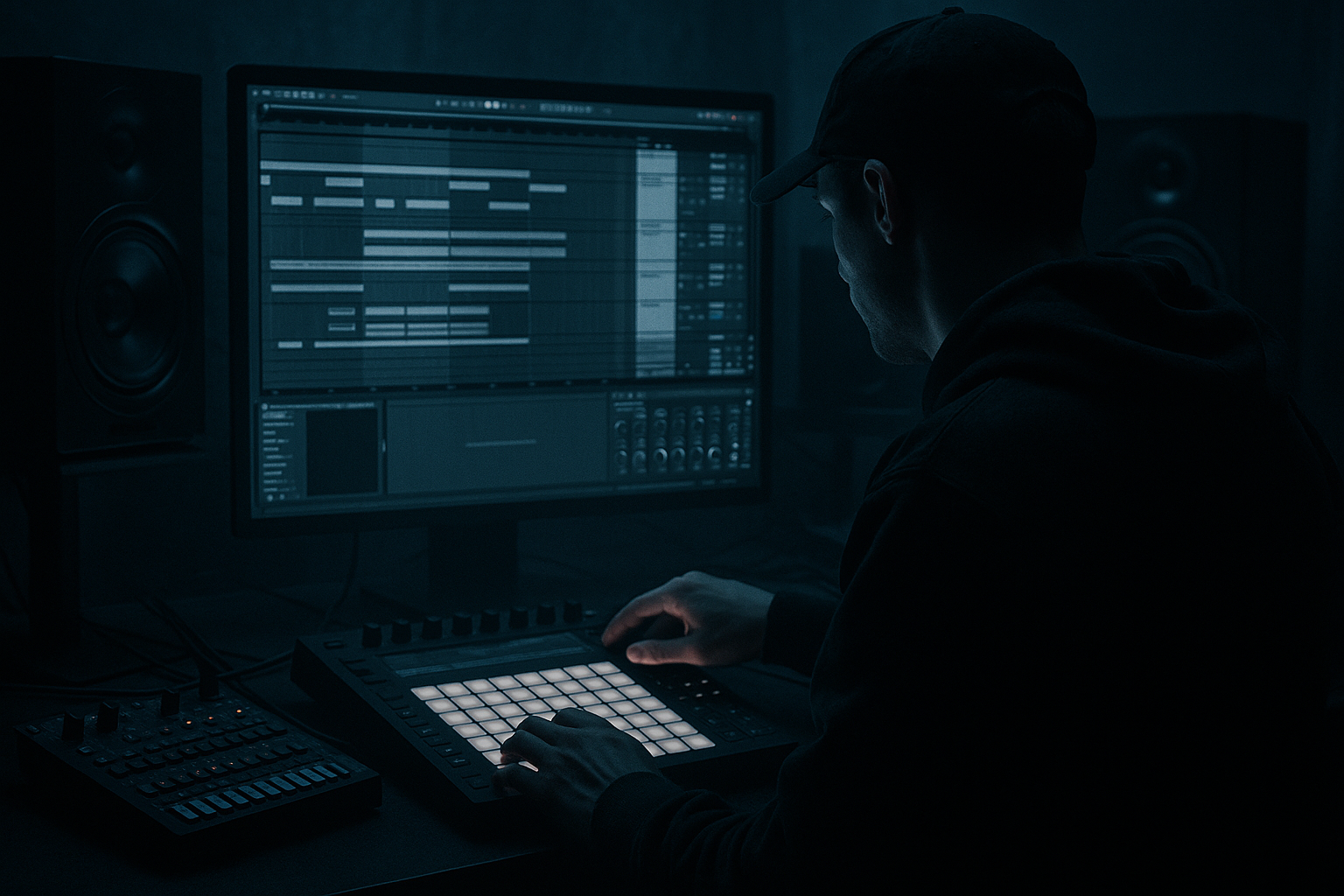
Main tutorial
Bassline Theory System: Bassline Swing in Ableton Live 12 (Oldskool Jungle / DnB)
Category: Resampling • Level: Advanced
(Energetic teacher mode engaged 😄)
---
1. Lesson overview
Oldskool jungle/DnB basslines rarely sit perfectly “on-grid.” The magic is in microtiming, note length, and how the bass speaks around the drums—especially the kick + snare + ghost hats. In Ableton Live 12, the fastest way to get that authentic swing is to:
- Create swing in MIDI (groove + intentional offsets)
- Convert it into audio via resampling
- Re-slice + re-trigger the audio so the swing becomes part of the sound (not just MIDI timing)
- Lock it tight with sidechain, envelopes, and arrangement moves
- A MIDI bassline with jungle swing and controlled “push/pull”
- A Resampled audio bass loop (8 bars) that captures timing + saturation movement
- A Slice-to-Drum-Rack bass for instant rearrangement and fills
- A tight mix relationship with your drums using sidechain + dynamic EQ
- Algorithm: A→Out, B→Out (2 oscillators to out)
- Osc A: Saw, Level 0 dB
- Osc B: Saw, Detune +7 to +15 cents, Level -6 dB
- Filter: LP24, Freq ~ 250–800 Hz (we’ll automate), Drive 2–6
- Amp Envelope:
- Add Saturation after Operator:
- LP24
- Envelope amount: +10–25
- Env decay: 80–180 ms
- Wavetable: Basic Shapes (saw-ish)
- Unison: 2–4 voices, Amount small (10–20%)
- Add Roar (Live 12) lightly:
- Notes answer the snare
- Notes lead into the next kick
- Short notes act like percussion (ghost bass)
- Bar 1: bass hits after kick, then a syncopated hit before snare
- Bar 2: slight variation + one extra ghost note
- Main notes: 1/8 to 3/16
- Ghost notes: 1/16 or even shorter
- Leave intentional gaps so the break breathes
- Main hits: 90–120
- Ghost hits: 30–70
- Timing: 20–40% (start at 30%)
- Velocity: 0–20% (only if it helps)
- Random: 2–6% (tiny—DnB hates sloppy)
- Base: usually 1/16
- Keep snare hits fixed (your reference).
- Nudge select bass notes:
- Create a call/response with the break’s ghost notes.
- Sidechain: Kick track (or a ghost kick trigger)
- Ratio: 3:1–6:1
- Attack: 3–10 ms (keep transient)
- Release: 60–140 ms (tune to tempo)
- Threshold: adjust for 2–6 dB GR on main hits
- Cut a narrow band if needed around 180–260 Hz if it fights the break body
- Keep sub stable around 45–70 Hz depending on key
- Groove timing
- Saturator/Filter motion
- Any subtle “human” inconsistencies
- Warp: ON
- Warp mode:
- Add warp markers only where needed.
- Find a note transient that should “drag”
- Place a warp marker and pull it +10–25 ms
- Do this for 2–4 hits per 2 bars, not everything
- Re-trigger slices to create:
- Drum Rack (per-pad control)
- On the whole rack:
- Bars 1–8 (Intro): filtered bass (Auto Filter slowly opening), minimal swing
- Bars 9–16 (Drop A): full bass swing + breaks
- Bars 17–24 (Variation): slice-based edits every 4 bars (1/2-bar dropout before snare)
- Bars 25–32 (Drop B): darker filter + extra ghost bass notes + heavier saturation
- Bass mute for 1/8
- Stutter 1/16 slice into snare
- Quick pitch dip (clip transposition -2 to -5 semitones for one hit)
- Split sub and mid for controlled swing
- Ghost sidechain trigger
- Roar for “dirty movement” that prints beautifully in resampling
- Erosion (subtle!) for gritty top
- Swing in jungle bass is timing + length + interaction, not just a groove preset.
- Use Groove Pool for the foundation, then manual microtiming for personality.
- Resampling prints the groove into audio so it becomes part of the sound.
- Warp + slicing lets you exaggerate and re-perform swing like oldskool edits.
- Keep sub controlled, let mids swing and growl for that heavy roller vibe 🔥
We’ll build a repeatable “bassline swing system” that feels rolling, rude, and 90s—without losing punch.
---
2. What you will build
A complete bass workflow consisting of:
End result: bass that bounces around the breaks—classic “Elastic / RAM / Moving Shadow-era” energy 🥁⚡
---
3. Step-by-step walkthrough
Step 0 — Session setup (so swing behaves predictably)
1. Set tempo: 160–170 BPM (try 165 to start).
2. Global Quantization: 1 Bar (for safe recording), but we’ll micro-edit later.
3. Choose a break (Amen, Think, Funky Drummer, etc.) and get it looping cleanly.
Tip: If you’re using warped breaks, set Warp mode to Complex Pro or Complex for full loops. For one-shots, disable Warp.
---
Step 1 — Build a bass sound designed for swing
You want a bass with a fast, percussive front so the timing actually reads.
#### Option A (stock, classic): Operator reese-ish
Create a MIDI track: BASS_MIDI
Operator settings (starting point):
- Attack 0–5 ms
- Decay 250–600 ms
- Sustain -inf to -10 dB (depends on note length)
- Release 80–150 ms
- Mode: Analog Clip
- Drive: 3–8 dB
- Soft Clip: ON
Then add Auto Filter (after Saturator):
This adds “pluck” that makes swing audible.
#### Option B (stock, heavier): Wavetable + movement
- Drive: 10–25%
- Tone slightly dark
- Mix: 30–60%
Keep the sub clean—split later if needed.
---
Step 2 — Write a bassline that is designed to swing (not just grooved)
Oldskool jungle basslines often feel like:
#### Practical pattern approach (2-bar loop)
In MIDI clip (2 bars), choose a key like F minor or G minor.
Try this rhythm concept:
Note lengths matter:
Velocity shaping:
Velocity can drive filter/envelope movement if you map it.
---
Step 3 — Apply jungle swing using Groove Pool (and know what to tweak)
1. Open Groove Pool.
2. Load a groove:
- Try MPC 16 Swing 57–62 (classic)
- Or any Swing 16 groove with moderate timing
3. Drag groove onto the MIDI clip.
Now tweak in Groove Pool:
Important advanced move:
Use Commit only after you like the feel. We’ll resample next, but committing makes the microtiming visible and editable.
---
Step 4 — Microtime “push/pull” manually (advanced feel shaping)
This is where it becomes your swing, not a preset.
In MIDI editor:
- “Answer” notes slightly late: +5 to +15 ms
- “Lead-in” notes slightly early: -5 to -12 ms
Ableton workflow tip:
Use the Nudge controls (or track delay) for macro offsets, but do per-note offsets for groove.
---
Step 5 — Lock swing to drums with sidechain (before resampling)
We want the bass to dance with the kick and get out of the snare’s way.
Add Compressor after your tone chain:
Optional: Add EQ Eight after compressor:
---
Step 6 — RESAMPLE: print the groove into audio 🎛️➡️🎚️
This is the core of the lesson: making swing part of the audio character.
#### Resampling method (clean and fast)
1. Create a new audio track: BASS_RESAMPLE
2. Set its input to:
- Audio From: BASS_MIDI (or from a Bass Group)
3. Arm BASS_RESAMPLE.
4. Solo bass (or record everything if you want interaction texture).
5. Record 8 bars (longer than 2-bar loop so movement matters).
Now you have an audio region that contains:
Pro move: Freeze/Flatten also works, but resampling lets you capture macro performance and real-time tweaks.
---
Step 7 — Tighten and exaggerate swing using warp (without killing the vibe)
Double-click your resampled audio.
- For bass: try Tones (Grain ~ 8–20)
- Or Complex if it’s more harmonically messy
Advanced swing trick:
Instead of “quantizing” the bass, create intentional late hits:
You’re sculpting feel, not correcting mistakes.
---
Step 8 — Slice to Drum Rack for classic jungle edits
This is where resampling becomes a performance instrument.
1. Right-click the bass audio clip → Slice to New MIDI Track
2. Slicing preset:
- “Transient”
- Or “1/16” if the bass is very consistent
3. New track becomes Bass Rack (Simpler slices).
Now you can:
- Stutters before snares
- Pitch drop fills
- Half-bar mutes that make the drop hit harder
Add Drum Rack processing (stock chain):
- Saturator (Drive 2–5, soft clip)
- Glue Compressor (1–2 dB GR)
- Utility (mono below ~120 Hz via Bass Mono if you split bands)
---
Step 9 — Arrangement ideas (oldskool structure that sells the swing)
Try this 32-bar plan:
DnB ear candy:
Every 8 bars, do one of:
---
4. Common mistakes
1. Swinging everything equally
Jungle swing is selective. If every note is late, the track just feels slow.
2. Too much Groove Pool Random
Random above ~6–8% often reads as sloppy, not human.
3. Bass note lengths ignore the break
Long notes that overlap snares will flatten the groove. Use short notes + gaps.
4. Resampling too short
1–2 bars can feel static. Print 8–16 bars so small modulations evolve.
5. Warping destroys transients
Wrong warp mode or too many markers can smear the bass attack. Use minimal markers.
---
5. Pro tips for darker/heavier DnB 🕶️
- Duplicate bass track:
- SUB: LP at ~90–120 Hz, mono, minimal distortion
- MID: HP at ~90–120 Hz, heavy Saturator/Roar, chorus/flange if desired
Swing the mid more than the sub (sub stays stable, mid provides “bounce”).
- Make a MIDI track with a short click/kick on the groove you want.
- Sidechain bass to that instead of the actual kick for more consistent pumping.
- Slight feedback + dynamic drive can create evolving harmonics that feel alive once resampled and sliced.
- Put Erosion on the MID band only:
- Mode: Wide Noise
- Amount: 0.3–1.5
It adds that dusty edge without turning into harsh digital fizz.
---
6. Mini practice exercise (20 minutes)
1. Build a 2-bar bass MIDI loop in G minor using Operator.
2. Apply MPC 16 Swing 60, Timing 30%.
3. Manually nudge:
- 2 notes late (+10 ms)
- 2 notes early (-8 ms)
4. Sidechain to kick for 3–5 dB gain reduction.
5. Resample 8 bars to audio.
6. Slice to Drum Rack and create:
- One stutter fill in bar 8
- One dropout (mute) for 1/8 before a snare
Export a 16-bar bounce and check: does the bass feel like it leans into the break?
---
7. Recap
If you want, tell me your target vibe (e.g., “1994 darkside,” “jump-up wobble,” “techstep roll”), and I’ll suggest a specific bass note rhythm + swing template + resample/slice pattern to match.

