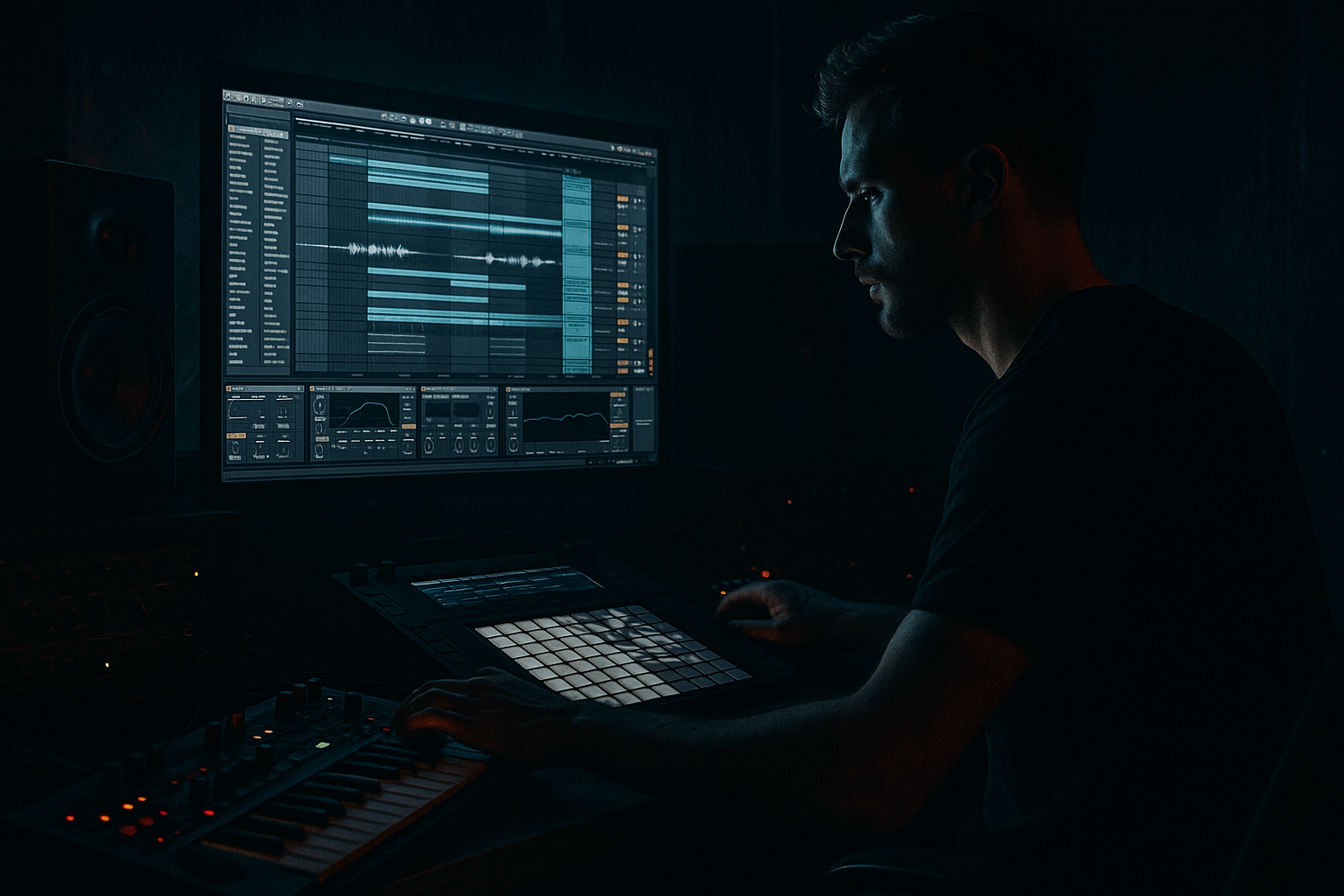
Main tutorial
Bassline Theory: Kick Weight + Glue for Timeless Roller Momentum (Ableton Live 12) 🥁🧪
Advanced | Drums | Jungle / Oldskool DnB vibes
---
1. Lesson overview
This lesson is about making the kick feel heavy and glued to the bassline while keeping that endless roller momentum that defines jungle and early DnB. We’re not just “sidechaining the bass and calling it a day”—we’ll build a kick–bass relationship that:
- reads clearly on big systems and small speakers
- has consistent low-end weight without flab
- keeps the groove rolling with micro-timing + envelope control
- uses Ableton Live 12 stock devices (with practical chains and numbers)
- A two-layer kick (sub “thud” + mid “click/knock”)
- A controlled low-end bus (Kick + Sub Bass only)
- A groove-aware ducking system (not over-pumping)
- A momentum-friendly arrangement (bar-level variation + fills)
- Optional parallel “weight” return for the oldskool heft
- Drum Rack / Simpler
- EQ Eight
- Saturator
- Glue Compressor
- Compressor (sidechain)
- Drum Buss
- Utility
- Limiter
- Spectrum (for sanity)
- Create a MIDI track: Kick Sub
- Load Simpler (one-shot) with a clean, short kick or a low tom/kick tail.
- Simpler settings:
- Add EQ Eight:
- Create a second MIDI track: Kick Top
- Simpler with a punchy beater/click/knock (even a trimmed snare transient can work).
- EQ Eight:
- Add Saturator:
- Group both into KICK GROUP
- On the group insert:
- answers the kick
- keeps a steady, cyclical pattern
- avoids stepping on the kick fundamental
- Kick anchors 1 and (often) the “and” of 2 / 3 depending on your drum pattern
- Bass tends to hit just after the kick or between kicks to keep forward motion
- Create MIDI track: SUB
- Load Operator (or Wavetable). Use Operator for a classic clean sub.
- Add EQ Eight:
- Add Saturator (for audibility on small speakers):
- If your kick’s meat is around 55–65 Hz, try placing sub bass fundamental around 40–55 Hz or use notes that don’t collide.
- Use Spectrum on kick and sub:
- Put EQ Eight after the Compressor on SUB
- Create a narrow bell at kick fundamental (say 60 Hz), -2 to -4 dB
- If you want it to react dynamically, you can instead use a Multiband Dynamics trick (advanced), but static is often enough if your arrangement is consistent.
- Add Track Delay (in the mixer section) on SUB
- Try +5 ms to +15 ms
- This can make the kick feel like it “arrives first,” and the bass feels like the wheel rolling behind it.
- Shorten bass MIDI notes so they don’t overlap kicks
- Typical roller sub notes:
- Use a shuffled 16th groove (jungle swing) very lightly:
- Bars 1–8: Core loop (establish kick + bass relationship)
- Bars 9–16: Add ghost kick or alternate kick (very subtle)
- Bars 17–24: Bass variation every 2 bars (one note change, or octave pop)
- Bars 25–32: Pre-drop tension
- Parallel weight return (dirty low-mids):
- Mid-bass layer for menace (separate from sub):
- Drum Buss on break group (not on low-end bus):
- Clip-to-control:
- A timeless roller is kick-first clarity + bass-driven motion.
- Use a layered kick: short sub thud + mid click, then glue lightly.
- Build a dedicated LOW END BUS (Kick + Sub only) and compress subtly for cohesion.
- Sidechain for space, not for pump.
- Momentum comes from envelopes, note lengths, and micro-timing, not just louder bass.
- Keep low end mono, controlled, and role-based.
You’ll end up with a kick that feels like it’s pulling the bass forward—classic timeless movement. ⚙️
---
2. What you will build
A tight, mix-ready Kick + Bass Glue System for roller drums, featuring:
All inside Ableton Live 12 using:
---
3. Step-by-step walkthrough
Step 0 — Session setup for “roller truth”
1. Tempo: 165–172 BPM (start at 170).
2. Warp mode for breaks: Complex/Complex Pro can smear transients—prefer Beats with transient preservation for breaks, but that’s optional here.
3. Set monitoring:
- Put Spectrum on your Master (temporary).
- Add Utility on Master and map a Mono switch (check mono often).
---
Step 1 — Build a kick that has “weight + point”
Oldskool rollers often use kicks that are short and punchy, with the bassline carrying sustain. So we’ll create:
#### A) Kick Sub Layer (Thud)
- Mode: One-Shot
- Warp: Off
- Filter: On (LP24), set around 120–200 Hz (depends on sample)
- Amp Envelope:
- Attack: 0–1 ms
- Decay: 120–200 ms
- Sustain: -inf (0)
- Release: 30–80 ms
- HP at 25–30 Hz (steep 24/48 dB if needed)
- Gentle bell +1 to +3 dB at 50–70 Hz (only if the sample needs it)
#### B) Kick Mid/Click Layer (Knock)
- HP at 150–250 Hz
- Optional bell +2 dB around 2–4 kHz for bite
- Mode: Analog Clip
- Drive: 2–6 dB
- Soft Clip: On
- Output: trim to match level
#### C) Group + glue the kick layers
1. Glue Compressor
- Attack: 10 ms
- Release: Auto or 0.1–0.3 s
- Ratio: 4:1
- Threshold: aim for 1–3 dB gain reduction on hits
- Makeup: Off (match by ear)
2. Drum Buss (light)
- Drive: 2–5%
- Crunch: 0–10% (optional)
- Boom: 0–10% (be careful—Boom can wreck sub phase fast)
- Transients: +5 to +15 (if you want more “knock”)
3. Utility
- Bass Mono: On, set to 120 Hz (great for club translation)
Goal: The kick should feel present even quietly, and the sub layer should be short enough to leave room for bass sustain.
---
Step 2 — Bassline theory: “kick is the downbeat, bass is the wheel”
For classic rollers, the bassline often:
We’ll do a simple but deadly oldskool pattern:
#### Build the Sub Bass track (clean foundation)
- Operator:
- Osc A: Sine
- Envelope:
- Attack: 0
- Decay: 200–600 ms (depends on groove)
- Sustain: -inf if you want plucks, or around -6 to -12 dB for held notes
- Release: 50–120 ms
- HP at 25–30 Hz
- Optional gentle dip where kick sits if needed (more on that below)
- Mode: Soft Sine or Analog Clip
- Drive: 1–4 dB
- Soft Clip: On
- Keep it subtle—sub should stay clean.
---
Step 3 — Create the “Kick Weight Glue” Bus (low-end control system)
This is the pro move: separate the low-end decision-making from the rest of your mix.
1. Create an Audio Effect Rack on a group called LOW END BUS
2. Route only:
- KICK GROUP
- SUB
3. On LOW END BUS insert in order:
#### Device chain (starter settings)
1. EQ Eight
- HP at 25 Hz
- Optional gentle shelf -1 to -2 dB above 150–200 Hz (keep bus focused)
2. Glue Compressor
- Attack: 30 ms (let transients through)
- Release: Auto
- Ratio: 2:1
- Threshold: aim 1–2 dB GR on kick hits
- This is glue, not slam.
3. Utility
- Bass Mono: 120 Hz
- Gain: adjust for headroom; keep peaks sane
4. Limiter (safety, not loudness)
- Ceiling: -0.8 dB
- Only tickle it (1 dB max) while building
Why this works: Your kick and sub now “breathe” together slightly, giving that unified roller push without pumping the whole mix.
---
Step 4 — Sidechain that feels like momentum (not EDM pumping)
We’ll duck the sub just enough to let the kick read clearly.
On the SUB track:
1. Add Compressor
2. Enable Sidechain
3. Audio From: KICK GROUP
4. Settings:
- Ratio: 4:1
- Attack: 0.3–2 ms
- Release: 60–120 ms (tempo-dependent; 170 BPM tends to like ~80–110 ms)
- Knee: 3–6 dB
- Threshold: set for 2–5 dB GR on kick hits
Advanced feel tip:
If the groove feels like it “slows down,” your release is too long. If it clicks or loses body, your attack is too fast or you’re over-ducking.
---
Step 5 — Frequency “slotting”: don’t fight, assign roles 🎯
Pick a kick fundamental zone and make the bass respect it.
- Kick: where is the main bump?
- Sub: where is the strongest harmonic/fundamental?
Practical move: dynamic dip on sub (optional)
---
Step 6 — Timing and envelopes: roller motion lives in the micro
This is where advanced producers separate themselves.
#### A) Micro-delay the bass (tiny!)
#### B) Note lengths = groove control
- 1/8 notes with slight gaps (staccato)
- occasional longer holds into transitions
#### C) Groove Pool (tastefully)
- Apply to hats/percs more than kick/sub
- If applied to bass, do it subtly (amount 10–25%) so it doesn’t flam with kick
---
Step 7 — Arrangement ideas for timeless roller momentum 🏃♂️
A roller that never gets boring uses tiny changes that don’t break the loop.
Try this 32-bar structure:
- remove kick for 1/2 bar
- or filter bass slightly
- or add a tom fill that lands back on the 1
Classic jungle touch:
Use a single kick dropout right before the phrase resets (bar 8/16/24/32) to make the return feel heavier.
---
4. Common mistakes
1. Kick too long in the sub → smears the groove and masks bass sustain. Trim/shorten the sub layer.
2. Over-sidechaining → you lose bass authority and it starts sounding modern/EDM. Keep it 2–5 dB GR.
3. No low-end bus control → you’ll chase level and EQ forever. Bus it and make decisions once.
4. Boosting 50–80 Hz on everything → causes mud and inconsistent translation. Assign roles.
5. Ignoring mono compatibility → low end in stereo = weak in clubs. Bass mono up to ~120 Hz.
6. Kick + bass phase roulette → if it feels inconsistent hit-to-hit, check sample start, tails, and avoid “Boom” overuse.
---
5. Pro tips for darker/heavier DnB 🌑
- Create a Return track: WEIGHT
- Add Saturator (Analog Clip, Drive 6–10 dB)
- Add EQ Eight to band-limit:
- HP 80–120 Hz
- LP 600–1200 Hz
- Blend subtly under kick + bass for gritty thickness without ruining sub.
- Duplicate SUB to a new track “MID BASS”
- HP at 120–180 Hz
- Add Saturator + Chorus-Ensemble (very subtle) for width
- Sidechain it a bit harder than the sub so the kick stays dominant.
- Drive small, Transients up a touch—keep kick/sub clean and authoritative.
- Light soft clipping (Saturator soft clip) on kick group often sounds more “classic DnB” than heavy limiting.
---
6. Mini practice exercise (20 minutes) ⏱️
1. Make an 8-bar loop at 170 BPM:
- Kick pattern: steady roller style (don’t overcomplicate)
- Sub: 2-note motif (root + fifth or root + minor 7 vibe)
2. Build Kick Sub + Kick Top layers and glue them.
3. Route Kick + Sub to LOW END BUS and set Glue Comp to 1–2 dB GR.
4. Sidechain SUB from KICK GROUP:
- Try two releases: 70 ms and 120 ms
- Pick the one that feels like it “pulls forward” without wobbling.
5. Add +10 ms track delay to SUB and A/B it.
6. Bounce a quick render and listen quietly: can you still “feel” the kick?
Deliverable: a loop that still rolls at low volume and doesn’t collapse in mono.
---
7. Recap ✅
If you want, tell me your kick fundamental (Hz) and bass root note, and I’ll suggest an ideal slotting + sidechain release time for your exact groove.

