Main tutorial
Lesson Overview
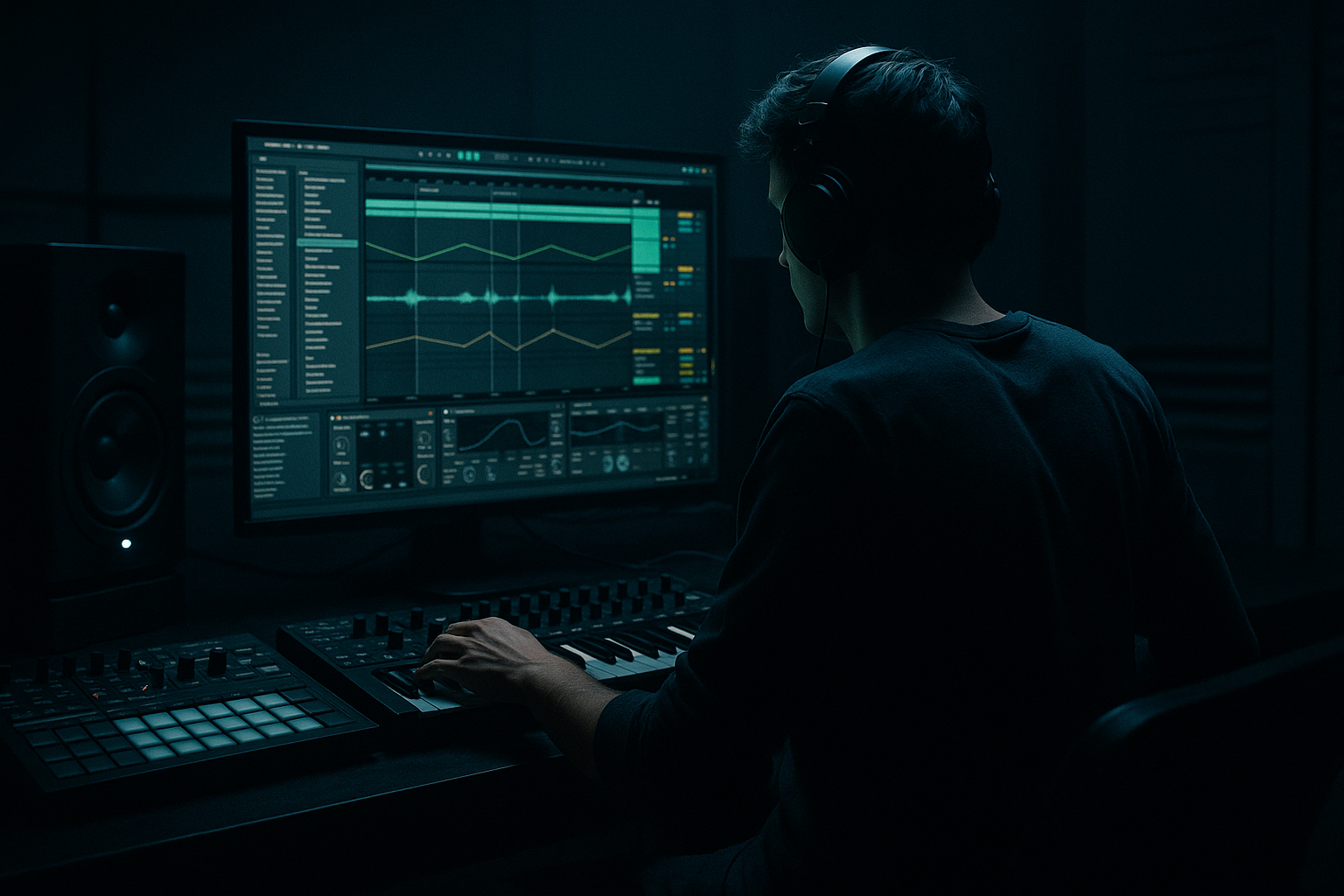
This lesson is about turning a jungle-era bassline idea into a full DnB arrangement in Ableton Live 12, with the focus on transitioning from a simple groove into a more evolved bass phrase. In practice, this means taking an 8-bar loop built around a sub + reese + breakbeat interaction and transforming it into a track section that feels like it’s moving somewhere: more energy, more tension, more identity.
This matters because a lot of intermediate DnB productions get stuck in “loop mode.” The drums and bassline might sound strong individually, but the arrangement doesn’t tell a story. In jungle, rollers, darker halftime-leaning DnB, and neuro-influenced bass music, the transition between phrases is where the track gets its momentum. The listener should feel the bassline mutate, the breakbeat react, and the drop evolve without losing impact.
In Ableton Live 12, you can do this efficiently using stock tools like Simpler, Drum Rack, Operator, Wavetable, Auto Filter, Saturator, Drum Buss, Echo, Utility, Envelope Follower, and arrangement automation. The goal is not to make the bassline “busy” for the sake of it — it’s to make the line feel like it’s breathing, answering the drums, and developing across sections.
Why this works in DnB: the genre thrives on repetition with variation. The listener locks into the breakbeat and sub foundation, then stays engaged because each 4- or 8-bar phrase introduces a new bass movement, a filter shift, a fill, a switch-up, or a moment of space. That tension-and-release cycle is the engine of jungle and modern DnB. 🔥
What You Will Build
You’ll build an 8-bar jungle-to-modern-DnB transition that starts with a stripped-back bass phrase and ends with a fuller arrangement change.
Specifically, you’ll create:
- A mono sub layer holding the root movement
- A mid-bass/reese layer with controlled movement and width
- A breakbeat drum lane with edited hits, ghost notes, and fills
- A transition section that uses automation to morph the bassline from one texture into another
- A DJ-friendly arrangement block with clear intro, build, drop, and switch-up logic
- Bars 1–4: sparse jungle-style bass call, breakbeat present but leaving space
- Bars 5–6: bass starts morphing with filter and distortion movement
- Bars 7–8: tension peaks with a fill, bass accent, and arrangement shift into the next section
- Making the bassline too busy
- Letting the reese occupy sub territory
- Overusing filters and FX
- Ignoring the breakbeat’s ghost notes
- Too much low end in the break sample
- No clear phrase change
- Stereo bass below the low mids
- Use Saturator in soft clip mode to thicken the bass without destroying transients.
- Layer a very quiet mid-only distortion lane over the bass and keep the sub clean.
- Use Echo throws on specific bass notes, not the whole phrase. One controlled delay hit can sound huge in a sparse arrangement.
- Add tiny pitch or filter movement on repeated bass notes so they feel alive without sounding random.
- For more underground character, keep the drop less polished and let the break have some raw texture.
- Try resampling your bass phrase to audio, then chopping it into a new arrangement. This often creates more authentic jungle phrasing.
- If the tune leans neuro/darker, automate the reese to get more aggressive in the last 2 bars, then snap back to a cleaner state after the drop.
- Use Drum Buss gently on the break group to glue the transients and make room for the bass.
- Keep a short mute/gap before the big hit. That tiny silence can make the drop feel much larger.
- Build DnB basslines as sub + mid-bass layers with different jobs.
- Let the breakbeat and bassline answer each other.
- Use automation to transform the bass over 4–8 bars instead of rewriting everything.
- Keep the low end mono, controlled, and separate from the break’s body.
- Design arrangements with a clear phrase arc: sparse, developing, tension, switch-up.
- In DnB, the most effective transitions are often the ones that feel simple, intentional, and rhythmically locked in.
Musically, the result should feel like:
Think of it as a bridge between raw jungle phrasing and a more polished rollers / darker DnB drop structure.
Step-by-Step Walkthrough
1. Set up a focused DnB template
Start with a clean project at 170–174 BPM. For this lesson, use 172 BPM because it sits comfortably between jungle and modern DnB energy.
Create these tracks:
- Kick/Snare Break
- Top Break / Perc
- Sub Bass
- Reese / Mid Bass
- FX / Transition
- Return A: Short Reverb
- Return B: Dub Delay
On your master, leave headroom. Aim for the loudest section to peak around -6 dB to -8 dB while writing. That gives room for bass movement and drum transients later.
Use a reference loop of 8 bars if you have one, but keep your session simple. The point is speed and clarity, not overbuilding.
2. Program a breakbeat that can carry bass movement
Drag a classic break or sliced break into Simpler on the Kick/Snare Break track. If the break is long, try Slice mode in Simpler and let Ableton detect transients automatically. This makes it easier to rearrange hits and create jungle-style edits.
Useful starting moves:
- Warp: Complex Pro for full break samples, or Beats mode if you want tighter transient control
- Transient envelope: slightly shorten if the break feels too roomy
- Filter: high-pass the break lightly around 80–120 Hz if it competes with the sub
- Add Drum Buss with:
- Drive: 5–15%
- Crunch: very subtle
- Boom: only if the kick needs extra body, and keep it restrained
Now add a second percussion lane for top hats, ride hits, or chopped break fragments. In jungle and rollers, this layer helps the bassline feel like it’s moving faster without overcrowding the main break.
Why this works in DnB: the breakbeat is your rhythmic narrative. If the break has defined transients and some ghost-note detail, the bassline can “dance” around it instead of fighting it.
3. Design a solid mono sub with simple note logic
On the Sub Bass track, use Operator or Wavetable with a plain sine/triangle-style foundation. Keep it mono with Utility set to Width 0%.
Start with a simple 2-bar or 4-bar phrase. For this lesson, use a note pattern that follows the root movement and leaves gaps for the break. In DnB, sub phrasing is often more effective when it’s not constantly active.
Good sub behavior:
- Notes mostly between 1/8 and 1/4 note lengths
- Leave at least one or two rests per bar
- Use note endings to create “punch” before snare hits
- Keep velocity consistent unless you’re driving envelope dynamics
Suggested settings:
- Operator oscillator: sine
- Amp envelope: short attack, moderate decay if you want a gentle tail
- Utility: Width 0%, Gain adjusted so the sub sits under the drums, not on top of them
Add Compressor only if the sub is inconsistent. If you do, keep it gentle: ratio around 2:1 and just a few dB of gain reduction.
4. Build a reese/mid bass that can transform
On the Reese / Mid Bass track, use Wavetable or a layered Instrument Rack with two detuned oscillators. The goal is not an over-processed monster from bar one. Instead, create a bass that can evolve through arrangement automation.
A strong starting patch:
- Two oscillators slightly detuned
- Filter set to a low-pass or band-pass
- Unison kept modest so the low end doesn’t blur
- A touch of Saturator or Overdrive for grit
Try these parameter ranges:
- Detune: subtle, around 5–15 cents
- Filter cutoff: start around 150–500 Hz depending on tone
- Resonance: low to moderate, avoid whistle peaks
- Saturator drive: around 2–6 dB
- Auto Filter envelope amount: enough to create motion but not a sweeping EDM effect
Add Utility after the bass synth and keep it mostly mono below the crossover. If the sound needs width, use Chorus-Ensemble or a very restrained stereo layer only in the mids/highs, not the sub region.
In jungle and darker DnB, the bassline often works best when the sub and reese are treated as separate jobs:
- sub = weight and foundation
- reese = motion, character, aggression
5. Write a bass phrase that answers the break
Now create a 4- or 8-bar MIDI phrase where the bass does not simply follow the kick. Instead, let it call and respond to the snare and ghost notes in the break.
A practical phrase approach:
- Put a bass note before the snare to create anticipation
- Leave space on the snare hit itself if the break is busy
- Use short repeated notes for pressure
- Add one longer note at the end of the bar to “lean” into the next phrase
Example musical context:
- In bars 1–2, use a restrained root movement, maybe only one or two notes per bar
- In bars 3–4, introduce a syncopated answer note after the snare
- In bars 5–8, add an octave jump or a passing tone to suggest the bassline is transforming into the next section
This is where intermediate judgment matters: don’t fill every gap. A strong DnB bassline often feels heavier because it leaves room for the breakbeat to breathe.
6. Transform the bassline with automation instead of rewriting everything
This is the core of the lesson: transition your bassline using automation lanes in Arrangement View.
Automate the following across 8 bars:
- Filter cutoff on the reese: open gradually from around 200 Hz toward 1–3 kHz
- Resonance: slightly increase before a switch-up, then pull back
- Saturator drive: rise in the last 2 bars for extra edge
- Reverb send: briefly increase on the final bass stab for atmosphere
- Echo send: use a short dub-style throw on one note or hit
For Ableton stock devices, these moves are fast and effective:
- Auto Filter for tension sweeps
- Saturator for harmonic growth
- Echo for rhythmic throws or wideness on transition notes
- Utility for width changes if you want the bass to “open up” before a drop
- Volume automation for subtle emphasis on the last 1–2 hits
Keep the automation musical. Don’t automate everything at once. One parameter opening, one parameter getting dirtier, and one effect throw is usually enough.
7. Edit the breakbeat into a transition phrase
This is where the lesson becomes more jungle-specific. Duplicate the break loop and create a variation lane for the last 2 bars.
Add:
- A snare pickup or extra ghost snare
- A chopped kick-stutter before the drop
- A reversed break slice or short fill
- A one-beat gap before the next downbeat for impact
In Simpler or on the Arrangement timeline, make micro-edits:
- Move a ghost kick slightly earlier for forward motion
- Remove one kick to create breathing room for the bass
- Layer a rimshot or closed hat on the offbeat to drive the final bar
Then shape the drum bus lightly:
- Drum Buss: Drive 5–10%
- Transient control if the break needs more attack
- Keep low-end kick energy controlled so it doesn’t fight the sub
This is also a good moment to mute the bass for half a beat right before the drop or switch. That tiny vacuum makes the return hit harder.
8. Create a transition FX lane that supports the arrangement
On your FX track, use stock Ableton sounds or resampled noise to create movement:
- Noise riser through Auto Filter
- Short reverse cymbal
- Downlifter into the next section
- A sub-drop if the arrangement needs extra weight
A very usable chain:
- Operator or Wavetable noise source
- Auto Filter
- Echo
- Reverb
- Utility for mono compatibility if needed
Suggested settings:
- High-pass the riser so it doesn’t cloud the low end
- Let the final FX hit occupy the top end only
- Use a very short reverb tail on transitional impacts, not a huge wash
Make the FX functional. In DnB, transitions are most effective when they support the groove rather than turning into cinematic clutter.
9. Arrange the section like a DJ-friendly phrase
Build the arrangement in a way that makes sense for mixing and performance.
A strong 8-bar structure:
- Bars 1–2: stripped drum + sub foundation
- Bars 3–4: reese comes in, still sparse
- Bars 5–6: automation opens, break gets busier
- Bars 7–8: fill, tension peak, and handoff into next section
For DJ-friendly intros/outros:
- Keep the first 4–8 bars relatively clean
- Avoid unnecessary lead hooks in the intro
- Leave a clear drum-only or drum-plus-sub segment if this is meant to mix in/out
If the track is more roller-oriented, the transition can be smoother and less abrupt. If it’s jungle-darker, the cut can be more dramatic, with a sharper fill and more aggressive bass switch.
Use arrangement duplication to speed up decision-making: make one version with a more subtle transition, one with a harder switch, and keep the one that best serves the tune.
10. Do a mono check and balance the low end against the drums
Before moving on, collapse the low end and check the mix in mono.
In Ableton:
- Put Utility on the master temporarily and reduce width to check compatibility
- Solo the sub and drum low-end interaction
- Make sure the bass doesn’t disappear when mono’d
Watch for:
- Reece stereo width eating the sub
- Break sample low-end masking the bass
- Overly bright saturation making the bass harsh around 2–5 kHz
If the mix feels muddy:
- High-pass the break a little more
- Narrow the bass mids
- Reduce reverb sends on bass hits
- Use subtle EQ Eight cuts rather than overprocessing
Common Mistakes
- Fix: remove notes until the groove feels undeniable. In DnB, space is part of the rhythm.
- Fix: keep the sub mono and separate the mid-bass with filtering or layering.
- Fix: pick 2–3 automation moves that actually matter instead of sweeping everything.
- Fix: write the bass around the break, not on top of it. Ghost notes are where the groove lives.
- Fix: high-pass the break and let the sub own the bottom.
- Fix: create a distinct switch-up every 4 or 8 bars, even if it’s subtle.
- Fix: keep anything below roughly 120 Hz centered and stable.
Pro Tips for Darker / Heavier DnB
Mini Practice Exercise
Spend 15 minutes building a transition phrase using only stock Ableton devices.
1. Set tempo to 172 BPM.
2. Load one breakbeat into Simpler and make a 4-bar loop.
3. Create a mono sub with Operator and write a 2-bar root pattern.
4. Add a reese layer in Wavetable or an Instrument Rack with slight detune.
5. Automate Auto Filter cutoff on the reese so it opens over 8 bars.
6. Add one Echo throw on the final bass note.
7. Duplicate the break and make one fill variation for the last 2 bars.
8. Mute the bass for half a beat before the final downbeat, then bring everything back in.
Goal: by the end, you should have a loop that clearly feels like it’s moving from one section to another, not just repeating.

