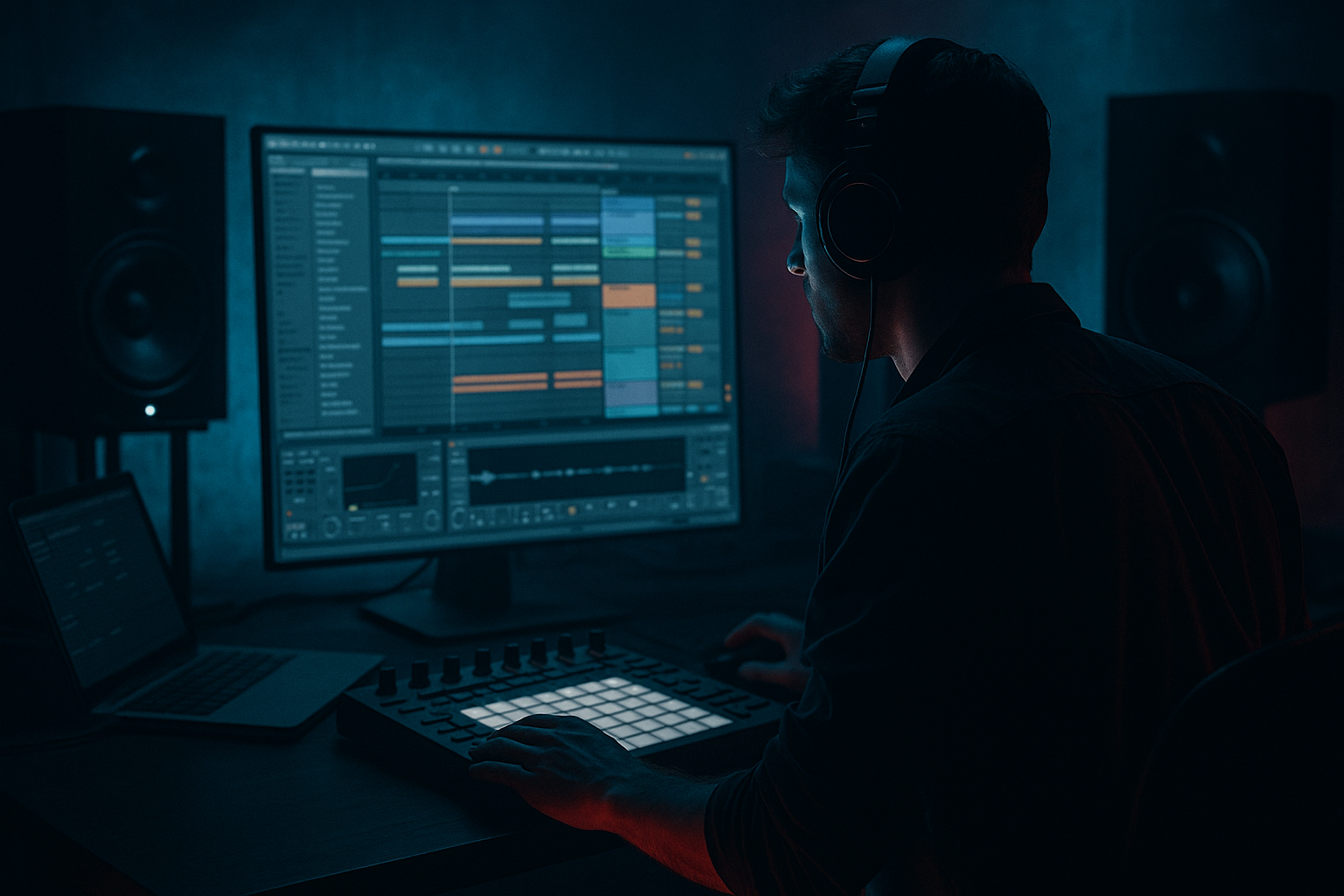
Main tutorial
```markdown
Bassline Theory: “Impact Transform” with an Automation‑First Workflow (Ableton Live 12)
Style: Jungle / oldskool DnB vibes (rolling, raw, movement-heavy)
Level: Advanced • Category: Breakbeats 🥁
---
1. Lesson overview
This lesson is about building basslines that change impact over time—not just “sound cool.”
In jungle/oldskool DnB, the bass often works like a second drummer: it hits, pulls back, opens up, then re-locks with the break.
We’ll use an automation-first workflow in Ableton Live 12:
- You’ll design bass patches that invite automation (macros + modulation targets).
- You’ll write bass notes that support the breakbeat pocket.
- You’ll use automation lanes and clip envelopes as the main “arrangement engine.”
- You’ll create impact transforms: perceived weight, punch, aggression, width, and density changing across phrases.
- Breakbeat: think chopped Amen / think classic roll with edits.
- Bassline: 2-layer design
- Impact Transform Automations:
- Two saw-like sources slightly detuned (or use a waveform with harmonics)
- Add subtle pitch drift via LFO
- Then filter + saturate
- State 1: Locked / contained
- State 2: Open / aggressive
- State 3: Brutal / chaos moment
- SUB: longer notes, fewer changes.
- MID: more rhythmic variation, but match the SUB’s note choices.
- Keep it restrained:
- Bars 1–4: stable
- Bars 5–8: slowly open cutoff + small grit lift
- MID Filter Cutoff: ramp up
- MID Width: expand slightly (90–115%)
- MID Bite: + a touch (more articulation with break)
- SUB Release: slightly shorter for punch (or longer for weight—choose one identity)
- Quick spike in MID Grit + Cutoff
- Then hard drop back at bar 17
- Keep cutoff slightly lower than the lift, but increase grit:
- Try a brief automation “wobble” (not dubstep wobble—jungle movement):
- Introduce a momentary width burst on MID (bar 29–30), then snap to narrow.
- Automate sidechain amount less for 2 bars (bigger wall), then restore.
- Put Compressor on SUB and MID (separately), sidechain from kick (or the whole drum bus if your kick isn’t isolated).
- Start settings:
- Tight sections: more GR (cleaner mix)
- Heavy sections: slightly less GR (more “wall”)
- Automating too many parameters at once
- Letting the MID layer leak into sub
- Sidechain set-and-forget
- Over-saturating the sub
- No contrast across phrases
- Use “dark = less top, more controlled harmonics”
- Roar as an automation weapon
- Mid transient shaping is underrated
- Micro-timing for roll
- Rumble discipline
- You built a two-layer jungle/DnB bass: stable sub + animated mid.
- You set up an automation-first macro system so impact changes are easy and musical.
- You arranged “impact transforms” across 32 bars using:
- You kept the bass locked to breakbeat phrasing, not just the kick.
Key idea: Impact is not only volume. It’s harmonics, transient shape, sub stability, mono-compatibility, timing, and space.
---
2. What you will build
A jungle-leaning 170–174 BPM loop that expands into an 32-bar idea:
- SUB layer (pure, stable, mono)
- MID/REESY layer (movement + grit)
- Filter opening + resonance “push”
- Saturation drive “lift”
- Frequency shift / chorus width for “open sections”
- Transient shaping on mid layer to “punch” with the break
- Sidechain that changes over sections (not static)
Result: A bass that morphs from tight/contained to wide/violent, while staying mix-safe and dancefloor-credible. 😈
---
3. Step-by-step walkthrough
A) Session setup (the “DnB grid”)
1. Set tempo to 172 BPM.
2. Create groups:
- DRUMS (break + tops)
- BASS (Sub + Mid)
- MUSIC/FX (optional)
3. Set your master headroom:
- Keep peaks around -6 dBFS while building.
4. In Arrangement View, pre-mark phrases:
- 0–8 bars: intro loop
- 9–16 bars: first lift
- 17–24 bars: heavier variation
- 25–32 bars: “drop 2” energy / switch
Why: Jungle lives on phrasing. Automations should follow phrase logic, not random wiggles.
---
B) Breakbeat anchor (quick but intentional)
You can use your own break, but here’s a practical approach:
1. Drop a classic break into a Drum Rack or audio track.
2. Add Drum Buss on the break channel:
- Drive: 5–15%
- Boom: 0–20% (careful—don’t steal sub space)
- Transient: +5 to +25 (depends how crunchy the sample is)
3. Add Auto Filter after Drum Buss:
- High-pass around 25–35 Hz (clean rumble)
4. Optional: Glue Compressor
- Ratio 2:1
- Attack 3–10 ms
- Release Auto
- 1–2 dB of GR max
Goal: The break is your timing ruler. Your bass impact should “answer” the break.
---
C) Build the bass as a performance instrument (Sub + Mid)
#### 1) SUB layer (Operator = fast, stable, mix-safe)
Create a MIDI track: BASS – SUB
Device chain:
1. Operator
- Osc A: Sine
- Voices: 1
- Glide: Off (we’ll add later if needed)
- Amp Env:
- Attack 0–5 ms
- Decay short (optional)
- Sustain 100%
- Release 50–120 ms (avoid clicks)
2. EQ Eight
- Low-pass around 120–180 Hz (keep it pure)
- Optional tiny cut around 50–80 Hz if it fights kick (depends on tuning)
3. Utility
- Width: 0% (hard mono)
- Gain to taste
Theory note: Oldskool jungle bass works when the fundamental is predictable. The movement can live above.
---
#### 2) MID layer (Wavetable or Operator for reese-ish movement)
Create a MIDI track: BASS – MID
Option A (clean modern control): Wavetable
Device chain:
1. Wavetable
- Osc 1: “Basic Shapes” → somewhere between saw/square
- Osc 2: optional, detuned lightly (+/- 5–12 cents)
- Unison: 2–4 voices, Amount low
- Filter: MS2 or PRD (characterful)
2. Auto Filter (for automation-first moves)
- Mode: LP24
- Drive: 0–6 dB (if needed)
3. Saturator
- Mode: Analog Clip
- Drive: 2–8 dB (we’ll automate this)
4. Roar (Ableton Live 12) – optional but powerful 🔥
- Start with a mild preset, then reduce to subtle
- Use it mainly as an automatable aggression stage
5. EQ Eight
- High-pass ~120 Hz (leave sub to sub layer)
- Control harshness around 1.5–4 kHz
6. Utility
- Width: 70–120% (automate later)
- Bass Mono: enable if you push width
Option B (classic reese technique): Operator
---
D) “Impact Transform” concept (what you automate and why)
You’re going to treat the bass like it has states:
- tighter filter, less distortion, narrower width, more sidechain
- filter opens, drive increases, transient edge appears, width expands, less sidechain
- formant/shift, extra harmonic layer, quick movement, then return to State 1
The trick: Automate perceived impact without wrecking sub stability.
---
E) Create 8 “Impact Macros” (Automation-first setup)
On each bass track, add an Audio Effect Rack at the end of the chain and map macros.
#### SUB track macros (4 macros)
1. SUB Level → Utility Gain
2. SUB Release → Operator Amp Release
- Shorter = punchier, longer = more weight tail
3. SUB Sidechain Amount → Compressor threshold (sidechained from kick)
4. SUB Pitch Glide (optional) → Operator Glide time (tiny moves)
#### MID track macros (4 macros)
1. MID Filter Cutoff → Auto Filter cutoff
2. MID Grit → Saturator Drive (and/or Roar Amount)
3. MID Bite → Drum Buss Transient (yes, on bass mid can be sick)
- Add Drum Buss before saturation, map Transient
4. MID Width → Utility Width
Now you can draw automation lanes like you’re performing a DJ mix of impact.
---
F) Write a bassline that locks with jungle breaks (theory in practice)
Key idea: Your bass rhythm should accent the break’s syncopation, not just follow the kick.
1. Choose a key: F minor or G minor are classic dark choices.
2. Make a 2-bar bass motif first.
- Use notes mostly around the root + fifth + flat seventh (classic ravey tension).
3. Rhythm suggestions (oldskool feel):
- Use offbeat stabs (e.g., hit on the “&” of 1 or 2)
- Use short notes before snares to create “suck into snare”
- Leave holes. Jungle impact comes from negative space.
Practical MIDI approach:
Tip: Use Ableton’s Scale MIDI device if you want guardrails, but advanced approach is to commit by ear.
---
G) Automation-first arrangement (turn 8 bars into 32)
#### 1) Start with an 8-bar loop (bars 1–8)
- MID Filter Cutoff: lower (darker)
- MID Grit: moderate
- MID Width: narrower (70–90%)
- SUB Sidechain: strong (tight pumping)
Draw automation in Arrangement View:
#### 2) Bars 9–16: first “lift” (impact opens)
Add a 1-beat “impact push” on bar 16:
This is that classic “rewind tension” feeling without doing a full stop. 🎚️
#### 3) Bars 17–24: heavier variation (dark switch)
- Darker + dirtier = heavier
- Add a subtle LFO to Auto Filter cutoff on MID:
- Rate: 1/8 or 1/16
- Amount: small
- Automate LFO amount to appear only in bar 21–24
#### 4) Bars 25–32: “open chaos” then snap back
Why it works: Dancefloor impact often comes from contrast more than constant brutality.
---
H) Glue the bass to the break (dynamic relationship)
#### Sidechain setup (subtle but intentional)
- Ratio 4:1
- Attack 1–5 ms
- Release 50–120 ms (tune to groove)
- Gain reduction: 2–5 dB typical
Advanced move: automate sidechain per section:
---
I) Mix checks (don’t skip these)
1. Mono check: Utility on Master → Width 0%.
- If bass collapses badly, your MID width is too much or too low in frequency.
2. Spectrum sanity (optional): Ableton Spectrum after bass group.
3. Sub stability: solo SUB + kick, listen for “flam” timing.
4. Gain staging: If you automate drive up, compensate with output so you’re not fooled by loudness.
---
4. Common mistakes
You want readable “impact states,” not constant random motion.
If your MID has energy below ~120 Hz and you widen it, your low end gets phasey fast.
Jungle arrangements breathe—your sidechain can too.
Distorting sub can work, but it’s easy to lose fundamental clarity and get “cardboard lows.”
If bar 1 hits as hard as bar 32, you’ve got nowhere to go.
---
5. Pro tips for darker/heavier DnB 🖤
Heaviness is often midrange density around 150–500 Hz plus clean sub, not just more 40 Hz.
Keep Roar subtle most of the time, then automate a short aggression burst on phrase ends.
Adding a touch of transient to MID can make the bass “speak” through breaks without turning up.
Nudge MID notes a few ms late (very small) to sit behind the break for a rolling feel.
If your breaks are crunchy, high-pass them gently and keep the sub lane clean. Weight comes from clarity.
---
6. Mini practice exercise (15–25 minutes)
1. Build SUB with Operator and MID with Wavetable (as above).
2. Write a 2-bar bass motif in F minor:
- SUB: 2–3 notes max
- MID: same notes, more rhythm
3. Create four 8-bar sections (32 bars total) using ONLY automation:
- Section A: locked
- Section B: lifted (cutoff up)
- Section C: dark heavy (grit up, cutoff slightly down)
- Section D: chaos moment (width burst + grit spike) then snap back
4. Bounce a quick reference and listen on low volume:
- Can you still feel the impact transform when quiet?
If yes, you’re arranging impact correctly. ✅
---
7. Recap
- filter cutoff, grit/drive, width, transient shaping, and sidechain amount
If you want, tell me your target vibe (Ray Keith-style weight? Dillinja-style mid destruction? deeper 94 jungle?) and I’ll suggest a specific macro map + automation curve plan for that subgenre.
```

