Main tutorial
Lesson Overview
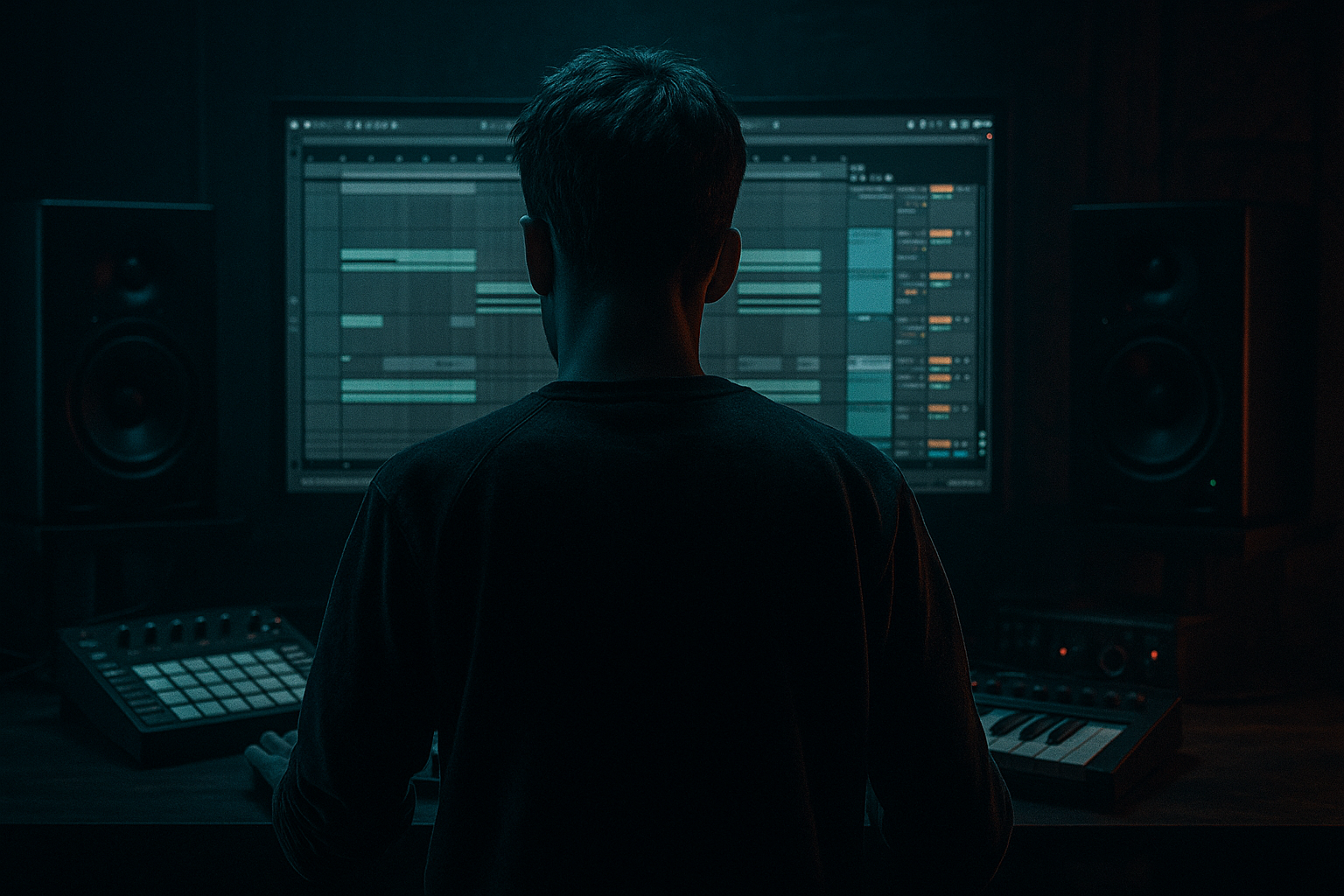
In this lesson, you’ll build a balanced jungle DJ intro from scratch in Ableton Live 12 — the kind of intro that gives DJs room to mix in, while still carrying ragga energy, tension, and identity. This is a core skill in Drum & Bass because the intro is often the listener’s first real contact with the track’s vibe: it sets the mood, introduces the drum language, and hints at the drop without giving everything away.
For a beginner, the goal is not to make the intro “busy.” It’s to make it clear, functional, and exciting. In jungle and ragga-leaning DnB, that usually means:
- a strong breakbeat foundation
- a bass tease instead of full bass overload
- vocal or ragga-style callouts
- simple FX movement
- a clean DJ-friendly structure that can sit inside a set
- a filtered breakbeat groove with ragga energy
- a simple sub or bass hint that comes in and out
- one or two vocal chops or ragga-style one-shots
- atmospheric space and transition FX
- a clear mix balance so the low end stays controlled
- a structure that can lead naturally into a roller or jungle drop
- Making the intro too full too early
- Using a full bassline instead of a tease
- Too much low end in the intro
- Overloading ragga vocals with reverb and delay
- Break sounds messy or unclear
- No DJ-friendly space
- Darken the break with saturation, not just EQ
- Keep the bass mono and the movement upper-focused
- Use call-and-response phrasing
- Automate filter motion on atmospheres, not the whole mix
- Use one strong ragga phrase instead of five weak ones
- Resample your intro idea once it works
- A jungle DJ intro should be functional, musical, and tension-driven.
- Start with a clean breakbeat, then add bass tease, ragga vocals, and light FX.
- Use Ableton stock tools like Drum Rack, Operator, Auto Filter, Drum Buss, EQ Eight, Echo, Reverb, and Utility.
- Keep the low end controlled, the arrangement gradual, and the energy rising.
- In DnB, the best intros don’t say everything at once — they invite the drop.
Why this matters: a great intro gives your tune a professional feel immediately. In DnB, DJs rely on intros for mixing, and producers rely on them to build tension before the drop. If your intro is balanced well, the track feels more confident, heavier, and easier to play in a real set.
---
What You Will Build
By the end of this lesson, you’ll have a 16-bar jungle intro in Ableton Live 12 that includes:
Musically, think:
bars 1–8 = introduction and groove
bars 9–12 = more tension and ragga callouts
bars 13–16 = pre-drop lift or final warning before the drop
This is perfect for a jungle or darker DnB track where the intro needs to feel like it came from a sound system set, not a pop arrangement.
---
Step-by-Step Walkthrough
1. Set up a clean project and reference the arrangement
Open a new Ableton Live 12 set and set the tempo between 165–174 BPM. For this lesson, 172 BPM is a great middle ground for jungle/DnB.
Create these tracks:
- Drum Rack / audio break track
- Bass track
- Vocal / ragga sample track
- Atmosphere track
- FX track
Set your Master level so you have plenty of headroom. A good beginner target is to keep the Master peaking around -6 dB to -8 dB while building.
Why this works in DnB: fast tempos and dense drums need space. If you start too loud, the intro becomes harsh and hard to mix later.
2. Lay in a classic breakbeat foundation
Start with a jungle-friendly break. You can use a sliced break from audio or program one in Drum Rack using samples.
If you’re working with an audio break:
- drag it into an audio track
- turn on Warp
- set the warp mode to Beats
- adjust transient markers so the break stays tight
If you’re programming with Drum Rack:
- place a kick on the downbeat
- add snare on beats 2 and 4
- add ghost hits and hat variations around the main hits
Add Drum Buss on the drum group:
- Drive: 5–15%
- Crunch: light to moderate
- Boom: keep low or off at first
- Damp: adjust until the top stays bright but not brittle
Then add EQ Eight after Drum Buss and cut a little low mud if needed:
- try a gentle cut around 200–350 Hz if the break feels boxy
- high-pass very lightly only if the break is clashing with the sub
Beginner tip: don’t over-edit the break. Jungle feels alive because the groove breathes.
3. Shape the break into an intro groove, not a full drop pattern
For a DJ intro, you want the drums to feel functional and evolving, not already at maximum intensity.
Try this approach:
- bars 1–4: filtered or simplified break
- bars 5–8: add extra ghost notes or percussion
- bars 9–12: bring in more hat movement or a secondary break layer
- bars 13–16: add a fill or tension hit before the drop
Use Simpler or Auto Filter if you want to soften the break at the start:
- Auto Filter low-pass around 300–800 Hz at first
- slowly open it over 4–8 bars
- use a gentle resonance, not extreme
You can also duplicate your break and create a second lane with more variation:
- one lane for the main groove
- one lane for fills, rolls, or chopped accents
Why this works in DnB: the intro needs to build anticipation while giving the DJ clean energy to work with. A gradual drum evolution keeps the listener locked in without burning the drop too early.
4. Add a sub or bass tease, not the full bassline
A beginner mistake is putting the entire bassline in the intro. Instead, use a tease.
Create a bass track with Operator or Wavetable:
- use a simple sine or triangle-based sub
- keep it mono
- short notes, not long sustained phrases at first
Suggested settings for a starter bass tease:
- Oscillator: sine or triangle
- Filter: low-pass if needed
- Glide/portamento: subtle if you want a more liquid movement
- Saturation: light via Saturator or Drum Buss
Keep the bass phrase minimal:
- one or two notes every 2 bars
- a short call-and-response with the vocal
- one note that hints at the drop root note
If you want a darker edge:
- duplicate the bass track
- add Saturator to the duplicate
- keep the duplicate lower in volume and narrower in stereo
- blend it in quietly for weight
Suggested levels:
- sub should feel present but not overpower the drums
- keep bass hits around -12 dB to -8 dB peak depending on the rest of the arrangement
Beginner rule: if the bass makes the intro feel like the drop already started, reduce it by half.
5. Drop in ragga vocal elements for character and identity
Ragga elements are what make this intro feel alive and rooted in jungle culture. Use short vocal phrases, crowd-style shouts, or chopped one-shots.
Good beginner moves:
- one vocal phrase every 4 bars
- a chopped vocal response after a drum fill
- a delay throw on the last word of a phrase
Put the vocal in an audio track and process it lightly:
- EQ Eight: high-pass around 120–200 Hz
- Echo: short delay, keep it rhythmic
- Reverb: small to medium, not huge
- Utility: use to manage gain and mono if needed
Try automating the vocal volume so it appears and disappears instead of sitting constantly on top of the mix.
Example arrangement:
- bar 1: short “Yeah!” or “Selecta!” style hit
- bar 5: callout with delay tail
- bar 9: chopped response layered with drums
- bar 15: final vocal cue before the drop
Why this works in DnB: ragga vocals instantly tell the listener what world the track belongs to. They also work as rhythmic punctuation, which is a big part of jungle phrasing.
6. Add atmosphere and transition FX without clutter
A good intro has depth, but beginners often add too many FX. Keep it simple and purposeful.
Use:
- wind/noise atmospheres
- reverse cymbals
- downlifters
- filtered sweeps
- impact hits before section changes
Ableton stock devices that help:
- Auto Filter for sweeping noise
- Reverb for space
- Echo for movement
- Hybrid Reverb if you want a wider ambient tail
- Saturator for dirtying up FX slightly
Put an atmosphere on a separate track and automate its filter:
- start with low-pass around 500–1,500 Hz
- slowly open it as the intro progresses
- fade it down when the drums become more important
Keep FX tucked behind the drums and vocal. If the FX becomes the focus, the intro loses its DJ function.
7. Create a clear 16-bar tension arc
Now arrange everything into a simple intro progression.
A practical beginner structure:
- Bars 1–4: filtered break + atmosphere
- Bars 5–8: vocal hit + bass tease
- Bars 9–12: more drum variation + second vocal idea
- Bars 13–16: riser or fill + final impact before the drop
Use automation to make the progression feel alive:
- open the Auto Filter on the drums
- increase Send to reverb or delay on the final vocal
- raise the intensity of Drum Buss Drive slightly in later bars
- automate a small increase in bass saturation or filter openness
Keep the arrangement DJ-friendly by making the first 8 bars relatively clean. That gives DJs room to blend the track into another record.
Musical context example: imagine your intro beginning under a DJ’s outgoing track. The drums are present early, the vocal says “move,” and by bar 16 the audience is ready for the drop without the tune feeling empty.
8. Balance the mix so the intro reads clearly on small and large systems
Now check the balance like a DJ would hear it.
Use Utility on the bass to keep it mono. Keep the low end centered. In the mix, the kick and sub should not fight each other.
Practical balance checks:
- mute the bass and see if the drums still feel strong
- mute the drums and see if the bass is too loud on its own
- listen at low volume to make sure the vocal still cuts
- use Ableton’s Spectrum to spot excessive low-mid buildup
Suggested quick fixes:
- if the intro is muddy, cut some 250–400 Hz from the break or atmosphere
- if the vocal sounds harsh, tame 2–5 kHz with a narrow EQ cut
- if the bass is swallowing the kick, reduce sub level or shorten note length
Keep the intro punchy but not over-compressed. If needed, use a gentle compressor on the drum group:
- Ratio: 2:1 to 4:1
- Attack: medium
- Release: medium-fast
Don’t squash the life out of the break. Jungle should breathe.
9. Use a simple pre-drop switch-up
The final bars before the drop should create a little drama.
Easy beginner switch-up ideas:
- remove the bass for 1 bar
- cut the drums for a beat and let a vocal echo ring out
- add a fill made from snare rolls or chopped break fragments
- reverse a vocal tail into the drop
In Ableton, you can create a fill by:
- duplicating a drum clip
- cutting the final bar
- rearranging a few hits
- automating a filter or reverb send
Keep the switch-up short and obvious. A clean pre-drop gesture often sounds bigger than a complicated one.
Final note: if you want this intro to feel more like a proper DJ tool, leave a tiny pocket of space before the drop so the next section lands harder.
---
Common Mistakes
Fix: keep the first 4–8 bars simpler. Let the energy rise gradually.
Fix: use short notes, fewer hits, and lighter saturation.
Fix: keep bass mono, reduce sub volume, and high-pass non-bass elements.
Fix: use short, controlled FX and automate them only on key words.
Fix: clean up with EQ Eight, trim tail length, and avoid too much Drum Buss drive.
Fix: leave 8–16 bars of clear, mixable intro structure.
---
Pro Tips for Darker / Heavier DnB
A touch of Saturator or Drum Buss adds grime without killing clarity.
If you want movement, add it in mids or harmonics, not deep sub.
Let the vocal answer the break, or let the bass answer the vocal. That tension feels very jungle.
This keeps the intro alive while protecting the drum impact.
In heavier DnB, a single memorable vocal hit can do more than lots of clutter.
Bounce the drum/vocal combo to audio, then chop it for more character and control.
---
Mini Practice Exercise
Spend 15 minutes building a stripped-back jungle intro:
1. Set the project to 172 BPM.
2. Create a drum track with one breakbeat loop or a simple programmed break.
3. Add Auto Filter and automate the cutoff from low to open over 8 bars.
4. Add a bass tease using Operator with a sine wave and only 2–4 notes total.
5. Place one ragga vocal hit at bar 1 and another at bar 9.
6. Add one atmosphere track with soft noise and light reverb.
7. Build a 16-bar arrangement where bars 13–16 create a small pre-drop lift.
8. Export a rough version and listen with headphones and speakers.
Goal: make the intro feel clear, balanced, and ready for a DJ mix-in. Don’t chase perfection—just get the structure and energy right.
---

