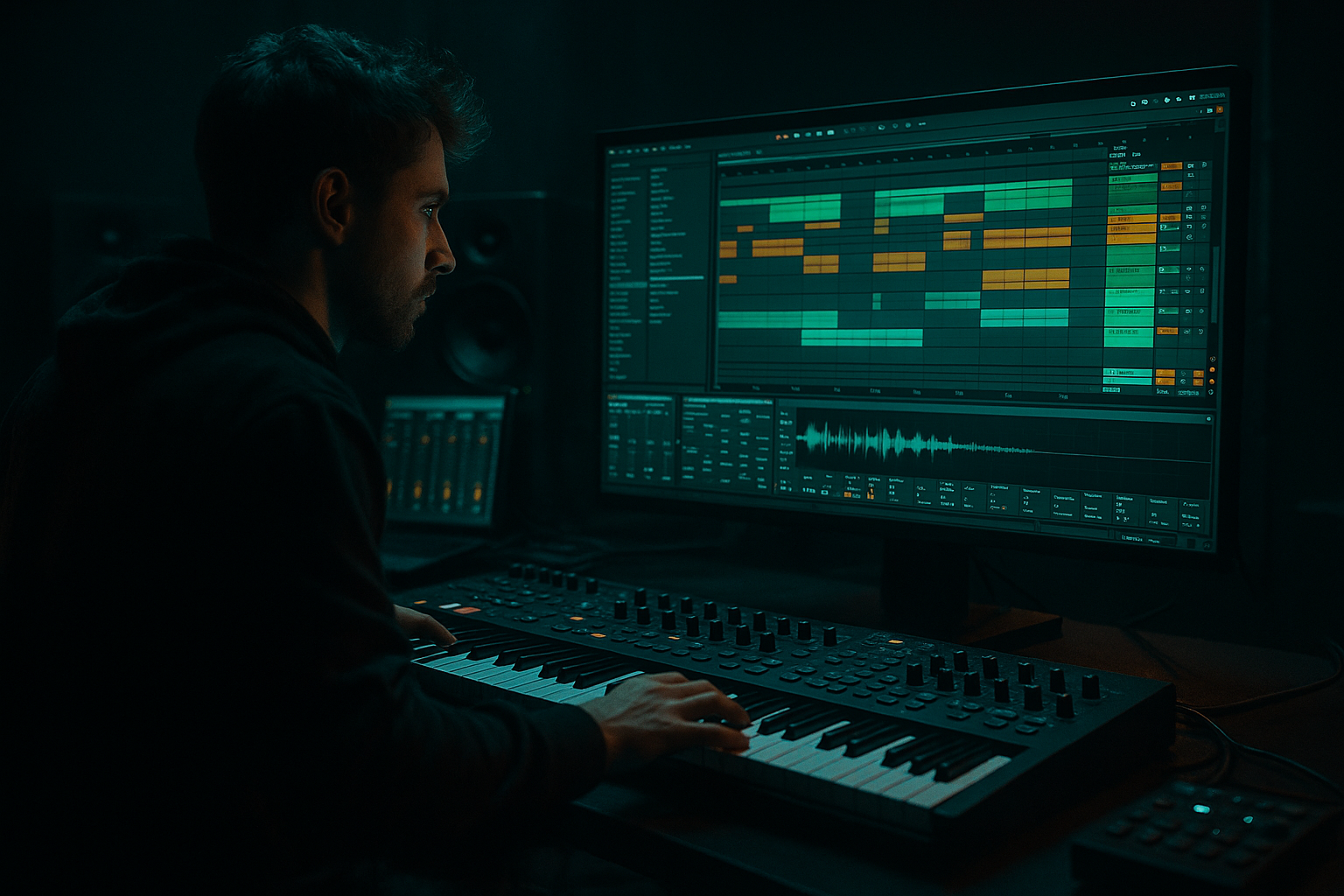
Main tutorial
Arrange an Oldskool DnB Chop with Crunchy Sampler Texture in Ableton Live 12 (Atmospheres)
1. Lesson overview
In this lesson you’ll take a classic oldskool/jungle-style break chop and turn it into a crunchy, atmospheric, sampler-textured DnB arrangement inside Ableton Live 12. We’ll focus on arrangement and vibe, not just making a loop: intros, drops, breakdowns, tension, and that “lifted from vinyl/old sampler” character. 🥁🌫️
Skill level: Intermediate (you know warping, slicing, basic mixing)
Core tools: Simpler/Sampler, Drum Rack, Auto Filter, Echo, Reverb, Redux, Saturator, Roar (if you have it), Glue Compressor
---
2. What you will build
By the end you’ll have:
- A 2–4 bar chopped break (think Amen/Think/Hot Pants energy) arranged into Intro → Drop → 2nd Phrase → Breakdown → Drop
- A “crunchy sampler” texture layer (resampled, downsampled, filtered, widened)
- Atmospheric movement using filter automation, dubby echoes, reverb sends, and noise/air beds
- A rolling DnB structure that feels rooted in jungle but hits like modern rollers ⚙️
- Bar 1: recognizable break groove (establish identity)
- Bar 2: small edits (ghost notes + quick doubles)
- Bar 3: bigger variation (snare swap + kick stutter)
- Bar 4: signature fill into loop point (classic jungle “turnaround”)
- Quantize lightly (50–70%) or use a groove. Oldskool relies on feel. 🫡
- Echo
- Auto Filter after Echo (optional)
- Reverb
- Saturator (light) after Reverb to thicken tail
- Main break: small amount to Reverb, moderate to Echo
- Texture layer: more send than main break for atmosphere
- Use only the Texture layer + high-passed main break
- Automate Auto Filter cutoff rising slowly
- Sprinkle 1-shot edits (a single snare slice with big echo send) every 4 bars ✨
- Add a noise bed:
- Bring in full main break (unfiltered)
- Keep texture layer underneath
- Every 8 bars, do one of:
- Bars 1–8: Base groove
- Bars 9–16: Add more ghost notes + echo hits
- Bars 17–24: Introduce a new chop (swap snare slice)
- Bars 25–32: Bigger fill at bar 32 into breakdown
- Strip to texture layer + FX
- Automate Redux slightly stronger (bit depth down a touch)
- Add a short vocal stab or pad chord (keep it moody)
- Build back with a riser made from the break:
- Bring main break back
- Add a second texture layer variation:
- Increase intensity: more fills, more call/response edits
- Over-chopping: too many slices = no groove identity. Keep some recognizable break phrasing.
- Too much Redux/Saturation: crunch is great, but if transients vanish, the break stops driving.
- Reverb on the main drums: drowning the core loop kills punch. Use returns and mostly feed the texture layer.
- No arrangement movement: if cutoff/echo/sends don’t change across sections, it feels like an 8-bar loop forever.
- Mono incompatibility: super-wide textures can phase out. Check in Utility → Width 0% occasionally.
- Parallel “crush” bus:
- Transient control:
- Make fills scary:
- Texture follows bass, not fights it:
- Micro-automation wins:
- Slice the break into a playable kit (Drum Rack / Simpler Slice).
- Write a 2–4 bar chop with ghost notes + one signature retrigger.
- Resample your chop to audio and build a crunchy sampler texture layer using Redux → Filter → Saturation.
- Use returns (Echo/Reverb) for controlled atmosphere.
- Arrange like real DnB: intro tension → drop impact → breakdown space → drop 2 escalation.
- Keep the main break punchy; let the texture carry the grime and air. 🥁🌫️
---
3. Step-by-step walkthrough
Step 0 — Project setup (fast but important)
1. Tempo: Set to 170–174 BPM (start at 172).
2. Groove: Load a subtle swing:
- Groove Pool → Swing 16-65 (or any MPC-ish groove).
- Apply at Amount 10–20%, Timing 55–65, Random 2–5.
3. Arrangement markers (recommended):
- 1–17: Intro (16 bars)
- 17–49: Drop (32 bars)
- 49–65: Breakdown (16 bars)
- 65–97: Drop 2 (32 bars)
This keeps you arranging like a producer, not looping forever. ✅
---
Step 1 — Pick and prep the break (oldskool rules)
1. Drag your break sample (Amen/Think/etc.) onto an Audio Track.
2. Warping:
- Enable Warp
- Warp Mode: `Beats`
- Preserve: `Transients`
- Envelope: Start around 45–65
- This keeps the transient snap while allowing tempo lock.
3. Gain staging (important for crunch later):
- Set clip gain so the break peaks around -10 to -6 dB (headroom = better saturation).
---
Step 2 — Slice the break into a playable kit (classic chop workflow)
Option A (fast): Slice to New MIDI Track
1. Right-click the break clip → Slice to New MIDI Track
2. Choose:
- Slicing preset: `Built-in` (or `Transient`)
- Slice by: `Transient`
- Create one slice per: Transient marker
3. Ableton creates a Drum Rack with each hit mapped across pads.
Option B (more control): Simpler Slice Mode
1. Drop the sample into Simpler
2. Set Mode: Slice
3. Slice by Transient
4. Adjust sensitivity until you get clean slices (avoid micro-slices)
DnB tip: You don’t need 64 slices. Often 12–24 meaningful slices chop better than a hyper-granular mess.
---
Step 3 — Build a proper oldskool chop pattern (2–4 bars)
Create a MIDI clip 4 bars long on the Drum Rack track.
A solid starting concept (oldskool energy):
Practical MIDI workflow:
1. Start by placing the main kick/snare slices on:
- Kicks roughly on 1 and “& of 2” (varies by break)
- Snares on 2 and 4
2. Add ghost notes at low velocity:
- Use small hats/ghost snare slices at velocity 30–55
3. Add one “retrigger moment”:
- Pick a snare slice and add 1/16 repeats right before bar 2 or bar 4 ends.
Quantize advice:
---
Step 4 — Create the “crunchy sampler texture” layer (the magic)
We’ll make a separate layer that feels like it went through an old sampler + tape-ish resample.
#### 4A) Resample the break chop
1. Create a new Audio Track named: Break Texture
2. Set its Input to `Resampling`
3. Arm it and record 8–16 bars of your chopped break playing.
Now you have a single audio file you can mangle like an old record.
#### 4B) Crunch chain (stock Ableton)
On Break Texture add:
1. Redux
- Bit Reduction: `8–12 bits` (start at 10)
- Sample Rate: `8–16 kHz` (start at 12 kHz)
- Keep it subtle—this is texture, not total destruction.
2. Auto Filter
- Type: `LP24`
- Cutoff: automate between 800 Hz → 6 kHz depending on section
- Resonance: 0.20–0.40
- Add slight Drive if desired
3. Saturator
- Mode: `Analog Clip`
- Drive: 2–6 dB
- Turn on Soft Clip
- Output trim so level matches before/after
4. Utility
- Width: 120–160% (careful—don’t wreck mono)
- Optional: Bass Mono on below 120 Hz (if available in Live 12 Utility options)
Blend: Turn the texture layer down so it’s felt more than heard: often -12 to -18 dB under the main break. 🌫️
---
Step 5 — Atmosphere moves: space, air, and motion (without washing the drums)
Create Return tracks (sends) so your ambience stays consistent.
#### Return A — “Dub Echo”
- Time: `1/8 dotted` or `1/4`
- Feedback: 25–45%
- Filter: HP around 200–400 Hz, LP around 4–7 kHz
- Add Modulation small (2–6%) for movement
- High-pass to keep the return clean in the low end
#### Return B — “Dark Plate”
- Algorithm: Plate or Hall (choose what fits)
- Decay: 1.2–2.8 s
- Pre-delay: 10–25 ms
- High Cut: 4–7 kHz
- Low Cut: 200–400 Hz
Now, send:
---
Step 6 — Arrangement: make it feel like a proper DnB record
Here’s a practical arrangement blueprint that screams jungle/DnB:
#### Intro (16 bars): “filtered break + atmosphere”
- Use Operator (Noise oscillator) or a noise sample
- Filter it with Auto Filter and sidechain it lightly (Glue Comp sidechain from kick)
#### Drop (32 bars): “full chop + variations”
- Mute kick for 1 beat
- Double-time hats for 1 bar (1/16 slice repeats)
- Add a quick tape-stop-ish moment (optional):
- Clip envelope pitch dip on the texture audio (subtle)
Phrase variation plan:
#### Breakdown (16 bars): “space + tension”
- Duplicate texture clip → reverse → reverb → resample → fade in
#### Drop 2 (32 bars): “heavier + more edits”
- Duplicate Break Texture
- High-pass at 1–2 kHz
- Wider (Utility Width 160%) and more reverb send
---
Step 7 — Glue it together (bus processing + control)
Group your main break rack + texture audio into a Drum Group.
On the Drum Group add:
1. Glue Compressor
- Attack: 3 ms
- Release: Auto
- Ratio: 2:1
- Aim for 1–3 dB gain reduction on loudest hits
2. EQ Eight
- HP around 25–35 Hz (clean rumble)
- Small dip if boxy around 250–400 Hz
- If harsh, tame 6–9 kHz slightly
3. Soft clip option
- Use Saturator at the end with Soft Clip, Drive 1–3 dB
Goal: cohesion, not flattening. Oldskool breaks need dynamics.
---
4. Common mistakes
---
5. Pro tips for darker/heavier DnB
Create a return with Saturator (Hard/Analog Clip) + Redux + EQ (HP 200 Hz, LP 8 kHz). Send snares/edits to it for aggressive snap. 😈
Use Drum Buss on the break group:
- Drive 5–15%
- Crunch 0–20%
- Transients: push a little if it gets soft
Resample a snare hit → reverse it → put Echo (feedback 50–70%) → automate filter down into the drop.
High-pass the texture at 150–300 Hz so your sub and reese own the low end.
Automate Echo send on single hits (snare accents) instead of drenching whole bars.
---
6. Mini practice exercise (20 minutes)
1. Choose a break and create a 4-bar chop in Drum Rack.
2. Resample it into audio (8 bars).
3. Build two intro variations:
- Intro A: LP filter opening over 16 bars
- Intro B: HP filter + heavy echo snare stabs
4. Create one 32-bar drop with:
- At least 4 variations (every 8 bars)
- One “signature fill” at bar 32
5. Bounce a quick demo and listen on low volume:
Can you still feel the groove and atmosphere?
---
7. Recap
If you want, tell me which break you’re using (Amen, Think, etc.) and your target style (metalheadz, ragga jungle, modern rollers) and I’ll suggest a specific 32-bar chop blueprint + automation map.

