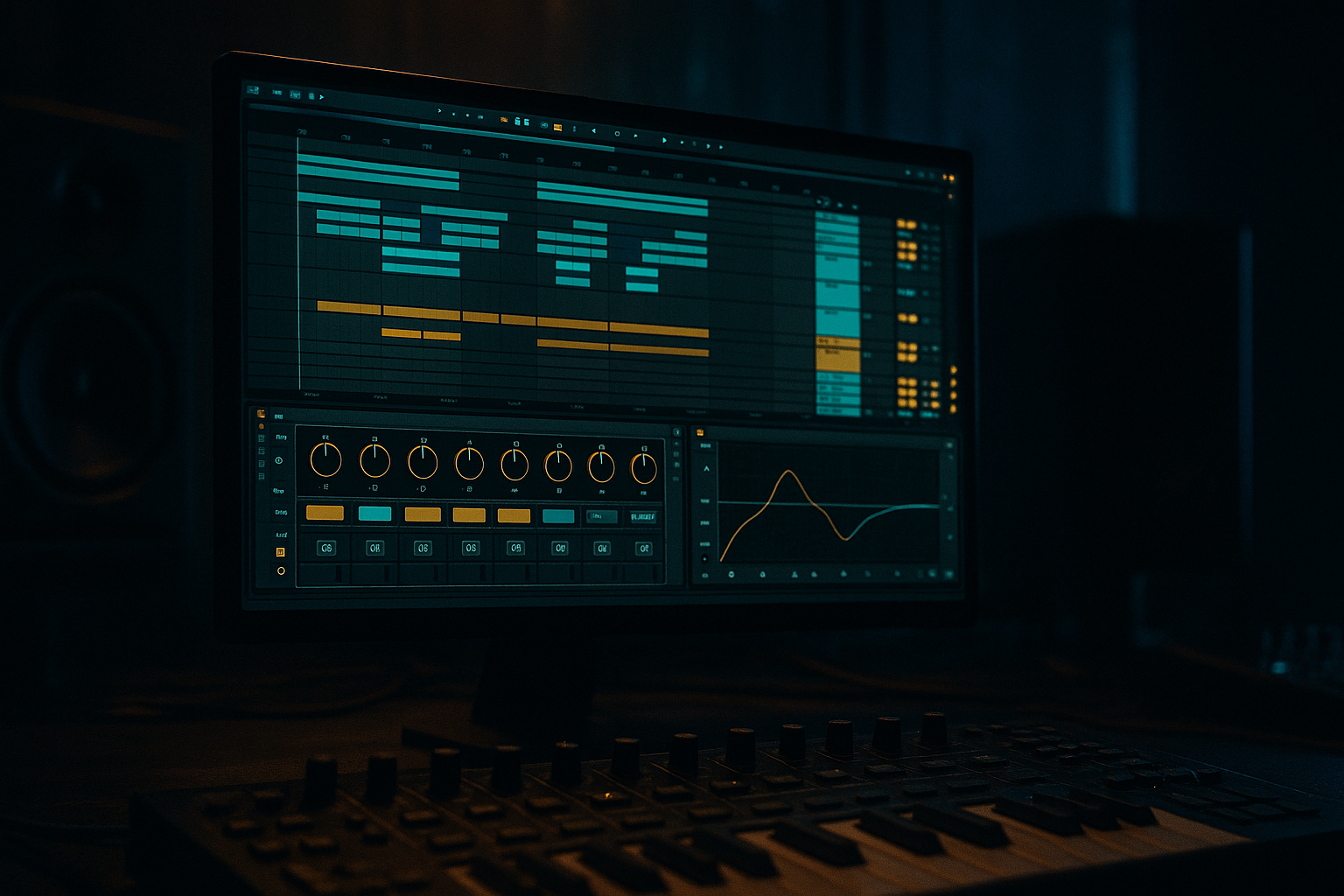
Main tutorial
Arrange Jungle Bass Wobble with Modern Punch and Vintage Soul in Ableton Live 12
1. Lesson overview
In this lesson, you’ll build a jungle / drum & bass bass arrangement that blends:
- Vintage soul: think sampled phrasing, warm harmonics, call-and-response energy, and movement that feels musical rather than static
- Modern punch: tight low end, controlled transients, mono sub, hard-hitting mids, and mix-ready arrangement impact
- Wobble character: rhythmic filter motion, LFO-driven movement, and bass “phrases” that lock with the drums
- Wavetable, Operator, Drift, and Sampler/Simpler
- Auto Filter, Saturator, Glue Compressor, EQ Eight, Drum Buss, Utility, and Shaper devices
- Clip automation, resampling, and arrangement shaping
- dark but soulful
- aggressive but musical
- rooted in jungle heritage while still sounding current 🔥
- A clean mono sub layer
- A mid bass layer with wobble movement and harmonics
- A vintage soul layer made from chopped vocal-style phrases or sampled melodic fragments
- A call-and-response arrangement that interacts with drums and vocals
- Automation for filter, drive, and tone changes across the track
- A mix bus-ready bass group that already feels like part of a full DnB record
- Rolling 170–174 BPM jungle
- Weighty reese-inspired movement
- Soulful chopped vocal or phrase fragments
- Modern low-end impact with classic rave energy
- 2-bar phrases
- 4-bar call-and-response sections
- 8-bar lift sections with extra movement
- breakdowns where the soul element becomes more exposed
- Use syncopated notes
- Leave space for the kick/snare
- Make some notes short and punchy
- Use occasional octave jumps for phrasing, but keep the deepest notes centered around the root
- Filter cutoff
- Wavetable position
- Fine detune
- Pan very subtly, if the top layer needs width
- Sync
- 1/8, 1/16, or dotted values depending on the groove
- Use a smooth or slightly stepped curve for that wobble feel
- Bars 1–2: narrow, restrained wobble
- Bars 3–4: filter opens more aggressively
- Bar 5: brief stop or choke
- Bar 6–8: wider, brighter, more intense variation
- EQ Eight
- Saturator
- Echo or Delay
- Reverb
- Wavetable or Drift
- Filter envelope with an “ahh/oooh” shape
- Formant-like movement using filter modulation
- Portamento/glide for phrase bends
- Bass line asks a question
- Vocal chop answers it
- Snare lands in the gap
- Breakbeat fills the space
- The snare is usually a major anchor
- The bass can answer after the snare
- Avoid overcrowding the exact snare transient unless the arrangement calls for it
- Bass notes just after the kick
- Filter opens on offbeats
- Short notes that duck under snare hits
- Longer notes in gaps between break hits
- Sidechain input: kick or full drum bus
- Attack: 1–5 ms
- Release: 50–120 ms, tempo dependent
- Aim for gentle pump, not exaggerated EDM ducking
- Filtered sub only
- Very minimal wobble
- Soul chop appears as a ghostly fragment
- Use reverb or delay tails
- Add full drum break
- Introduce the mid bass wobble
- Keep filter somewhat closed
- Open cutoff
- Increase saturation slightly
- Bring in a second bass phrase or octave variation
- Soul vocal chop answers more frequently
- Wider wobble
- More midrange bite
- Extra automation on filter resonance or drive
- Add a fill or bass drop-out for tension
- Remove the soul chop in one pass
- Change the wobble rhythm in the next
- Swap octave placement for the final 2 bars
- note rhythm
- filter motion
- octave
- vocal sample placement
- saturation level
- bass dropout timing
- natural variation
- better control over transients
- easy reverse hits, stutters, and cutoffs
- more “record-like” feel
- tiny timing variation
- automation movement
- saturation texture
- accidental musicality
- add Drum Buss very lightly on the mid-bass only
- use Transient carefully if you need articulation
- Does the kick still cut through?
- Does the snare remain dominant?
- Does the bass feel big without masking the break?
- Is the sub steady in mono?
- Saturator
- Auto Filter
- Echo
- EQ Eight
- Sub only
- Filtered vocal chop at the end of bar 4
- Add mid bass wobble
- Keep filter mostly closed
- One call-and-response vocal chop phrase
- Open the wobble filter more
- Add saturation automation
- Change the rhythm of the bass notes
- Create a more aggressive variation
- Resample one 4-bar section
- Chop the resample into a new fill
- End with a bass dropout or reverse vocal tail
- sound like one cohesive performance
- have at least 3 variations
- interact with the drums and vocal material
- feel heavy, soulful, and current
- Build a clean mono sub
- Design a movable mid-bass with Wavetable or similar stock tools
- Add soulful vocal chops or vocal-like responses for character
- Shape the groove around the drum break, especially the snare
- Use automation, sidechain, resampling, and phrase-based changes
- Process the bass group for cohesion, not over-polish
- a device-by-device Ableton rack recipe
- a MIDI bassline example in 172 BPM
- or a full 16-bar arrangement template for jungle/DnB.
This is not just about designing a bass sound. It’s about arranging a bassline that breathes like a classic jungle record but hits like contemporary DnB.
You’ll work inside Ableton Live 12 using stock devices, with a focus on:
This lesson is especially useful if you want your bass to feel:
---
2. What you will build
By the end, you’ll have a bass arrangement with:
Target vibe
Think:
---
3. Step-by-step walkthrough
---
Step 1: Set up your session for a DnB bass arrangement
Tempo: set your project to 172 BPM to land in the classic jungle/DnB pocket.
Create these tracks:
1. Kick/Snare Drum Rack
2. Hat/Percussion
3. Sub Bass
4. Mid Bass Wobble
5. Soul Chop / Vocal Phrase
6. Bass FX / Resample
7. Return tracks for reverb and delay
Group the bass-related tracks into a BASS GROUP. This makes arrangement and bus processing much easier later.
#### Arrangement mindset
DnB bass works best when it feels like a performance. Avoid looping the same 1-bar idea for too long. Build:
---
Step 2: Build the sub layer first — keep it pure
Your sub should be simple, controlled, and mono.
#### Using Operator
1. Load Operator on the Sub Bass track.
2. Use Oscillator A = Sine.
3. Turn off the other oscillators.
4. Set envelope:
- Attack: 0–5 ms
- Decay: 150–300 ms if you want short notes, or longer for sustained phrases
- Sustain: 0 to 100% depending on note length
- Release: 50–120 ms
#### MIDI pattern
Write a bass line that supports the drums. For jungle/DnB, don’t overcrowd the sub:
#### Processing chain for sub
On the Sub Bass track:
1. EQ Eight
- High-pass very gently at 20–25 Hz
- Optional tiny cut around 50–80 Hz if it collides with kick
2. Utility
- Bass Mono: On
- Width: 0% if needed
- Reduce gain if it’s too hot
3. Limiter or very light Glue Compressor
- Only if needed for control
- Don’t squash the sub into flatness
Rule: the sub should feel like a stable engine under the movement above it.
---
Step 3: Design the wobble mid-bass with modern punch
Now create the character layer. This is where the wobble lives.
#### Option A: Wavetable for aggressive modern movement
1. Load Wavetable
2. Start with a saw-ish, square-ish, or reese-friendly wavetable
3. Use Oscillator 1 + 2 slightly detuned
4. Set unison carefully:
- 2–4 voices max for weight without washing out the low mids
5. Add Filter 1:
- Type: LP24 or MS2
- Drive: moderate
- Cutoff: automate this later
#### Movement ideas
Use LFO 1 to modulate:
Set the LFO to:
#### Add punch and density
After Wavetable, use this chain:
1. Saturator
- Soft Clip: On
- Drive: 2–6 dB
- Keep an eye on low-end distortion
2. EQ Eight
- Cut mud around 200–400 Hz
- Add presence around 700 Hz–2 kHz if the bass needs speak
- High-pass around 90–140 Hz so the sub owns the bottom
3. Compressor or Glue Compressor
- Small amount of gain reduction
- Use sidechain from the kick if the bass is fighting the drums
4. Auto Filter
- Map cutoff to automation or macro
- Add envelope follower if you want the bass to “talk” with velocity
#### Make the wobble musical
Instead of one constant filter movement, create phrases:
This keeps the bassline from sounding like a preset loop.
---
Step 4: Add the vintage soul element with vocal-like phrasing
Since the category is vocals, this is where we bring in the human quality.
You can do this in two ways:
#### Method 1: Chop a vocal phrase in Simpler
1. Import a soul vocal phrase, spoken line, or ad-lib into Simpler
2. Use Slice mode for chops
3. Trigger slices from MIDI notes
4. Time-stretch or pitch-shift slices to fit the groove
#### Processing chain for the soul chop
- High-pass around 120–200 Hz
- Roll off harsh highs if needed
- Light drive for warmth
- Short, tempo-synced repeats for dubby atmosphere
- Keep it dark and short so it sits in the break without washing out
#### Method 2: Make a synth respond like a vocal
If you don’t have a vocal sample, create a vocal-like response using:
#### Arrangement trick
Use the soul element as a response to the bass:
That interplay is pure jungle energy.
---
Step 5: Make the wobble groove with drums, not against them
DnB bass must lock with the break.
#### Work with the kick and snare
In jungle/DnB:
#### MIDI placement tips
Try:
#### Sidechain the bass intelligently
Use Compressor on the bass group:
For a cleaner modern punch, sidechain the mid bass more than the sub. Let the sub stay consistent.
---
Step 6: Build the arrangement like a record, not a loop
Here’s a practical 8-bar approach:
#### Bars 1–2: Intro tease
#### Bars 3–4: Groove establishes
#### Bars 5–6: Energy lift
#### Bars 7–8: Peak phrase
Then repeat with variation:
#### Arrangement rule for advanced DnB
Every 4 or 8 bars, change at least one of these:
That’s how you keep a rolling bassline alive.
---
Step 7: Resample for realism and weight
One of the best ways to get “vintage soul” plus “modern punch” is to resample your own bass motion.
#### How to resample in Ableton Live
1. Create an audio track called Bass Resample
2. Set input to Resampling or route from the bass group
3. Record 4–8 bars of your bass performance
4. Chop the rendered audio and rearrange it
This gives you:
#### Why this matters
Many classic jungle basslines feel alive because they’re not mathematically perfect. A resampled pass captures:
Those details are gold.
---
Step 8: Process the bass group as a unit
Now that your layers are built, group them and add bus processing.
#### Suggested BASS GROUP chain
1. EQ Eight
- small cut if the group is muddy around 250–400 Hz
- tiny presence lift if needed around 1–2 kHz
2. Glue Compressor
- low ratio, mild gain reduction
- Slow attack, medium release for cohesion
3. Saturator
- Soft Clip on
- Gentle drive for glue and harmonics
4. Utility
- Keep sub-safe width
- Check mono compatibility
If the bass needs more edge:
#### Final check
Solo the bass group with drums:
If yes, you’re in the pocket.
---
4. Common mistakes
1. Making the wobble too wide in the low end
If the bass is stereo too low, the club system will punish you. Keep the sub mono and make width happen higher up.
2. Overusing filter movement
Constant wobble gets tiring fast. Use motion in phrases, not nonstop.
3. Hiding the soul element too much
If the vocal chop is buried, the arrangement loses personality. It should be felt clearly enough to act like a hook or counter-hook.
4. Making the bass and break fight for the same space
DnB is dense, but every element needs a role. If the bass hits on top of every snare, the groove becomes cluttered.
5. Using too much distortion on the sub
You want punch, not fuzzed-out low end. Distort the mid bass more than the sub.
6. Ignoring arrangement changes
Looping one bassline forever is the quickest way to lose energy. Introduce variation every few bars.
---
5. Pro tips for darker/heavier DnB
Tip 1: Layer a reese under the wobble
Use a detuned reese layer for thickness, but low-pass it and keep it under control. Let the wobble layer do the talking.
Tip 2: Use subtle pitch envelopes
A small pitch drop at note onset can add weight and aggression. Keep it tasteful—just enough to add impact.
Tip 3: Automate drive, not just cutoff
Opening a filter is obvious. Adding a touch of Saturator drive during heavy sections feels more alive and modern.
Tip 4: Create “choke points”
Mute the bass for a fraction of a bar before a drop or fill. That absence makes the return hit harder.
Tip 5: Use vocal chops as rhythm, not just melody
A soulful vocal fragment can become a percussion-like element if you trim it tightly and place it rhythmically.
Tip 6: Resample through a chain
Try resampling your bass through:
Then chop the result and reintroduce it as a variation. This can sound grimey, classic, and modern at once 🎛️
---
6. Mini practice exercise
Build a 16-bar bass arrangement at 172 BPM using this template:
Bars 1–4
Bars 5–8
Bars 9–12
Bars 13–16
#### Goal
By the end of the exercise, your bass should:
---
7. Recap
To arrange jungle bass wobble with modern punch and vintage soul in Ableton Live 12:
The key idea is this:
> Vintage soul comes from phrasing and texture. Modern punch comes from control and impact.
>
> When both are arranged with intention, your DnB bassline stops sounding like a loop and starts sounding like a record.
If you want, I can also turn this into:

