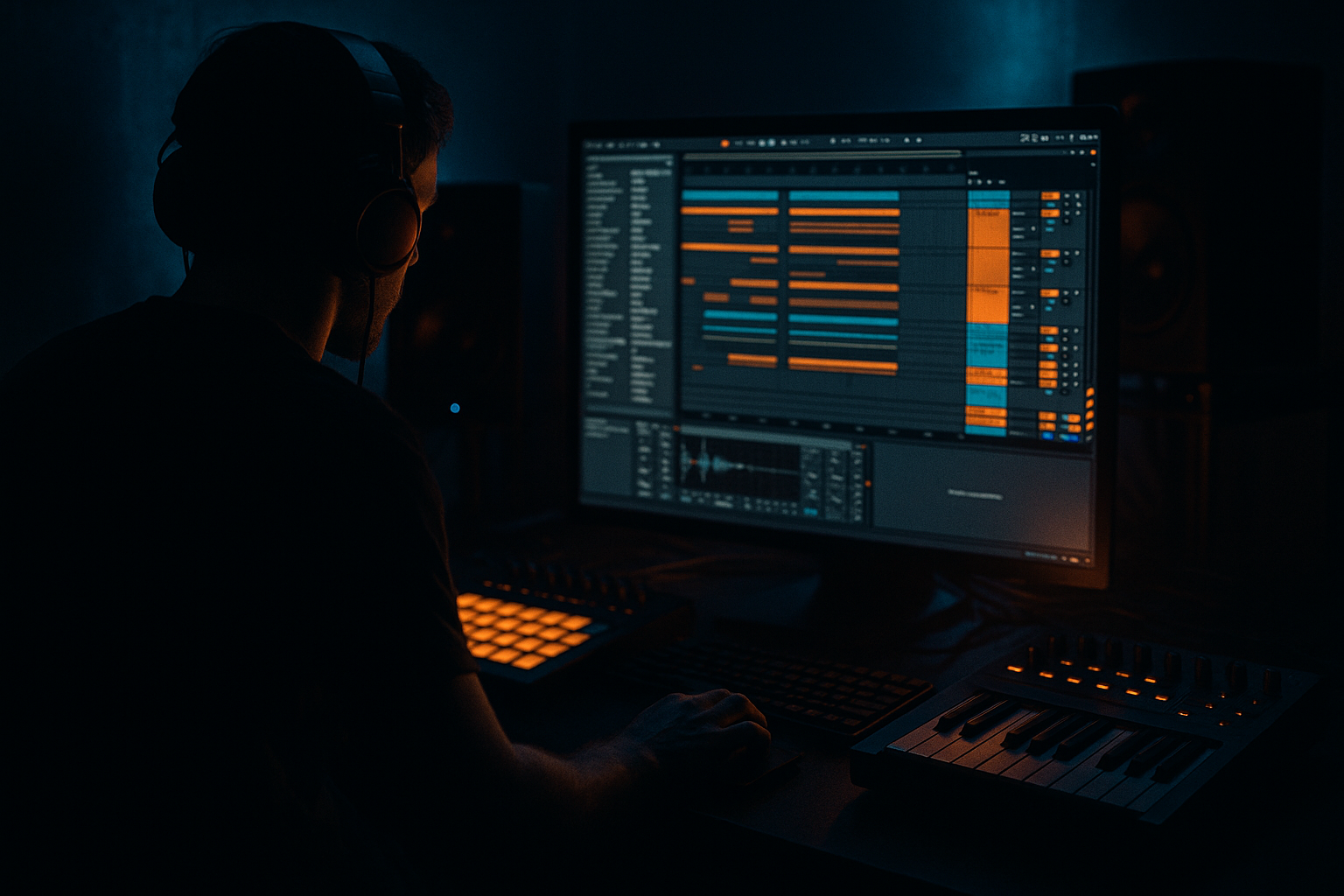
Main tutorial
Lesson Overview
Amen edits are one of the fastest ways to make a DnB track feel alive, urgent, and properly pirate-radio. In this lesson, you’ll learn how to take a basic Amen loop and turn it into a warped, arranged, high-energy break section inside Ableton Live 12.
This matters because in Drum & Bass, the break is not just “drums in the background” — it’s part of the hook. A well-edited Amen can drive a roller, lift a jungle section, or add raw movement under a heavier drop. For beginner producers, the key skill is learning how to warp, slice, rearrange, and automate the break so it feels intentional rather than messy.
We’re focusing on a pirate-radio style vibe: energetic, slightly chaotic, full of momentum, but still controlled enough to sit inside a modern DnB arrangement. You’ll learn how to build tension in the intro, create a switch-up before the drop, and make the break work as a musical arrangement element rather than just a loop.
Why this technique matters in DnB:
- It gives your track instant jungle character without needing complicated sound design.
- It helps you create rhythmic variation between 8-bar sections.
- It makes your arrangement feel like a real DJ-ready tune, not a repeated loop.
- It’s a fast way to add grit, movement, and old-school energy to darker bass music.
- A warped Amen break variation with slices, stutters, and small rhythmic edits
- A short intro with filtered drums and atmosphere
- A main 8-bar break phrase that evolves every 2 bars
- A pirate-radio style switch-up using fills, stops, and reverses
- A transition into a drop or bass section with strong tension
- A clean drum bus with control, punch, and enough headroom for bass
- An opening with filtered Amen hits and ambience
- A first phrase that establishes groove
- A second phrase with extra ghost notes and a chopped fill
- A tension bar that hints at the drop
- A hard restart or lift into the next section
- Over-warping the Amen so it sounds chopped into pieces instead of grooving naturally.
- Making every bar identical.
- Putting too much low-end in the break.
- Over-compressing the drums until the break loses life.
- Adding too much reverb to snares and fills.
- Ignoring arrangement flow and just looping the break.
- Use Drum Buss to add weight and punch, but keep the Boom control subtle unless you specifically want a low-end thump.
- Duplicate the Amen and make one version darker with EQ Eight and mild saturation, then blend it quietly under the main break.
- Add a short Auto Filter sweep on the break before a drop to create tension without needing a huge riser.
- For a rougher pirate-radio edge, use Saturator with Soft Clip and a small drive amount instead of heavy distortion.
- If the snare is getting lost under bass later, carve a little space in the bass layer instead of boosting the snare too much.
- Try a 1-bar fill before a drop where the last kick is removed and the snare is echoed or reversed. That empty space can hit harder than a busy fill.
- Keep the core Amen central and stable, and put the weirdness in the edges: ghost notes, reverses, FX, and automation.
- For a more neuro-leaning darkness, let the break get tighter and more mechanical in later sections, but don’t kill the original jungle swing.
- Warp the Amen cleanly so the transients stay sharp.
- Slice it into MIDI so you can arrange it like a drum phrase.
- Make small changes every 1–2 bars to keep the energy moving.
- Use Ableton stock devices like EQ Eight, Drum Buss, Saturator, Glue Compressor, Auto Filter, and Utility.
- Keep the break powerful but leave room for bass and sub.
- Arrange the Amen in clear phrases so it works in a real DnB track, especially for intro, build, drop, and switch-up sections.
What You Will Build
By the end, you’ll build a simple but effective arrangement section in Ableton Live 12:
Musically, this will feel like:
Think of it like this: the Amen becomes your “moving drum conversation” between the intro and the drop.
Step-by-Step Walkthrough
1. Set up a clean DnB project and choose your source Amen
Start a new Ableton Live 12 project and set the tempo to a typical DnB range: 170–174 BPM. For this lesson, use 174 BPM if you want a classic pirate-radio feel, or 172 BPM if you want slightly more room in the groove.
Import an Amen break sample onto an audio track. If you have a clean loop, great. If not, any full Amen recording will work as long as it has strong kick and snare transients.
Before doing any edits:
- Trim the clip so the break starts on the first kick
- Rename the track something clear like “Amen Main”
- Turn on the metronome and loop the section you want to edit
Keep the project organized from the start. DnB arrangement gets messy fast, and clear naming helps you move quickly later.
2. Warp the Amen correctly in Ableton Live 12
Double-click the clip to open the Clip View and make sure Warp is enabled. For an Amen break, a good starting warp mode is usually Beats.
In the Beat warp mode:
- Set the transient preservation/transient-related options so the hits stay punchy
- Try Preserve: Transients if the loop is losing attack
- Keep the segment size fairly tight so the break doesn’t smear
Good beginner starting points:
- Warp mode: Beats
- Preserve: Transients
- Transient loop mode: Off or minimal, if the break gets flammed
Why this works in DnB: the Amen has sharp transient detail. If the warping is too loose, the break loses its snap and the groove feels lazy. DnB needs the break to stay crisp, especially at high tempos.
If the loop drifts, add warp markers manually on the main snare and kick hits. Don’t overdo it — you want the break to breathe, not sound surgically edited.
3. Slice the Amen into a playable rhythm pattern
Now turn the break into something you can arrange like a drum phrase. Right-click the clip and use Slice to New MIDI Track.
For beginner workflow, choose:
- Slicing by: Transient
- Create one slice per transient hit
- Use the default Drum Rack
This gives you a MIDI-triggered Amen kit. Now you can rearrange the break in a much more musical way.
Useful stock devices in the Drum Rack chain:
- Simpler on each slice for easy playback
- EQ Eight to clean muddy lows
- Drum Buss for punch and density
Keep the kick and snare slices on the main grid first. You’re not trying to make a hyper-edited neuro break yet — you’re building a strong, understandable phrase. Start with a 1-bar pattern, then repeat it and vary it every 2 bars.
4. Build a 4-bar Amen phrase with variation
In the MIDI editor, program a simple four-bar arrangement:
- Bar 1: establish the original groove
- Bar 2: repeat with one extra ghost note or snare pickup
- Bar 3: remove one hit for space
- Bar 4: add a fill or reverse-style stutter into the next section
A good beginner rule: change only one or two things every bar.
Example arrangement logic:
- Bar 1: original kick-snare shape
- Bar 2: add an extra ghost kick before the snare
- Bar 3: mute one hat slice to create space
- Bar 4: add a quick snare roll or chopped turnaround
This is where the arrangement starts feeling like pirate radio: not too polished, but full of motion. The ear keeps chasing the next change.
If you want a more jungle-style feel, keep the original break rhythm recognizable. If you want a darker rollers feel, use fewer slice hits and let the kick/snare pockets breathe.
5. Add groove and swing without destroying the break
The Amen already has groove, so don’t over-swing it. Instead, use Ableton’s groove features subtly.
Try this:
- Open the Groove Pool
- Add a swing groove from one of Ableton’s stock groove presets
- Apply it lightly, around 10–25%
- Focus the groove on hats or ghost notes rather than the whole break if it starts sounding sloppy
You can also manually nudge a few MIDI notes:
- Pull a ghost note slightly late for laid-back movement
- Push a snare pickup slightly early for urgency
- Leave the main snare strong and stable
Why this works in DnB: the contrast between locked hits and slightly loose details creates energy. Pirate-radio jungle feels alive because the break is not perfectly robotic.
6. Shape the break with stock Ableton devices
Now give the break some character with simple processing. Keep it beginner-friendly and focused.
A solid starting chain on the Amen bus:
- EQ Eight: roll off low-end below about 80–120 Hz if your kick/sub will carry the low end
- Drum Buss: Drive around 5–15%, Crunch lightly if needed, Boom usually low or off
- Saturator: Soft Clip on, Drive around 2–6 dB
- Glue Compressor: gentle glue, maybe 1–2 dB gain reduction
If the break feels harsh:
- Use EQ Eight to reduce a narrow band around 3–5 kHz
- Keep the snare crack, but remove painful edge
- Don’t over-compress — the Amen needs transient life
If you want more underground grit, use Redux very lightly or add a touch of distortion through Saturator. Just enough to roughen the loop, not flatten it.
7. Arrange the Amen across your track structure
This is the arrangement part that makes the lesson really useful. Don’t leave the break looping forever. Place it strategically.
A beginner-friendly DnB arrangement example:
- Intro (8 bars): filtered Amen chops + atmosphere
- Build (8 bars): more of the full break and rising tension
- Drop 1 (16 bars): bass and drums together, with Amen variation every 4 bars
- Switch-up (8 bars): stripped drums or half-time-feeling edit
- Drop 2 (16 bars): return with a new Amen variation and heavier bass
For pirate-radio energy, use short phrases:
- 2-bar call
- 2-bar response
- 1-bar fill
- 1-bar stop or impact
Keep DJ-friendly structure in mind. An intro and outro with drums-only sections make the tune easier to mix in and out, which is important in DnB.
8. Use automation to create tension and release
Automation is what makes the Amen feel alive across the arrangement.
Try automating:
- Auto Filter cutoff on the Amen bus
- Reverb send for select snare hits
- Delay send on one or two ghost notes
- Drum Buss drive in the build-up
- Utility width on selected ambience layers, not the core drum hit layer
Easy beginner automation ideas:
- Filter the Amen low-pass in the intro, then open it before the drop
- Automate reverb on the final snare before a switch-up
- Add a short delay throw to a snare fill for pirate-radio flair
Use Auto Filter with a gentle low-pass sweep:
- Intro cutoff around 300–800 Hz
- Open up toward 8–12 kHz near the drop
This creates a clear “reveal” moment. In DnB, that reveal matters because the drop should feel like the drums have been freed from tension.
9. Layer atmosphere and transition sounds carefully
The Amen should not exist alone. It needs context. Add one atmosphere track or transition layer to support the arrangement.
Good stock Ableton options:
- A filtered noise riser from Analog or Wavetable
- Reverse cymbal-style audio with warp enabled
- Short impact hit with Reverb for space
- Subtle vinyl noise or room texture if it fits the vibe
Keep these layers low in the mix:
- Atmospheres should support the break, not cover it
- High-passed texture around 200–400 Hz often works well
- Use short reverb tails so the arrangement stays punchy
This helps the section feel more like a finished tune and less like a loop export.
10. Check the drum-bass relationship before calling it finished
Even though this lesson is about the break, the arrangement only works if the drums and bass leave each other space.
When you later add bass:
- Keep the sub mostly mono
- Avoid letting bass notes land exactly on every strong snare accent
- Use call-and-response between bass and break hits
For example:
- Let the Amen dominate the first half of a bar
- Let the bass answer in the second half
- Leave room for the snare to punch through
Do a quick mono check with Utility on the master or bass bus. If the drums and bass lose power in mono, simplify the stereo effects and keep the low end centered.
Common Mistakes
Fix: use fewer warp markers and preserve transients.
Fix: change one small thing every 1–2 bars, such as a ghost note, fill, or filter move.
Fix: high-pass the break when the sub and kick need the bottom end.
Fix: use gentle glue, not heavy flattening.
Fix: use short tails or automate reverb only on transition hits.
Fix: think in intro, build, drop, switch-up, and reset sections.
Pro Tips for Darker / Heavier DnB
Mini Practice Exercise
Spend 10–20 minutes making a mini DnB arrangement using just one Amen loop.
1. Set the tempo to 172–174 BPM.
2. Import one Amen break and warp it cleanly in Beats mode.
3. Slice it to a MIDI track.
4. Create a 4-bar phrase:
- Bar 1: basic groove
- Bar 2: one extra ghost note
- Bar 3: remove one hit for space
- Bar 4: fill into the loop restart
5. Add EQ Eight and Drum Buss to shape the tone.
6. Automate an Auto Filter opening over the last 4 bars.
7. Add one atmosphere or impact sound to make it feel like a real section.
8. Loop the whole 8 bars and ask: does each bar change just enough to keep attention?
Goal: by the end, you should have a break section that sounds like the beginning of a proper DnB tune, not a static loop.
Recap
The main idea: in Drum & Bass, the Amen is not just a loop — it’s a structural tool. Learn to warp and vary it well, and your arrangements will instantly feel more alive, more DJ-friendly, and more underground.

