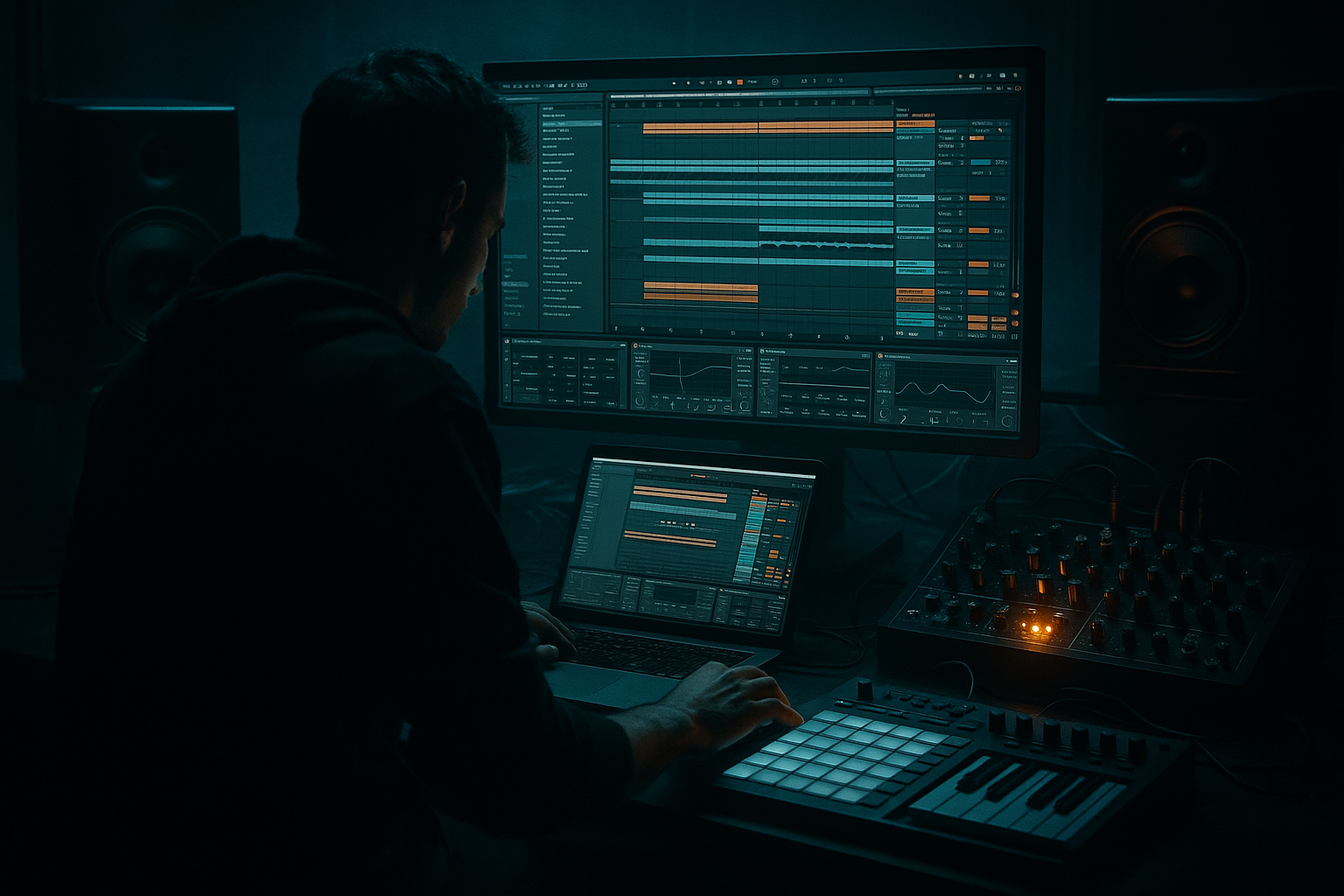
Main tutorial
Lesson Overview
This lesson is about building a sub-driven Amen jungle / DnB section with VHS-rave color in Ableton Live 12, using vocals as the glue, the hook, and the atmosphere. The goal is not to make a “vocal track” in the pop sense — it’s to make a darker, movement-heavy drum & bass passage where chopped vocal fragments, whispered lines, and degraded phrases sit inside a deep, rolling sub system and a broken Amen framework.
In a proper DnB track, this kind of section usually lives in one of three places:
- the main drop, where vocals help the Amen feel cinematic and human
- a second drop / switch-up, where the vocal can reset energy without losing pressure
- an intro or breakdown, where VHS-rave texture and vocal fragments create tension before the drums slam back in
- a tight Amen break edit with ghost notes and transient shaping
- a mono sub line that drives underneath the break without fighting it
- vocal chops and fragments that act like call-and-response phrases
- VHS-rave coloration using degradation, modulation, filtering, and delay
- a drop-ready arrangement with tension/release, a switch-up, and a DJ-friendly exit
- a mix that holds together in mono, headroom, and low-end balance
- Making the vocal too melodic and too long
- Letting the sub get stereo or overly effect-heavy
- Over-processing the Amen
- Too much reverb on the vocal
- Bass and vocal fighting in the mids
- No phrasing changes
- Use parallel degradation on the vocal: keep one clean-ish copy and one dirty VHS-style copy, then blend to taste. This preserves intelligibility while adding menace.
- Add a very short Echo on vocal consonants to create a machine-gun repeat feel without clutter.
- For a heavier roller vibe, make the sub less active and let the Amen swing carry the groove. Weight often comes from restraint.
- Use Saturator on the drum bus before compression if you want more midrange bite from the break.
- If the section needs more underground pressure, automate the vocal to become more filtered and distant as the drop progresses — it feels like the signal is being swallowed by the system.
- Try Resampling your vocal processing into audio, then re-chop the printed result. This often produces the most convincing VHS-rave artifacts because the imperfections are baked in.
- Use tiny reverse vocal snippets into snare hits or bar transitions for a creepy “rewind” effect.
- Keep a reference of a dark jungle roller, then compare the balance of sub, snare crack, and vocal density every few minutes. Fast reference checks save mixes.
- Treat vocals as rhythmic texture, tension, and identity in DnB.
- Keep the Amen, sub, and vocal each doing a separate job.
- Use Ableton stock devices to shape grit, movement, and space.
- Build call-and-response between vocal and bass for stronger phrasing.
- Keep the sub mono, the break controlled, and the vocal degraded with intent.
- Use automation and switch-ups to make the section feel like a real drop, not a loop.
Why this matters: in jungle, rollers, and darker neuro-adjacent DnB, vocals can easily become either too clean or too busy. The trick is to treat them like rhythmic percussion with character. If you shape them correctly, they help define swing, space, and emotional identity while the Amen and sub do the heavy lifting. That’s the sweet spot: organic detail over a synthetic low-end engine.
You’ll be using Ableton Live 12 stock tools to create a sub drive session: a session view setup that lets you audition vocal chops, sub notes, break edits, and VHS-style degradations in real time, then commit the best moments into an arrangement-ready section.
What You Will Build
By the end of this lesson, you’ll have a focused 16-bar DnB section with:
Musically, think of this as a dark warehouse roller with old-tape hallucination energy: the Amen is dirty and restless, the sub is steady and physical, and the vocal feels like a ghost transmission cutting through the fog.
Step-by-Step Walkthrough
1. Build the session around three core tracks: drums, sub, and vocals
Start in Ableton Live 12 Session View and create three main audio or MIDI lanes:
- Drum Rack / Break track for the Amen
- MIDI bass track for the sub
- Audio vocal track for sampled phrases or chops
Keep the setup lean. Intermediate DnB work gets better when you make fast decisions early. On the drum track, load an Amen sample into Simpler or Slice it to New MIDI Track if you want more edit control. On the bass track, use Operator or Wavetable for a clean sine-based sub. For vocals, import a dry spoken phrase, chant, or chopped acapella line — the best results usually come from short phrases with attitude, not long lyrical lines.
Set your project tempo between 170 and 174 BPM. For this lesson, 172 BPM is a strong sweet spot for VHS-rave jungle energy.
2. Program the Amen as a moving bed, not a static loop
The Amen should feel like it’s alive. If you just loop the raw break, the vocal layer won’t have room to breathe.
In Simpler:
- switch to Slice mode if you want individual hits on pads
- or use Classic mode for a more immediate chopped loop feel
- shorten the start/end of the sample so the transient hits cleanly
Start with a 2-bar Amen pattern and shape it with:
- ghost snares at lower velocity
- occasional missing kick hits to create bounce
- one or two extra ghost hats before the snare for lift
A useful drum chain on the Amen track:
- Drum Buss: Drive around 5–15%, Boom low or off if the sub is already strong
- EQ Eight: high-pass only if needed, usually gentle cleanup around 25–35 Hz
- Glue Compressor: light control, around 1–2 dB of gain reduction
Why this works in DnB: the Amen is already rhythmically dense. If you let every transient hit at full force, it fights the sub and vocal. A slightly managed break gives the bass and vocal phrasing a clear pocket to sit in.
3. Design the sub as a clean, expressive foundation
The sub needs to feel physical, but it must stay simple. For this style, avoid overcomplicated bass movement in the very low end. Let the character live above the fundamental.
On a MIDI track, load Operator:
- Oscillator A: Sine
- Turn off unnecessary oscillators
- Use a short amplitude envelope for pluck-like articulation if needed
Start with a sub note pattern that follows the kick pocket and supports the vocal rhythm. Good starting choices:
- mostly root notes and fifths
- occasional passing note
- short notes for tension, longer notes for drops in energy
Suggested Operator settings:
- Volume envelope attack: 0–5 ms
- Release: 80–180 ms for tight rollers
- Glide/portamento: subtle, around 20–60 ms if you want sliding movement
- keep the sub mostly mono
Add Saturator after Operator:
- Drive: 1–4 dB
- Soft Clip: on
- Keep it subtle so harmonics translate on smaller systems
Then add EQ Eight:
- low-pass the sub if the saturation creates too much top
- cut any muddiness around 120–250 Hz if it clouds the drums
Use automation on the sub’s note length or glide for phrase changes. A short slide into bar 9 or bar 13 can make the whole section feel more intentional.
4. Process the vocal as a rhythmic instrument, not a lead singer
This is the core of the lesson. VHS-rave color comes from making the vocal feel like a broken broadcast: human, haunted, and textural.
Choose a phrase with one of these characteristics:
- a strong consonant attack
- a short emotional line
- a chant or repeated word
- a spoken sample with room tone
In the audio track, use Warp to lock the vocal to tempo. Then:
- chop it into 1/2-bar or 1-bar phrases
- use Clip Envelopes or duplicated clips for variation
- leave gaps so the break can breathe
A strong vocal chain for this sound:
- EQ Eight: high-pass around 120–180 Hz
- Auto Filter: automate low-pass movement for tension
- Saturator or Overdrive: light grit
- Echo: short, tempo-synced delay
- Reverb: small-to-medium space, not washed out
For the VHS-rave feel, keep the vocal imperfect:
- slightly band-limit it with EQ
- add a little modulation from Chorus-Ensemble
- automate filter cutoff for “signal coming in / dropping out” behavior
Practical trick: duplicate the vocal track and create two lanes:
- Dry chopped vocal for front-of-mix presence
- Degraded vocal return with heavier echo, reverb, and filtering
Blend them by section. The dry lane gives intelligibility; the wet lane gives atmosphere.
5. Create a vocal-to-bass call-and-response
This is where the section becomes a DnB arrangement rather than a loop.
Let the vocal phrase answer the bass, or let the bass answer the vocal. For example:
- bars 1–2: vocal phrase leads
- bars 3–4: sub answers with a slide or fill
- bars 5–6: Amen opens up, vocal drops out
- bars 7–8: vocal fragment returns with more tape degradation
Use the Arrangement View to place these ideas as a 16-bar section:
- Bars 1–4: introduction of break + sub + clean vocal fragment
- Bars 5–8: denser Amen variation and slightly more delay on vocal
- Bars 9–12: switch-up with a sub movement or filter dip
- Bars 13–16: final push, then strip elements for the next phrase
In DnB, call-and-response works because it preserves energy while creating form. The listener feels momentum without getting overload. The vocal says something; the sub answers; the drums keep the body moving.
6. Add VHS-rave color with controlled degradation
The “VHS” part should feel like worn tape energy, not an effect demo.
On a return track or grouped vocal bus, try this chain:
- Auto Filter with gentle movement
- Saturator or Drum Buss for edge
- Redux very lightly for lo-fi texture
- Echo with short feedback
- Reverb for smeared edges
Suggested ranges:
- Redux: subtle; avoid full bit-crush unless it’s a transition
- Echo feedback: around 15–35%
- Reverb decay: short to medium, roughly 1–2.5 seconds
- high-pass the reverb return so the low end stays clean
Add automation for “signal drift”:
- slowly move the filter cutoff during 8-bar phrases
- automate wet/dry up slightly before a drop
- momentarily mute the dry vocal and let the degraded return trail into the break
For a more authentic rave-memory feel, use short repeated vocal stabs and let the delay smear them slightly behind the beat. That creates the sensation of a crowd-memory fragment rather than a polished hook.
7. Shape the mix so the sub, break, and vocal all occupy different jobs
This is where many intermediate producers lose the drop. The elements are good, but the low end is overloaded.
Do a quick routing check:
- all drums to a Drum Bus
- sub on its own track or bus
- vocals to a Vocal Bus
- optional FX bus for degraded returns
On the Drum Bus:
- Glue Compressor with gentle glue
- EQ Eight for minor cleanup
- optional Drum Buss for bite
On the Vocal Bus:
- EQ Eight high-pass as needed
- Compressor sidechained subtly to the kick or sub if the vocal occupies too much midrange
- keep reverb returns filtered
Important mix discipline:
- keep the sub mono
- check the mix in mono periodically
- make sure the vocal does not mask snare crack around the 1–4 kHz zone
- avoid too much energy in the 120–200 Hz area where vocal body and break weight can clash
If the vocal feels buried, don’t just boost it. First try:
- reduce low mids on the vocal
- automate a short dip in the break during the vocal phrase
- add a small delay accent instead of more level
8. Turn the section into a proper drop with automation and switch-ups
A good DnB section needs movement every few bars. For a VHS-rave sub drive session, the best changes are small but meaningful.
Automation ideas:
- low-pass filter opens on the vocal into a phrase
- sub note length shortens before a fill
- Amen send to reverb increases for one bar, then snaps dry
- delay feedback jumps briefly at the end of a vocal line
- drum bus saturation increases for the final 4 bars
Add one switch-up:
- remove the vocal for 2 bars
- let the Amen and sub carry the groove
- reintroduce the vocal with a different chop or reversed tail
Arrangement example:
- bar 1: vocal hit + break
- bar 4: sub fill
- bar 8: silence accent or half-bar drop
- bar 12: degraded vocal return
- bar 16: strip down for DJ-friendly transition
This keeps the section usable in a club set and replayable in the arrangement. You’re not just making a loop; you’re building a mixable phrase with DJ utility.
Common Mistakes
- Fix: shorten phrases, chop them rhythmically, and treat them like percussion plus atmosphere.
- Fix: keep the sub mono and reserve width for mid/high bass texture or vocal FX.
- Fix: keep the break punchy. Use light drum bus shaping, not a destruction chain that kills transients.
- Fix: high-pass the return, shorten decay, and automate wetness only for transitions.
- Fix: carve space around the vocal presence region and choose a simpler sub note pattern.
- Fix: add at least one change every 4 or 8 bars, even if it’s subtle.
Pro Tips for Darker / Heavier DnB
Mini Practice Exercise
Spend 10–20 minutes creating a 16-bar sub drive session:
1. Load a single Amen break and make a 2-bar pattern.
2. Program a simple 4- or 8-note sub line in Operator.
3. Import one short vocal phrase and chop it into 3–5 usable fragments.
4. Build a call-and-response where the vocal leads once, then the sub answers.
5. Add a degraded vocal return using Saturator, Echo, and Reverb on a send.
6. Automate one filter sweep and one delay feedback increase across the 16 bars.
7. Do a mono check and adjust any low-end clashes.
8. Export a rough bounce and listen like a DJ: does it create tension, release, and a clean switch-up?
Your goal is not perfection — it’s to get a playable, characterful sketch that already feels like a scene from a dark VHS jungle tape.

